ChatGPT Services vs Smart Email Assistant By Mailbutler
Dive into the comparison of ChatGPT Services vs Smart Email Assistant By Mailbutler and discover which AI Email Assistant tool stands out. We examine alternatives, upvotes, features, reviews, pricing, and beyond.
When comparing ChatGPT Services and Smart Email Assistant By Mailbutler, which one rises above the other?
When we compare ChatGPT Services and Smart Email Assistant By Mailbutler, two exceptional email assistant tools powered by artificial intelligence, and place them side by side, several key similarities and differences come to light. The upvote count reveals a draw, with both tools earning the same number of upvotes. The power is in your hands! Cast your vote and have a say in deciding the winner.
Disagree with the result? Upvote your favorite tool and help it win!
ChatGPT Services

What is ChatGPT Services?
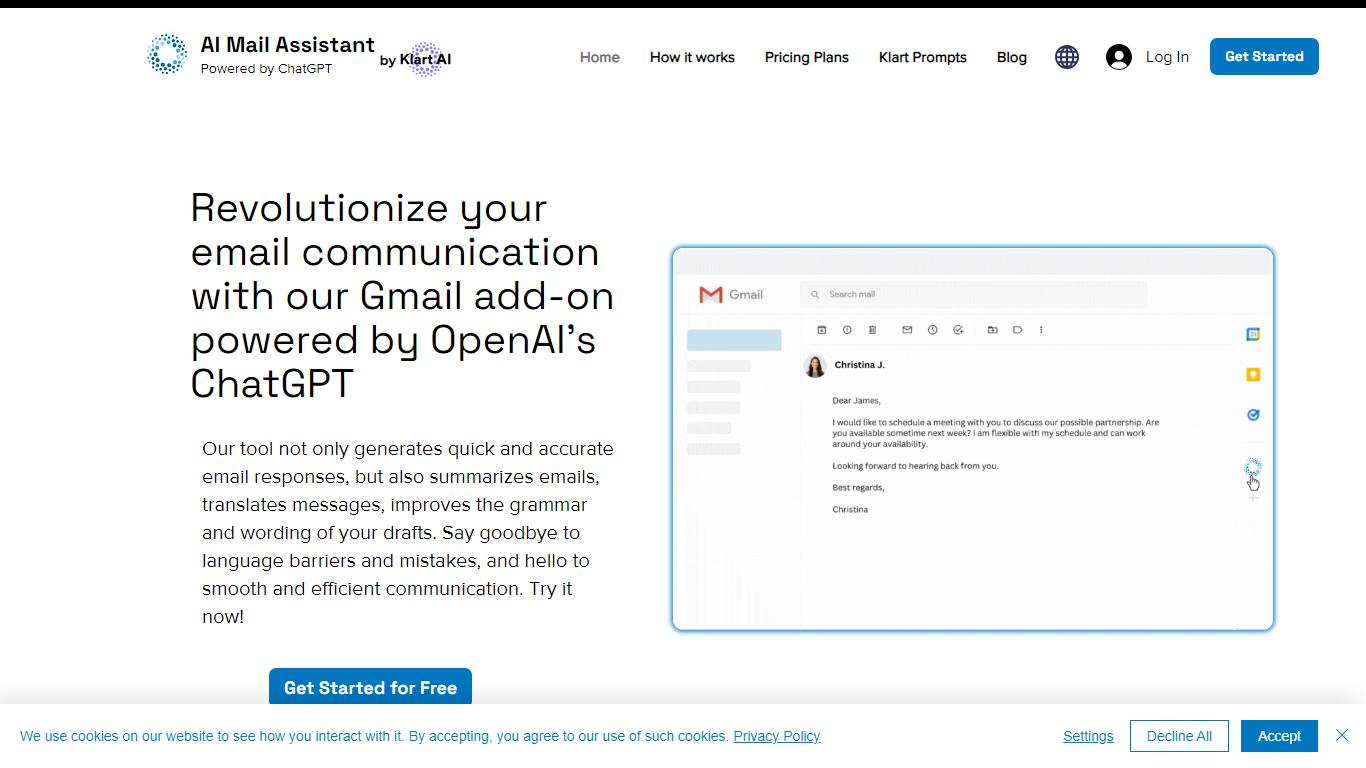
ChatGPT Services hosts Gmail add-ons from Klart AI that write, translate, summarize, and analyze email inside your inbox. AI Mail Assistant adds reply generation, draft polishing, 13-language translation, ChatGPT Q&A, and tone or ethics analysis to Gmail through the Google Workspace Marketplace.
Unlike standalone ChatGPT tabs, these tools live in Gmail's sidebar so you generate replies, insert drafts, and translate threads without switching apps. A separate AI Label Assistant product auto-labels and archives mail on an hourly schedule using your existing Gmail labels, with custom instructions when label titles alone are not specific enough.
The suite also includes Klart Prompts for GPT, Midjourney, and reverse prompt engineering. Plans start with 10 free AI Mail Assistant requests per month, paid tiers from €4.99 monthly, and Stripe or PayPal billing with cancel-anytime subscriptions.
Smart Email Assistant By Mailbutler
What is Smart Email Assistant By Mailbutler?
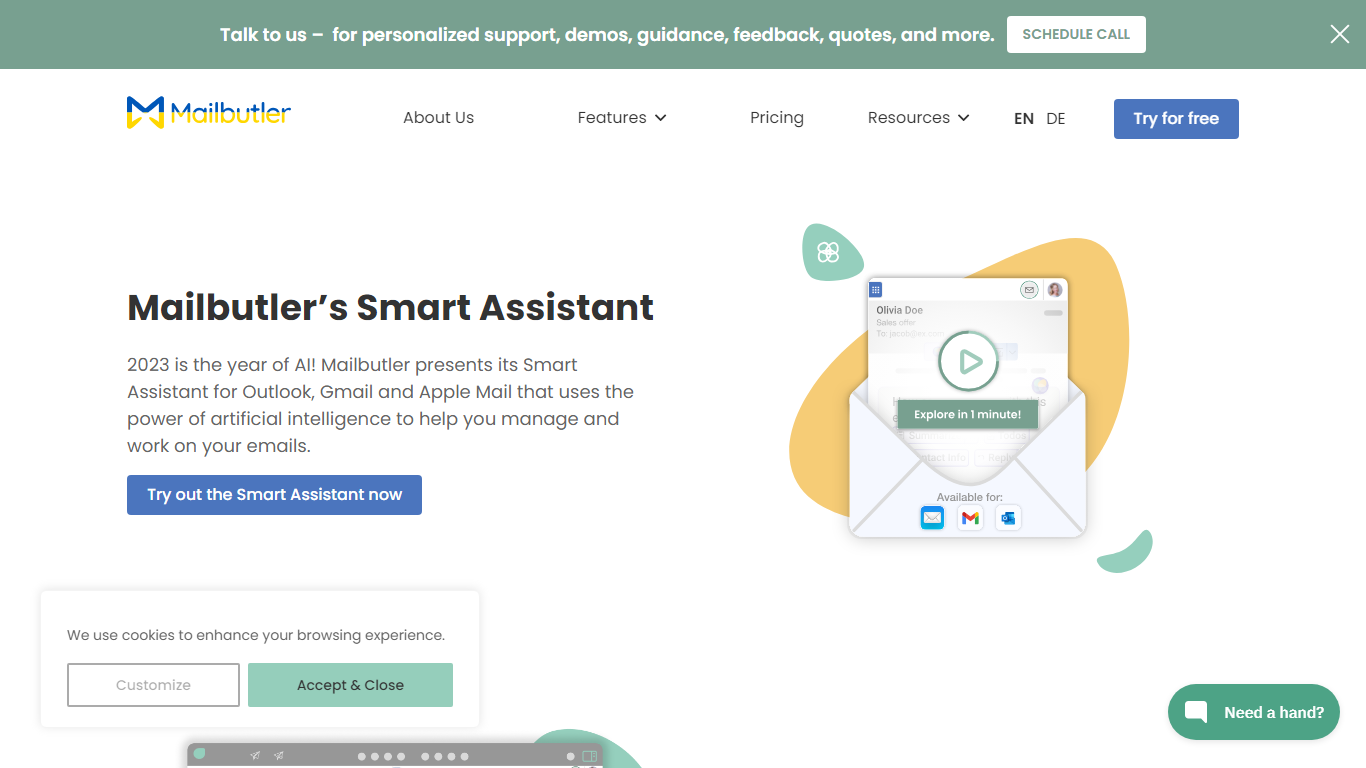
Mailbutler Smart Assistant adds GPT-4o writing tools to the inbox you already use. The extension sits in a sidebar inside Apple Mail, Gmail, or Outlook, where you can draft messages from keywords, generate replies, summarize threads, pull out tasks, and fix grammar without leaving the compose window.
Standalone email writers force you to copy text between tabs. Mailbutler keeps everything in the native client and layers tracking, templates, and scheduling from the wider Mailbutler product on top. That integration is the trade-off: you need a supported mail app and a paid Mailbutler tier after the trial, not a browser-only tool that works anywhere.
Smart Compose turns bullet points into a full draft you can edit before sending. On incoming mail, the Reply action drafts a response, and the With details field lets you steer what the model mentions. Tuning controls adjust format, length, style, tone, and language. Summarize condenses long threads, Smart Improve polishes your own text, and the task finder pushes action items into Mailbutler Tasks.
Freelancers, sales reps, and support staff who live in Apple Mail or Outlook use it to answer faster while keeping data in EU-hosted infrastructure. Mailbutler reports ISO 27001 certification and GDPR compliance, and states it does not share email content with third parties.
ChatGPT Services Upvotes
Smart Email Assistant By Mailbutler Upvotes
ChatGPT Services Top Features
AI Mail Assistant generates Gmail replies, summaries, and draft improvements powered by GPT-4 and GPT-4o
Built-in translation covers 13 languages for both incoming mail and outgoing drafts
Email analysis flags sarcasm, harassment, discrimination, mobbing, and ethical issues in threads
AI Label Assistant auto-labels mail hourly with up to 20 custom labels and optional auto-archiving
Free AI Mail Assistant tier includes 10 requests per month across all compose features
Klart Prompts Pro adds unlimited GPT, Midjourney, and reverse prompt engineering generators
Smart Email Assistant By Mailbutler Top Features
Smart Compose drafts full emails from keywords directly in Apple Mail, Gmail, or Outlook
Reply generator uses GPT-4o with a With details field to steer response content
Tuning controls adjust format, length, style, tone, and language of AI output
Summarize button produces a short overview of any selected email thread
Smart Task Finder extracts to-dos and adds them to Mailbutler Tasks
14-day trial unlocks every Mailbutler feature including the Smart Assistant
ChatGPT Services Category
- Email Assistant
Smart Email Assistant By Mailbutler Category
- Email Assistant
ChatGPT Services Pricing Type
- Freemium
Smart Email Assistant By Mailbutler Pricing Type
- Freemium