
Last updated 08-14-2026
Category:
Reviews:
Join thousands of AI enthusiasts in the World of AI!
Smart Email Assistant By Mailbutler
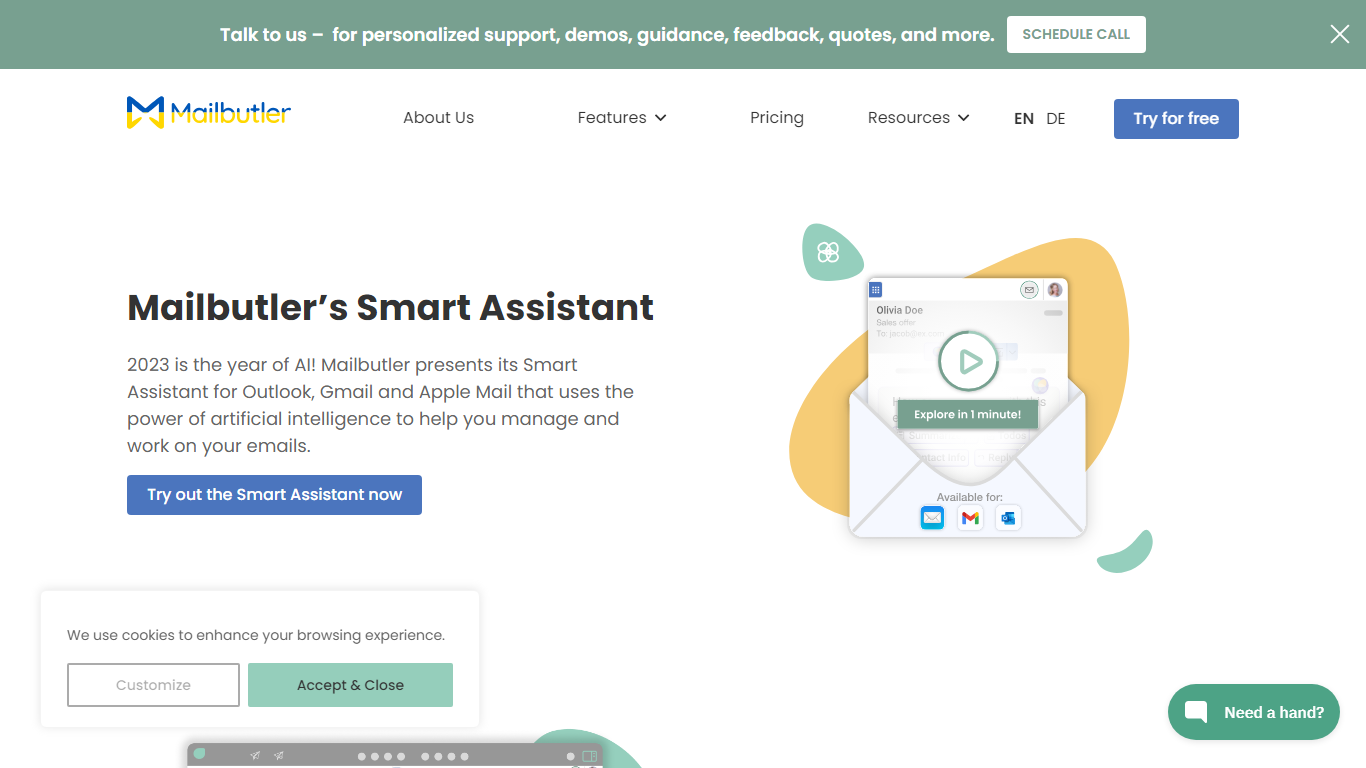
Mailbutler Smart Assistant adds GPT-4o writing tools to the inbox you already use. The extension sits in a sidebar inside Apple Mail, Gmail, or Outlook, where you can draft messages from keywords, generate replies, summarize threads, pull out tasks, and fix grammar without leaving the compose window.
Standalone email writers force you to copy text between tabs. Mailbutler keeps everything in the native client and layers tracking, templates, and scheduling from the wider Mailbutler product on top. That integration is the trade-off: you need a supported mail app and a paid Mailbutler tier after the trial, not a browser-only tool that works anywhere.
Smart Compose turns bullet points into a full draft you can edit before sending. On incoming mail, the Reply action drafts a response, and the With details field lets you steer what the model mentions. Tuning controls adjust format, length, style, tone, and language. Summarize condenses long threads, Smart Improve polishes your own text, and the task finder pushes action items into Mailbutler Tasks.
Freelancers, sales reps, and support staff who live in Apple Mail or Outlook use it to answer faster while keeping data in EU-hosted infrastructure. Mailbutler reports ISO 27001 certification and GDPR compliance, and states it does not share email content with third parties.
Smart Compose drafts full emails from keywords directly in Apple Mail, Gmail, or Outlook
Reply generator uses GPT-4o with a With details field to steer response content
Tuning controls adjust format, length, style, tone, and language of AI output
Summarize button produces a short overview of any selected email thread
Smart Task Finder extracts to-dos and adds them to Mailbutler Tasks
14-day trial unlocks every Mailbutler feature including the Smart Assistant
Runs inside Apple Mail, Gmail, and Outlook instead of a separate web app
GPT-4o handles compose, reply, summarize, improve, and task extraction
Tuning options control tone, length, style, format, and language
14-day trial includes every feature with no credit card
GDPR compliant with EU-hosted servers per Mailbutler privacy claims
Smart Assistant requires a Smart or Business plan after the free trial ends
Only works with three supported email clients via the Mailbutler extension
Free Starter plan adds a visible Mailbutler watermark to sent emails
Business tier uses custom pricing, so team costs need a sales conversation
Which email apps support Mailbutler Smart Assistant?
Mailbutler Smart Assistant works inside Apple Mail, Microsoft Outlook, and Gmail through the Mailbutler extension sidebar. You install Mailbutler for your preferred client during signup.
What AI model does Mailbutler Smart Assistant use?
Mailbutler Smart Assistant uses GPT-4o from OpenAI according to Mailbutler's product FAQ. The model powers compose, reply, summarize, improve, and task-finding actions.
Is Mailbutler Smart Assistant free?
Mailbutler offers a 14-day free trial with all features and no credit card required. After the trial, Mailbutler states you need a Smart or Business plan to keep using the Smart Assistant.
What can Mailbutler Smart Assistant do?
Mailbutler Smart Assistant can compose new emails, draft replies, summarize long messages, improve spelling and grammar, and extract task lists from incoming mail. Results insert into your compose window for editing.
How does Mailbutler handle email privacy?
Mailbutler Smart Assistant runs on infrastructure Mailbutler says is GDPR compliant and ISO 27001 certified with EU-hosted servers. Mailbutler states it does not share user data with third parties.
Which Mailbutler plans include Smart Assistant?
Mailbutler's Smart Assistant FAQ requires a Smart or Business subscription after the trial ends. Mailbutler's pricing page lists a free Starter tier, a Professional tier, and a Business tier with custom pricing.