Email Bind vs Smart Email Assistant By Mailbutler
Compare Email Bind vs Smart Email Assistant By Mailbutler and see which AI Email Assistant tool is better when we compare features, reviews, pricing, alternatives, upvotes, etc.
Which one is better? Email Bind or Smart Email Assistant By Mailbutler?
When we compare Email Bind with Smart Email Assistant By Mailbutler, which are both AI-powered email assistant tools, With more upvotes, Email Bind is the preferred choice. The number of upvotes for Email Bind stands at 7, and for Smart Email Assistant By Mailbutler it's 6.
Don't agree with the result? Cast your vote and be a part of the decision-making process!
Email Bind

What is Email Bind?
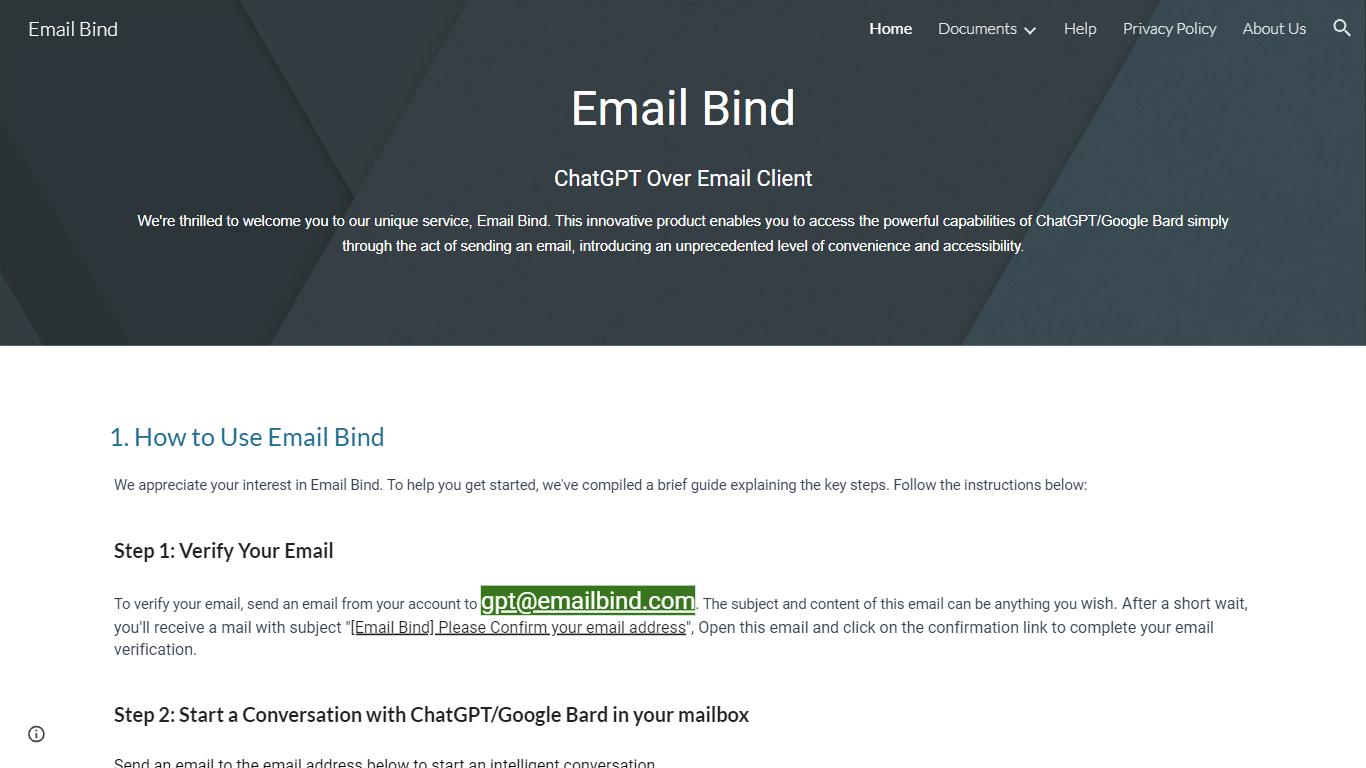
Email Bind is an email assistant that lets you chat with ChatGPT or Google Bard by sending normal emails from any inbox. Verify your address by mailing [email protected], then email prompts to [email protected] for GPT-3.5/4 replies or [email protected] for web-connected answers. Replies land back in your mailbox, including multi-turn threads when you hit reply.
Most AI chat tools expect a browser login and a stable internet path to OpenAI or Google. Email Bind routes prompts through email instead, which helps users on restricted networks or anyone who already lives in Gmail, Outlook, or QQ Mail. Bard replies can pull newer web information, and the service documents Chinese-language support on the Bard path.
Professionals, students, and non-technical teams use Email Bind for drafts, translations, meeting summaries, and coding help without opening a separate chat UI. Early Access includes 100,000 tokens per month, caps single conversations at 2,000 words, and deletes message content from servers within minutes. The iPhone app unlocks prompt templates, GPT-4, token limits, and temperature controls through a Pro upgrade.
Smart Email Assistant By Mailbutler
What is Smart Email Assistant By Mailbutler?
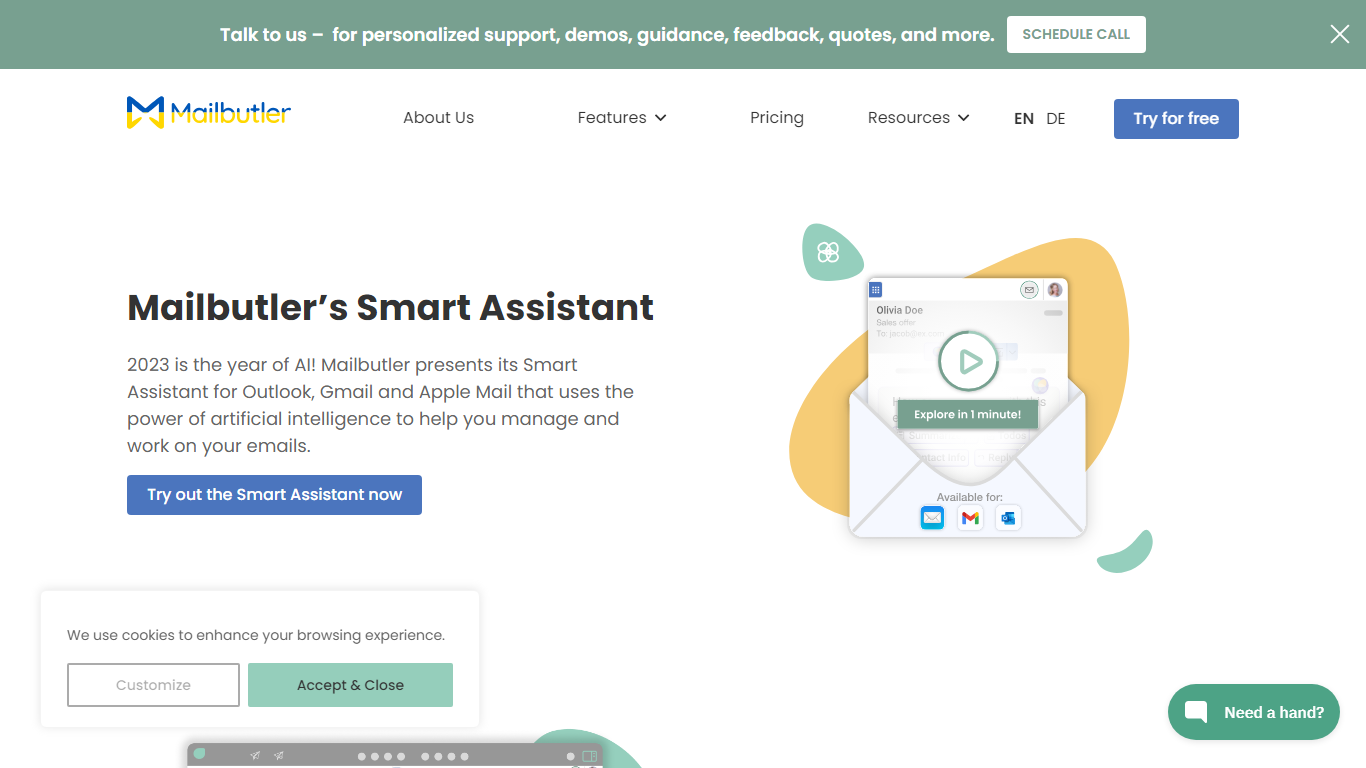
Mailbutler Smart Assistant adds GPT-4o writing tools to the inbox you already use. The extension sits in a sidebar inside Apple Mail, Gmail, or Outlook, where you can draft messages from keywords, generate replies, summarize threads, pull out tasks, and fix grammar without leaving the compose window.
Standalone email writers force you to copy text between tabs. Mailbutler keeps everything in the native client and layers tracking, templates, and scheduling from the wider Mailbutler product on top. That integration is the trade-off: you need a supported mail app and a paid Mailbutler tier after the trial, not a browser-only tool that works anywhere.
Smart Compose turns bullet points into a full draft you can edit before sending. On incoming mail, the Reply action drafts a response, and the With details field lets you steer what the model mentions. Tuning controls adjust format, length, style, tone, and language. Summarize condenses long threads, Smart Improve polishes your own text, and the task finder pushes action items into Mailbutler Tasks.
Freelancers, sales reps, and support staff who live in Apple Mail or Outlook use it to answer faster while keeping data in EU-hosted infrastructure. Mailbutler reports ISO 27001 certification and GDPR compliance, and states it does not share email content with third parties.
Email Bind Upvotes
Smart Email Assistant By Mailbutler Upvotes
Email Bind Top Features
Email [email protected] to use ChatGPT GPT-3.5 and GPT-4 models by mail
Email [email protected] for Google Bard replies with internet access
Early Access includes 100,000 tokens per month at no listed cost
Multi-turn conversations work by replying to Email Bind response messages
iPhone app adds prompt templates, GPT-4 toggles, max tokens, and temperature controls
Message content is deleted from servers within 1 to 10 minutes after processing
Smart Email Assistant By Mailbutler Top Features
Smart Compose drafts full emails from keywords directly in Apple Mail, Gmail, or Outlook
Reply generator uses GPT-4o with a With details field to steer response content
Tuning controls adjust format, length, style, tone, and language of AI output
Summarize button produces a short overview of any selected email thread
Smart Task Finder extracts to-dos and adds them to Mailbutler Tasks
14-day trial unlocks every Mailbutler feature including the Smart Assistant
Email Bind Category
- Email Assistant
Smart Email Assistant By Mailbutler Category
- Email Assistant
Email Bind Pricing Type
- Freemium
Smart Email Assistant By Mailbutler Pricing Type
- Freemium