AI Email Writer | HubSpot vs Smart Email Assistant By Mailbutler
In the battle of AI Email Writer | HubSpot vs Smart Email Assistant By Mailbutler, which AI Email Assistant tool comes out on top? We compare reviews, pricing, alternatives, upvotes, features, and more.
Between AI Email Writer | HubSpot and Smart Email Assistant By Mailbutler, which one is superior?
Upon comparing AI Email Writer | HubSpot with Smart Email Assistant By Mailbutler, which are both AI-powered email assistant tools, Interestingly, both tools have managed to secure the same number of upvotes. Your vote matters! Help us decide the winner among aitools.fyi users by casting your vote.
Not your cup of tea? Upvote your preferred tool and stir things up!
AI Email Writer | HubSpot
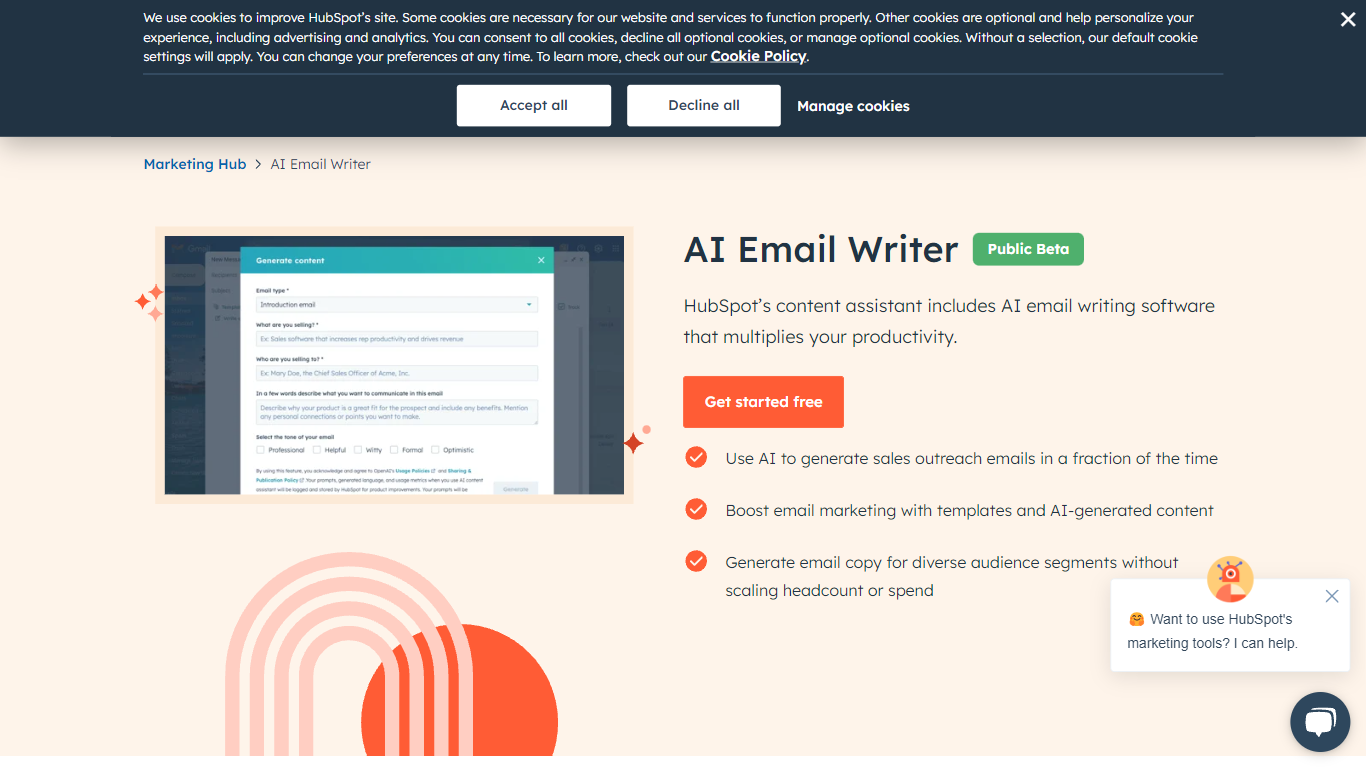

What is AI Email Writer | HubSpot?
HubSpot's AI Email Writer is an email assistant built into Marketing Hub that drafts marketing campaigns and sales outreach from text prompts. You pick an email template, use slash and highlight commands to generate or rewrite copy, then send and track everything from the same HubSpot CRM dashboard.
Standalone AI writing tools stop at the draft. HubSpot ties generation to your contact database, so personalization tokens pull from CRM records and campaign analytics log open rates and lead submissions automatically. That integration is the trade-off: you get less flexibility than a general-purpose writer, but you skip exporting copy into a separate ESP.
Marketing teams use it for blast campaigns and segmented messaging. Sales reps use it to generate cold outreach drafts at scale and customize tone, length, and spelling with inline commands. The free tier covers basic AI writing with no credit card; Starter, Professional, and Enterprise Marketing Hub plans unlock advanced automation and analytics.
Smart Email Assistant By Mailbutler
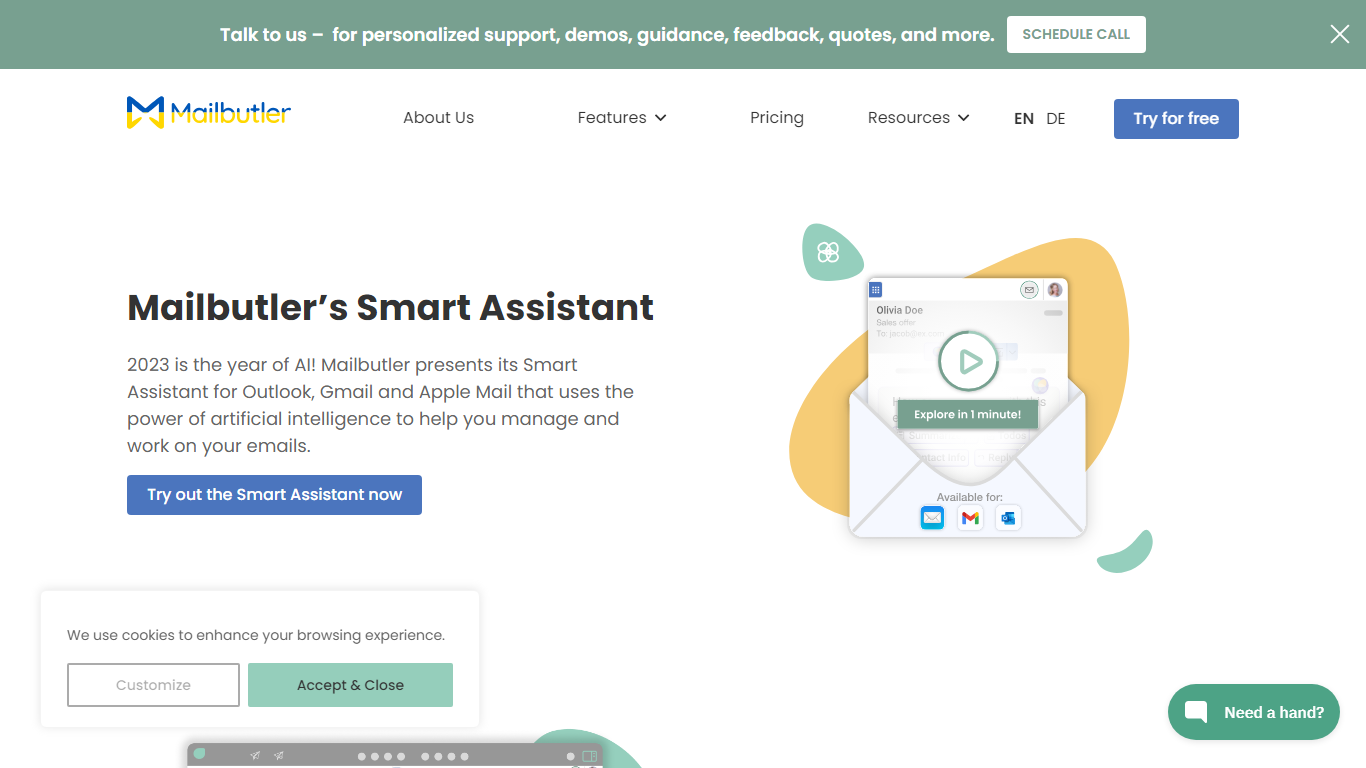
What is Smart Email Assistant By Mailbutler?
Mailbutler Smart Assistant adds GPT-4o writing tools to the inbox you already use. The extension sits in a sidebar inside Apple Mail, Gmail, or Outlook, where you can draft messages from keywords, generate replies, summarize threads, pull out tasks, and fix grammar without leaving the compose window.
Standalone email writers force you to copy text between tabs. Mailbutler keeps everything in the native client and layers tracking, templates, and scheduling from the wider Mailbutler product on top. That integration is the trade-off: you need a supported mail app and a paid Mailbutler tier after the trial, not a browser-only tool that works anywhere.
Smart Compose turns bullet points into a full draft you can edit before sending. On incoming mail, the Reply action drafts a response, and the With details field lets you steer what the model mentions. Tuning controls adjust format, length, style, tone, and language. Summarize condenses long threads, Smart Improve polishes your own text, and the task finder pushes action items into Mailbutler Tasks.
Freelancers, sales reps, and support staff who live in Apple Mail or Outlook use it to answer faster while keeping data in EU-hosted infrastructure. Mailbutler reports ISO 27001 certification and GDPR compliance, and states it does not share email content with third parties.
AI Email Writer | HubSpot Upvotes
Smart Email Assistant By Mailbutler Upvotes
AI Email Writer | HubSpot Top Features
Generate and edit email copy with slash and highlight commands inside HubSpot
Free AI email writing with no credit card required
CRM auto-logs campaign data including open rates and lead submissions
Generate hundreds of sales outreach drafts in minutes
Audience segmentation for personalized messaging per contact list
Works in HubSpot desktop and mobile app plus Gmail inbox integration
Drag-and-drop email builder with professionally designed templates
Smart Email Assistant By Mailbutler Top Features
Smart Compose drafts full emails from keywords directly in Apple Mail, Gmail, or Outlook
Reply generator uses GPT-4o with a With details field to steer response content
Tuning controls adjust format, length, style, tone, and language of AI output
Summarize button produces a short overview of any selected email thread
Smart Task Finder extracts to-dos and adds them to Mailbutler Tasks
14-day trial unlocks every Mailbutler feature including the Smart Assistant
AI Email Writer | HubSpot Category
- Email Assistant
Smart Email Assistant By Mailbutler Category
- Email Assistant
AI Email Writer | HubSpot Pricing Type
- Freemium
Smart Email Assistant By Mailbutler Pricing Type
- Freemium