Inbox Zero vs Smart Email Assistant By Mailbutler
In the face-off between Inbox Zero vs Smart Email Assistant By Mailbutler, which AI Email Assistant tool takes the crown? We scrutinize features, alternatives, upvotes, reviews, pricing, and more.
In a face-off between Inbox Zero and Smart Email Assistant By Mailbutler, which one takes the crown?
If we were to analyze Inbox Zero and Smart Email Assistant By Mailbutler, both of which are AI-powered email assistant tools, what would we find? Inbox Zero stands out as the clear frontrunner in terms of upvotes. Inbox Zero has garnered 7 upvotes, and Smart Email Assistant By Mailbutler has garnered 6 upvotes.
Feeling rebellious? Cast your vote and shake things up!
Inbox Zero
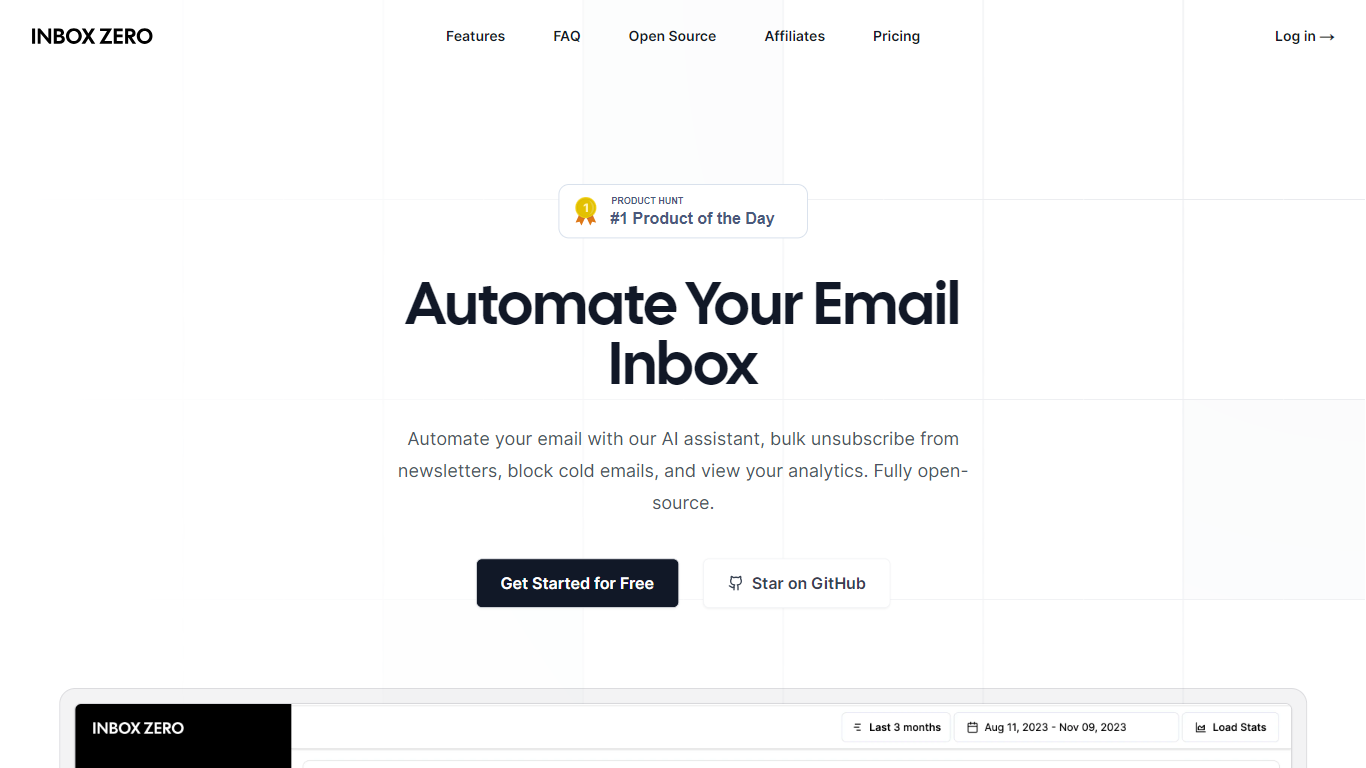

What is Inbox Zero?
Inbox Zero connects to Gmail or Outlook and uses AI to label incoming mail, draft replies in your voice, and surface what needs attention first. You get pre-written responses waiting when you open your inbox, plus bulk unsubscribe tools for newsletters you never read. The product works on web, iOS, Android, Slack, and Telegram so you can triage mail without living in your email tab.
Most email assistants stop at summarization. Inbox Zero also blocks cold emails, files attachments automatically on higher tiers, and pulls calendar and CRM context into drafts so scheduling replies match your real availability. The codebase is open source with 9k GitHub stars, SOC 2 Type 2 certification, and a self-host option for teams that want full control.
Starter plans cover solo operators who want labels, analytics, and reply drafts. Plus adds Slack, Notion, Stripe integrations, and an unlimited knowledge base. Professional adds team analytics and dedicated onboarding. Over 20,000 professionals use Inbox Zero, and every paid plan includes a 7-day free trial.
Smart Email Assistant By Mailbutler
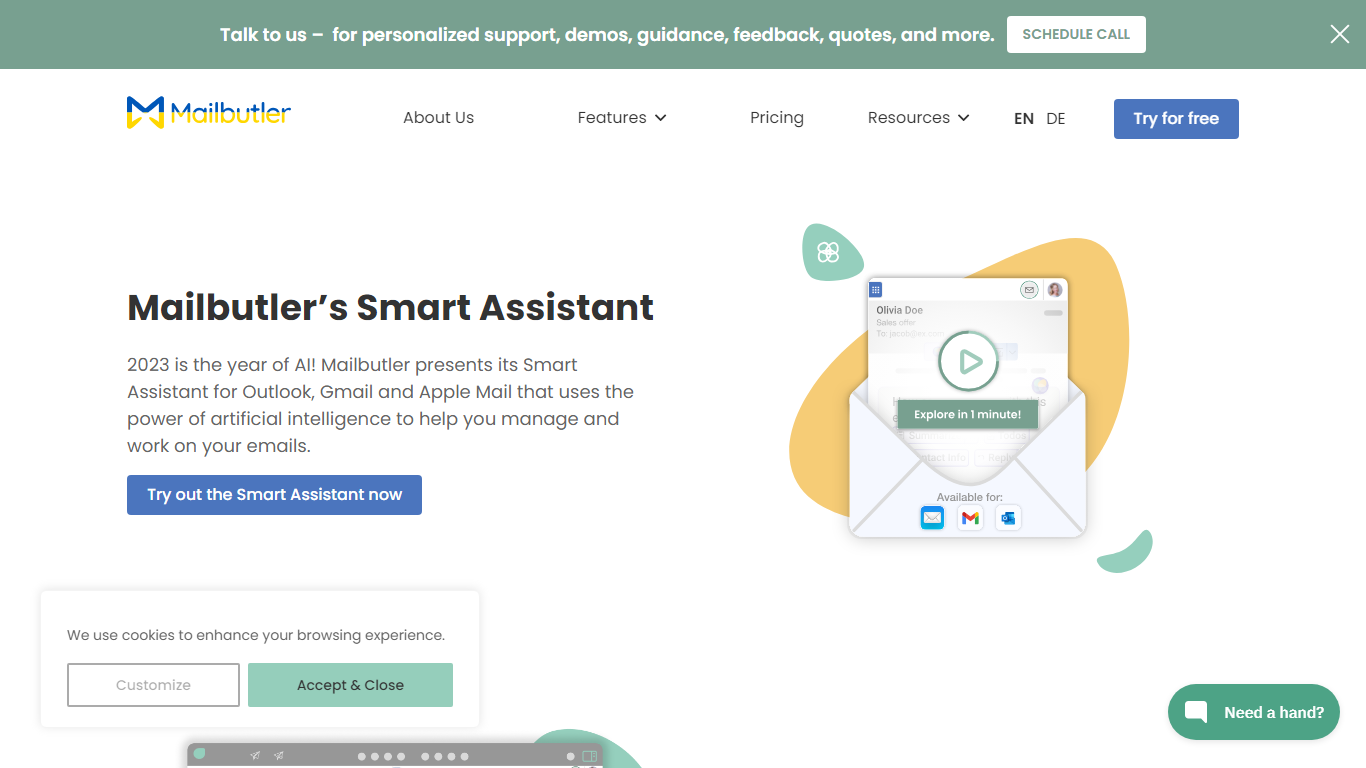
What is Smart Email Assistant By Mailbutler?
Mailbutler Smart Assistant adds GPT-4o writing tools to the inbox you already use. The extension sits in a sidebar inside Apple Mail, Gmail, or Outlook, where you can draft messages from keywords, generate replies, summarize threads, pull out tasks, and fix grammar without leaving the compose window.
Standalone email writers force you to copy text between tabs. Mailbutler keeps everything in the native client and layers tracking, templates, and scheduling from the wider Mailbutler product on top. That integration is the trade-off: you need a supported mail app and a paid Mailbutler tier after the trial, not a browser-only tool that works anywhere.
Smart Compose turns bullet points into a full draft you can edit before sending. On incoming mail, the Reply action drafts a response, and the With details field lets you steer what the model mentions. Tuning controls adjust format, length, style, tone, and language. Summarize condenses long threads, Smart Improve polishes your own text, and the task finder pushes action items into Mailbutler Tasks.
Freelancers, sales reps, and support staff who live in Apple Mail or Outlook use it to answer faster while keeping data in EU-hosted infrastructure. Mailbutler reports ISO 27001 certification and GDPR compliance, and states it does not share email content with third parties.
Inbox Zero Upvotes
Smart Email Assistant By Mailbutler Upvotes
Inbox Zero Top Features
Connect Gmail or Outlook in two clicks and auto-label mail into categories like To Reply, Newsletter, and Urgent
Pre-drafted replies in your tone appear for every email that needs a response
Bulk unsubscribe and archive shows newsletters you never read with one-click cleanup
Works on Slack, Telegram, iOS, Android, and web without switching apps
Starter plan at $20 per user per month includes analytics and cold email blocking
Open-source codebase with 9k GitHub stars and SOC 2 Type 2 certification
Smart Email Assistant By Mailbutler Top Features
Smart Compose drafts full emails from keywords directly in Apple Mail, Gmail, or Outlook
Reply generator uses GPT-4o with a With details field to steer response content
Tuning controls adjust format, length, style, tone, and language of AI output
Summarize button produces a short overview of any selected email thread
Smart Task Finder extracts to-dos and adds them to Mailbutler Tasks
14-day trial unlocks every Mailbutler feature including the Smart Assistant
Inbox Zero Category
- Email Assistant
Smart Email Assistant By Mailbutler Category
- Email Assistant
Inbox Zero Pricing Type
- Freemium
Smart Email Assistant By Mailbutler Pricing Type
- Freemium