ChatGPT Services vs superReply
When comparing ChatGPT Services vs superReply, which AI Email Assistant tool shines brighter? We look at pricing, alternatives, upvotes, features, reviews, and more.
In a comparison between ChatGPT Services and superReply, which one comes out on top?
When we put ChatGPT Services and superReply side by side, both being AI-powered email assistant tools, Both tools are equally favored, as indicated by the identical upvote count. The power is in your hands! Cast your vote and have a say in deciding the winner.
Disagree with the result? Upvote your favorite tool and help it win!
ChatGPT Services

What is ChatGPT Services?
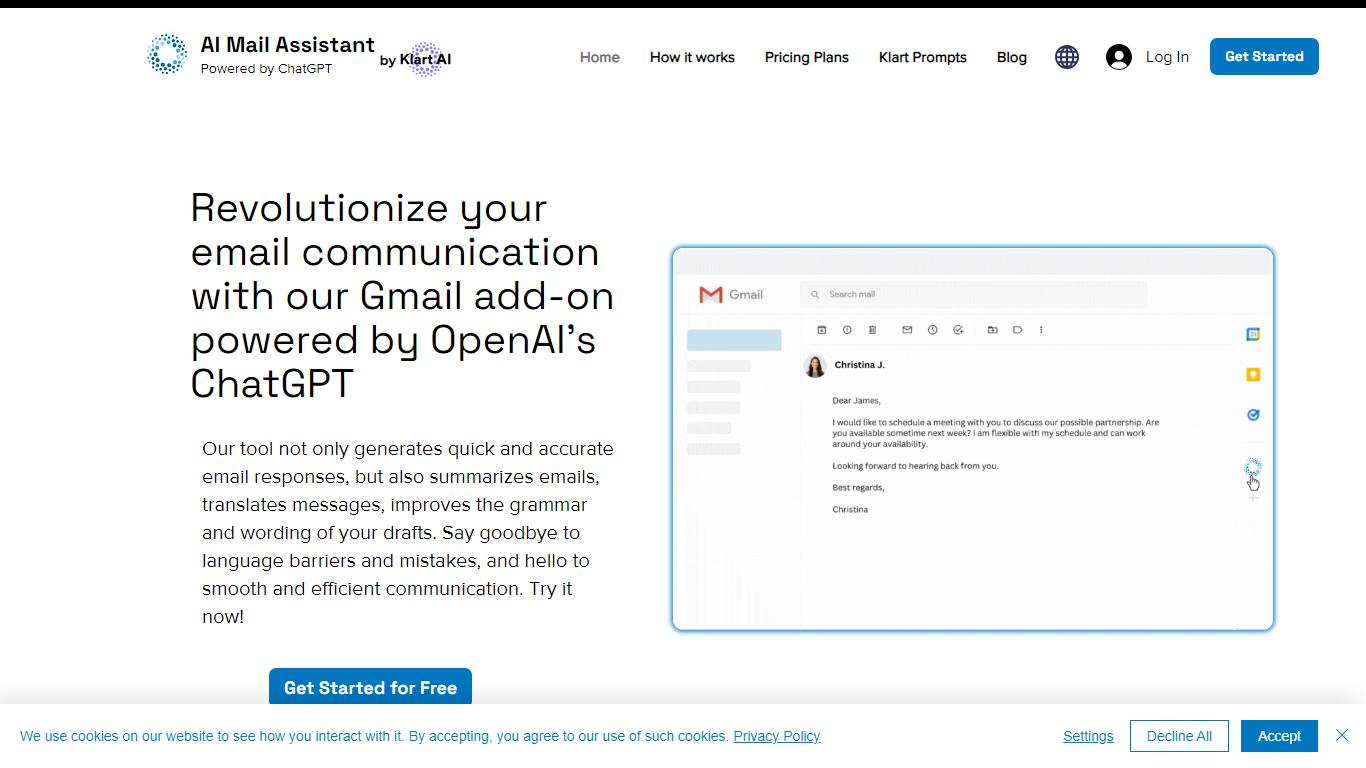
ChatGPT Services hosts Gmail add-ons from Klart AI that write, translate, summarize, and analyze email inside your inbox. AI Mail Assistant adds reply generation, draft polishing, 13-language translation, ChatGPT Q&A, and tone or ethics analysis to Gmail through the Google Workspace Marketplace.
Unlike standalone ChatGPT tabs, these tools live in Gmail's sidebar so you generate replies, insert drafts, and translate threads without switching apps. A separate AI Label Assistant product auto-labels and archives mail on an hourly schedule using your existing Gmail labels, with custom instructions when label titles alone are not specific enough.
The suite also includes Klart Prompts for GPT, Midjourney, and reverse prompt engineering. Plans start with 10 free AI Mail Assistant requests per month, paid tiers from €4.99 monthly, and Stripe or PayPal billing with cancel-anytime subscriptions.
superReply
What is superReply?
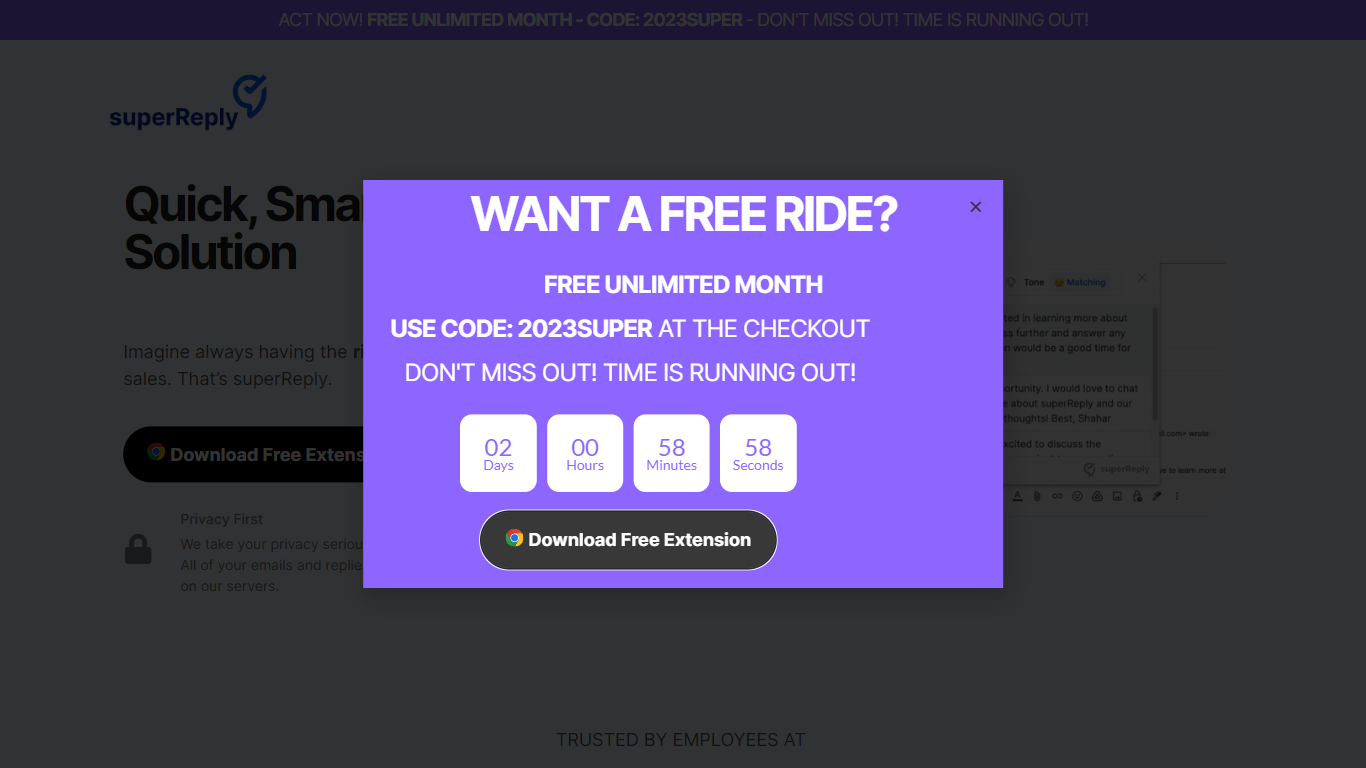
superReply is a Chrome extension that drafts AI email replies inside Gmail and Outlook web inboxes. One click surfaces multiple tone-matched response options so you can answer customer care or sales threads without writing from scratch. The free tier covers up to 90 AI-powered replies each month.
Compared with standalone copy tools, superReply lives in the inbox and also lists integrations for WhatsApp, Slack, LinkedIn, Upwork, and Fiverr alongside Gmail and Outlook. Paid plans unlock unlimited replies and advanced tone controls, while the extension only reads messages you explicitly run it on and does not store automated responses on superReply servers.
Support reps, agency freelancers, and founders answering high-volume inboxes use it to clear routine threads faster. It fits teams that want personalized reply suggestions per user rather than a shared bot account, because each person installs the extension with their own login.
ChatGPT Services Upvotes
superReply Upvotes
ChatGPT Services Top Features
AI Mail Assistant generates Gmail replies, summaries, and draft improvements powered by GPT-4 and GPT-4o
Built-in translation covers 13 languages for both incoming mail and outgoing drafts
Email analysis flags sarcasm, harassment, discrimination, mobbing, and ethical issues in threads
AI Label Assistant auto-labels mail hourly with up to 20 custom labels and optional auto-archiving
Free AI Mail Assistant tier includes 10 requests per month across all compose features
Klart Prompts Pro adds unlimited GPT, Midjourney, and reverse prompt engineering generators
superReply Top Features
Free tier includes up to 90 AI-powered email replies per month
One-click suggestions return multiple tone options for each message
Works inside Gmail and Outlook web via a Chrome Web Store extension
Integrations listed for WhatsApp, Slack, LinkedIn, Upwork, and Fiverr
Extension only accesses emails you choose and does not store replies on superReply servers
ChatGPT Services Category
- Email Assistant
superReply Category
- Email Assistant
ChatGPT Services Pricing Type
- Freemium
superReply Pricing Type
- Freemium