ChatPDF AI vs Doclime
In the battle of ChatPDF AI vs Doclime, which AI PDF tool comes out on top? We compare reviews, pricing, alternatives, upvotes, features, and more.
Between ChatPDF AI and Doclime, which one is superior?
Upon comparing ChatPDF AI with Doclime, which are both AI-powered pdf tools, With more upvotes, ChatPDF AI is the preferred choice. ChatPDF AI has been upvoted 8 times by aitools.fyi users, and Doclime has been upvoted 6 times.
Want to flip the script? Upvote your favorite tool and change the game!
ChatPDF AI
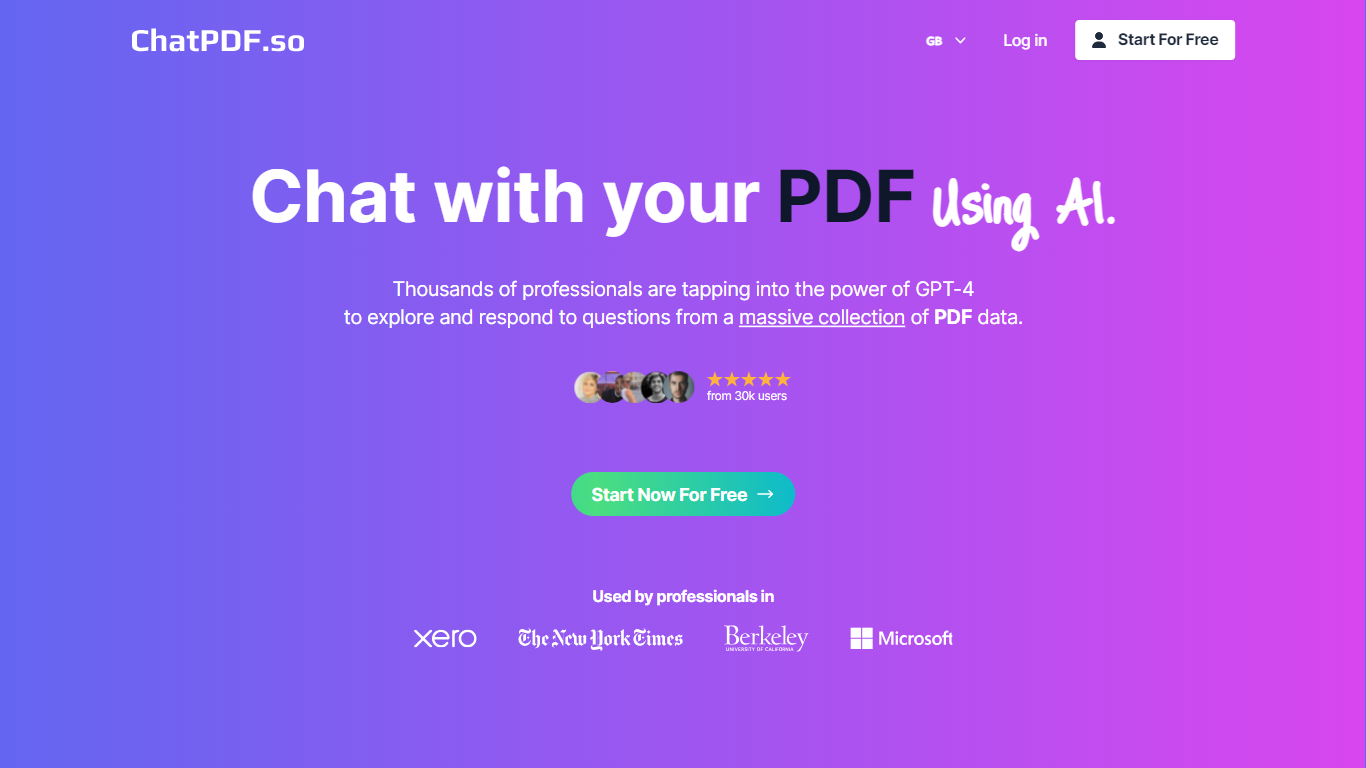

What is ChatPDF AI?
ChatPDF is a cutting-edge platform designed to provide users with the unique ability to interact with PDF documents through AI-powered conversation. This innovative tool leverages artificial intelligence to understand and respond to user inquiries about PDF content, making the consumption of information within PDFs streamlined and conversational. By simplifying the process of engaging with PDF files, ChatPDF enhances productivity and improves the user experience. Whether you need to extract data, clarify information, or simply discuss the contents of a PDF, ChatPDF offers a seamless solution.
Doclime
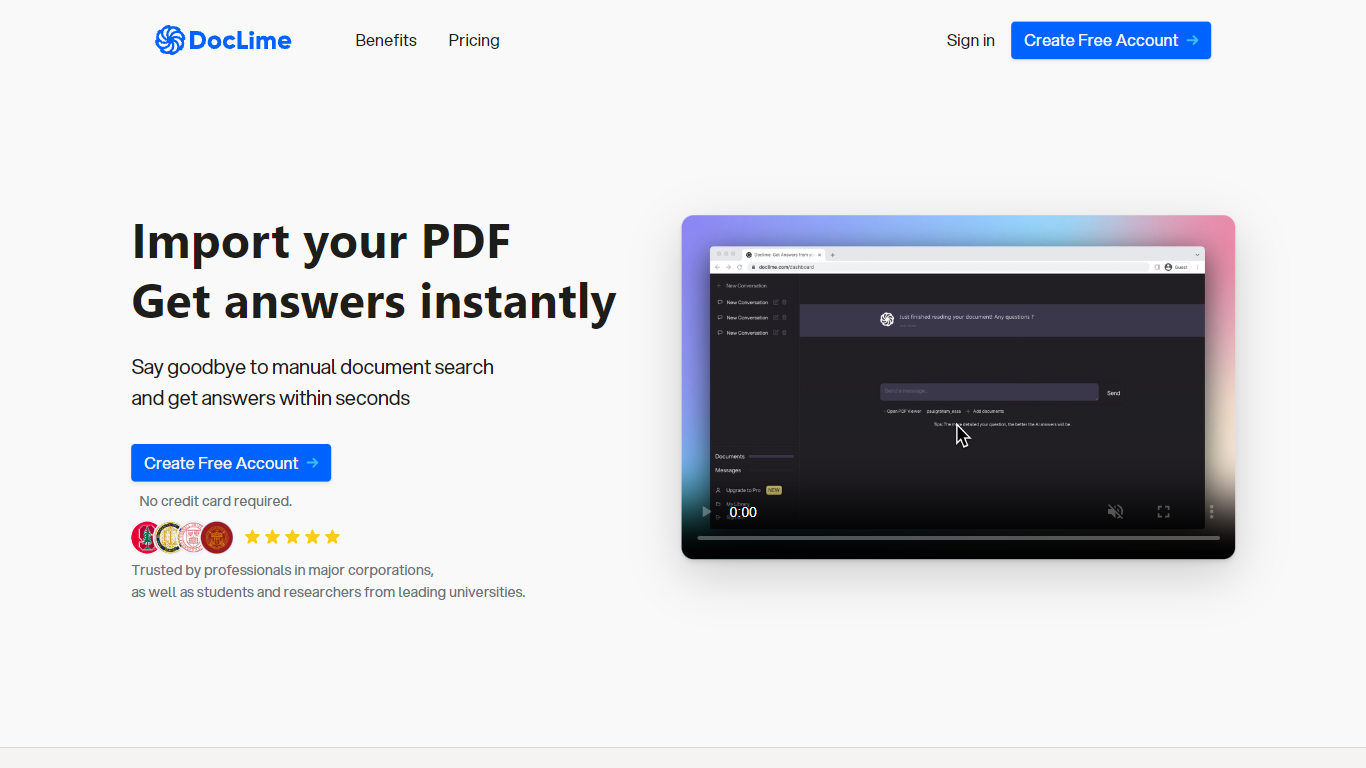
What is Doclime?
Doclime lets you upload PDFs and ask questions that come back with cited answers pulled from the file. You get a built-in PDF viewer with search and page navigation, a notes editor with version history, and a split-screen layout that keeps chat, documents, and notes open at once. It also reads scanned PDFs through OCR and accepts screenshot questions through its Vision feature.
Most PDF chat tools stop at a single file and a text box. Doclime stacks a hierarchical file tree, multi-document context for one conversation, and frontier models from OpenAI and Anthropic in the same workspace. That combination targets people cross-referencing textbooks, contracts, or research papers rather than doing one-off summaries.
The homepage lists use cases like lesson planning from textbooks, chapter summaries, and pulling obligations from contract sections, with example answers showing bracketed source references. Stanford, Berkeley, Cornell, and USC logos appear on the landing page, and the interface ships in nine languages including English, Spanish, French, German, Japanese, Korean, Arabic, and Chinese.
ChatPDF AI Upvotes
Doclime Upvotes
ChatPDF AI Top Features
Interactive Chat:* Enable real-time conversations with your PDF documents using AI.
AI Understanding: Leverage artificial intelligence for interpreting and engaging with PDF content.
User Experience: Enhance how users consume information within PDFs with an intuitive chat interface.
Productivity Boost: Increase efficiency in handling PDF documents by making information access conversational.
Innovative Technology: Utilize cutting-edge AI tools for a unique document interaction experience.
Doclime Top Features
Ask questions about uploaded PDFs and receive answers with bracketed citation references to source passages
Built-in PDF viewer includes search, zoom, and page navigation alongside the chat panel
Split-screen layout opens PDF, notes, and chat views simultaneously in one workspace
Vision support lets you screenshot any document section and ask questions about that image
OCR converts scanned PDF files into searchable text before answering questions
Context-aware search adds multiple PDFs and notes as context files to a single AI conversation
ChatPDF AI Category
- PDF
Doclime Category
- PDF
ChatPDF AI Pricing Type
- Freemium
Doclime Pricing Type
- Freemium