Checkget vs AI Chat Bestie
When comparing Checkget vs AI Chat Bestie, which AI Chat Bot tool shines brighter? We look at pricing, alternatives, upvotes, features, reviews, and more.
In a comparison between Checkget and AI Chat Bestie, which one comes out on top?
When we put Checkget and AI Chat Bestie side by side, both being AI-powered chat bot tools, The upvote count reveals a draw, with both tools earning the same number of upvotes. Join the aitools.fyi users in deciding the winner by casting your vote.
Think we got it wrong? Cast your vote and show us who's boss!
Checkget
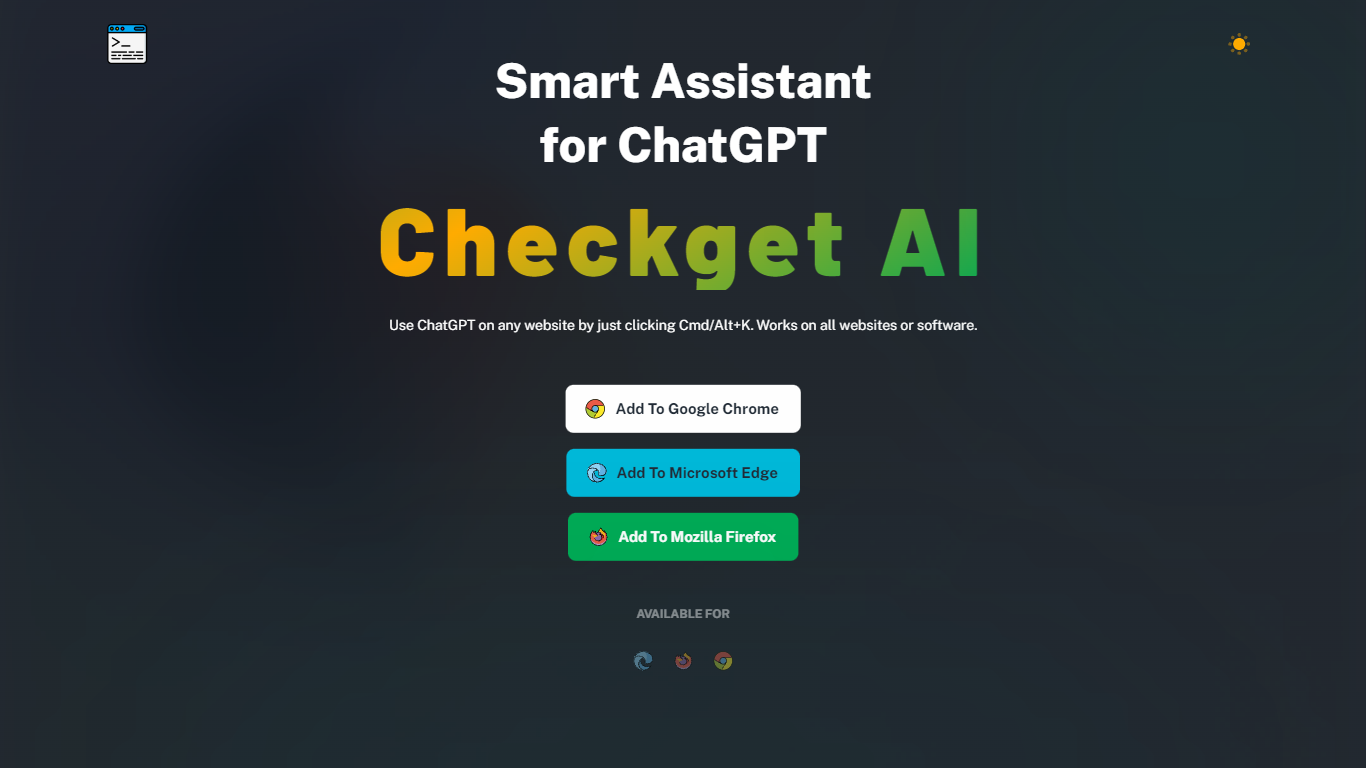

What is Checkget?
Checkget is a browser extension chatbot that puts ChatGPT on any website through a keyboard shortcut. Press Cmd+K on Mac or Alt+K on Windows from Gmail, docs, or any page, select text, and Checkget opens without copying into a separate tab. Chrome, Edge, and Firefox builds are listed on the homepage.
Most ChatGPT sidebar tools still ask you to paste text or leave the page. Checkget tries to read the scenario first, whether you are replying to email or explaining code, before suggesting actions. Paid tiers add GPT-4 with a cap of 5 requests per call, and local mode lets you route prompts through your own ChatGPT API key instead of Checkget servers.
Writers, developers, and support staff who live in the browser can use Checkget to summarize, translate, fix grammar, shorten, lengthen, rephrase, or change tone on selected text. Freemium limits start at 30 requests per day on the free Personal plan.
AI Chat Bestie
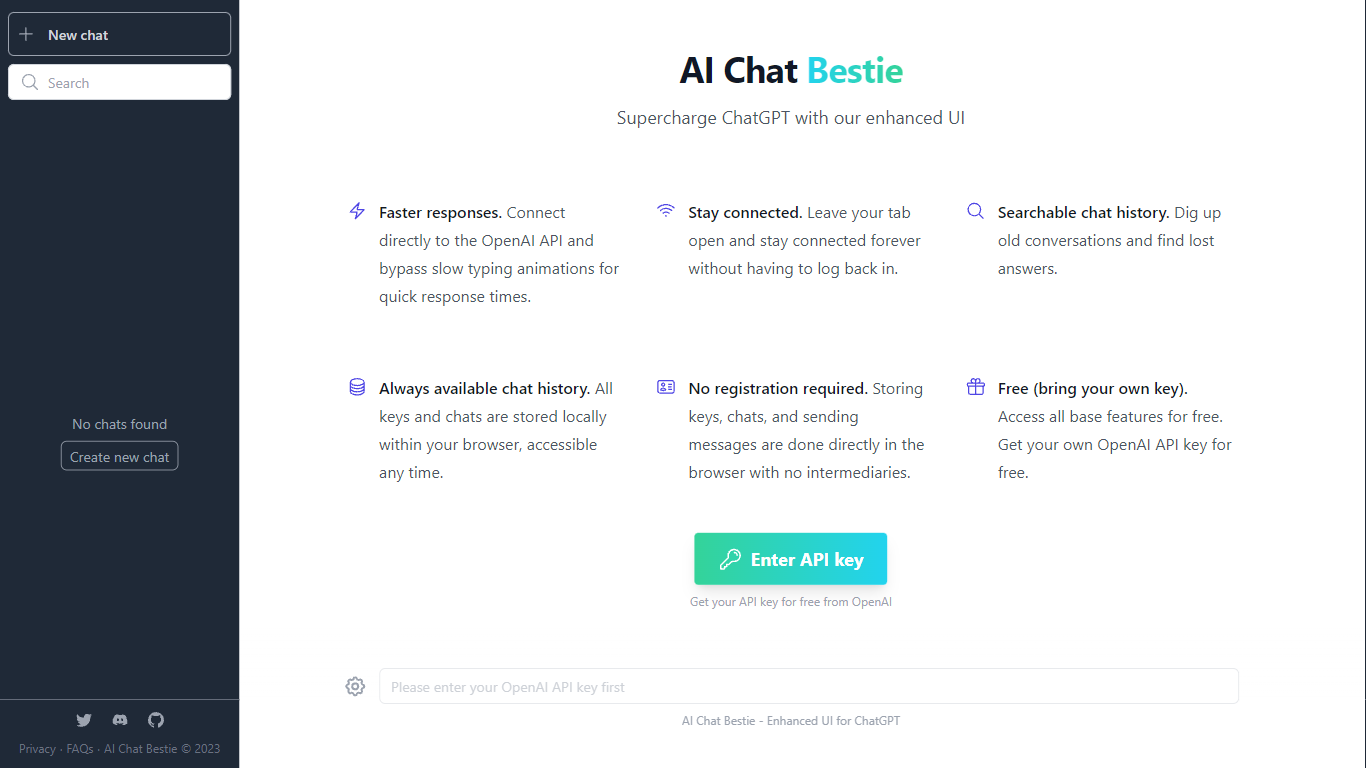
What is AI Chat Bestie?
AI Chat Bestie is dedicated to enhancing the ChatGPT experience with a user-friendly and feature-rich interface. By directly connecting to the OpenAI API, AI Chat Bestie enables faster response times by eliminating slow typing animations that are common in other interfaces. The tool is designed to stay connected persistently, so there's no need to worry about logging back in every time you leave your tab open.
The enhanced user interface includes a searchable chat history, making it convenient to find past conversations and lost answers quickly. Plus, your chat history is always available and stored locally in your browser, ensuring that you have access to your data at any time.
With AI Chat Bestie, there's no need for registration; all operations such as storing keys and chats, and sending messages are performed directly in the browser, which not only provides ease of use but also maintains your privacy. The service is free to use, with the only requirement being to bring your own OpenAI API key, which can be obtained for free from OpenAI.
Checkget Upvotes
AI Chat Bestie Upvotes
Checkget Top Features
Opens on any site with Cmd+K (Mac) or Alt+K (Windows) without leaving the page
Free Personal plan includes 30 requests per day and 5 conversation rounds on GPT-3.5
Pro at $4.99 per month raises limits to 200 daily requests, 15 rounds, and GPT-4 (5 requests per call)
Premium at $9.98 per month offers 500 daily requests and 30 conversation rounds
Local mode sends prompts through your own ChatGPT API key after you set an ApiKey
Chrome, Edge, and Firefox extensions are available from the Checkget homepage
AI Chat Bestie Top Features
Faster Responses: Direct connection to OpenAI API for quick response times.
Persistent Connectivity: Keeps you connected without the need to re-login.
Searchable Chat History: Easily find past conversations and answers.
Always Available History: Local browser storage for anytime access to keys and chats.
No Registration Required: Direct browser-based operations for enhanced privacy and convenience.
Checkget Category
- Chat Bot
AI Chat Bestie Category
- Chat Bot
Checkget Pricing Type
- Freemium
AI Chat Bestie Pricing Type
- Freemium