
Last updated 07-30-2026
Category:
Reviews:
Join thousands of AI enthusiasts in the World of AI!
Checkget
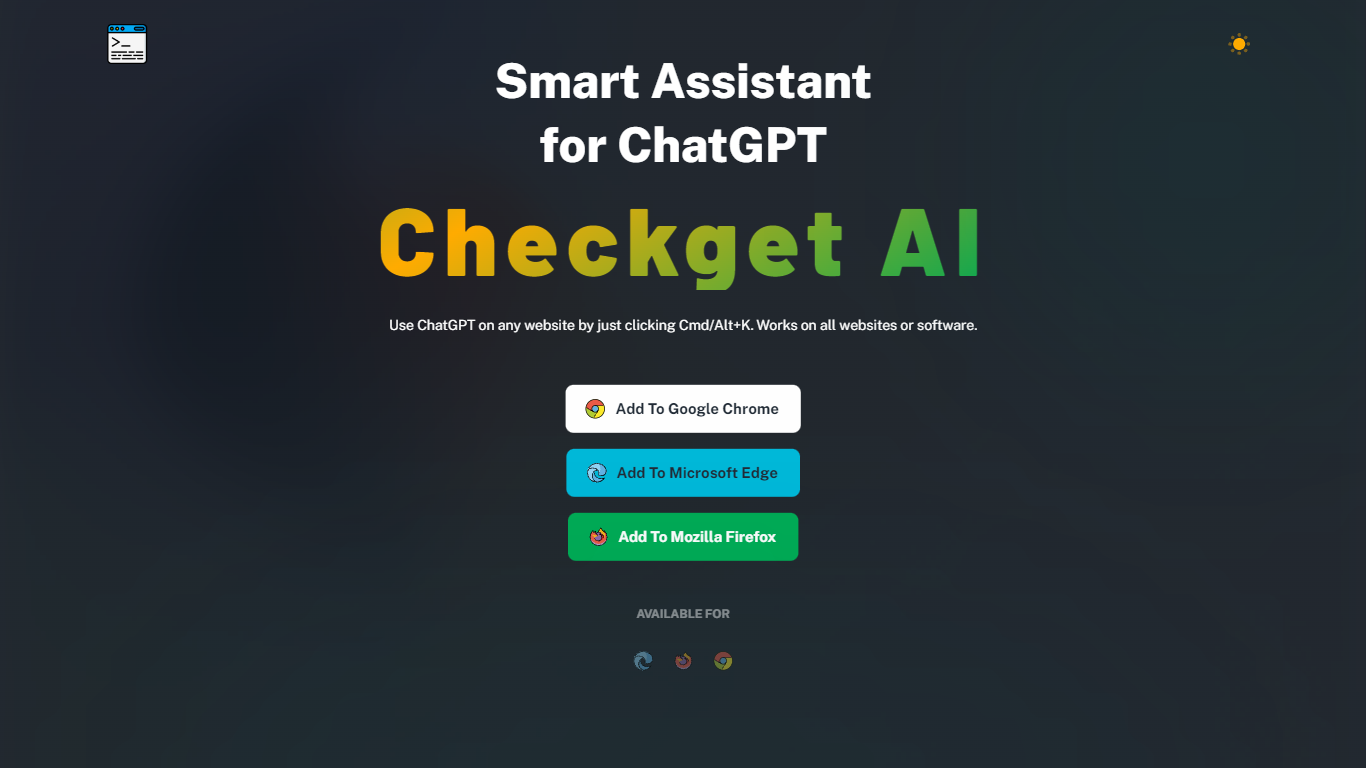
Checkget is a browser extension chatbot that puts ChatGPT on any website through a keyboard shortcut. Press Cmd+K on Mac or Alt+K on Windows from Gmail, docs, or any page, select text, and Checkget opens without copying into a separate tab. Chrome, Edge, and Firefox builds are listed on the homepage.
Most ChatGPT sidebar tools still ask you to paste text or leave the page. Checkget tries to read the scenario first, whether you are replying to email or explaining code, before suggesting actions. Paid tiers add GPT-4 with a cap of 5 requests per call, and local mode lets you route prompts through your own ChatGPT API key instead of Checkget servers.
Writers, developers, and support staff who live in the browser can use Checkget to summarize, translate, fix grammar, shorten, lengthen, rephrase, or change tone on selected text. Freemium limits start at 30 requests per day on the free Personal plan.
Opens on any site with Cmd+K (Mac) or Alt+K (Windows) without leaving the page
Free Personal plan includes 30 requests per day and 5 conversation rounds on GPT-3.5
Pro at $4.99 per month raises limits to 200 daily requests, 15 rounds, and GPT-4 (5 requests per call)
Premium at $9.98 per month offers 500 daily requests and 30 conversation rounds
Local mode sends prompts through your own ChatGPT API key after you set an ApiKey
Chrome, Edge, and Firefox extensions are available from the Checkget homepage
Keyboard shortcut opens ChatGPT on any site without copy and paste.
Free Personal plan includes 30 daily requests on GPT-3.5.
Local mode routes prompts through your own ChatGPT API key.
Scenario detection adapts suggestions for email replies versus code explanations.
Built-in dark mode and encrypted transmission are highlighted on the homepage.
Free plan caps usage at 30 requests per day and 5 conversation rounds.
GPT-4 on paid plans is limited to 5 requests per call.
Available only as a Chrome, Edge, or Firefox extension with no standalone desktop app.
Which browsers support the Checkget extension?
Checkget publishes browser extensions for Google Chrome, Microsoft Edge, and Mozilla Firefox. Install links for all three appear on the Checkget homepage.
How do you open Checkget on a website?
Press Cmd+K on Mac or Alt+K on Windows from any site. Select text first and Checkget opens in place so you do not need to copy and paste into another tab.
What are Checkget's free plan limits?
Checkget's free Personal plan includes 30 requests per day, 5 conversation rounds, GPT-3.5 support, and community support. It is listed as free forever on the pricing page.
Does Checkget support GPT-4?
Yes. Checkget Pro, Premium, and Ultimate plans include GPT-4 access with a limit of 5 requests per call. The free Personal plan stays on GPT-3.5.
What is Checkget local mode?
Checkget local mode communicates directly with ChatGPT after you set your own ApiKey. The homepage positions it for users who want prompts to bypass Checkget servers.
How much does Checkget Pro cost?
Checkget Pro is $4.99 per month on the pricing page. It includes 200 requests per day, 15 conversation rounds, GPT-4 access (5 requests per call), and email support.
Does Checkget collect personal data?
Checkget's privacy policy states it does not collect personal information and does not require personal data to run the extension. Contact for privacy questions is [email protected].