Checkget vs GptAutoBOT
In the battle of Checkget vs GptAutoBOT, which AI Chat Bot tool comes out on top? We compare reviews, pricing, alternatives, upvotes, features, and more.
Between Checkget and GptAutoBOT, which one is superior?
Upon comparing Checkget with GptAutoBOT, which are both AI-powered chat bot tools, There's no clear winner in terms of upvotes, as both tools have received the same number. Your vote matters! Help us decide the winner among aitools.fyi users by casting your vote.
Don't agree with the result? Cast your vote and be a part of the decision-making process!
Checkget
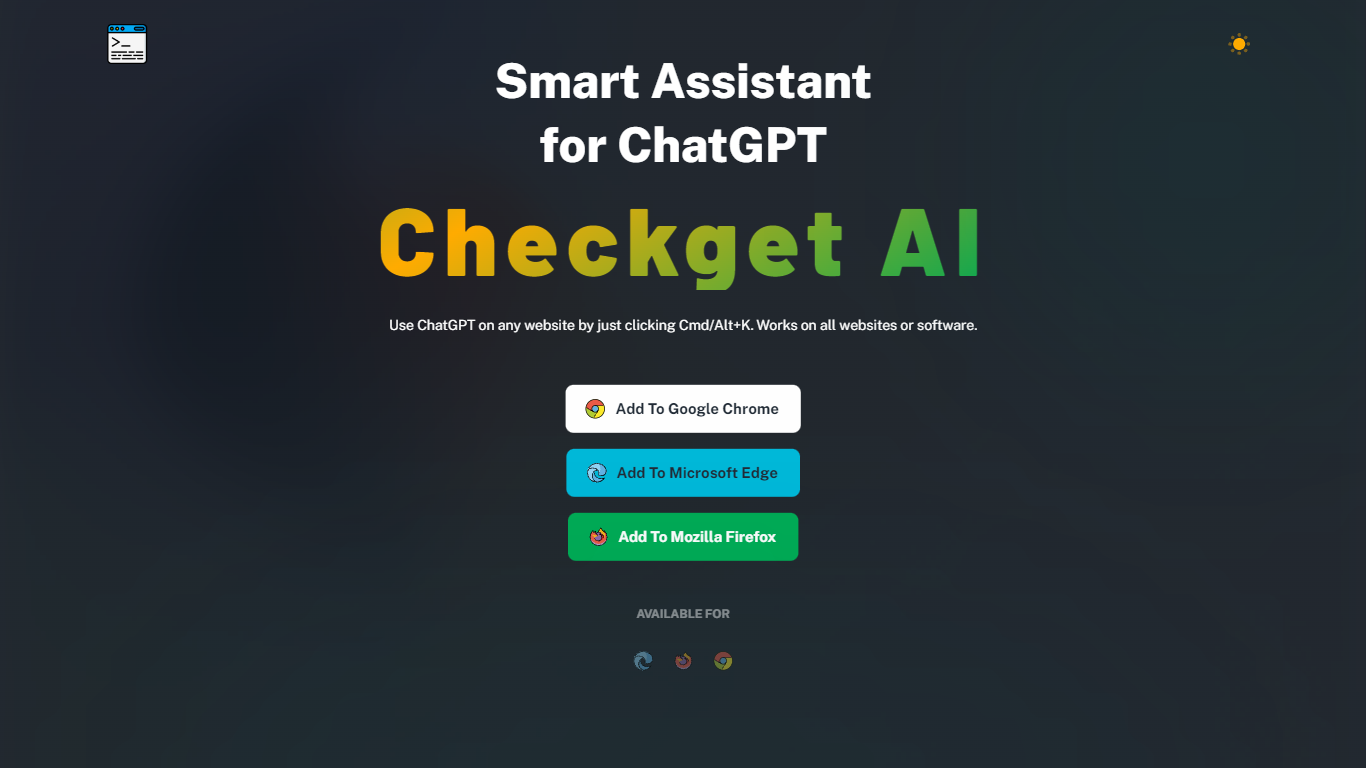

What is Checkget?
Checkget is a browser extension chatbot that puts ChatGPT on any website through a keyboard shortcut. Press Cmd+K on Mac or Alt+K on Windows from Gmail, docs, or any page, select text, and Checkget opens without copying into a separate tab. Chrome, Edge, and Firefox builds are listed on the homepage.
Most ChatGPT sidebar tools still ask you to paste text or leave the page. Checkget tries to read the scenario first, whether you are replying to email or explaining code, before suggesting actions. Paid tiers add GPT-4 with a cap of 5 requests per call, and local mode lets you route prompts through your own ChatGPT API key instead of Checkget servers.
Writers, developers, and support staff who live in the browser can use Checkget to summarize, translate, fix grammar, shorten, lengthen, rephrase, or change tone on selected text. Freemium limits start at 30 requests per day on the free Personal plan.
GptAutoBOT
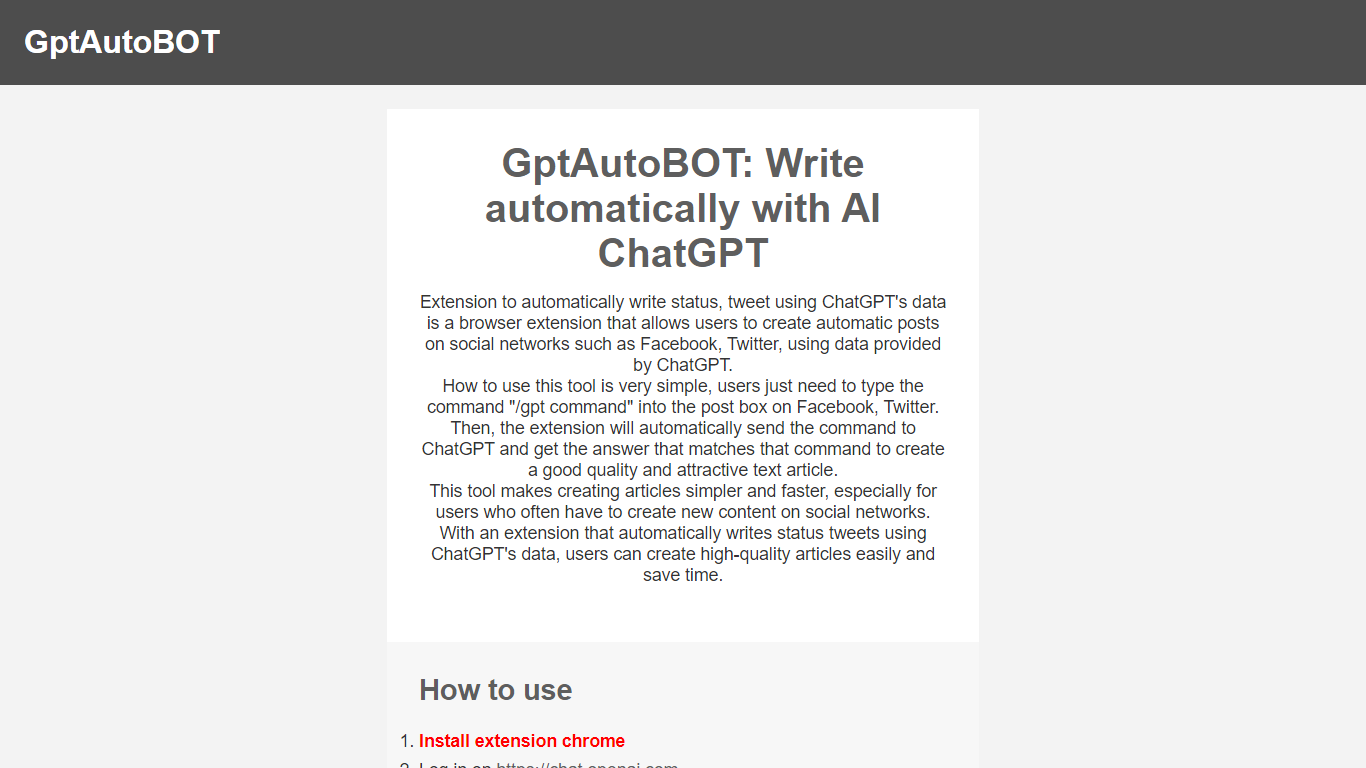
What is GptAutoBOT?
Experience seamless social media content creation with GptAutoBOT, the innovative browser extension designed to harness the power of ChatGPT. With the facility to construct intriguing articles and status updates on platforms like Facebook and Twitter, this tool ensures both quality and efficiency. Wave goodbye to the blank page and say hello to auto-generated, appealing text for your social networks.
Using GptAutoBOT is a breeze—simply install the Chrome extension, log in at chat.openai.com, and begin crafting your content. By entering "/gpt" followed by your command in any text box, GptAutoBOT takes over, transforming your command into a polished post. This user-friendly extension is perfect for content creators and social media enthusiasts seeking to enhance their online presence with minimal effort.
What's more, GptAutoBOT isn't just about social media posts. Our suite of products includes GPTGO.Ai, combining the power of ChatGPT with Google Search technology to elevate your content search capabilities. Step up your content game with GptAutoBOT and explore the possibilities that AI-driven writing assistance can bring to your digital strategy.
Checkget Upvotes
GptAutoBOT Upvotes
Checkget Top Features
Opens on any site with Cmd+K (Mac) or Alt+K (Windows) without leaving the page
Free Personal plan includes 30 requests per day and 5 conversation rounds on GPT-3.5
Pro at $4.99 per month raises limits to 200 daily requests, 15 rounds, and GPT-4 (5 requests per call)
Premium at $9.98 per month offers 500 daily requests and 30 conversation rounds
Local mode sends prompts through your own ChatGPT API key after you set an ApiKey
Chrome, Edge, and Firefox extensions are available from the Checkget homepage
GptAutoBOT Top Features
Effortless Installation: Quick Chrome extension setup for immediate use.
Easy Social Media Integration: Supports Facebook and Twitter for direct content creation.
Simple Commands: Enter "/gpt" plus your command for automated writing.
Content Quality: Generates high-quality and attractive text for posts.
Time-Saving: Saves time by automating content creation for frequent social media users.
Checkget Category
- Chat Bot
GptAutoBOT Category
- Chat Bot
Checkget Pricing Type
- Freemium
GptAutoBOT Pricing Type
- Freemium