Checkget vs MixerBox AI
Explore the showdown between Checkget vs MixerBox AI and find out which AI Chat Bot tool wins. We analyze upvotes, features, reviews, pricing, alternatives, and more.
When comparing Checkget and MixerBox AI, which one rises above the other?
When we contrast Checkget with MixerBox AI, both of which are exceptional AI-operated chat bot tools, and place them side by side, we can spot several crucial similarities and divergences. Interestingly, both tools have managed to secure the same number of upvotes. You can help us determine the winner by casting your vote and tipping the scales in favor of one of the tools.
You don't agree with the result? Cast your vote to help us decide!
Checkget

What is Checkget?
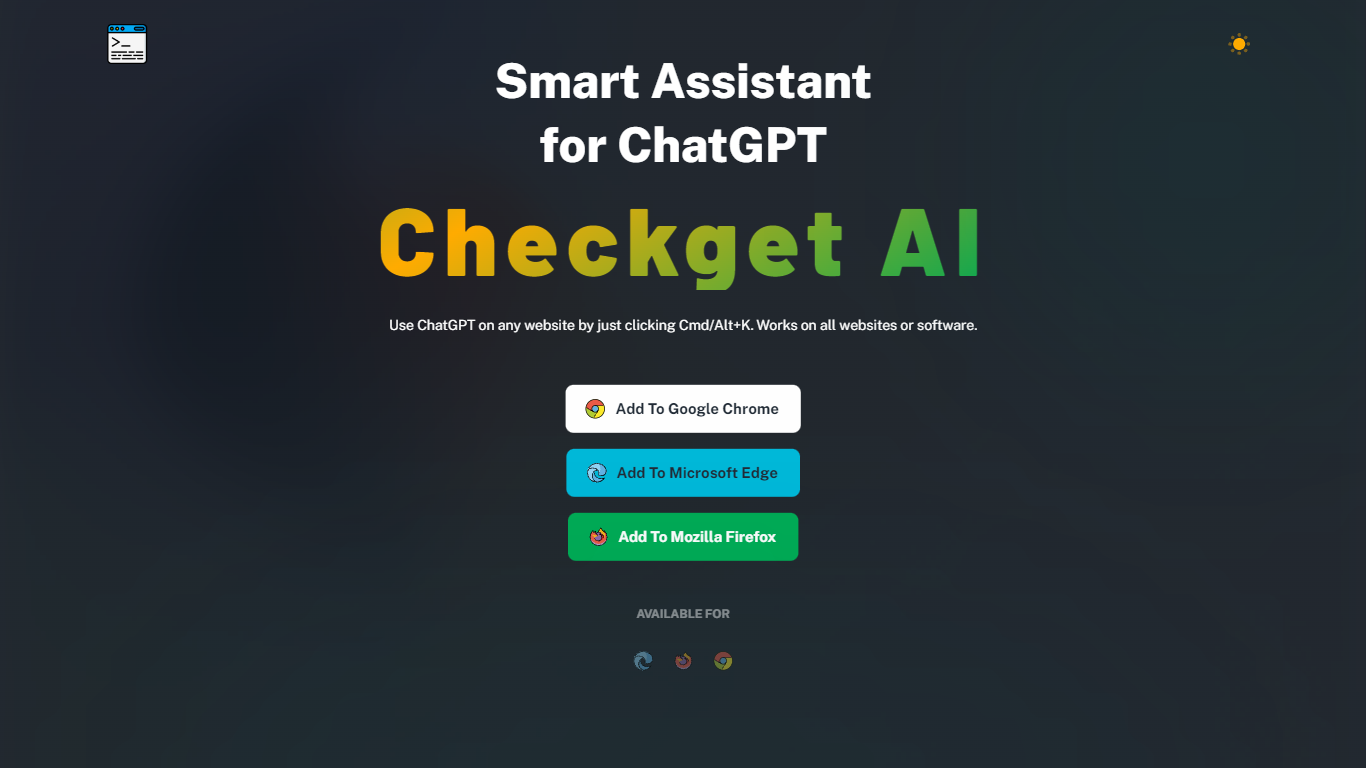
Checkget is a browser extension chatbot that puts ChatGPT on any website through a keyboard shortcut. Press Cmd+K on Mac or Alt+K on Windows from Gmail, docs, or any page, select text, and Checkget opens without copying into a separate tab. Chrome, Edge, and Firefox builds are listed on the homepage.
Most ChatGPT sidebar tools still ask you to paste text or leave the page. Checkget tries to read the scenario first, whether you are replying to email or explaining code, before suggesting actions. Paid tiers add GPT-4 with a cap of 5 requests per call, and local mode lets you route prompts through your own ChatGPT API key instead of Checkget servers.
Writers, developers, and support staff who live in the browser can use Checkget to summarize, translate, fix grammar, shorten, lengthen, rephrase, or change tone on selected text. Freemium limits start at 30 requests per day on the free Personal plan.
MixerBox AI
What is MixerBox AI?
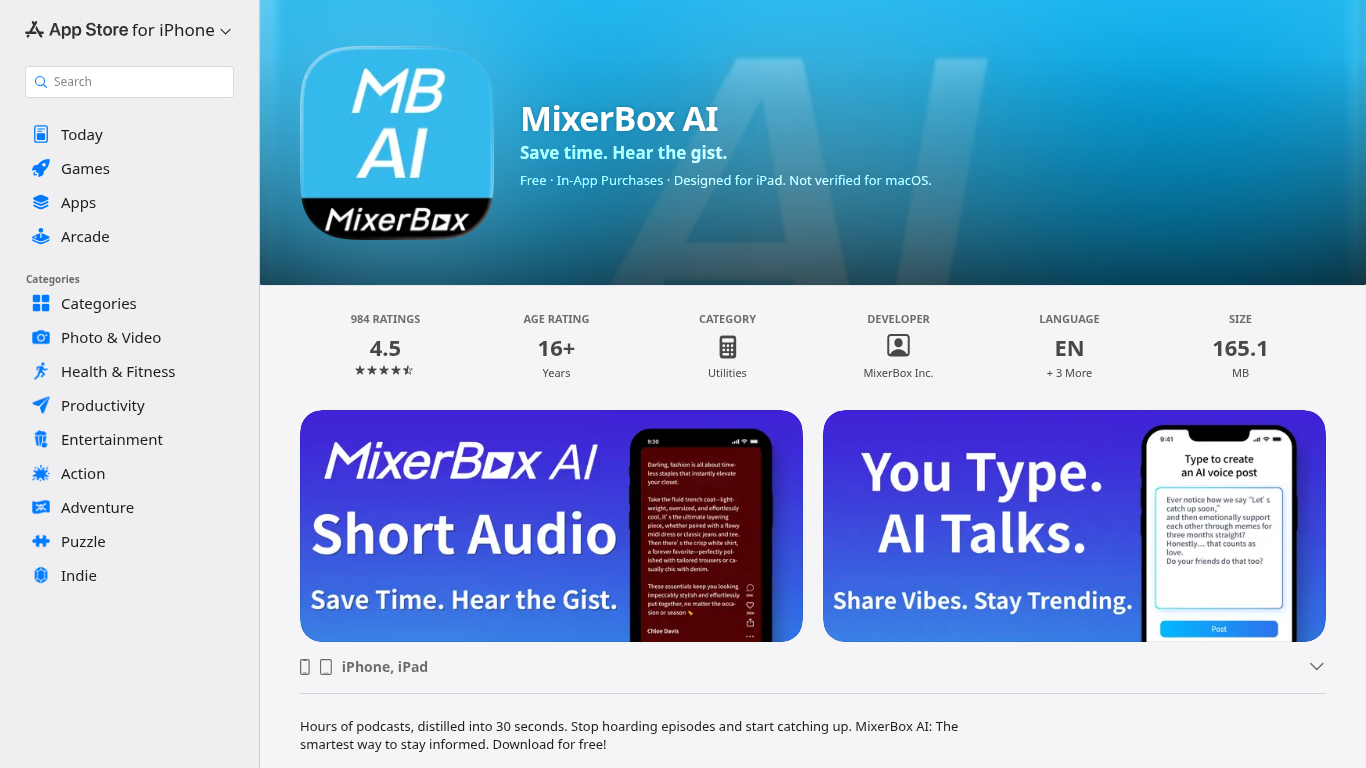
For podcast and news overload, MixerBox AI turns long episodes and updates into short audio highlights you can listen to or read. Pick topics or keywords, and it tracks new stories, then delivers 30-second previews with transcripts so you can decide what deserves a full listen.
Most podcast apps assume you will work through a backlog one episode at a time. MixerBox AI flips that by summarizing first. You hear the gist in about 30 seconds, skim the transcript, and only commit when the topic is worth the full runtime. It also includes AI voice posts that turn typed text into spoken audio.
The app suits commuters, news skimmers, and anyone with a growing saved-episode list. It runs on iPhone, iPad, Mac with Apple silicon, and Apple Vision, with a web version at mixerbox.ai and a Chrome extension. Longtime MixerBox users can still access the MB Player music feature from the home tab.
Checkget Upvotes
MixerBox AI Upvotes
Checkget Top Features
Opens on any site with Cmd+K (Mac) or Alt+K (Windows) without leaving the page
Free Personal plan includes 30 requests per day and 5 conversation rounds on GPT-3.5
Pro at $4.99 per month raises limits to 200 daily requests, 15 rounds, and GPT-4 (5 requests per call)
Premium at $9.98 per month offers 500 daily requests and 30 conversation rounds
Local mode sends prompts through your own ChatGPT API key after you set an ApiKey
Chrome, Edge, and Firefox extensions are available from the Checkget homepage
MixerBox AI Top Features
Preview any podcast episode in about 30 seconds before committing to the full runtime
Set topic keywords and MixerBox AI auto-tracks new updates with short audio digests
Every audio highlight ships with a readable transcript for skimming or saving
Type a post and let AI convert it into a spoken voice clip inside the app
Runs on iOS 14+, iPadOS, Mac with M1, visionOS, plus mixerbox.ai and a Chrome extension
984 App Store ratings averaging 4.5 stars with English, Japanese, and Chinese language support
Checkget Category
- Chat Bot
MixerBox AI Category
- Chat Bot
Checkget Pricing Type
- Freemium
MixerBox AI Pricing Type
- Freemium