SuperGrowthAI vs Checkget
In the contest of SuperGrowthAI vs Checkget, which AI Chat Bot tool is the champion? We evaluate pricing, alternatives, upvotes, features, reviews, and more.
If you had to choose between SuperGrowthAI and Checkget, which one would you go for?
When we examine SuperGrowthAI and Checkget, both of which are AI-enabled chat bot tools, what unique characteristics do we discover? Interestingly, both tools have managed to secure the same number of upvotes. Join the aitools.fyi users in deciding the winner by casting your vote.
Does the result make you go "hmm"? Cast your vote and turn that frown upside down!
SuperGrowthAI


What is SuperGrowthAI?
SuperGrowthAI bundles chatbots, workflow automation, and user engagement into one managed platform. SuperConvo builds custom-knowledge chatbots, SuperFlow runs AI agent workflows, and SuperEngage tracks engagement while serving personalized recommendations. Sign in with Google and start from a free tier before upgrading to paid features.
The platform positions itself as plug-and-play rather than a raw API layer. SuperGrowthAI handles scaling, performance, and security on managed infrastructure so small teams skip dedicated DevOps. Real-time analytics cover conversation flows, user engagement, and cost optimization from a single dashboard.
SuperGrowthAI targets developers and growth teams who need production AI features fast. The homepage emphasizes embedding a chatbot or recommendation engine with minimal code, which sets it apart from general-purpose LLM playgrounds that leave deployment and monitoring to you.
Checkget
What is Checkget?
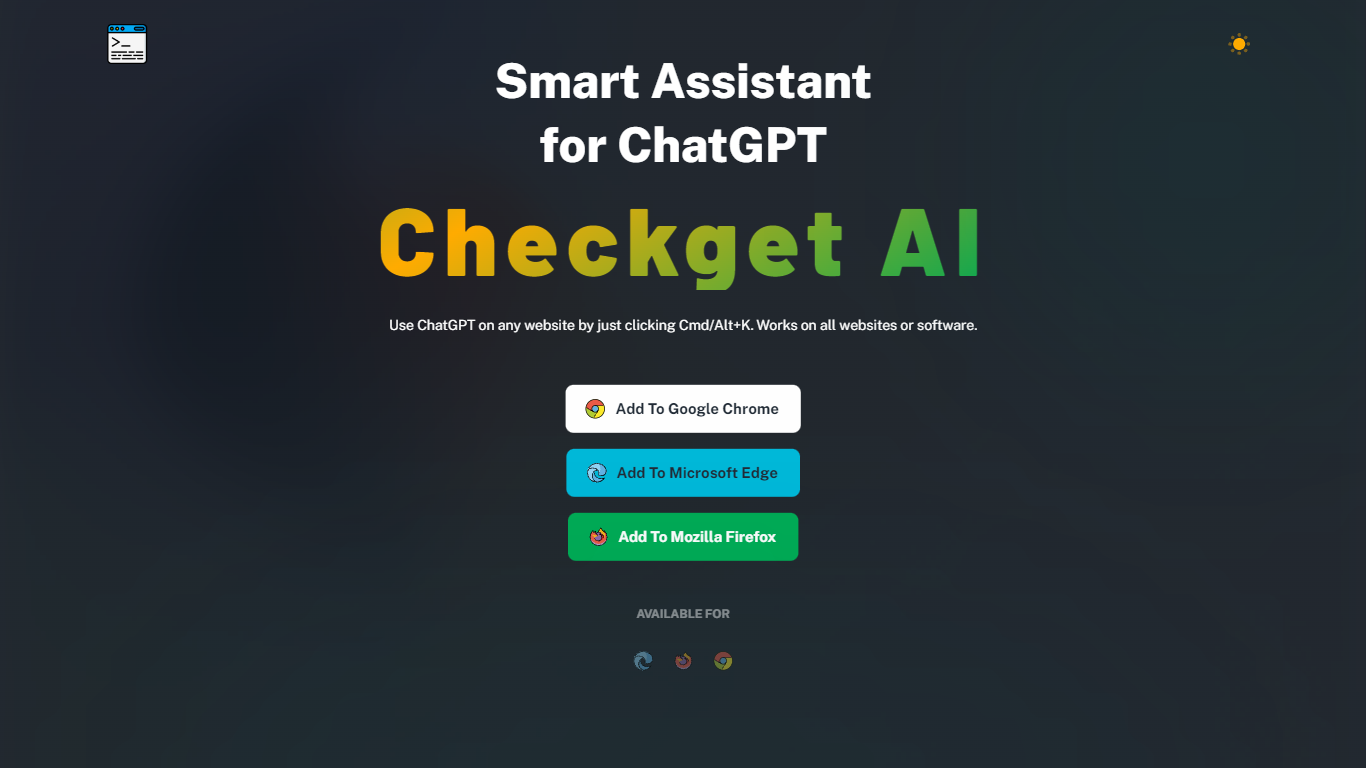
Checkget is a browser extension chatbot that puts ChatGPT on any website through a keyboard shortcut. Press Cmd+K on Mac or Alt+K on Windows from Gmail, docs, or any page, select text, and Checkget opens without copying into a separate tab. Chrome, Edge, and Firefox builds are listed on the homepage.
Most ChatGPT sidebar tools still ask you to paste text or leave the page. Checkget tries to read the scenario first, whether you are replying to email or explaining code, before suggesting actions. Paid tiers add GPT-4 with a cap of 5 requests per call, and local mode lets you route prompts through your own ChatGPT API key instead of Checkget servers.
Writers, developers, and support staff who live in the browser can use Checkget to summarize, translate, fix grammar, shorten, lengthen, rephrase, or change tone on selected text. Freemium limits start at 30 requests per day on the free Personal plan.
SuperGrowthAI Upvotes
Checkget Upvotes
SuperGrowthAI Top Features
Three named products: SuperConvo chatbots, SuperFlow workflows, and SuperEngage recommendations
SuperConvo deploys custom-knowledge chatbots in minutes on managed infrastructure
SuperFlow automates multi-step tasks with AI agents across team workflows
SuperEngage tracks engagement metrics and serves personalized content per user
Real-time analytics cover conversation flows, engagement, and cost optimization
Google sign-in for quick access to the free tier
Checkget Top Features
Opens on any site with Cmd+K (Mac) or Alt+K (Windows) without leaving the page
Free Personal plan includes 30 requests per day and 5 conversation rounds on GPT-3.5
Pro at $4.99 per month raises limits to 200 daily requests, 15 rounds, and GPT-4 (5 requests per call)
Premium at $9.98 per month offers 500 daily requests and 30 conversation rounds
Local mode sends prompts through your own ChatGPT API key after you set an ApiKey
Chrome, Edge, and Firefox extensions are available from the Checkget homepage
SuperGrowthAI Category
- Chat Bot
Checkget Category
- Chat Bot
SuperGrowthAI Pricing Type
- Freemium
Checkget Pricing Type
- Freemium