InlineGPT vs Checkget
Dive into the comparison of InlineGPT vs Checkget and discover which AI Chat Bot tool stands out. We examine alternatives, upvotes, features, reviews, pricing, and beyond.
In a comparison between InlineGPT and Checkget, which one comes out on top?
When we compare InlineGPT and Checkget, two exceptional chat bot tools powered by artificial intelligence, and place them side by side, several key similarities and differences come to light. Neither tool takes the lead, as they both have the same upvote count. You can help us determine the winner by casting your vote and tipping the scales in favor of one of the tools.
Don't agree with the result? Cast your vote and be a part of the decision-making process!
InlineGPT

What is InlineGPT?
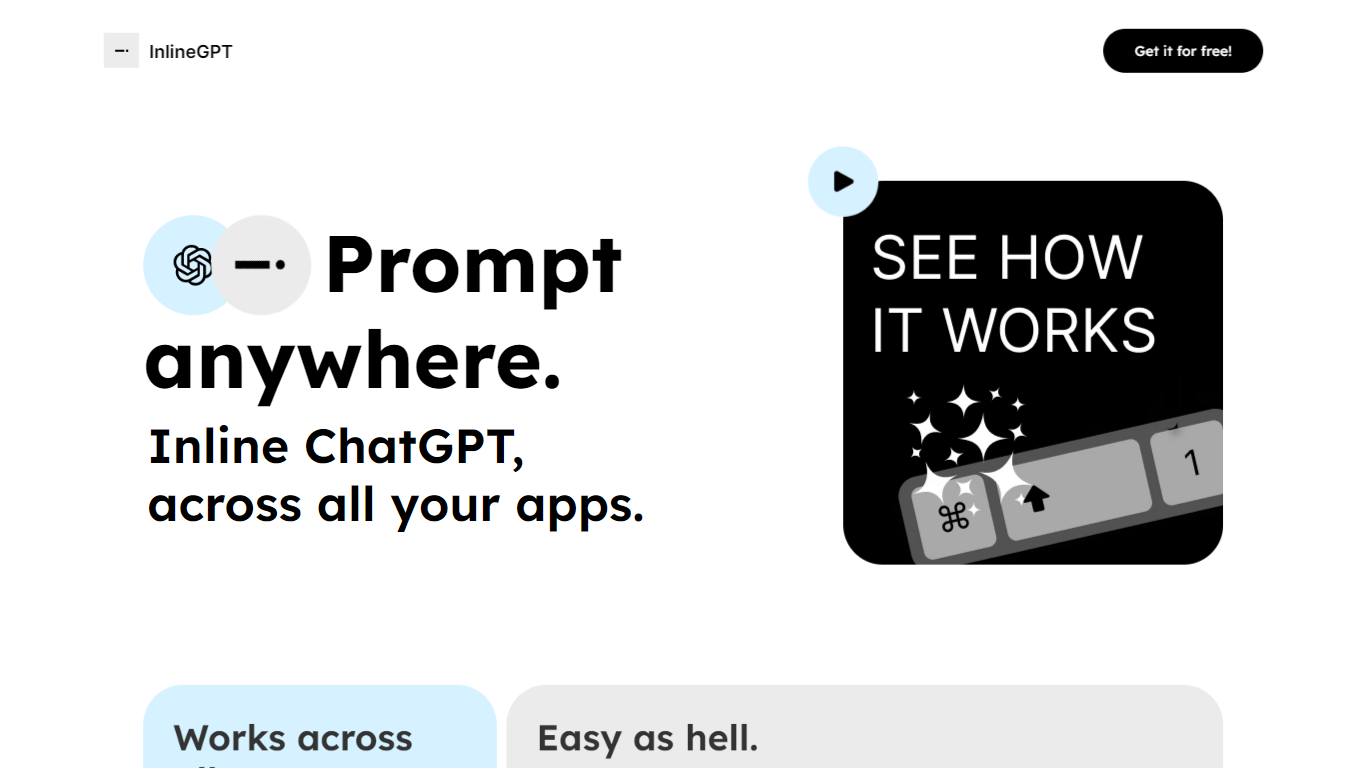
InlineGPT is a versatile tool designed to integrate ChatGPT functionality seamlessly across various applications. Its core functionality allows users to prompt ChatGPT directly from any text selection, enabling a fluid interaction without the need to switch between different applications. This tool is particularly beneficial for professionals who frequently work with text-based content, such as writers, marketers, and developers, as it enhances productivity by streamlining the process of generating text responses and insights.
The target audience for InlineGPT includes individuals and teams who rely on text generation and manipulation in their daily workflows. By providing a simple yet powerful interface, InlineGPT caters to users who seek efficiency and convenience in their tasks. The unique value proposition lies in its ability to prompt ChatGPT from any application, making it a versatile companion for users who often find themselves needing quick responses or creative input while working on various platforms.
Key differentiators of InlineGPT include its ease of use, as it requires minimal setup—only an OpenAI API key is needed. Additionally, the tool's ability to work across multiple applications, such as Figma and email clients, sets it apart from other text generation tools that may be limited to specific environments. This cross-application functionality ensures that users can access AI-driven insights and responses without disrupting their workflow, ultimately enhancing productivity and creativity.
Checkget
What is Checkget?
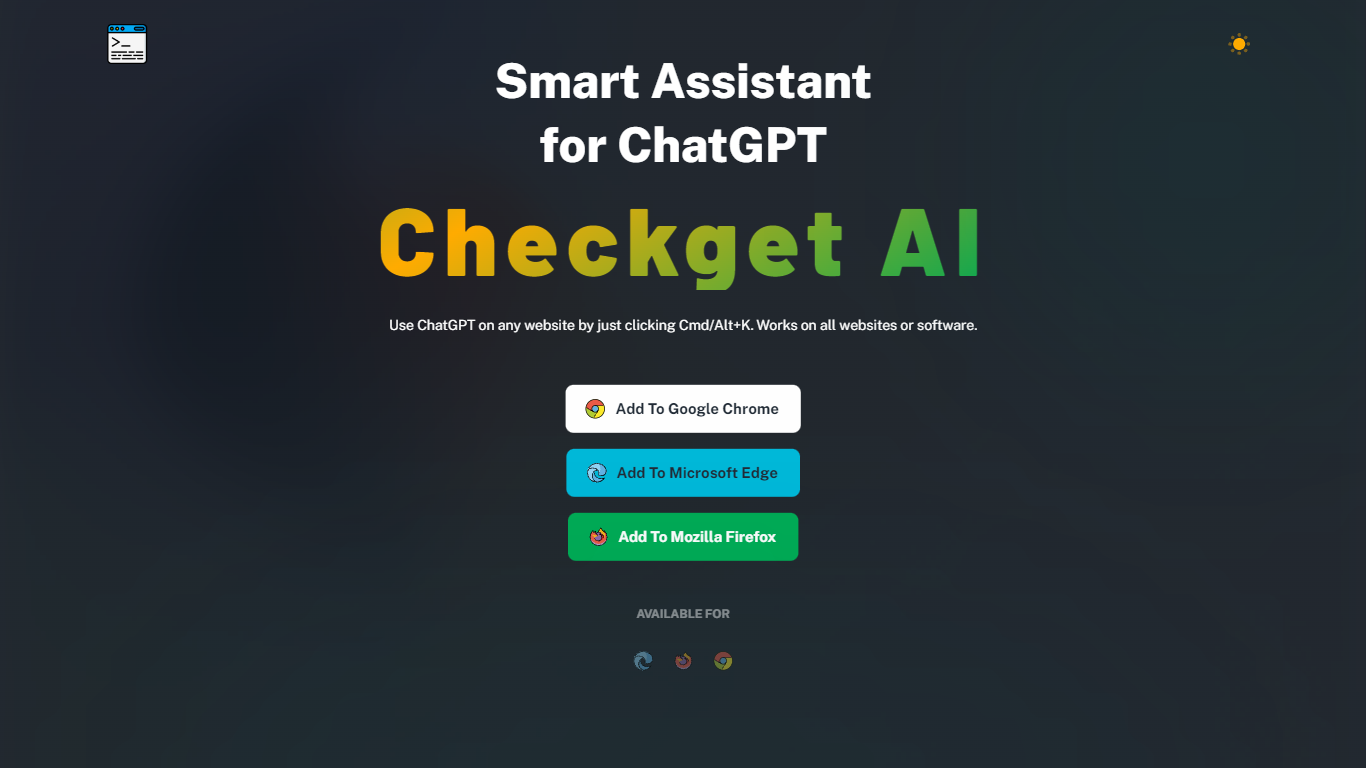
Checkget is a browser extension chatbot that puts ChatGPT on any website through a keyboard shortcut. Press Cmd+K on Mac or Alt+K on Windows from Gmail, docs, or any page, select text, and Checkget opens without copying into a separate tab. Chrome, Edge, and Firefox builds are listed on the homepage.
Most ChatGPT sidebar tools still ask you to paste text or leave the page. Checkget tries to read the scenario first, whether you are replying to email or explaining code, before suggesting actions. Paid tiers add GPT-4 with a cap of 5 requests per call, and local mode lets you route prompts through your own ChatGPT API key instead of Checkget servers.
Writers, developers, and support staff who live in the browser can use Checkget to summarize, translate, fix grammar, shorten, lengthen, rephrase, or change tone on selected text. Freemium limits start at 30 requests per day on the free Personal plan.
InlineGPT Upvotes
Checkget Upvotes
InlineGPT Top Features
Cross-Application Integration: InlineGPT allows users to prompt ChatGPT from any application, enhancing workflow efficiency by eliminating the need to switch contexts.
Text Selection Prompting: Users can select any text and replace it with AI-generated output, streamlining the content creation process.
OpenAI API Compatibility: The tool requires only an OpenAI API key for access, making it easy to set up and use for anyone familiar with the API.
User-Friendly Interface: Designed for ease of use, InlineGPT simplifies the interaction with AI, making it accessible for users of all technical backgrounds.
Real-Time Output: The tool provides immediate responses to prompts, allowing users to receive instant feedback and insights as they work.
Checkget Top Features
Opens on any site with Cmd+K (Mac) or Alt+K (Windows) without leaving the page
Free Personal plan includes 30 requests per day and 5 conversation rounds on GPT-3.5
Pro at $4.99 per month raises limits to 200 daily requests, 15 rounds, and GPT-4 (5 requests per call)
Premium at $9.98 per month offers 500 daily requests and 30 conversation rounds
Local mode sends prompts through your own ChatGPT API key after you set an ApiKey
Chrome, Edge, and Firefox extensions are available from the Checkget homepage
InlineGPT Category
- Chat Bot
Checkget Category
- Chat Bot
InlineGPT Pricing Type
- Free
Checkget Pricing Type
- Freemium