Choppity vs Timebolt
In the battle of Choppity vs Timebolt, which AI Video Editing tool comes out on top? We compare reviews, pricing, alternatives, upvotes, features, and more.
Between Choppity and Timebolt, which one is superior?
Upon comparing Choppity with Timebolt, which are both AI-powered video editing tools, The users have made their preference clear, Timebolt leads in upvotes. The number of upvotes for Timebolt stands at 18, and for Choppity it's 10.
Not your cup of tea? Upvote your preferred tool and stir things up!
Choppity

What is Choppity?
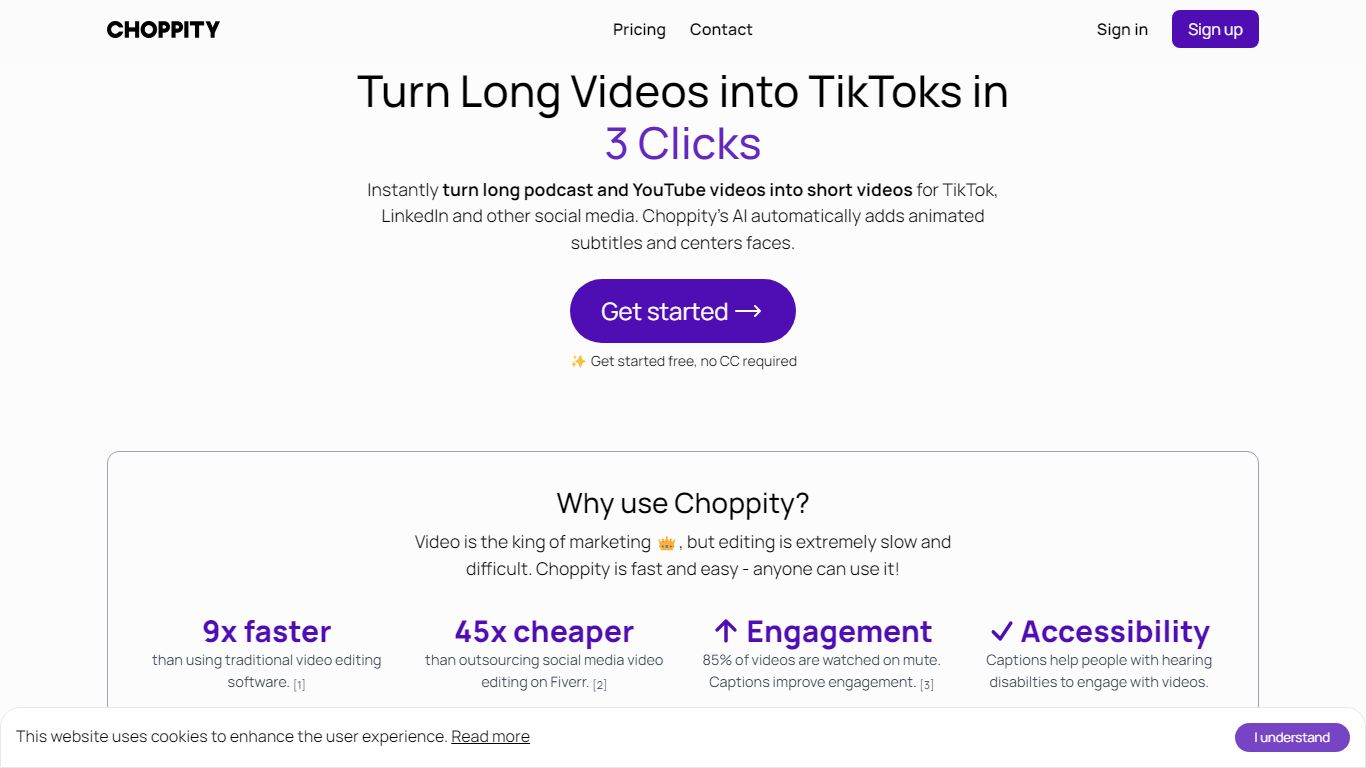
Choppity turns long podcasts, webinars, and interviews into short clips for TikTok, Instagram Reels, and YouTube Shorts. Upload an MP4 or MOV, paste a YouTube URL, and it transcribes the source, finds high-impact moments, and outputs 20 to 50+ captioned clips with vertical framing and active speaker tracking. The built-in editor stays open after generation so you can trim, recaption, and adjust framing clip by clip.
Most clip tools stop at export, but Choppity adds scheduling and posting in the same workflow. You edit clips by changing the transcript, plan posts in a content calendar, and publish to TikTok, Reels, and Shorts with one click. That makes it closer to a content ops hub than a one-off clip exporter, though it still centers on spoken-word video rather than cinematic editing.
Podcasters, YouTube creators, churches, agencies, and marketing teams use Choppity when they need steady short-form output without hiring dedicated editors. Case studies cite networks like Locked On and AutoTrader's tech podcast scaling clip volume and view counts. Team plans add shared workspaces, brand templates, role permissions, and usage tracking for agencies juggling multiple clients.
Timebolt

What is Timebolt?
Timebolt is a desktop video editor built around waveform-first jump cuts for podcasts, interviews, and screen recordings. It strips silence, filler words, and bad takes with 0.01 second cut control, then exports timelines to Premiere Pro, Final Cut Pro, DaVinci Resolve, or Camtasia without re-cutting by hand.
Most text-based AI editors guess where pauses live and leave hundreds of missed cuts per hour. Timebolt measures the audio waveform first, which is why its benchmark claims zero mistakes left per hour while rivals like Descript and Gling still need manual cleanup. That trade-off favors editors who want frame-tight cuts over a chat-style transcript workflow.
Podcasters, YouTubers, and course creators use Timebolt to shrink raw talking-head footage before publishing. Post-production teams also route Riverside multicam sessions through Timebolt XML exports so senior editors finish polish work in their preferred NLE.
Choppity Upvotes
Timebolt Upvotes
Choppity Top Features
Generates 20 to 50+ short clips from one long-form video or pasted YouTube URL
97%+ accurate captions across 97 languages with customizable fonts and animations
1-click posting and scheduling to TikTok, Instagram Reels, and YouTube Shorts
Transcript-based editing lets you trim clips by deleting words in the text transcript
Active speaker detection reframes multi-person podcasts into vertical 9:16 clips
REST API at api2.choppity.com/v1 supports uploads up to 5 GB and webhook notifications
Creator plan includes 5 hours of AI analysis, 100 GB storage, and 3 connected social accounts
Timebolt Top Features
0.01 second cut control on waveform-based silence removal
Processes an hour of footage in about 13 seconds for jump cuts
Exports XML timelines to Premiere Pro, Final Cut Pro, and DaVinci Resolve
UMCHECK removes filler words automatically from recorded speech
Free 4K screen capture tool for Mac and Windows
Benchmark reports zero missed cuts per hour versus hundreds on rival AI editors
Choppity Category
- Video Editing
Timebolt Category
- Video Editing
Choppity Pricing Type
- Freemium
Timebolt Pricing Type
- Freemium