
Last updated 08-30-2026
Category:
Overall Rating:
5.0 🏆
Reviews:
Join thousands of AI enthusiasts in the World of AI!
Choppity
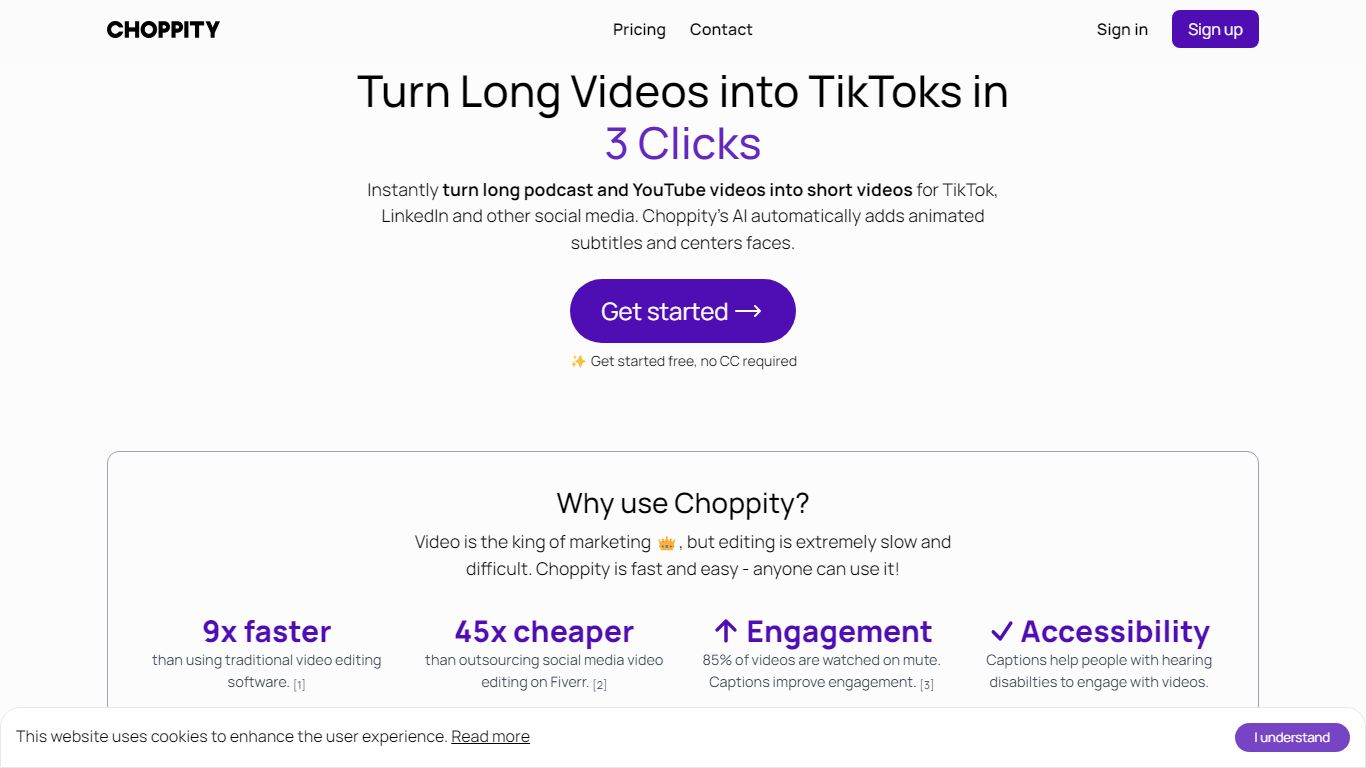
Choppity turns long podcasts, webinars, and interviews into short clips for TikTok, Instagram Reels, and YouTube Shorts. Upload an MP4 or MOV, paste a YouTube URL, and it transcribes the source, finds high-impact moments, and outputs 20 to 50+ captioned clips with vertical framing and active speaker tracking. The built-in editor stays open after generation so you can trim, recaption, and adjust framing clip by clip.
Most clip tools stop at export, but Choppity adds scheduling and posting in the same workflow. You edit clips by changing the transcript, plan posts in a content calendar, and publish to TikTok, Reels, and Shorts with one click. That makes it closer to a content ops hub than a one-off clip exporter, though it still centers on spoken-word video rather than cinematic editing.
Podcasters, YouTube creators, churches, agencies, and marketing teams use Choppity when they need steady short-form output without hiring dedicated editors. Case studies cite networks like Locked On and AutoTrader's tech podcast scaling clip volume and view counts. Team plans add shared workspaces, brand templates, role permissions, and usage tracking for agencies juggling multiple clients.
Generates 20 to 50+ short clips from one long-form video or pasted YouTube URL
97%+ accurate captions across 97 languages with customizable fonts and animations
1-click posting and scheduling to TikTok, Instagram Reels, and YouTube Shorts
Transcript-based editing lets you trim clips by deleting words in the text transcript
Active speaker detection reframes multi-person podcasts into vertical 9:16 clips
REST API at api2.choppity.com/v1 supports uploads up to 5 GB and webhook notifications
Creator plan includes 5 hours of AI analysis, 100 GB storage, and 3 connected social accounts
Transcript editing lets you trim clips by deleting text rather than scrubbing a timeline.
Built-in scheduler posts or schedules clips to TikTok, Reels, and Shorts without leaving the app.
YouTube URL import skips manual downloads when repurposing existing long-form content.
Team workspaces, brand templates, and role permissions suit agencies managing multiple clients.
Free tier limits AI analysis to 1 hour and project storage to 3 days.
API access requires the Creator plan or higher, not available on Free or Starter.
Team plan AI analysis caps at 5 hours unless you add Creator packs.
Is Choppity free to use?
Yes. Choppity offers a Free plan with 1 hour of AI video analysis, 2 GB cloud storage, and 3-day project storage. No credit card is required to sign up.
How long does Choppity take to process a video?
Choppity processes most videos in 5 to 15 minutes depending on length. A 30-minute podcast typically takes 5 to 7 minutes, while a 2-hour webinar may take up to 15 minutes.
Can Choppity import YouTube videos?
Yes. Paste a YouTube URL into Choppity and it imports and processes the video without requiring a manual download first, which is useful for repurposing existing long-form content.
What video formats does Choppity support?
Choppity accepts MP4, MOV, WebM, AVI, and audio files like MP3 and WAV. Clips export in 9:16, 1:1, and 16:9 aspect ratios for TikTok, Reels, Shorts, and other platforms.
Does Choppity offer an API?
Yes. Choppity provides a REST API at api2.choppity.com/v1 for automated clip generation, rendering, uploads up to 5 GB, and webhook notifications. API access starts on the Creator plan.
Which Choppity plan works for teams?
Choppity Team includes unlimited seats, 5 hours of AI analysis, 200 GB storage, 10 social accounts, and 5 brand templates. The Team plan adds shared workspaces, user roles, and team billing.
How many clips does Choppity make per video?
Choppity generates 20 to 50+ short clips from one long-form video, depending on length and how many strong moments the transcript contains. The homepage workflow describes generating 30+ clips from a single upload.