TubeMagic vs Choppity
Explore the showdown between TubeMagic vs Choppity and find out which AI Video Editing tool wins. We analyze upvotes, features, reviews, pricing, alternatives, and more.
In a face-off between TubeMagic and Choppity, which one takes the crown?
When we contrast TubeMagic with Choppity, both of which are exceptional AI-operated video editing tools, and place them side by side, we can spot several crucial similarities and divergences. The users have made their preference clear, Choppity leads in upvotes. Choppity has garnered 10 upvotes, and TubeMagic has garnered 6 upvotes.
You don't agree with the result? Cast your vote to help us decide!
TubeMagic
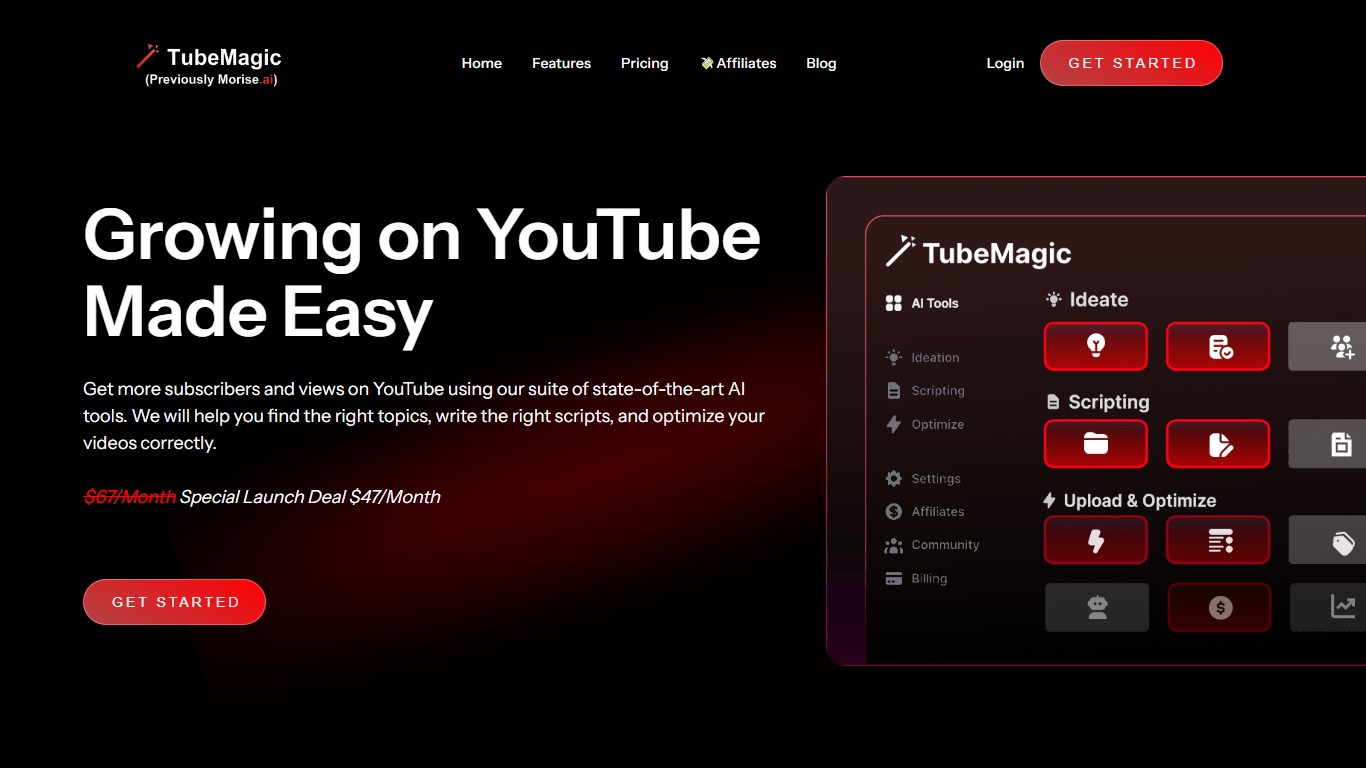

What is TubeMagic?
TubeMagic helps YouTube creators script, research, and optimize videos from one dashboard instead of juggling separate apps. Its script writer generates retention-focused drafts in seconds, and the same subscription covers titles, tags, descriptions, thumbnails, keyword research, and upload prep.
Where VidIQ and TubeBuddy lean on analytics and browser-side optimization, TubeMagic puts script drafting first. You paste a channel link to mirror your tone, pick models like Claude 4.0 or GPT-4o, set length from one to twenty minutes, and feed in top-performing videos as inspiration. The site reports over 200K scripts generated and lists creators with large followings as users.
TubeMagic started as Morise.AI in 2023, was acquired by YouTuber Matt Par in January 2024, and by mid-2025 the team narrowed focus to the script writer while keeping the rest of the toolkit available. It suits solo creators, agencies, and channel managers who publish regularly and need faster scripting plus SEO-minded metadata.
Choppity
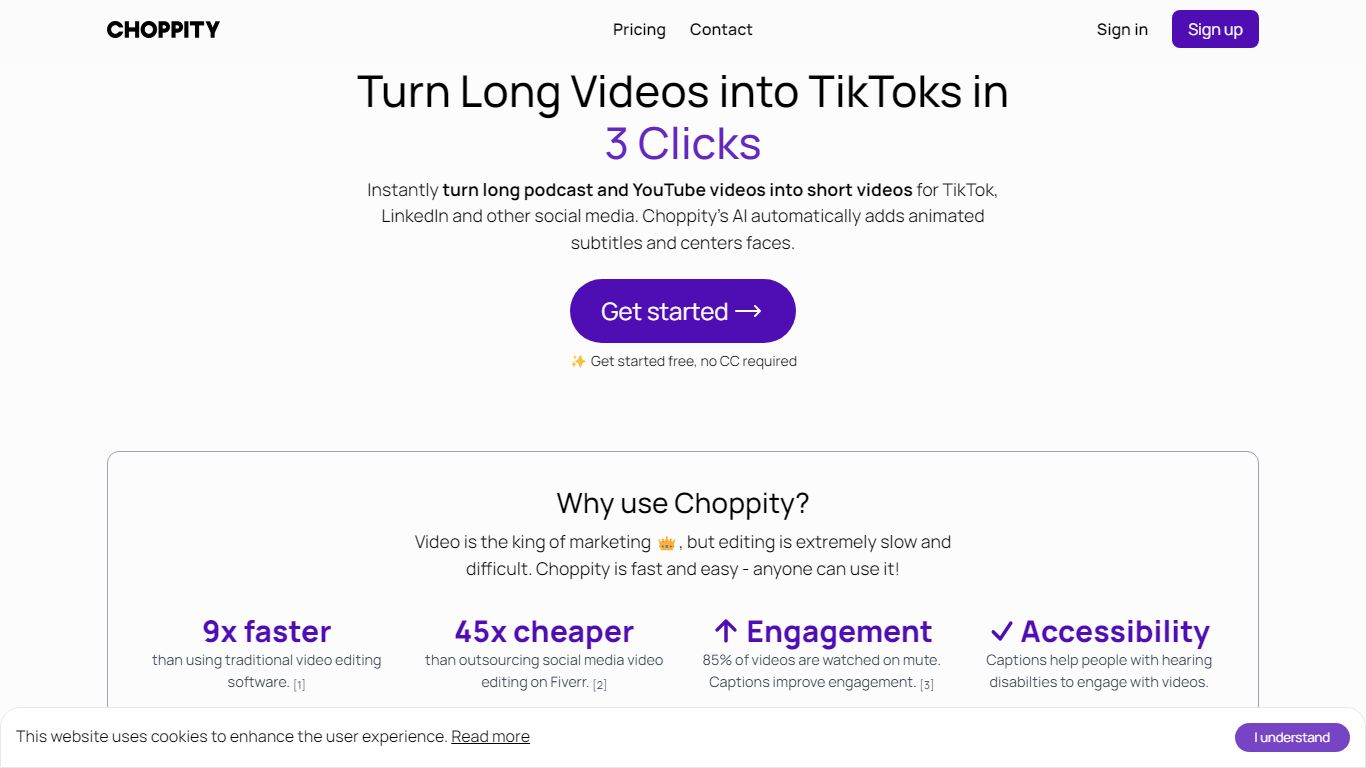
What is Choppity?
Choppity turns long podcasts, webinars, and interviews into short clips for TikTok, Instagram Reels, and YouTube Shorts. Upload an MP4 or MOV, paste a YouTube URL, and it transcribes the source, finds high-impact moments, and outputs 20 to 50+ captioned clips with vertical framing and active speaker tracking. The built-in editor stays open after generation so you can trim, recaption, and adjust framing clip by clip.
Most clip tools stop at export, but Choppity adds scheduling and posting in the same workflow. You edit clips by changing the transcript, plan posts in a content calendar, and publish to TikTok, Reels, and Shorts with one click. That makes it closer to a content ops hub than a one-off clip exporter, though it still centers on spoken-word video rather than cinematic editing.
Podcasters, YouTube creators, churches, agencies, and marketing teams use Choppity when they need steady short-form output without hiring dedicated editors. Case studies cite networks like Locked On and AutoTrader's tech podcast scaling clip volume and view counts. Team plans add shared workspaces, brand templates, role permissions, and usage tracking for agencies juggling multiple clients.
TubeMagic Upvotes
Choppity Upvotes
TubeMagic Top Features
Paste your channel link and TubeMagic mirrors your tone and structure
Choose Claude 4.0, GPT-4o, or other models when drafting scripts
Match script length to video time with word targets from 100 words for 1 minute up to 3000 words for 20 minutes
Add inspiration videos and it merges their patterns into your draft
Warp Upload Optimizer suggests titles, tags, and descriptions before publish
Keyword research shows volume, competition, and a Magic Score per topic
Supports 95+ languages for titles, descriptions, tags, and video ideas
Choppity Top Features
Generates 20 to 50+ short clips from one long-form video or pasted YouTube URL
97%+ accurate captions across 97 languages with customizable fonts and animations
1-click posting and scheduling to TikTok, Instagram Reels, and YouTube Shorts
Transcript-based editing lets you trim clips by deleting words in the text transcript
Active speaker detection reframes multi-person podcasts into vertical 9:16 clips
REST API at api2.choppity.com/v1 supports uploads up to 5 GB and webhook notifications
Creator plan includes 5 hours of AI analysis, 100 GB storage, and 3 connected social accounts
TubeMagic Category
- Video Editing
Choppity Category
- Video Editing
TubeMagic Pricing Type
- Paid
Choppity Pricing Type
- Freemium