Chromatic Lens vs Figflow
Compare Chromatic Lens vs Figflow and see which AI Design tool is better when we compare features, reviews, pricing, alternatives, upvotes, etc.
Which one is better? Chromatic Lens or Figflow ?
When we compare Chromatic Lens with Figflow , which are both AI-powered design tools, Both tools are equally favored, as indicated by the identical upvote count. Every vote counts! Cast yours and contribute to the decision of the winner.
Not your cup of tea? Upvote your preferred tool and stir things up!
Chromatic Lens

What is Chromatic Lens ?
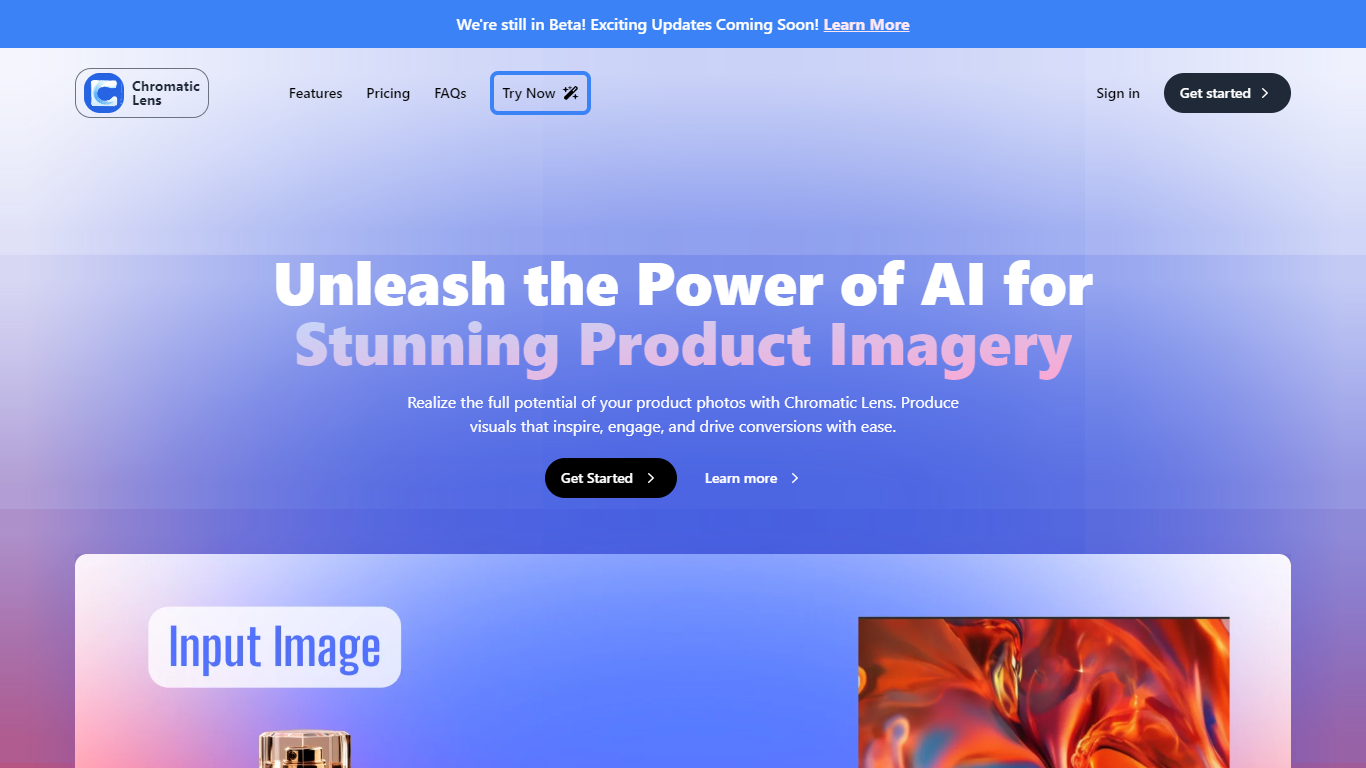
Chromatic Lens is an AI app for product photography that generates professional background images for your product photos. Upload a product image, describe or select a background scene, and the generative AI places your product into the scene in about three to five seconds.
The tool includes automatic background removal, a template library, and pre-defined scene options so you do not need prompt engineering skills. Generated images can be used commercially when you have rights to the original product photo.
Chromatic Lens runs in the browser with a drag-and-drop upload workflow. Plans are credit-based, where one credit equals eight image generations. The product is currently in beta with ongoing updates.
Figflow
What is Figflow ?
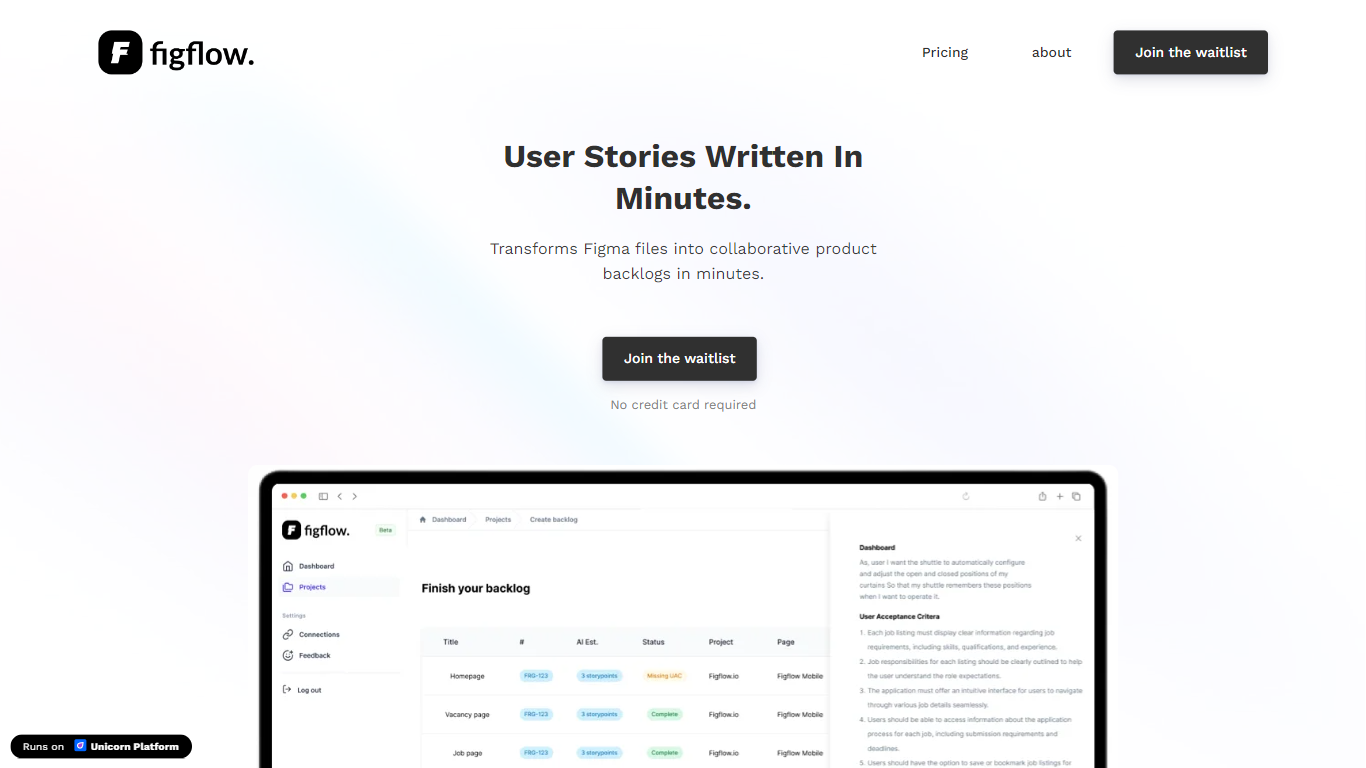
Figflow turns Figma files into structured product backlogs with user stories, acceptance criteria, and story point estimates. You connect Figma through OAuth, upload frames, and Figflow drafts tickets from what is already on the canvas. It targets the handoff gap between design files and sprint-ready work.
Most backlog tools expect you to write stories from scratch. Figflow starts from your Figma screens, embeds design screenshots inside each story, and uses its AI assistant to shape voice and tone. The Professional plan at $9 per month removes the 250-interaction cap on the free Personal tier, which is the main reason teams outgrow the starter plan.
Product owners, product managers, and product designers use Figflow to cut manual story writing before refinement sessions. It fits teams that live in Figma and want a single workspace for multiple projects without exporting screens into a separate doc for every ticket.
Chromatic Lens Upvotes
Figflow Upvotes
Chromatic Lens Top Features
Generative AI backgrounds place products into custom scenes in 3-5 seconds
Automatic background removal on uploaded product images
Template library and pre-defined scenes for quick results
No prompt engineering skills required for professional-looking output
Commercial use allowed when you own rights to the original product image
Figflow Top Features
OAuth Figma integration pulls projects without manual file exports
Personal plan includes 250 free AI interactions before paid upgrade
Professional plan at $9 per month unlocks unlimited AI interactions and projects
AI assistant drafts acceptance criteria from design frames and user stories
Design screenshots attach directly to user stories instead of separate exports
Supports 10 languages including English, Dutch, French, German, Spanish, and Japanese
Chromatic Lens Category
- Design
Figflow Category
- Design
Chromatic Lens Pricing Type
- Freemium
Figflow Pricing Type
- Freemium