Clapper vs AI Video Summary
In the face-off between Clapper vs AI Video Summary , which AI Video Editing tool takes the crown? We scrutinize features, alternatives, upvotes, reviews, pricing, and more.
In a face-off between Clapper and AI Video Summary , which one takes the crown?
If we were to analyze Clapper and AI Video Summary , both of which are AI-powered video editing tools, what would we find? There's no clear winner in terms of upvotes, as both tools have received the same number. You can help us determine the winner by casting your vote and tipping the scales in favor of one of the tools.
You don't agree with the result? Cast your vote to help us decide!
Clapper
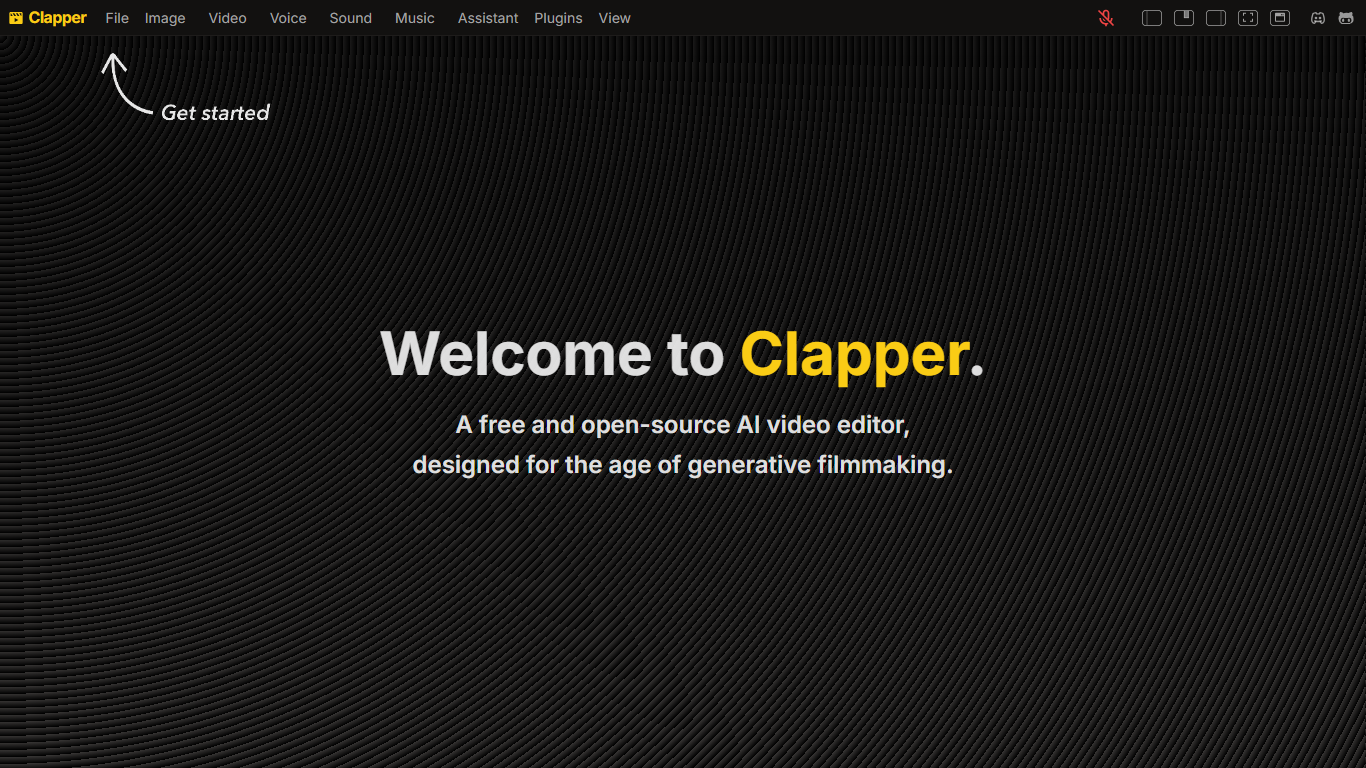

What is Clapper?
Clapper is an open-source AI story visualization tool that turns high-level creative directions into video sequences without a traditional timeline editor. You describe characters, locations, weather, style, and mood, then iterate with an AI assistant instead of cutting raw clips by hand.
Most AI video editors still expect 3D scenes or frame-by-frame exports. Clapper works from narrative abstractions and is building a Director's Mode where you prompt changes in fullscreen while the set assistant updates the scene. The hosted demo lives on Hugging Face at clapper.app, with local installs via Bun on port 3000.
It targets filmmakers, hobbyists, and developers experimenting with AI cinema. The README warns the project is in very early alpha: some buttons break, workflows are incomplete, and the public Hugging Face Space showed a build error during this research run, though the GitHub repo remains active under GPL v3.
AI Video Summary
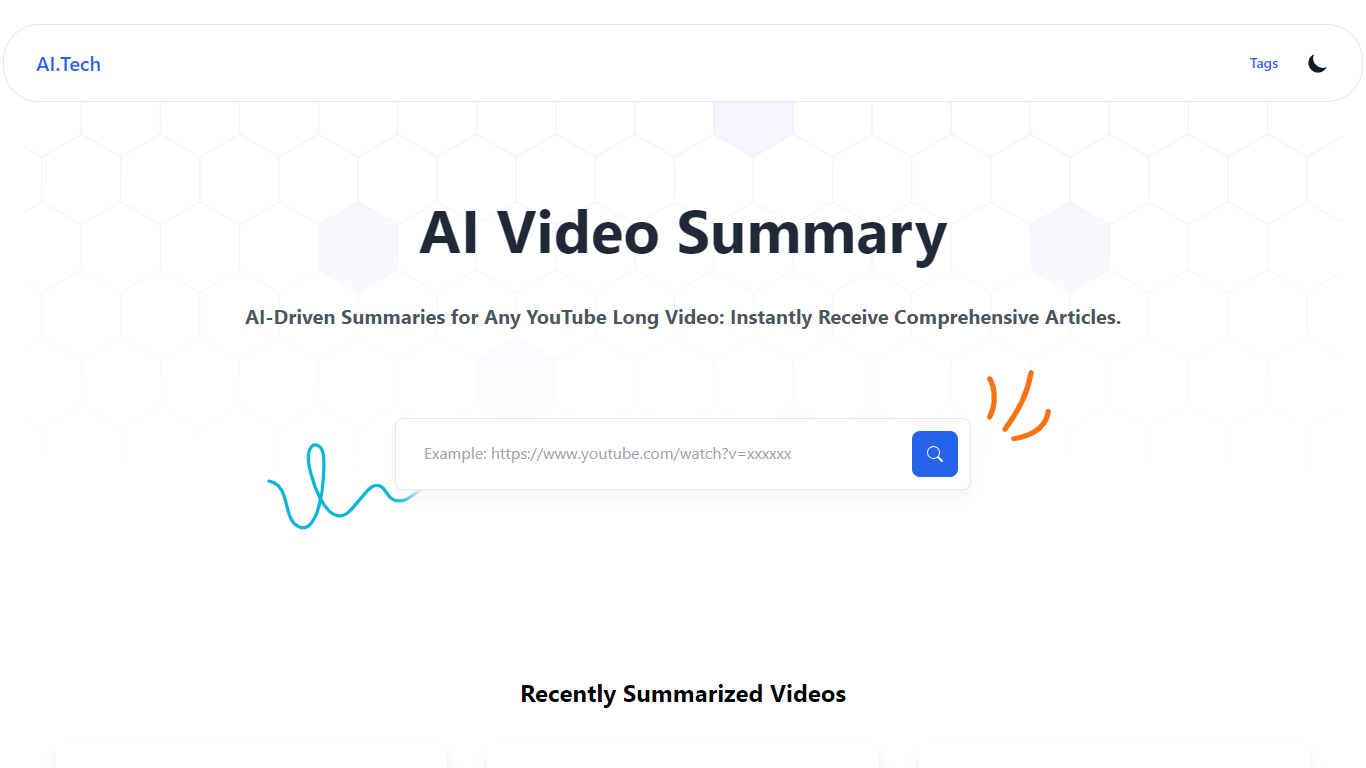
What is AI Video Summary ?
AI Video Summary (AIVideoSummary) turns uploaded audio and video into subtitles, full transcripts, and bullet-point summaries. Paste a link from YouTube, TikTok, Facebook, or Vimeo, or upload MP4, MP3, WAV, MOV, or M4A files and pick the output you need.
The platform runs OpenAI Whisper for speech-to-text and Facebook BART for summarization on its servers. Uploaded files are processed temporarily and deleted afterward, so nothing stays stored after the job finishes.
It fits creators, educators, podcasters, journalists, and remote teams who need searchable text from lectures, interviews, webinars, or long-form video without sitting through the full recording. A separate blog rewriter tool also lets you rework existing articles and transcripts.
Clapper Upvotes
AI Video Summary Upvotes
Clapper Top Features
Iterate on stories using characters, locations, weather, and style abstractions
Public demo hosted on Hugging Face at clapper.app
Local install runs on localhost port 3000 with Bun and Node 20.17.0
GPL v3 license with open roadmap and Discord community support
Director's Mode planned for fullscreen AI-assisted prompting
Swappable model stack for images, voices, and script generation
AI Video Summary Top Features
Paste a YouTube, TikTok, Facebook, or Vimeo link for subtitles, transcripts, or summaries
Upload MP4, MP3, WAV, MOV, or M4A and export SRT, VTT, or TXT subtitle files
Whisper transcribes speech in 100+ languages with timestamps on each paragraph
BART condenses long recordings into bullet-point summaries downloadable as markdown
Built-in blog rewriter reworks articles and transcript text in a separate workflow
Clapper Category
- Video Editing
AI Video Summary Category
- Video Editing
Clapper Pricing Type
- Free
AI Video Summary Pricing Type
- Freemium