Clapper vs EasyTranscribe
Explore the showdown between Clapper vs EasyTranscribe and find out which AI Video Editing tool wins. We analyze upvotes, features, reviews, pricing, alternatives, and more.
In a face-off between Clapper and EasyTranscribe, which one takes the crown?
When we contrast Clapper with EasyTranscribe, both of which are exceptional AI-operated video editing tools, and place them side by side, we can spot several crucial similarities and divergences. The upvote count reveals a draw, with both tools earning the same number of upvotes. Join the aitools.fyi users in deciding the winner by casting your vote.
Want to flip the script? Upvote your favorite tool and change the game!
Clapper
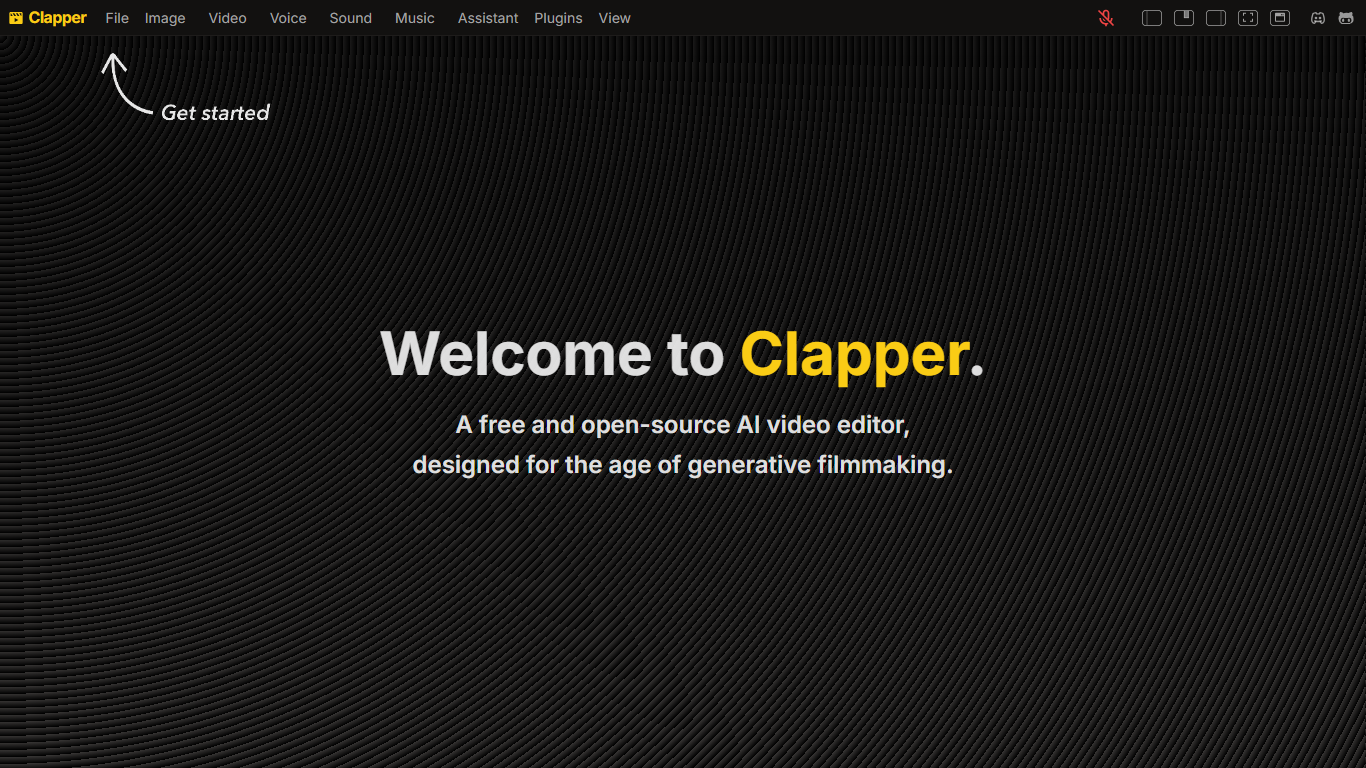

What is Clapper?
Clapper is an open-source AI story visualization tool that turns high-level creative directions into video sequences without a traditional timeline editor. You describe characters, locations, weather, style, and mood, then iterate with an AI assistant instead of cutting raw clips by hand.
Most AI video editors still expect 3D scenes or frame-by-frame exports. Clapper works from narrative abstractions and is building a Director's Mode where you prompt changes in fullscreen while the set assistant updates the scene. The hosted demo lives on Hugging Face at clapper.app, with local installs via Bun on port 3000.
It targets filmmakers, hobbyists, and developers experimenting with AI cinema. The README warns the project is in very early alpha: some buttons break, workflows are incomplete, and the public Hugging Face Space showed a build error during this research run, though the GitHub repo remains active under GPL v3.
EasyTranscribe
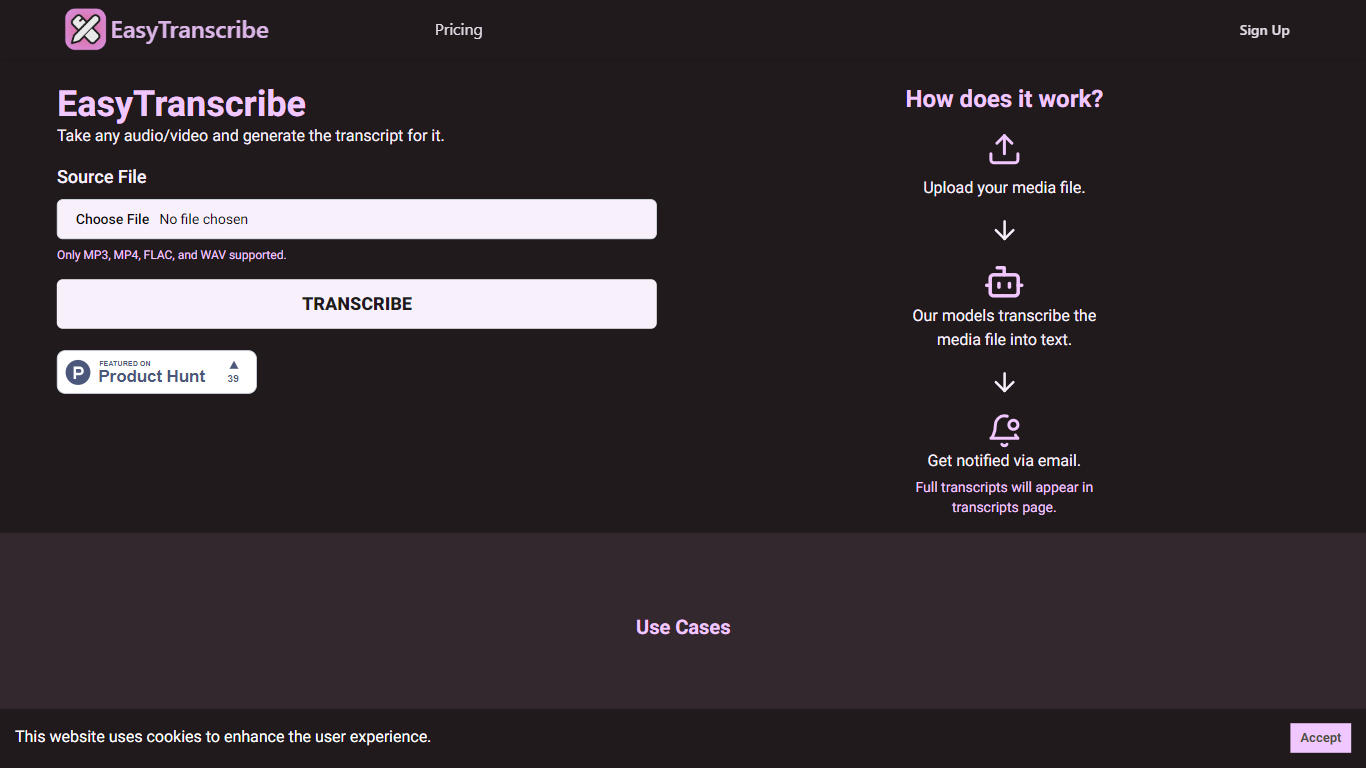
What is EasyTranscribe?
EasyTranscribe converts audio and video files into text by transcribing spoken words into written transcripts. It supports popular formats such as MP3, MP4, FLAC, and WAV, allowing users to upload various media files for transcription. After processing, transcripts are accessible on a dedicated page, and users receive email notifications when their files are ready.
What sets EasyTranscribe apart is its combination of multi-language and dialect support with a built-in transcript editor, enabling users to correct transcripts directly on the platform. It also offers syncing of transcripts with audio to enhance viewer engagement, which is not always available in basic transcription tools.
EasyTranscribe is designed for content creators, educators, podcasters, researchers, and video producers who need accurate and accessible transcripts quickly. Its simple interface requires no technical skills, making it easy to manage transcriptions and improve content accessibility for people with hearing impairments.
The platform focuses on automating transcription to save time and reduce manual note-taking or caption creation. By providing searchable, clear transcripts and ongoing improvements in speed and accuracy, EasyTranscribe supports efficient content management and accessibility needs.
Clapper Upvotes
EasyTranscribe Upvotes
Clapper Top Features
Iterate on stories using characters, locations, weather, and style abstractions
Public demo hosted on Hugging Face at clapper.app
Local install runs on localhost port 3000 with Bun and Node 20.17.0
GPL v3 license with open roadmap and Discord community support
Director's Mode planned for fullscreen AI-assisted prompting
Swappable model stack for images, voices, and script generation
EasyTranscribe Top Features
🎧 Supports multiple audio and video formats including MP3, MP4, FLAC, and WAV
⏱️ Fast transcription with email notifications when transcripts are ready
📝 Built-in transcript editor for direct corrections and adjustments
🌍 Multi-language and dialect support for global transcription needs
🔗 Sync transcripts with audio to enhance viewer engagement
Clapper Category
- Video Editing
EasyTranscribe Category
- Video Editing
Clapper Pricing Type
- Free
EasyTranscribe Pricing Type
- Freemium