Clapper vs Shortdeo
In the clash of Clapper vs Shortdeo, which AI Video Editing tool emerges victorious? We assess reviews, pricing, alternatives, features, upvotes, and more.
If you had to choose between Clapper and Shortdeo, which one would you go for?
Let's take a closer look at Clapper and Shortdeo, both of which are AI-driven video editing tools, and see what sets them apart. The upvote count reveals a draw, with both tools earning the same number of upvotes. Your vote matters! Help us decide the winner among aitools.fyi users by casting your vote.
You don't agree with the result? Cast your vote to help us decide!
Clapper
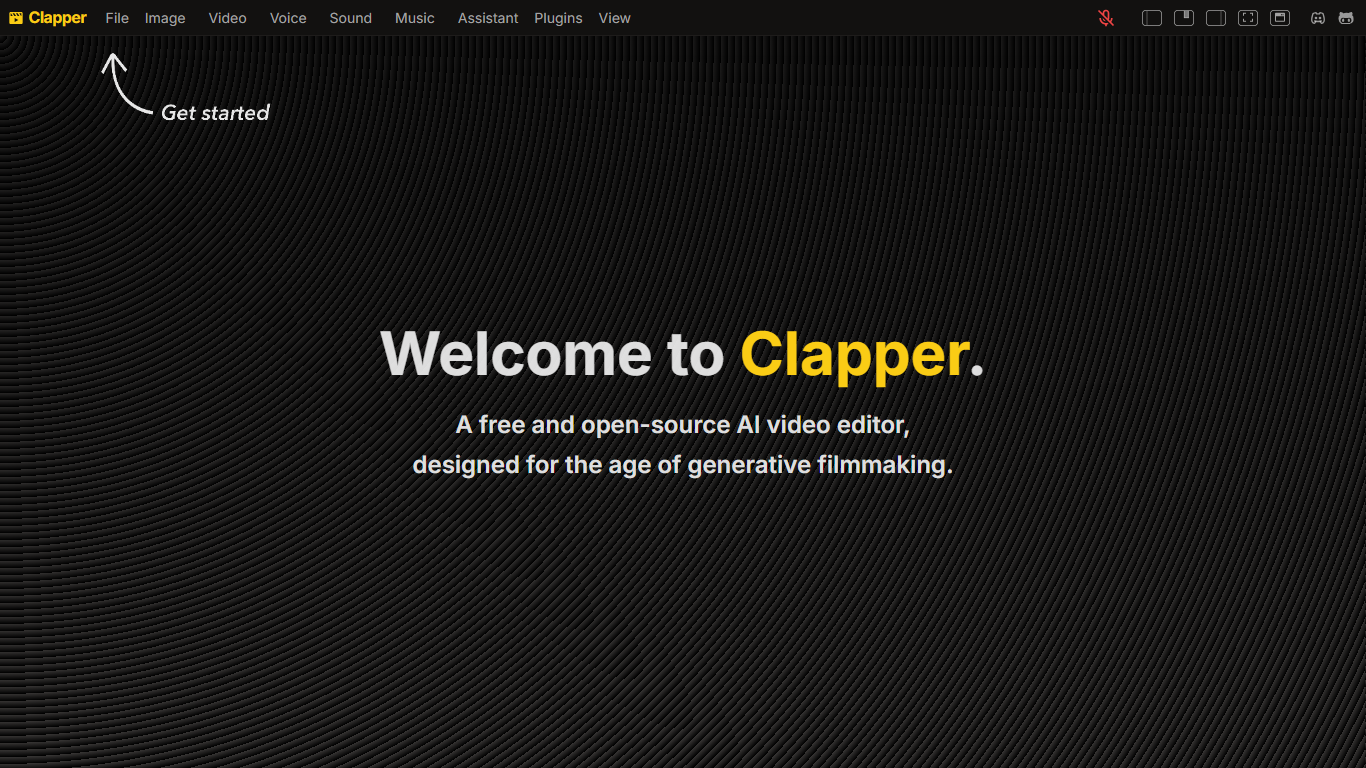

What is Clapper?
Clapper is an open-source AI story visualization tool that turns high-level creative directions into video sequences without a traditional timeline editor. You describe characters, locations, weather, style, and mood, then iterate with an AI assistant instead of cutting raw clips by hand.
Most AI video editors still expect 3D scenes or frame-by-frame exports. Clapper works from narrative abstractions and is building a Director's Mode where you prompt changes in fullscreen while the set assistant updates the scene. The hosted demo lives on Hugging Face at clapper.app, with local installs via Bun on port 3000.
It targets filmmakers, hobbyists, and developers experimenting with AI cinema. The README warns the project is in very early alpha: some buttons break, workflows are incomplete, and the public Hugging Face Space showed a build error during this research run, though the GitHub repo remains active under GPL v3.
Shortdeo
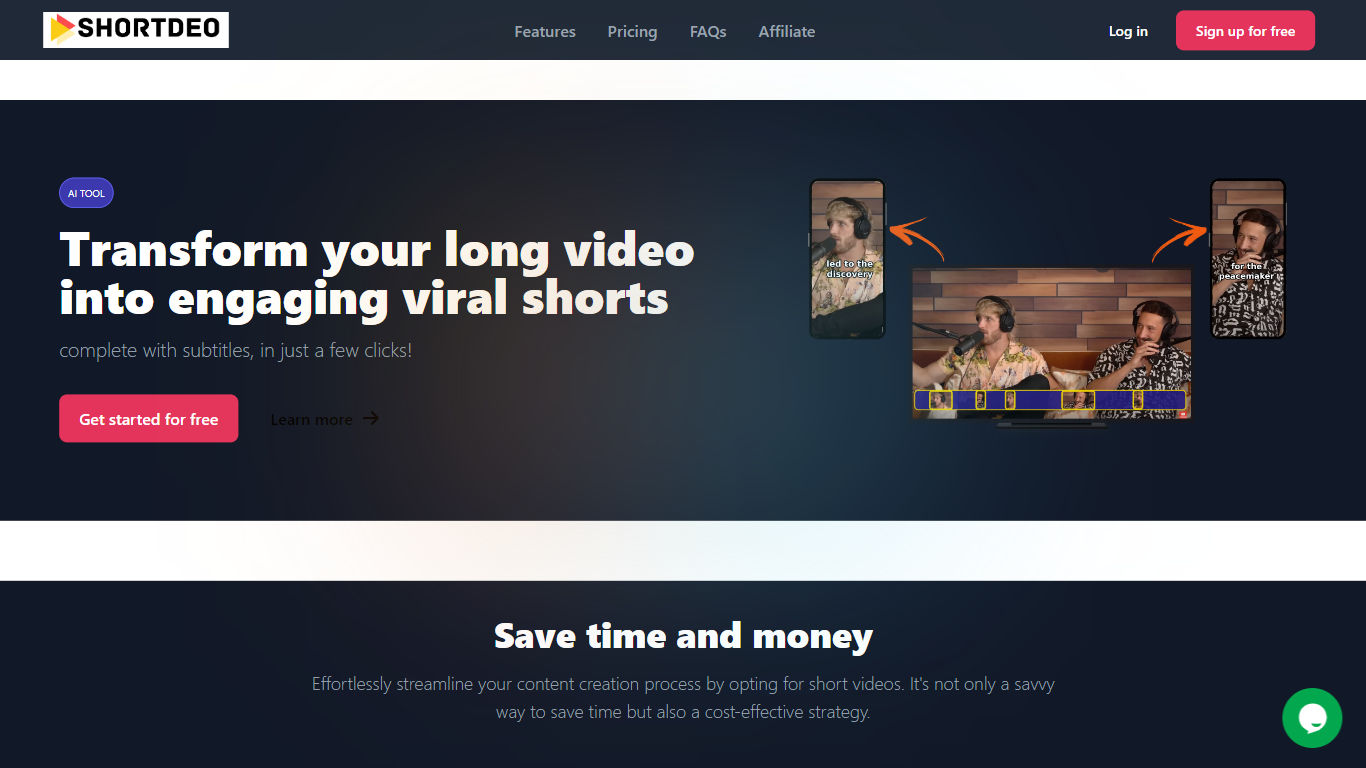
What is Shortdeo?
Shortdeo turns long uploads or YouTube links into short vertical clips with auto captions. Paste a URL or MP4, and its scene detection splits the footage into shareable segments sized for TikTok, Instagram Reels, and similar feeds. The tool targets Video Editing workflows where you already have a long recording and need many social clips fast.
Manual clipping means scrubbing timelines and typing subtitles by hand. Shortdeo chains scene detection, auto-cropping around active speakers, multi-face split screens, and transcription into one workflow, then exports up to 4K at 2160x3840. That combination suits creators who have a long podcast or webinar recording and want dozens of social clips without hiring an editor.
Podcasters, course creators, and social media managers use it to repurpose interviews, reviews, and commentary videos across platforms. Paid plans start at $19.99 per month with clip export limits, and the company currently disables free trials while offering purchase refunds for unsatisfied customers.
Clapper Upvotes
Shortdeo Upvotes
Clapper Top Features
Iterate on stories using characters, locations, weather, and style abstractions
Public demo hosted on Hugging Face at clapper.app
Local install runs on localhost port 3000 with Bun and Node 20.17.0
GPL v3 license with open roadmap and Discord community support
Director's Mode planned for fullscreen AI-assisted prompting
Swappable model stack for images, voices, and script generation
Shortdeo Top Features
Starter plan exports 50 clips per month at up to 1080x1920 Full HD
Professional plan exports 400 clips monthly with 4K output at 2160x3840
Magic Scene Detection splits long videos into short segments automatically
Auto-captions transcribe speech and add subtitles without manual typing
Multi-face detection builds split-screen layouts when several speakers are active
Supports 11 languages including English, French, German, Spanish, and Japanese
Clapper Category
- Video Editing
Shortdeo Category
- Video Editing
Clapper Pricing Type
- Free
Shortdeo Pricing Type
- Paid