Clapper vs VideoSage
In the battle of Clapper vs VideoSage , which AI Video Editing tool comes out on top? We compare reviews, pricing, alternatives, upvotes, features, and more.
Between Clapper and VideoSage , which one is superior?
Upon comparing Clapper with VideoSage , which are both AI-powered video editing tools, The upvote count is neck and neck for both Clapper and VideoSage . Join the aitools.fyi users in deciding the winner by casting your vote.
Does the result make you go "hmm"? Cast your vote and turn that frown upside down!
Clapper

What is Clapper?
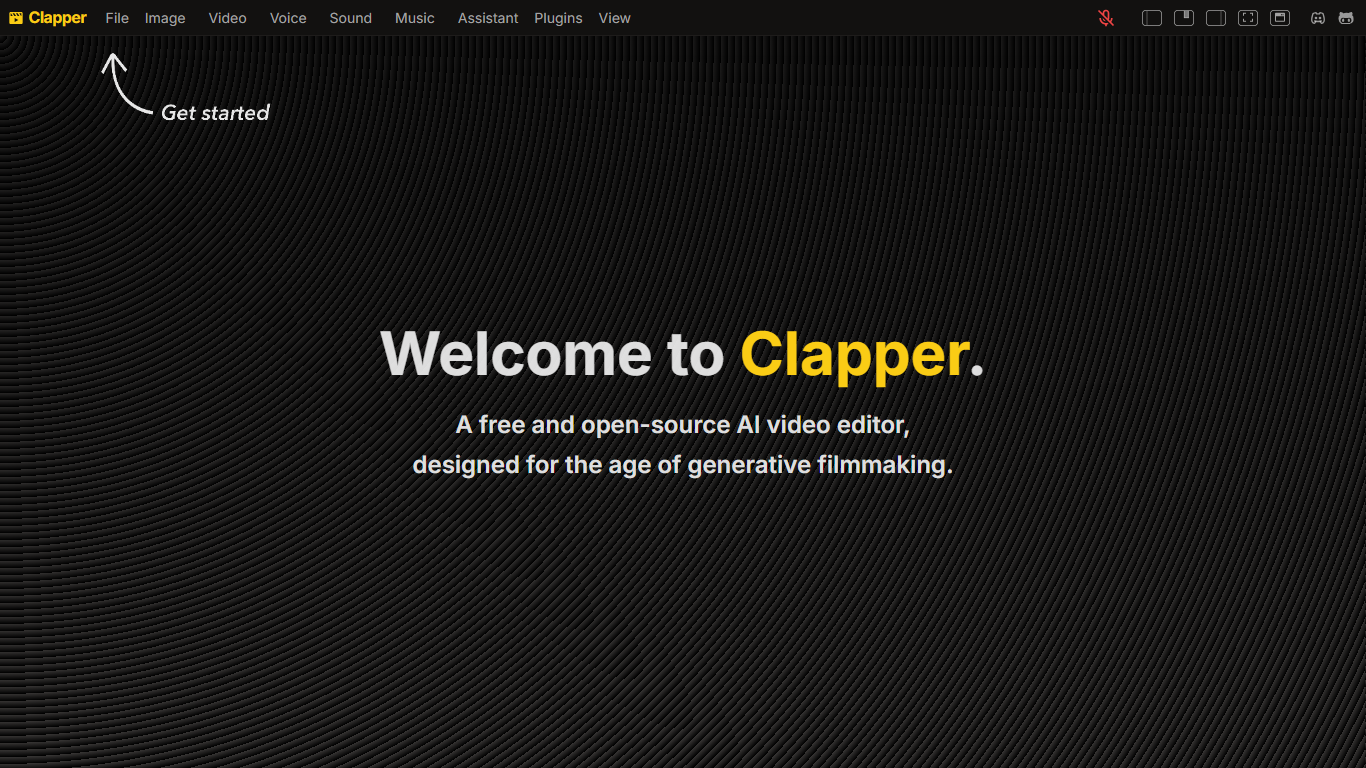
Clapper is an open-source AI story visualization tool that turns high-level creative directions into video sequences without a traditional timeline editor. You describe characters, locations, weather, style, and mood, then iterate with an AI assistant instead of cutting raw clips by hand.
Most AI video editors still expect 3D scenes or frame-by-frame exports. Clapper works from narrative abstractions and is building a Director's Mode where you prompt changes in fullscreen while the set assistant updates the scene. The hosted demo lives on Hugging Face at clapper.app, with local installs via Bun on port 3000.
It targets filmmakers, hobbyists, and developers experimenting with AI cinema. The README warns the project is in very early alpha: some buttons break, workflows are incomplete, and the public Hugging Face Space showed a build error during this research run, though the GitHub repo remains active under GPL v3.
VideoSage
What is VideoSage ?
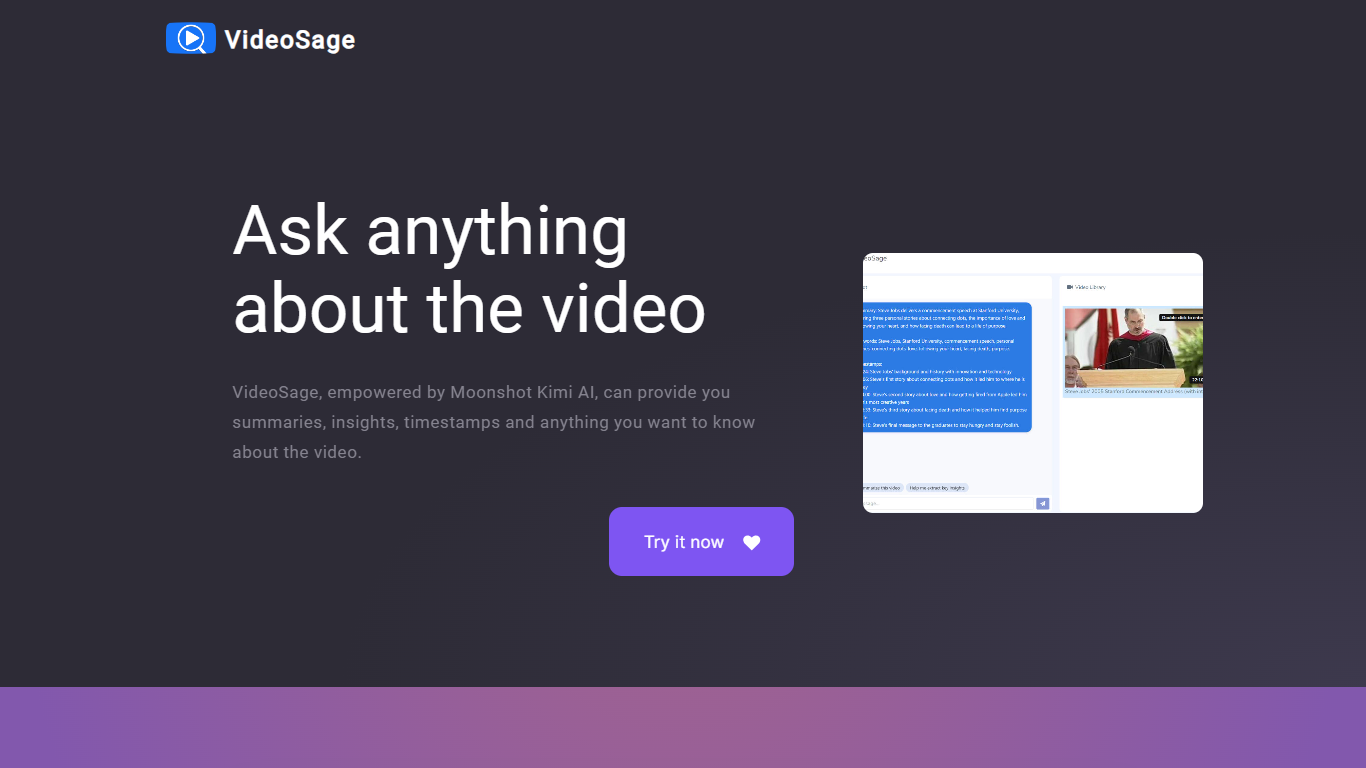
VideoSage is an AI-powered video companion designed to enhance how you watch and learn from videos. It uses the Moonshot Kimi AI model to generate detailed summaries, extract key insights, and provide precise timestamps, making long videos easier to navigate and understand. This tool is ideal for content creators, students, and anyone looking to get more from video content without wasting time.
The platform encourages interactive engagement by allowing users to ask questions about the video content and receive accurate, transparent answers. This conversational approach helps deepen understanding and supports note-taking directly within the video interface, fostering a more active learning experience.
VideoSage also offers customization options to tailor the viewing experience to individual preferences, helping users focus on the most relevant parts of a video. Its ability to break down complex or lengthy videos into manageable segments saves time and improves retention.
The AI model powering VideoSage is regularly updated to maintain high accuracy and relevance, ensuring that users get reliable information and insights. The platform's design emphasizes ease of use, making advanced video analysis accessible without technical expertise.
Overall, VideoSage transforms passive video watching into an interactive, efficient, and insightful process, helping users extract maximum value from video content across educational and entertainment contexts.
Clapper Upvotes
VideoSage Upvotes
Clapper Top Features
Iterate on stories using characters, locations, weather, and style abstractions
Public demo hosted on Hugging Face at clapper.app
Local install runs on localhost port 3000 with Bun and Node 20.17.0
GPL v3 license with open roadmap and Discord community support
Director's Mode planned for fullscreen AI-assisted prompting
Swappable model stack for images, voices, and script generation
VideoSage Top Features
📌 Detailed video summaries highlight key points for quick understanding
⏰ Precise timestamps let you jump to important moments instantly
💬 Interactive Q&A lets you ask questions and get clear answers about videos
📝 Built-in note-taking helps capture thoughts while watching
⚙️ Customizable viewing options tailor the experience to your needs
Clapper Category
- Video Editing
VideoSage Category
- Video Editing
Clapper Pricing Type
- Free
VideoSage Pricing Type
- Freemium