ClarityClips vs Unsummary
Explore the showdown between ClarityClips vs Unsummary and find out which AI Summarizer tool wins. We analyze upvotes, features, reviews, pricing, alternatives, and more.
When comparing ClarityClips and Unsummary, which one rises above the other?
When we contrast ClarityClips with Unsummary, both of which are exceptional AI-operated summarizer tools, and place them side by side, we can spot several crucial similarities and divergences. In the race for upvotes, Unsummary takes the trophy. The number of upvotes for Unsummary stands at 7, and for ClarityClips it's 6.
Not your cup of tea? Upvote your preferred tool and stir things up!
ClarityClips
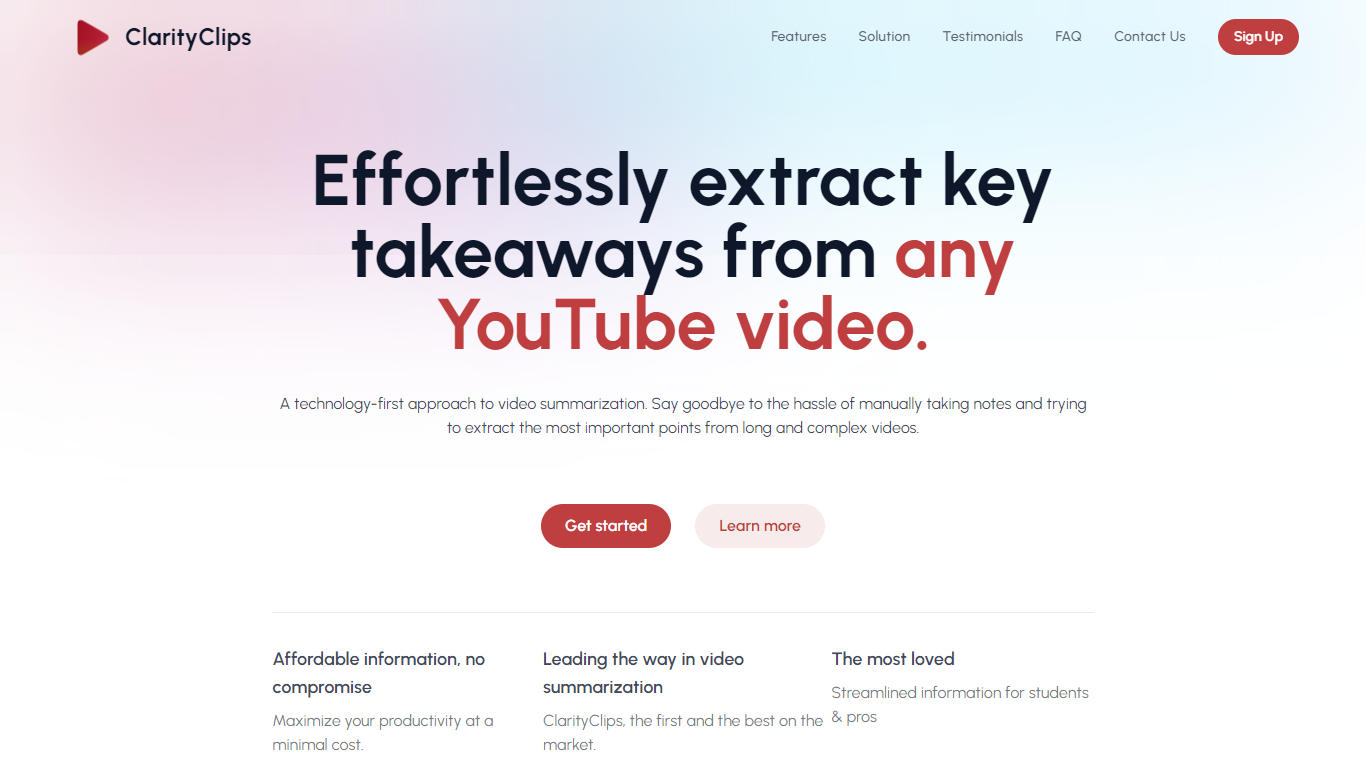

What is ClarityClips ?
ClarityClips is a powerful web-based application designed to summarize YouTube videos quickly and efficiently, making it a valuable tool for anyone needing to extract essential information from video content.
Utilizing advanced AI technology, ClarityClips condenses lengthy videos into concise summaries, allowing users to grasp the key points without spending excessive time watching the entire video. This functionality is particularly beneficial for professionals, students, and content creators who need to review large amounts of video material swiftly.
The platform is multilingual, supporting summaries in various languages, which broadens its usability across different regions and for diverse audiences. ClarityClips is praised for its ease of use and efficiency, making it an indispensable tool for journalists, business managers, academics, and podcasters.
Unsummary
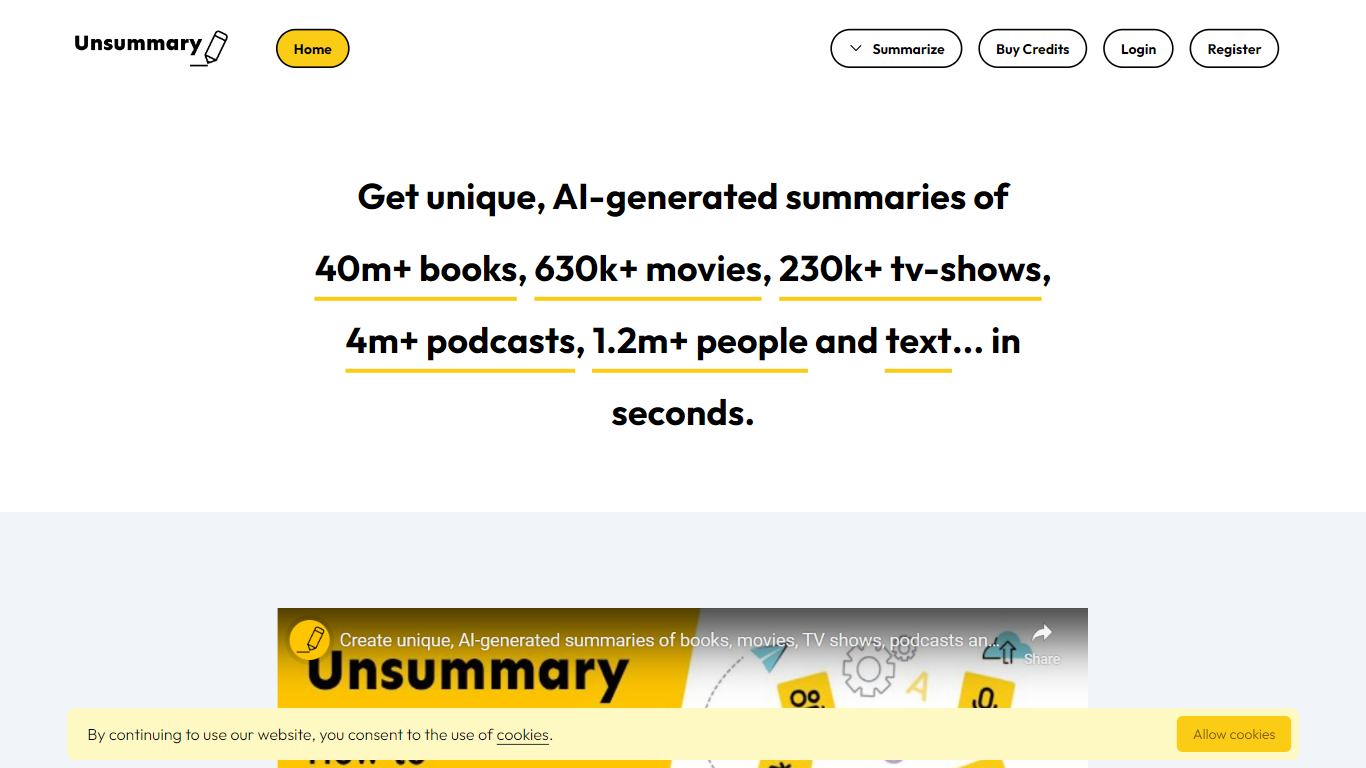
What is Unsummary?
Unsummary turns named books, movies, TV shows, podcasts, people, and pasted text into short summaries you can drop into articles. You search a title or paste a page, and the site returns a concise recap in seconds instead of you rereading the full source.
Most paste-and-summarize tools stop at whatever text you bring. Unsummary keeps searchable catalogs with 40 million books, 630,000 movies, 230,000 TV shows, 4.1 million podcasts, and 1.2 million people profiles, so you pick the work by name rather than hunting down copy first. That catalog-first setup fits recap posts, comparison roundups, and market research where the bottleneck is finding the source, not trimming it.
Writers, content marketers, and research teams use it when they need book takeaways, movie blurbs, podcast notes, bio snippets, or a quick read of a homepage or Wikipedia page. Summaries are meant to copy into your own drafts, with separate flows for each media type plus a freeform text box.
ClarityClips Upvotes
Unsummary Upvotes
ClarityClips Top Features
Technology-Driven Summarization: Automatic extraction of critical points from YouTube videos.
Affordability: High-quality information accessible at a low cost.
Market Leadership: Recognized as the first and leading provider in video summarization.
User-Centric: Designed for both students and professionals who need efficient information access.
Multilingual Support: Summarize videos in various languages for a wider user base.
Unsummary Top Features
Search 40m+ books and get a recap without pasting the full text
Pull summaries for 630k+ movies when the title is in the catalog
Cover 230k+ TV shows, 4.1m+ podcasts, and 1.2m+ people profiles
Paste homepage, about page, or Wikipedia text into the copy-and-paste summarizer
Six dedicated flows for books, movies, TV, podcasts, people, and custom text
Summaries return in seconds for weaving into articles and reports
ClarityClips Category
- Summarizer
Unsummary Category
- Summarizer
ClarityClips Pricing Type
- Freemium
Unsummary Pricing Type
- Freemium