Clearly Reader vs Voice Pen
Explore the showdown between Clearly Reader vs Voice Pen and find out which AI Text to Speech (TTS) tool wins. We analyze upvotes, features, reviews, pricing, alternatives, and more.
In a face-off between Clearly Reader and Voice Pen, which one takes the crown?
When we contrast Clearly Reader with Voice Pen, both of which are exceptional AI-operated text to speech (tts) tools, and place them side by side, we can spot several crucial similarities and divergences. The upvote count reveals a draw, with both tools earning the same number of upvotes. Join the aitools.fyi users in deciding the winner by casting your vote.
Want to flip the script? Upvote your favorite tool and change the game!
Clearly Reader
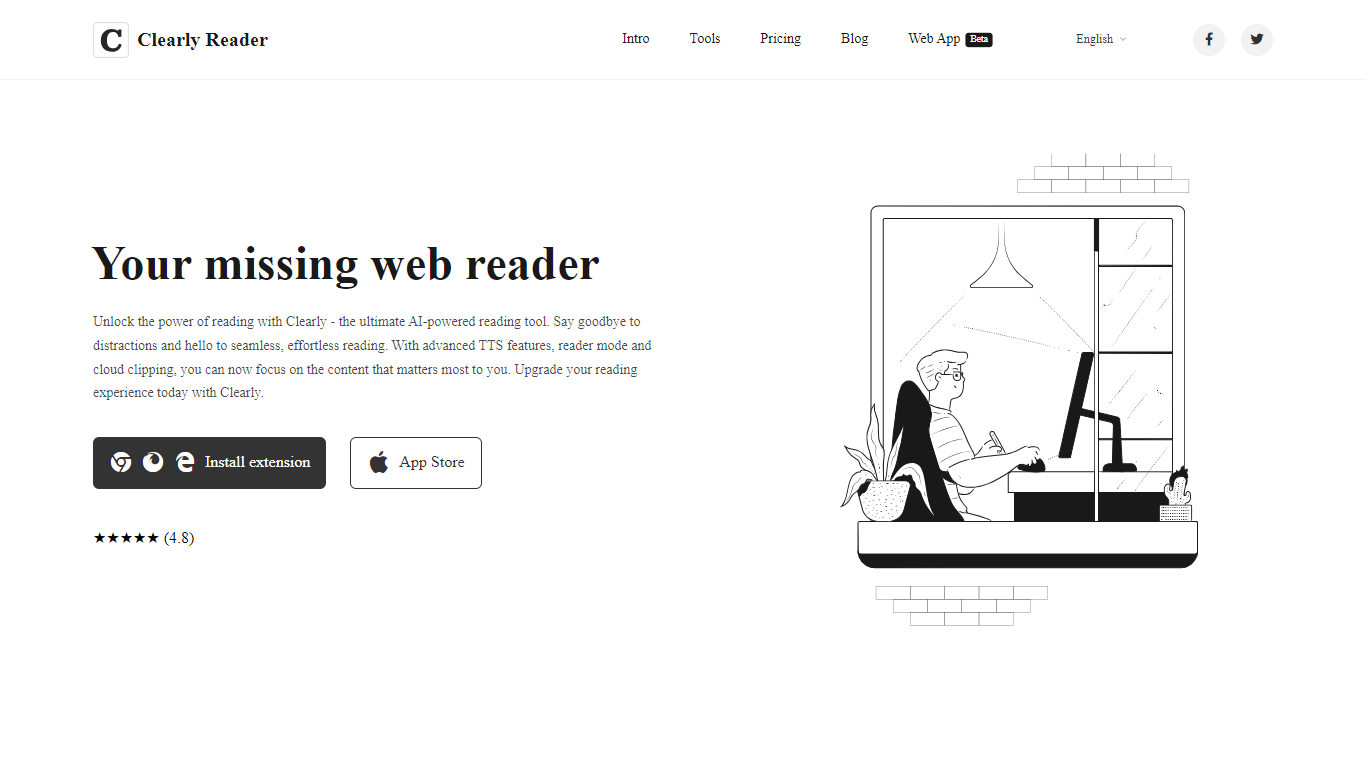

What is Clearly Reader?
Clearly Reader is a browser reader-mode extension that strips ads and clutter from articles so you can focus on the text. One click (or Alt+R) turns a noisy web page into a clean reading layout with adjustable fonts, themes, and spacing.
The product adds AI-assisted reading tools on top of basic readability. Skim mode (Alt+S) generates quick summaries, outlines, and key points so you can decide whether a long article is worth finishing. Translation, keyword highlighting, and an AI reader assistant help you work through dense content faster.
Clearly Reader also includes text-to-speech with browser and Microsoft voices, configurable rate and pitch, and export options to PDF, Word, Markdown, EPUB, and other formats. Clipping features let you save articles to cloud storage, RSS-style feeds, or third-party apps like Obsidian, Pocket, and Instapaper.
Pricing splits into a free lifetime tier for core readability, a one-time Pro license for advanced themes, exports, and sync, and a monthly subscription for cloud and AI features like clip-to-cloud and the AI reader assistant. Extensions are available for Chrome and an iOS app is listed on the App Store.
For researchers, students, and heavy online readers, Clearly Reader combines distraction-free layouts with speech, export, and AI summary tools in one reading workflow.
Voice Pen
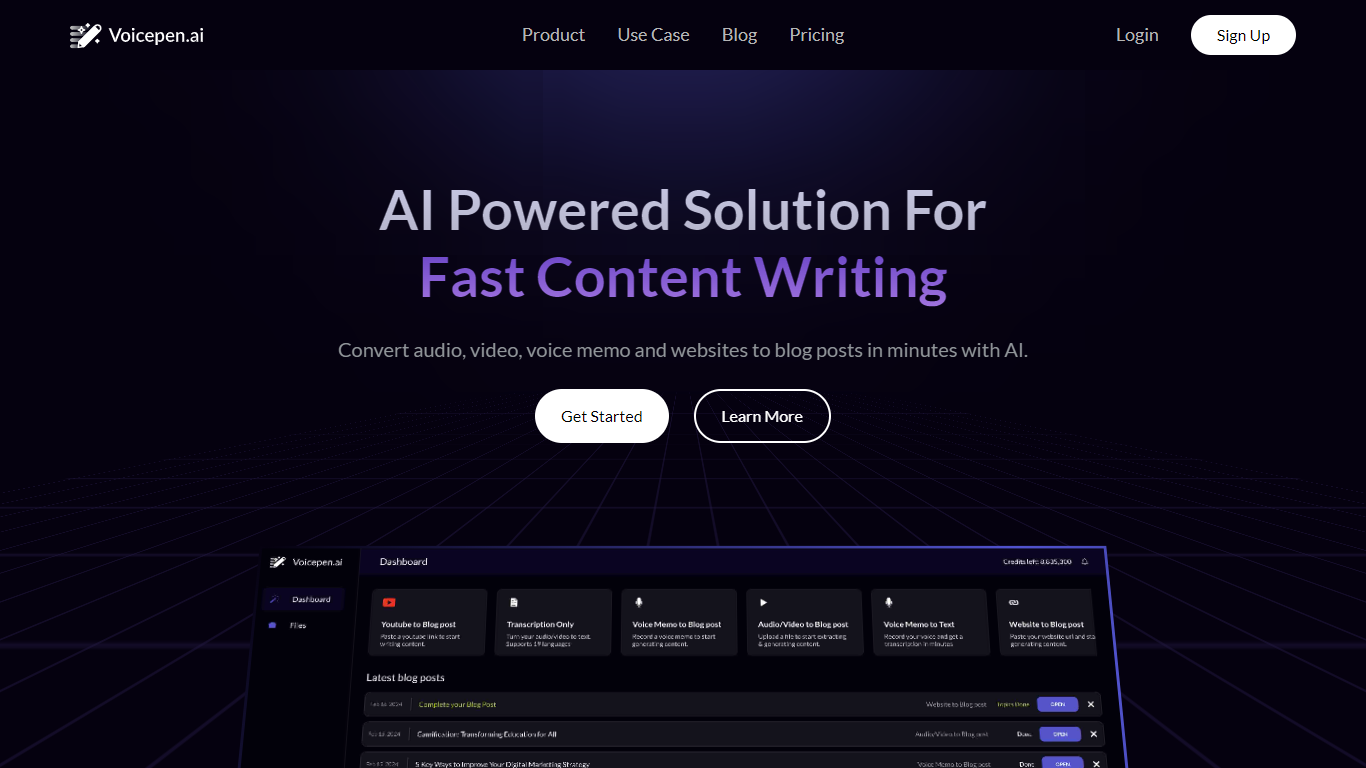
What is Voice Pen?
Voice Pen (Voicepen.ai) turns audio, video, voice memos, and websites into blog posts using AI. Upload a YouTube link, podcast episode, webinar recording, Zoom meeting, or audio file, and the app transcribes it, suggests blog topics, and drafts ready-to-edit posts.
The workflow covers four conversion types: YouTube and video, uploaded files (MP3, MP4, M4A, WAV), podcasts and webinars, and voice memos or meeting recordings. Each conversion includes a full transcription, SRT subtitle file, and a built-in post editor for refining the output.
Voice Pen targets marketers and content teams who want to repurpose existing media into written content without starting from scratch. Paste a URL or upload a file, wait for transcription, then pick topics and adjust the generated blog copy before publishing.
Clearly Reader Upvotes
Voice Pen Upvotes
Clearly Reader Top Features
Switch any article into a clean reader layout with one click or Alt+R
Listen to articles with browser or Microsoft text-to-speech voices
Generate AI summaries, outlines, and skim-mode gists with Alt+S
Export pages to PDF, Word, Markdown, EPUB, and more
Clip articles to cloud storage, RSS feeds, or apps like Obsidian
Voice Pen Top Features
Turn YouTube videos, podcasts, and webinars into blog posts from a pasted link or upload
Transcribe MP3, MP4, M4A, WAV, and voice memo files with SRT subtitle export
AI suggests blog topics and drafts post content you can edit in the built-in editor
Repurpose Zoom and Teams meeting recordings into written content
Credit-based plans scale from one-time packs to monthly Basic and Pro subscriptions
Clearly Reader Category
- Text to Speech (TTS)
Voice Pen Category
- Text to Speech (TTS)
Clearly Reader Pricing Type
- Freemium
Voice Pen Pricing Type
- Freemium