Clipboard TTS vs Speechify
In the battle of Clipboard TTS vs Speechify, which AI Text to Speech (TTS) tool comes out on top? We compare reviews, pricing, alternatives, upvotes, features, and more.
Which one is better? Clipboard TTS or Speechify?
Upon comparing Clipboard TTS with Speechify, which are both AI-powered text to speech (tts) tools, Both tools have received the same number of upvotes from aitools.fyi users. Your vote matters! Help us decide the winner among aitools.fyi users by casting your vote.
You don't agree with the result? Cast your vote to help us decide!
Clipboard TTS

What is Clipboard TTS?
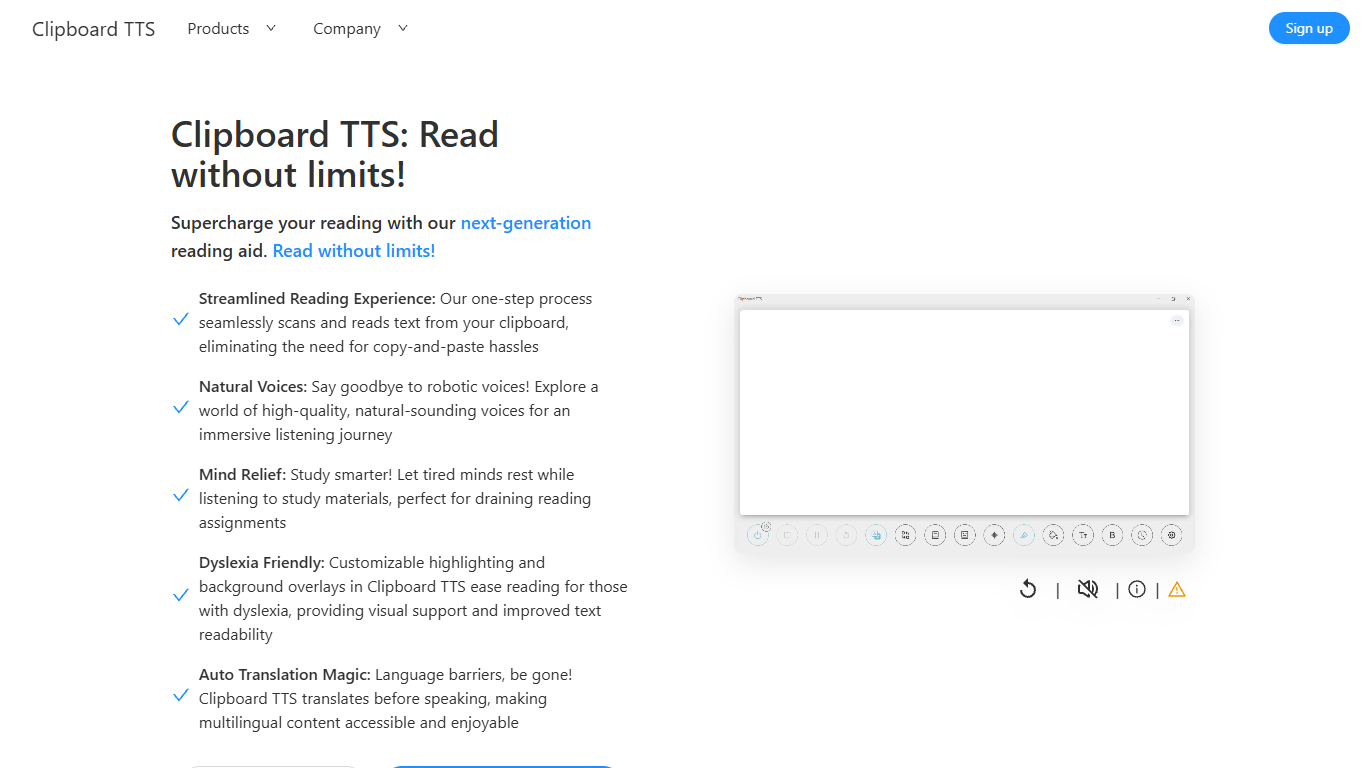
Clipboard TTS is a desktop reading aid that watches your clipboard and reads copied text aloud. Instead of pasting text into a separate app, you copy anything on your computer and hear it spoken back in a voice you choose. The tool targets readers who want hands-free access to articles, study materials, and documents.
The software is built with dyslexia and reading fatigue in mind. It offers word and sentence highlighting, colored background overlays, the OpenDyslexic font, and BoldCue bolding to help eyes track text while audio plays. Auto-translation detects the language of copied text and speaks it in the language tied to your selected voice.
Clipboard TTS runs as a Windows desktop application with a Linux version listed as coming soon. It supports 49 languages and more than 100 voices, plus image-to-text conversion when you copy a screenshot or photo containing text.
Speechify
What is Speechify?
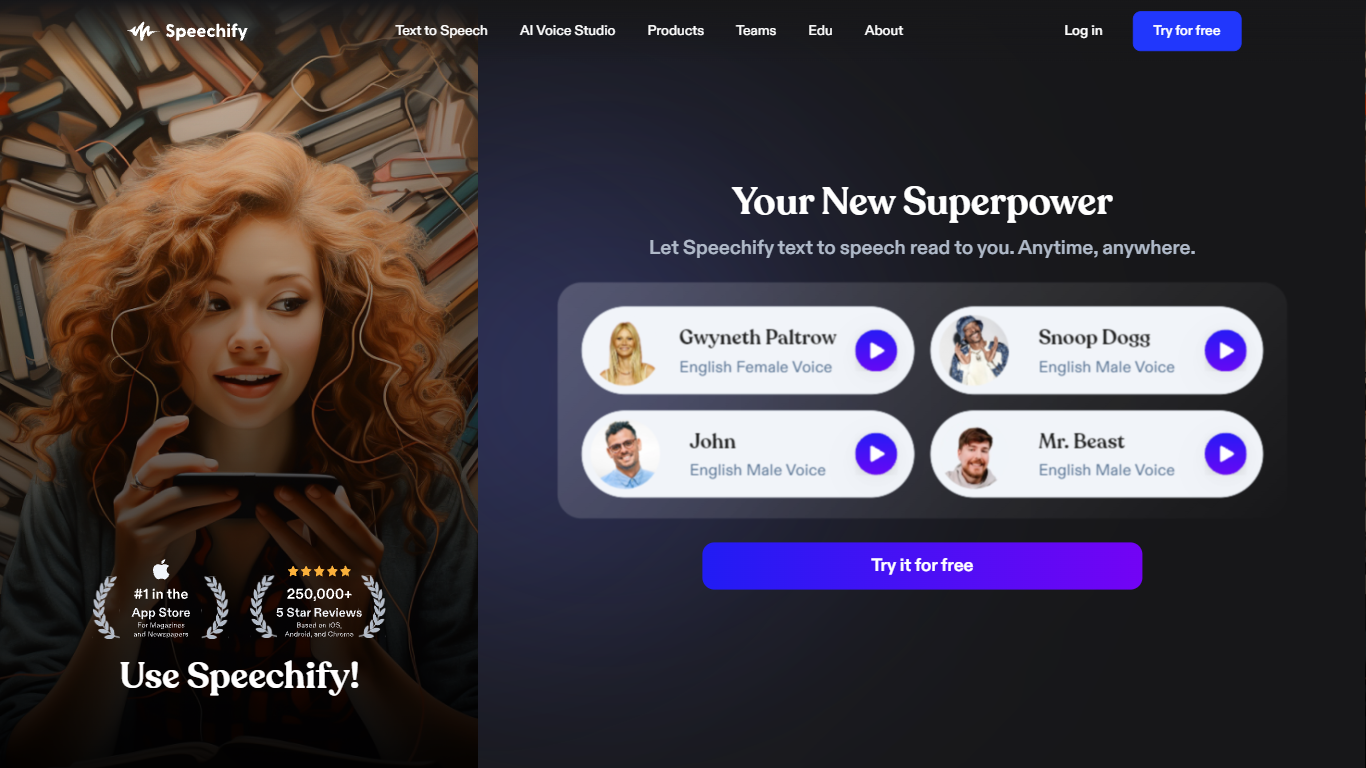
Speechify is a voice productivity platform that reads text aloud, types what you say, and answers questions about what you are reading. Upload a PDF, paste a web page, or scan a printed page and listen with natural voices at speeds up to 5x. It runs on web, mobile, desktop, and browser extensions so you can keep listening across devices.
Founder Cliff Weitzman built Speechify after growing up with dyslexia and hacking together text-to-speech tools to get through college reading at Brown University. The product has since grown into a full voice layer: dictation that works in any app, one-click AI podcasts from documents, meeting note taking, and a voice assistant that summarizes pages you are reading.
With 60 million users and over 1 million five-star reviews, Speechify targets students, professionals, and anyone who reads faster by listening. It won a 2025 Apple Design Award and was named Chrome Extension of the Year.
Clipboard TTS Upvotes
Speechify Upvotes
Clipboard TTS Top Features
Monitors your clipboard and reads new text automatically without pasting into a separate window
Converts copied images to speech via built-in OCR when text appears in a screenshot
Highlights the current word and sentence in colors you choose while audio plays
Auto-translates copied text to match the language of your selected voice before speaking
AI Assist uses GPT-3 to rewrite or summarize copied text based on a custom prompt you write
Speechify Top Features
1,000+ natural voices in 60+ languages with celebrity options like Snoop Dogg
Listen at up to 5x speed with text highlighting that follows along
Voice typing hits 160 words per minute in Gmail, Slack, Google Docs, and more
Turn any document or short description into an AI podcast in one click
Scan printed pages with OCR and hear them read aloud instantly
Voice AI assistant answers questions about whatever you are reading
Runs on iOS, Android, Mac, Windows, Chrome, and Edge
Clipboard TTS Category
- Text to Speech (TTS)
Speechify Category
- Text to Speech (TTS)
Clipboard TTS Pricing Type
- Paid
Speechify Pricing Type
- Freemium