
Last updated 07-25-2026
Category:
Reviews:
Join thousands of AI enthusiasts in the World of AI!
Speechify
Speechify is a voice productivity platform that reads text aloud, types what you say, and answers questions about what you are reading. Upload a PDF, paste a web page, or scan a printed page and listen with natural voices at speeds up to 5x. It runs on web, mobile, desktop, and browser extensions so you can keep listening across devices.
Founder Cliff Weitzman built Speechify after growing up with dyslexia and hacking together text-to-speech tools to get through college reading at Brown University. The product has since grown into a full voice layer: dictation that works in any app, one-click AI podcasts from documents, meeting note taking, and a voice assistant that summarizes pages you are reading.
With 60 million users and over 1 million five-star reviews, Speechify targets students, professionals, and anyone who reads faster by listening. It won a 2025 Apple Design Award and was named Chrome Extension of the Year.
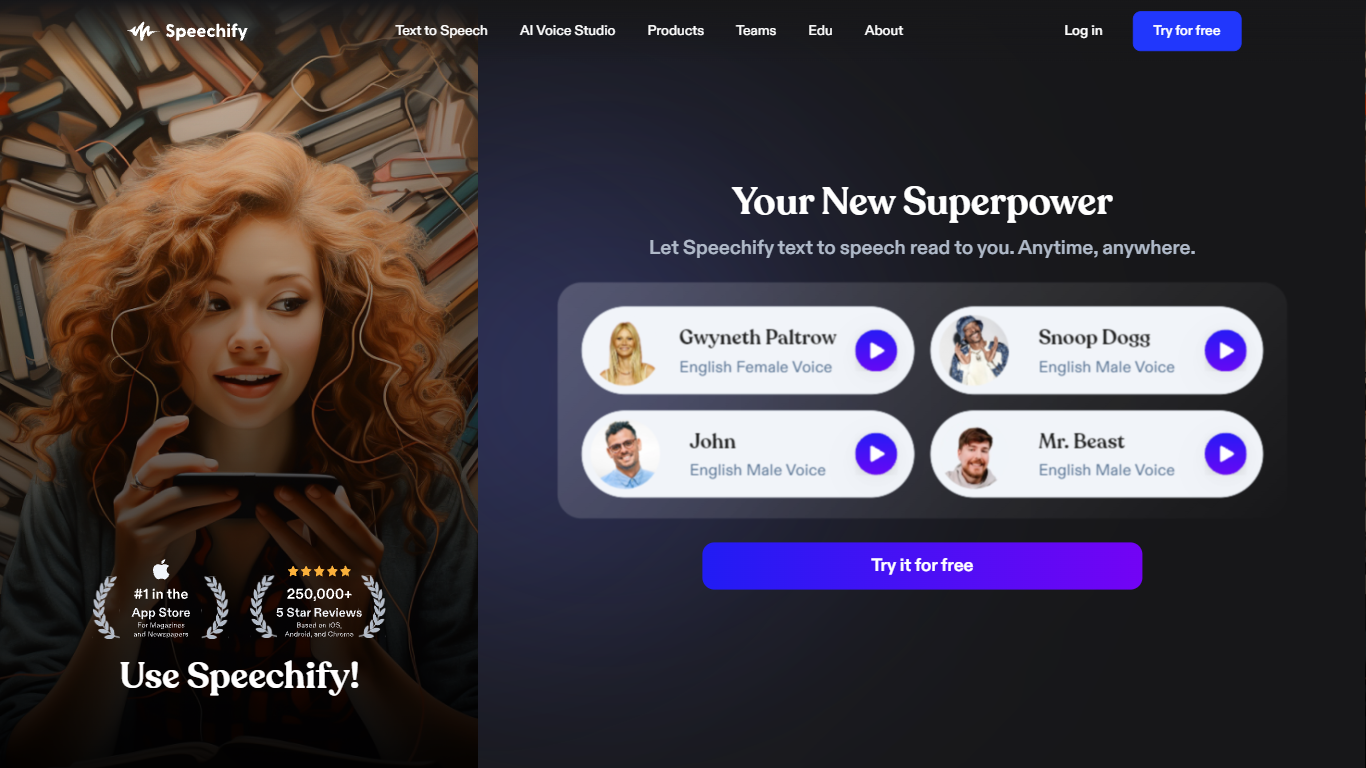
1,000+ natural voices in 60+ languages with celebrity options like Snoop Dogg
Listen at up to 5x speed with text highlighting that follows along
Voice typing hits 160 words per minute in Gmail, Slack, Google Docs, and more
Turn any document or short description into an AI podcast in one click
Scan printed pages with OCR and hear them read aloud instantly
Voice AI assistant answers questions about whatever you are reading
Runs on iOS, Android, Mac, Windows, Chrome, and Edge
Free tier covers basic text-to-speech without requiring a credit card upfront.
Over 1,000 natural voices across 60+ languages, including celebrity voice options.
Works across seven platforms: web, iOS, Android, Mac, Windows, Chrome, and Edge.
Voice typing is included on the free plan and works inside third-party apps like Gmail and Slack.
Won a 2025 Apple Design Award and was named Chrome Extension of the Year.
Premium users can download audio for offline listening.
Free plan limits playback to 1.5x speed with only 10 basic voices.
Premium at $29/month is pricier than many standalone TTS tools.
Yearly savings percentage is shown on the pricing page but the exact annual price is not listed without starting checkout.
Separate pricing exists for Speechify Studio and the developer API, which can be confusing.
Does Speechify have a free plan?
Yes. Speechify offers a free tier with text-to-speech listening at speeds up to 1.5x and 10 basic voices. Premium unlocks 1,000+ natural voices, 5x playback speed, voice typing, AI podcasts, and the voice assistant.
How much does Speechify Premium cost?
Speechify Premium is $29 per month on the monthly billing option. Speechify also offers a yearly plan advertised as saving 60% compared to monthly billing. A free trial of Premium is available before you upgrade.
What file formats does Speechify support?
Speechify reads PDF, EPUB, DOCX, XLSX, and TXT files, plus web links, scanned pages, and pasted text. You can upload files through the web app or mobile apps and listen across synced devices.
What devices and platforms does Speechify work on?
Speechify runs on iOS, Android, Mac, Windows, and the web. Browser extensions are available for Chrome and Microsoft Edge. Your library and listening progress sync when you sign in.
Does Speechify offer voice typing and dictation?
Yes. Speechify Voice Typing converts speech to polished text at roughly 160 words per minute across desktop apps like Slack, Outlook, and Google Docs. The feature cleans up grammar and filler words automatically and is available on the free plan.
Can I listen to Speechify content offline?
Yes. Speechify Premium users can download converted audio for offline listening. This lets you access books, documents, and articles without an internet connection.
Does Speechify have a text-to-speech API?
Yes. Speechify offers a Text to Speech API at speechify.ai with instant voice cloning, streaming, SSML support, and emotional controllability. Developers can sign up at console.speechify.ai and review documentation at docs.speechify.ai.