
Last updated 07-27-2026
Category:
Reviews:
Join thousands of AI enthusiasts in the World of AI!
ttsMP3
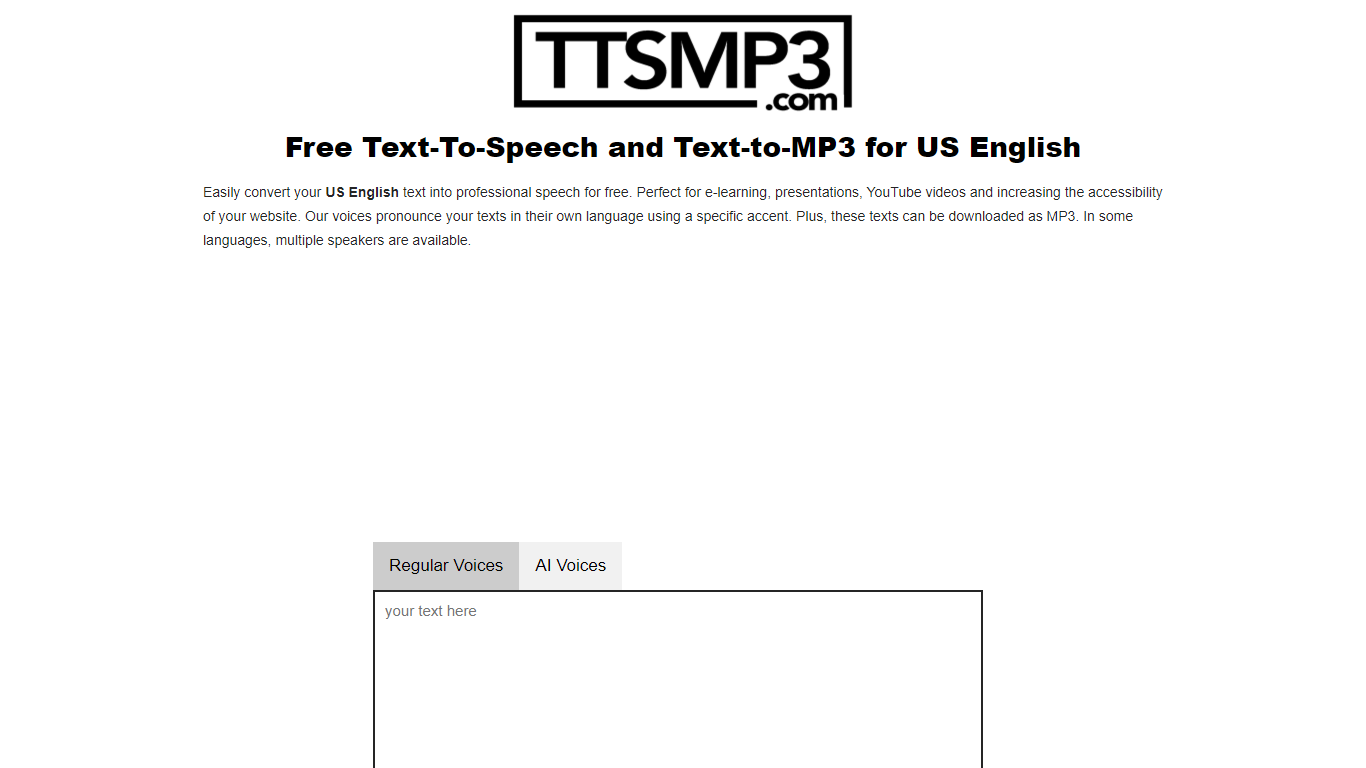
ttsMP3 converts written text into spoken audio, allowing users to generate speech in over 28 languages and accents. Users can download the speech as MP3 files for use in various projects such as e-learning, presentations, and accessibility enhancements.
This tool combines Regular Voices powered by Amazon Polly, which support detailed SSML controls like speed, pitch, breaks, emphasis, and whisper effects, with AI Voices powered by OpenAI Text-To-Speech that provide more natural and expressive speech using style and emotion instructions. This dual approach offers users flexibility depending on their customization needs.
ttsMP3 offers free daily character limits for both voice types, with premium plans unlocking higher quotas and API access for integration into apps and workflows. Users can also switch speakers within a single text to create conversations, enhancing the customization of audio content.
ttsMP3 is ideal for educators, content creators, developers, marketing professionals, and accessibility specialists who want advanced speech customization without requiring technical skills. The voice selection depends on underlying providers, which ensures high-quality voices but limits custom additions.
🎙️ Supports 28+ languages and accents with multiple speakers per language
⚙️ Advanced SSML controls including speed, pitch, breaks, emphasis, and whisper effects
🤖 AI Voices powered by OpenAI with style and emotion instructions for expressive speech
💾 Download generated speech as MP3 files for easy use in projects
🔗 API access included with premium plans for app and workflow integration
Supports over 28 languages with multiple accents and speakers
Offers both traditional and AI-generated voices for varied needs
Includes advanced speech customization with SSML support
Free tier available with easy upgrade to premium for higher limits
Provides API access for developers to integrate TTS into apps
Free usage limited to 3,000 characters per day for Regular Voices
AI Voices have lower daily character limits and lack pitch control
Voice selection depends on underlying providers, limiting custom additions
Can I use ttsMP3-generated MP3 files for commercial projects?
Yes, you can use MP3 files created with ttsMP3 in commercial and non-commercial projects without mandatory credit.
What is the difference between Regular Voices and AI Voices in ttsMP3?
In ttsMP3, Regular Voices use Amazon Polly with SSML support for detailed speech effects, while AI Voices use OpenAI for more natural speech with style and emotion instructions.
How do I get API access for ttsMP3?
API access for ttsMP3 is included with every 1-year premium plan. After purchase, you should contact support to receive your API key.
Are there daily limits on text conversion in ttsMP3?
Yes, ttsMP3 free users have a daily limit of 3,000 characters for Regular Voices and a separate limit for AI Voices.
Can I customize speech speed, pitch, and pauses with ttsMP3?
Yes, ttsMP3's Regular Voices support SSML tags for speed, pitch, breaks, emphasis, and whisper effects; AI Voices support pauses and voice instructions but not pitch adjustments.
Is it possible to switch speakers within one text using ttsMP3?
Yes, ttsMP3 allows switching between speakers using specific tags to create conversations within the text.
What should I do if text-to-speech conversion fails in ttsMP3?
If text-to-speech conversion fails in ttsMP3, check for invalid formatting or unescaped special characters like < or >, and ensure you have not exceeded your quota.