AudioDoc vs ttsMP3
In the battle of AudioDoc vs ttsMP3, which AI Text to Speech (TTS) tool comes out on top? We compare reviews, pricing, alternatives, upvotes, features, and more.
Which one is better? AudioDoc or ttsMP3?
Upon comparing AudioDoc with ttsMP3, which are both AI-powered text to speech (tts) tools, Both tools have received the same number of upvotes from aitools.fyi users. Be a part of the decision-making process. Your vote could determine the winner.
Feeling rebellious? Cast your vote and shake things up!
AudioDoc
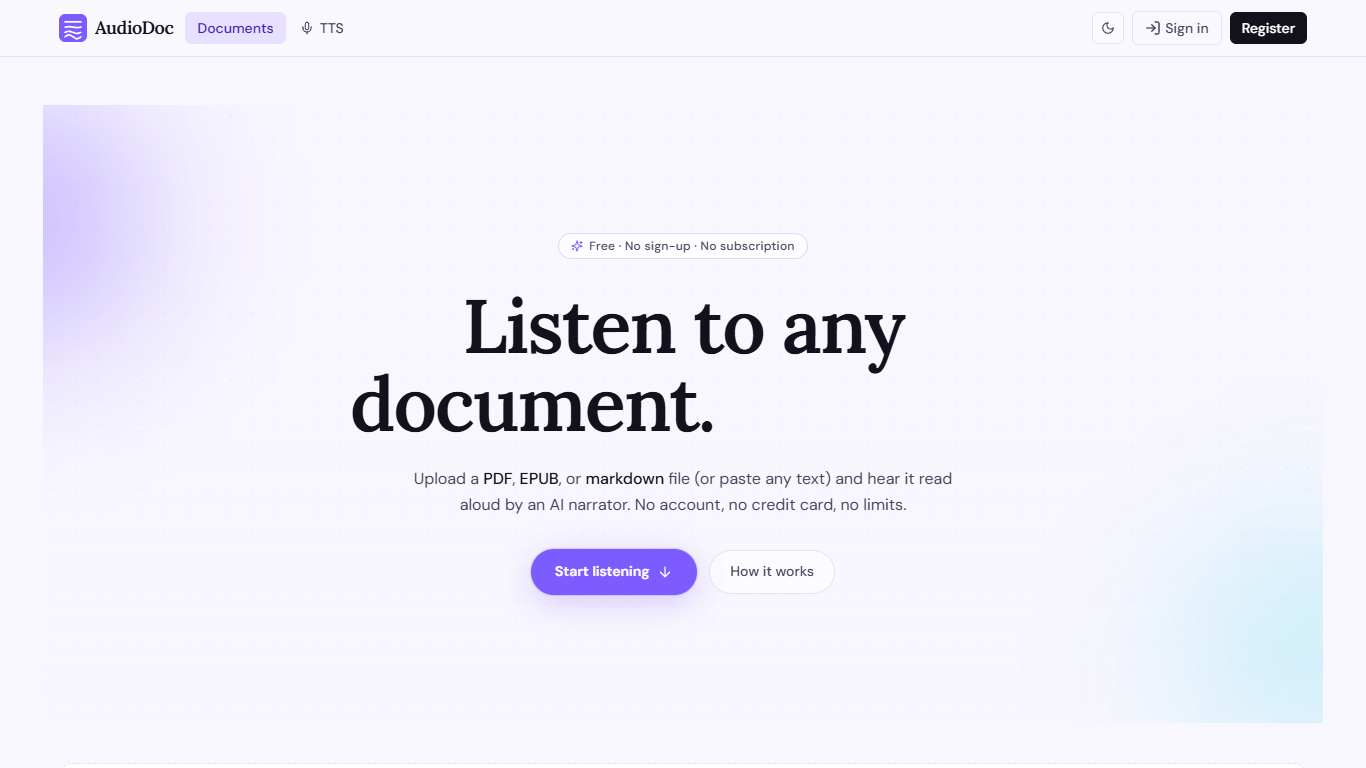

What is AudioDoc?
AudioDoc turns documents and pasted text into listenable audio in your browser. Upload a PDF, EPUB, or markdown file, or drop raw text into the TTS studio, and hear it read by natural narrators. There is no account requirement, no subscription, and no credit card gate to start.
The document library streams long files chapter by chapter as audio is generated, so you are not waiting on a full book conversion before playback begins. A separate TTS studio handles quick paste-and-listen jobs with downloadable clips and no watermarks.
It fits commuters who want articles read aloud, students reviewing coursework, writers proofreading drafts by ear, and anyone who needs hands-free or accessibility-friendly access to written material. Guest sessions last 24 hours; a free registered account keeps your library and listening progress beyond that window.
ttsMP3
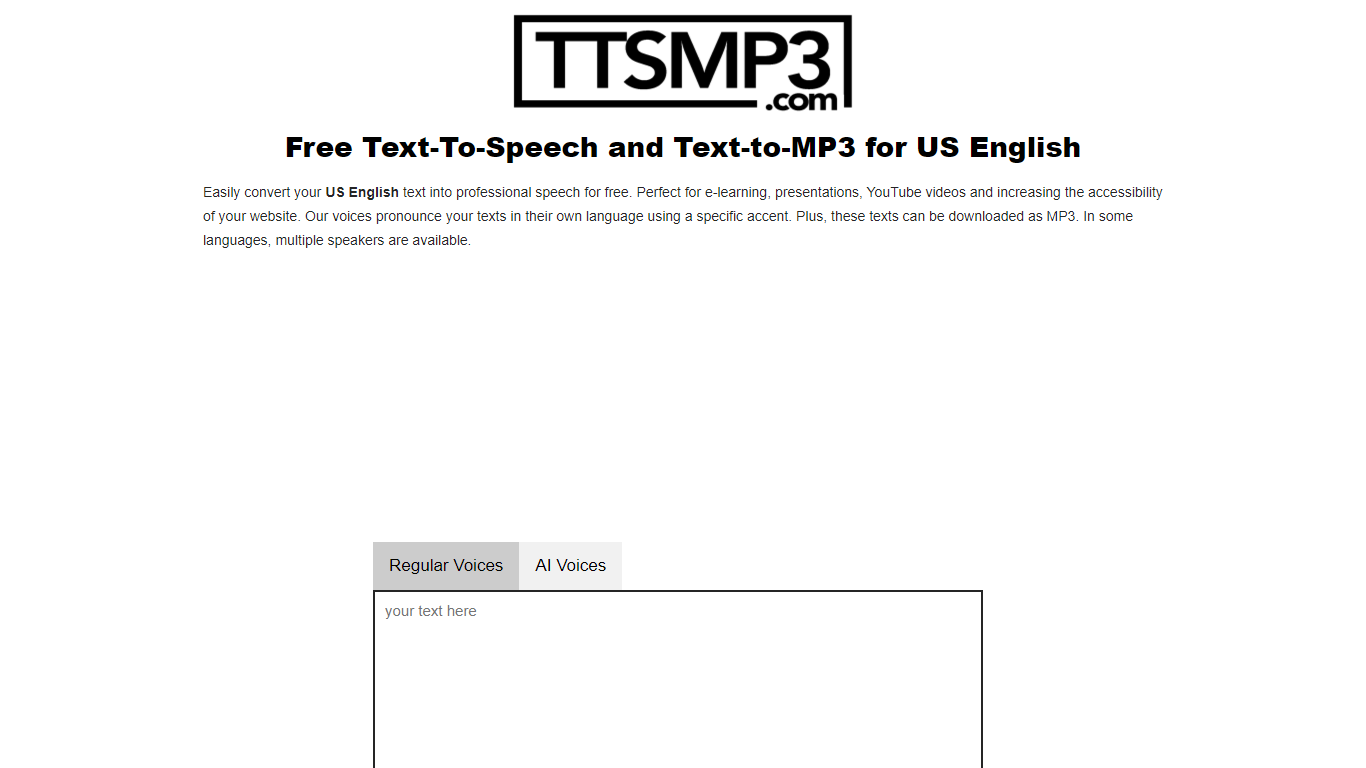
What is ttsMP3?
ttsMP3 converts written text into spoken audio, allowing users to generate speech in over 28 languages and accents. Users can download the speech as MP3 files for use in various projects such as e-learning, presentations, and accessibility enhancements.
This tool combines Regular Voices powered by Amazon Polly, which support detailed SSML controls like speed, pitch, breaks, emphasis, and whisper effects, with AI Voices powered by OpenAI Text-To-Speech that provide more natural and expressive speech using style and emotion instructions. This dual approach offers users flexibility depending on their customization needs.
ttsMP3 offers free daily character limits for both voice types, with premium plans unlocking higher quotas and API access for integration into apps and workflows. Users can also switch speakers within a single text to create conversations, enhancing the customization of audio content.
ttsMP3 is ideal for educators, content creators, developers, marketing professionals, and accessibility specialists who want advanced speech customization without requiring technical skills. The voice selection depends on underlying providers, which ensures high-quality voices but limits custom additions.
AudioDoc Upvotes
ttsMP3 Upvotes
AudioDoc Top Features
Upload PDF, EPUB, or markdown and stream audio chapter by chapter
Paste up to 1,000 words in the TTS studio for instant playback
American, British, Japanese, and Chinese narrator voices included
Download generated audio files with no watermarks
Start as a guest with no sign-up or credit card
Remembers your spot and works in mobile browsers without an app
ttsMP3 Top Features
🎙️ Supports 28+ languages and accents with multiple speakers per language
⚙️ Advanced SSML controls including speed, pitch, breaks, emphasis, and whisper effects
🤖 AI Voices powered by OpenAI with style and emotion instructions for expressive speech
💾 Download generated speech as MP3 files for easy use in projects
🔗 API access included with premium plans for app and workflow integration
AudioDoc Category
- Text to Speech (TTS)
ttsMP3 Category
- Text to Speech (TTS)
AudioDoc Pricing Type
- Free
ttsMP3 Pricing Type
- Freemium