Clearly Reader vs ttsMP3
Explore the showdown between Clearly Reader vs ttsMP3 and find out which AI Text to Speech (TTS) tool wins. We analyze upvotes, features, reviews, pricing, alternatives, and more.
In a face-off between Clearly Reader and ttsMP3, which one takes the crown?
When we contrast Clearly Reader with ttsMP3, both of which are exceptional AI-operated text to speech (tts) tools, and place them side by side, we can spot several crucial similarities and divergences. The upvote count reveals a draw, with both tools earning the same number of upvotes. You can help us determine the winner by casting your vote and tipping the scales in favor of one of the tools.
Does the result make you go "hmm"? Cast your vote and turn that frown upside down!
Clearly Reader
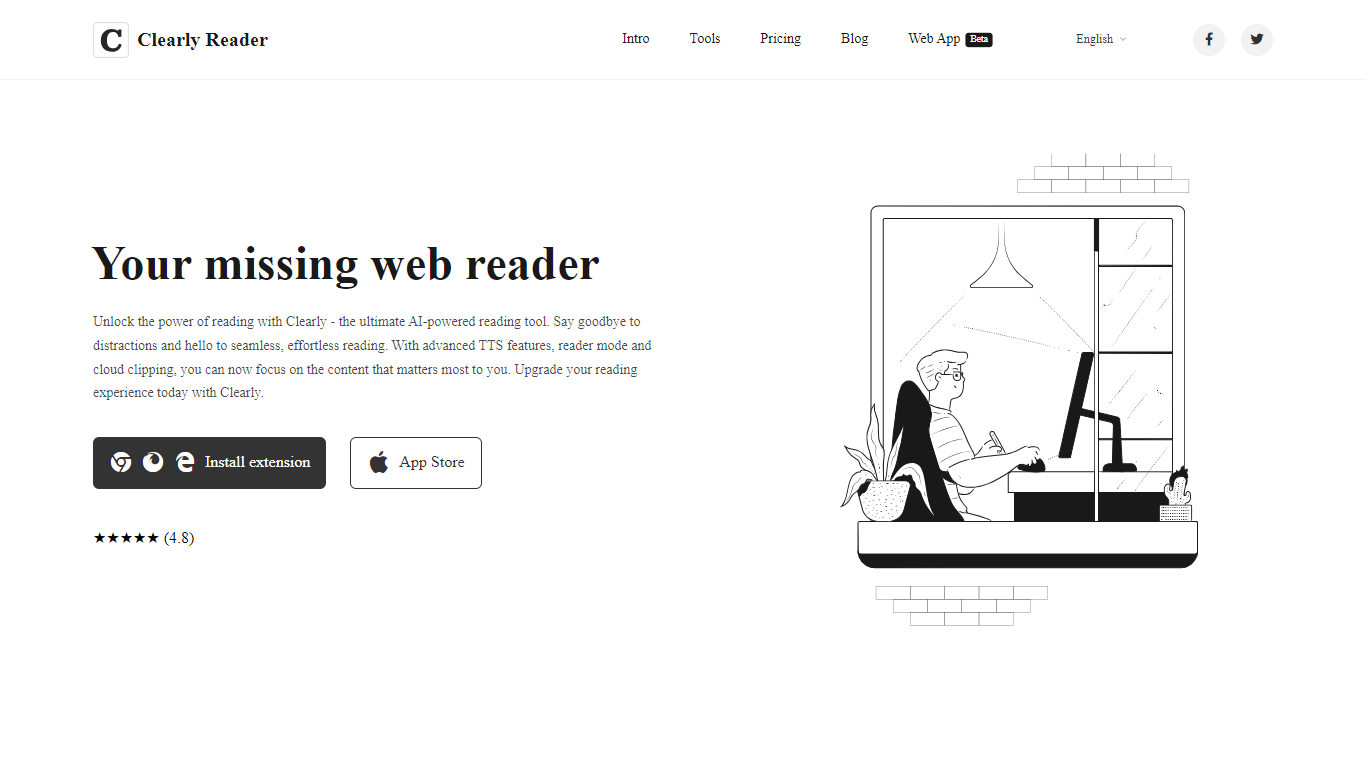

What is Clearly Reader?
Clearly Reader is a browser reader-mode extension that strips ads and clutter from articles so you can focus on the text. One click (or Alt+R) turns a noisy web page into a clean reading layout with adjustable fonts, themes, and spacing.
The product adds AI-assisted reading tools on top of basic readability. Skim mode (Alt+S) generates quick summaries, outlines, and key points so you can decide whether a long article is worth finishing. Translation, keyword highlighting, and an AI reader assistant help you work through dense content faster.
Clearly Reader also includes text-to-speech with browser and Microsoft voices, configurable rate and pitch, and export options to PDF, Word, Markdown, EPUB, and other formats. Clipping features let you save articles to cloud storage, RSS-style feeds, or third-party apps like Obsidian, Pocket, and Instapaper.
Pricing splits into a free lifetime tier for core readability, a one-time Pro license for advanced themes, exports, and sync, and a monthly subscription for cloud and AI features like clip-to-cloud and the AI reader assistant. Extensions are available for Chrome and an iOS app is listed on the App Store.
For researchers, students, and heavy online readers, Clearly Reader combines distraction-free layouts with speech, export, and AI summary tools in one reading workflow.
ttsMP3
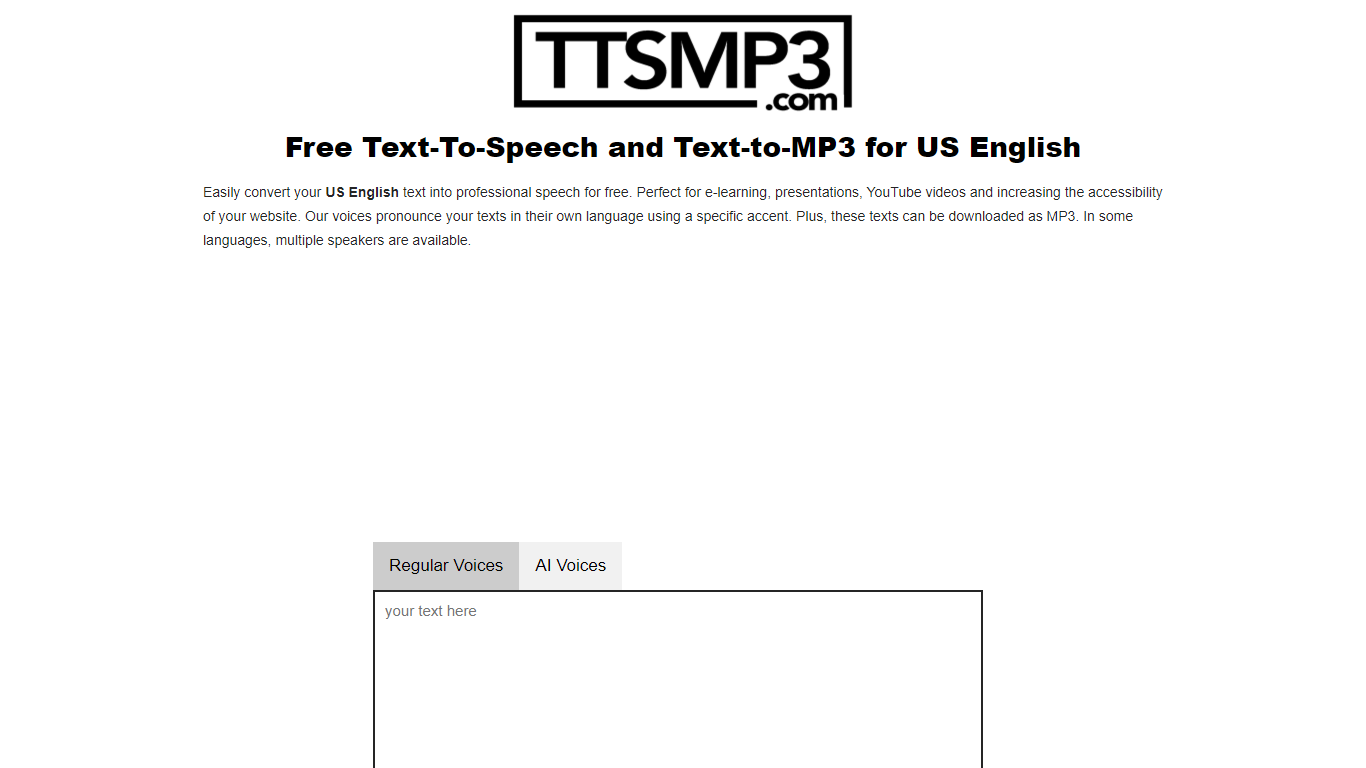
What is ttsMP3?
ttsMP3 converts written text into spoken audio, allowing users to generate speech in over 28 languages and accents. Users can download the speech as MP3 files for use in various projects such as e-learning, presentations, and accessibility enhancements.
This tool combines Regular Voices powered by Amazon Polly, which support detailed SSML controls like speed, pitch, breaks, emphasis, and whisper effects, with AI Voices powered by OpenAI Text-To-Speech that provide more natural and expressive speech using style and emotion instructions. This dual approach offers users flexibility depending on their customization needs.
ttsMP3 offers free daily character limits for both voice types, with premium plans unlocking higher quotas and API access for integration into apps and workflows. Users can also switch speakers within a single text to create conversations, enhancing the customization of audio content.
ttsMP3 is ideal for educators, content creators, developers, marketing professionals, and accessibility specialists who want advanced speech customization without requiring technical skills. The voice selection depends on underlying providers, which ensures high-quality voices but limits custom additions.
Clearly Reader Upvotes
ttsMP3 Upvotes
Clearly Reader Top Features
Switch any article into a clean reader layout with one click or Alt+R
Listen to articles with browser or Microsoft text-to-speech voices
Generate AI summaries, outlines, and skim-mode gists with Alt+S
Export pages to PDF, Word, Markdown, EPUB, and more
Clip articles to cloud storage, RSS feeds, or apps like Obsidian
ttsMP3 Top Features
🎙️ Supports 28+ languages and accents with multiple speakers per language
⚙️ Advanced SSML controls including speed, pitch, breaks, emphasis, and whisper effects
🤖 AI Voices powered by OpenAI with style and emotion instructions for expressive speech
💾 Download generated speech as MP3 files for easy use in projects
🔗 API access included with premium plans for app and workflow integration
Clearly Reader Category
- Text to Speech (TTS)
ttsMP3 Category
- Text to Speech (TTS)
Clearly Reader Pricing Type
- Freemium
ttsMP3 Pricing Type
- Freemium