ttsMP3 vs Text to Speech Online
Dive into the comparison of ttsMP3 vs Text to Speech Online and discover which AI Text to Speech (TTS) tool stands out. We examine alternatives, upvotes, features, reviews, pricing, and beyond.
When comparing ttsMP3 and Text to Speech Online, which one rises above the other?
When we compare ttsMP3 and Text to Speech Online, two exceptional text to speech (tts) tools powered by artificial intelligence, and place them side by side, several key similarities and differences come to light. The upvote count is neck and neck for both ttsMP3 and Text to Speech Online. Join the aitools.fyi users in deciding the winner by casting your vote.
You don't agree with the result? Cast your vote to help us decide!
ttsMP3
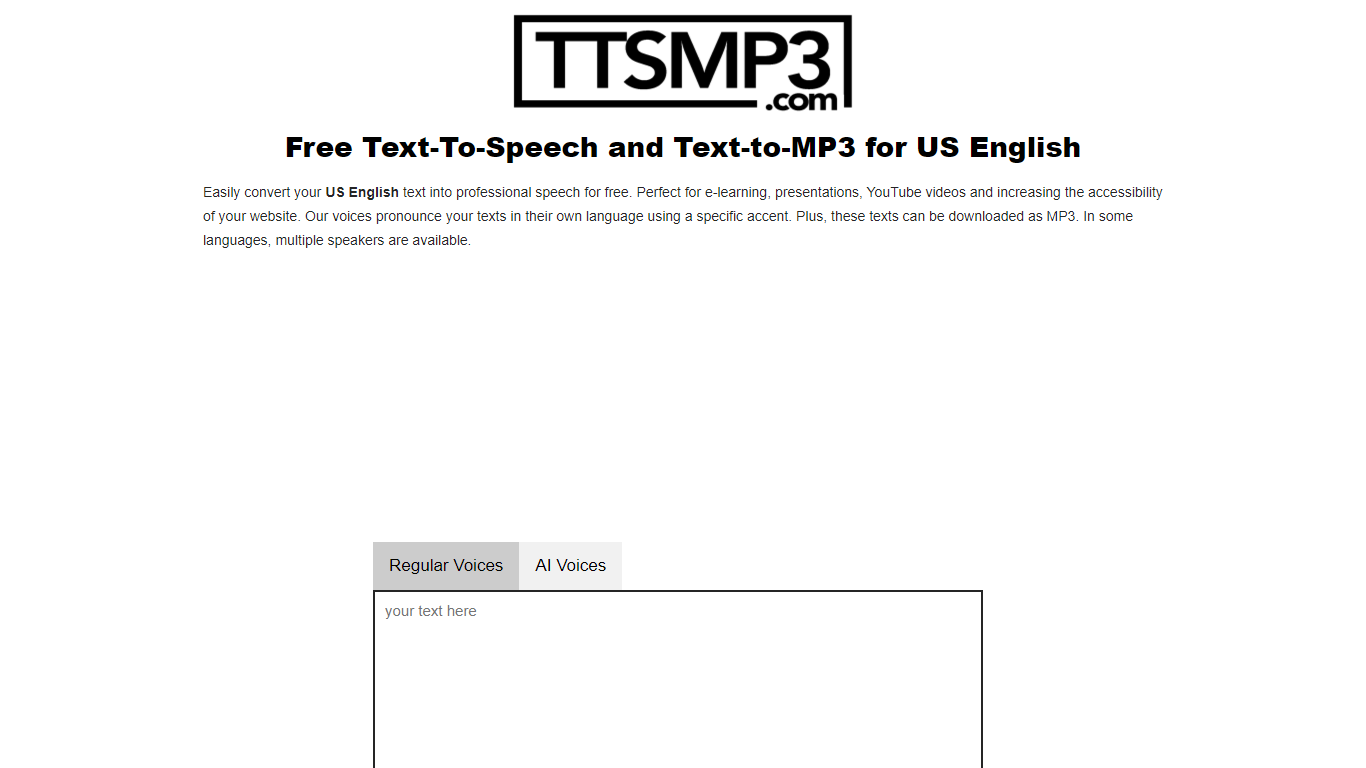

What is ttsMP3?
ttsMP3 converts written text into spoken audio, allowing users to generate speech in over 28 languages and accents. Users can download the speech as MP3 files for use in various projects such as e-learning, presentations, and accessibility enhancements.
This tool combines Regular Voices powered by Amazon Polly, which support detailed SSML controls like speed, pitch, breaks, emphasis, and whisper effects, with AI Voices powered by OpenAI Text-To-Speech that provide more natural and expressive speech using style and emotion instructions. This dual approach offers users flexibility depending on their customization needs.
ttsMP3 offers free daily character limits for both voice types, with premium plans unlocking higher quotas and API access for integration into apps and workflows. Users can also switch speakers within a single text to create conversations, enhancing the customization of audio content.
ttsMP3 is ideal for educators, content creators, developers, marketing professionals, and accessibility specialists who want advanced speech customization without requiring technical skills. The voice selection depends on underlying providers, which ensures high-quality voices but limits custom additions.
Text to Speech Online
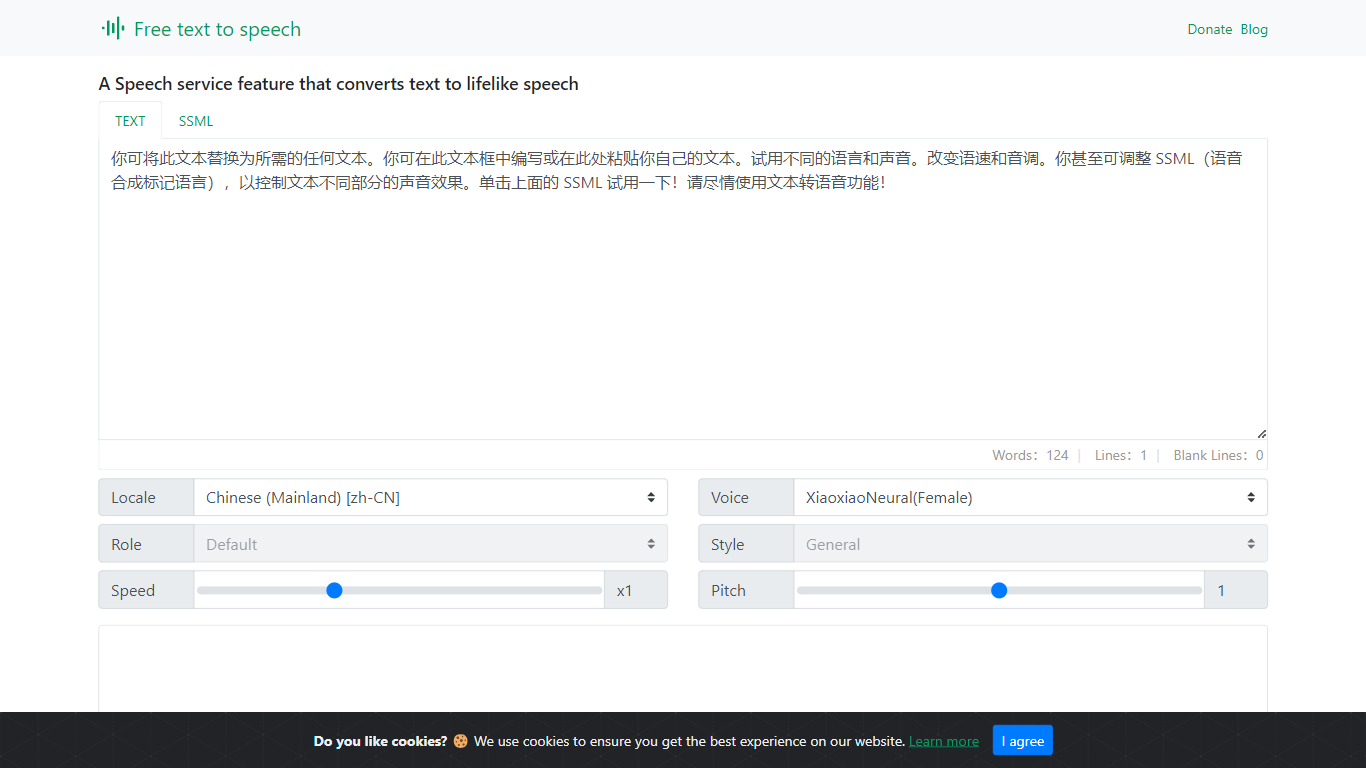
What is Text to Speech Online?
Text to Speech Online is a free browser tool that converts written text into lifelike speech with more than 100 AI voices. Users pick a language, gender, and voice style, adjust speed and pitch, then preview or generate audio for download as MP3 or WAV files.
The interface supports dozens of languages, voice search, file import, subtitle output, and autoplay after generation. Use cases highlighted on the site include video dubbing, audiobook production, podcasts, education materials, voice assistants, and multilingual localization.
The service is positioned as a no-cost text-to-voice generator with tutorial articles, support pages, and optional donations rather than a subscription checkout.
ttsMP3 Upvotes
Text to Speech Online Upvotes
ttsMP3 Top Features
🎙️ Supports 28+ languages and accents with multiple speakers per language
⚙️ Advanced SSML controls including speed, pitch, breaks, emphasis, and whisper effects
🤖 AI Voices powered by OpenAI with style and emotion instructions for expressive speech
💾 Download generated speech as MP3 files for easy use in projects
🔗 API access included with premium plans for app and workflow integration
Text to Speech Online Top Features
100+ natural AI voices across dozens of languages
Speed and pitch controls from -50% to +50% and -100% to +200%
MP3 and WAV export with preview before generating full audio
Voice search, file import, and optional autoplay after generation
Usage guides for dubbing, audiobooks, podcasts, and education content
ttsMP3 Category
- Text to Speech (TTS)
Text to Speech Online Category
- Text to Speech (TTS)
ttsMP3 Pricing Type
- Freemium
Text to Speech Online Pricing Type
- Free