ttsMP3 vs TTSMaker
When comparing ttsMP3 vs TTSMaker, which AI Text to Speech (TTS) tool shines brighter? We look at pricing, alternatives, upvotes, features, reviews, and more.
In a comparison between ttsMP3 and TTSMaker, which one comes out on top?
When we put ttsMP3 and TTSMaker side by side, both being AI-powered text to speech (tts) tools, Both tools are equally favored, as indicated by the identical upvote count. Join the aitools.fyi users in deciding the winner by casting your vote.
Don't agree with the result? Cast your vote and be a part of the decision-making process!
ttsMP3
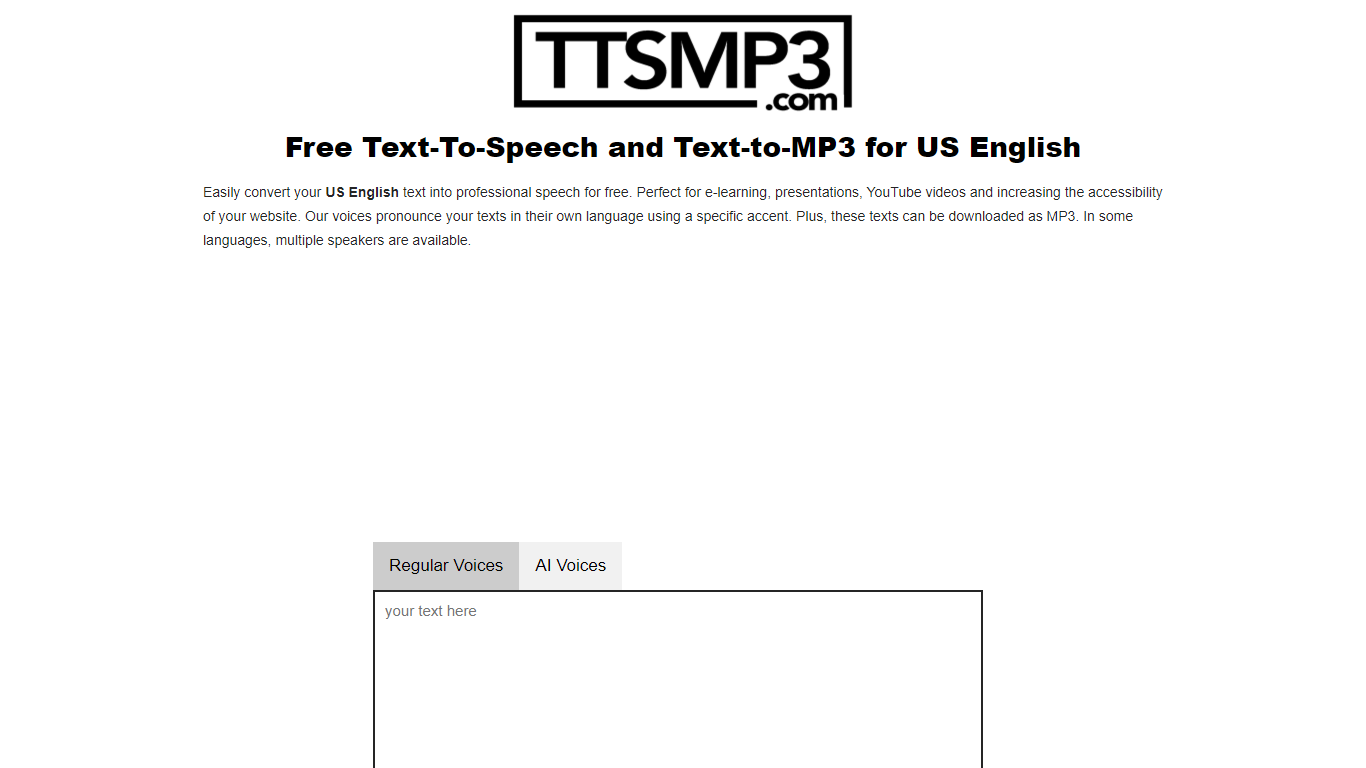

What is ttsMP3?
ttsMP3 converts written text into spoken audio, allowing users to generate speech in over 28 languages and accents. Users can download the speech as MP3 files for use in various projects such as e-learning, presentations, and accessibility enhancements.
This tool combines Regular Voices powered by Amazon Polly, which support detailed SSML controls like speed, pitch, breaks, emphasis, and whisper effects, with AI Voices powered by OpenAI Text-To-Speech that provide more natural and expressive speech using style and emotion instructions. This dual approach offers users flexibility depending on their customization needs.
ttsMP3 offers free daily character limits for both voice types, with premium plans unlocking higher quotas and API access for integration into apps and workflows. Users can also switch speakers within a single text to create conversations, enhancing the customization of audio content.
ttsMP3 is ideal for educators, content creators, developers, marketing professionals, and accessibility specialists who want advanced speech customization without requiring technical skills. The voice selection depends on underlying providers, which ensures high-quality voices but limits custom additions.
TTSMaker
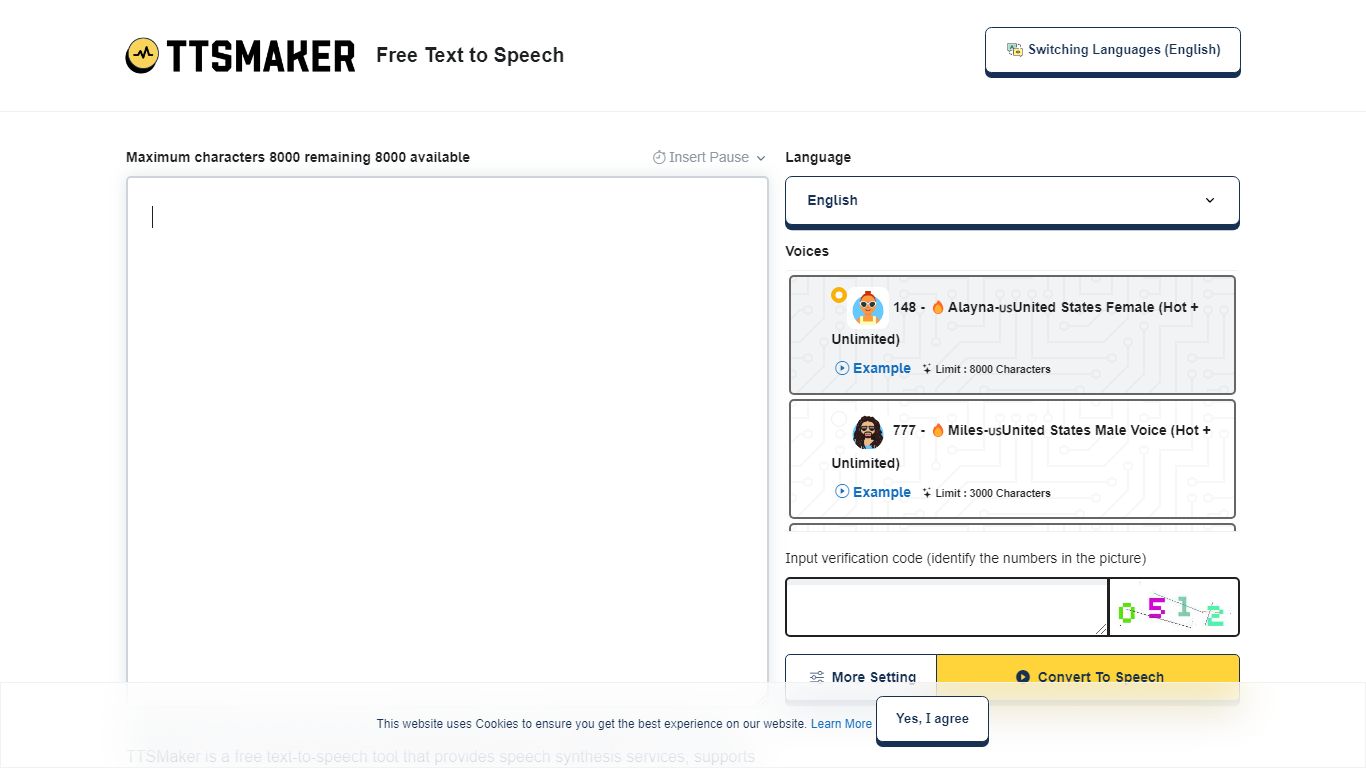
What is TTSMaker?
TTSMaker is a free online text-to-speech tool that converts written text into downloadable audio files. It supports 100+ languages and 600+ AI voices, so creators can generate voiceovers without hiring voice actors or recording themselves.
The tool runs in your browser. Paste text, pick a language and voice, adjust speed, volume, and pitch, then export audio in MP3, OGG, AAC, OPUS, or WAV. A separate multi-speaker dialogue generator lets you build conversations across multiple voice blocks, each with its own language and voice settings.
TTSMaker grants full commercial usage rights to generated audio on the free plan, with no attribution required. Paid TTSMaker Pro tiers add higher character limits, emotion controls, API access, and a dialogue editor with cloud project saving.
YouTube and TikTok creators, educators building listening materials, marketers producing ad voiceovers, and developers integrating TTS via API on Pro or Studio plans are the main audiences.
ttsMP3 Upvotes
TTSMaker Upvotes
ttsMP3 Top Features
🎙️ Supports 28+ languages and accents with multiple speakers per language
⚙️ Advanced SSML controls including speed, pitch, breaks, emphasis, and whisper effects
🤖 AI Voices powered by OpenAI with style and emotion instructions for expressive speech
💾 Download generated speech as MP3 files for easy use in projects
🔗 API access included with premium plans for app and workflow integration
TTSMaker Top Features
600+ AI voices across 100+ languages, from US English to Hindi and Japanese
Full commercial usage rights on the free plan with no attribution required
Export audio as MP3, WAV, OGG, AAC, or OPUS with adjustable speed and pitch
Multi-speaker dialogue generator for conversations with different voices per block
SRT subtitle export and background music mixing built into the converter
ttsMP3 Category
- Text to Speech (TTS)
TTSMaker Category
- Text to Speech (TTS)
ttsMP3 Pricing Type
- Freemium
TTSMaker Pricing Type
- Freemium