Speechify vs Free TTS
When comparing Speechify vs Free TTS, which AI Text to Speech (TTS) tool shines brighter? We look at pricing, alternatives, upvotes, features, reviews, and more.
Between Speechify and Free TTS, which one is superior?
When we put Speechify and Free TTS side by side, both being AI-powered text to speech (tts) tools, Free TTS stands out as the clear frontrunner in terms of upvotes. Free TTS has garnered 19 upvotes, and Speechify has garnered 6 upvotes.
You don't agree with the result? Cast your vote to help us decide!
Speechify
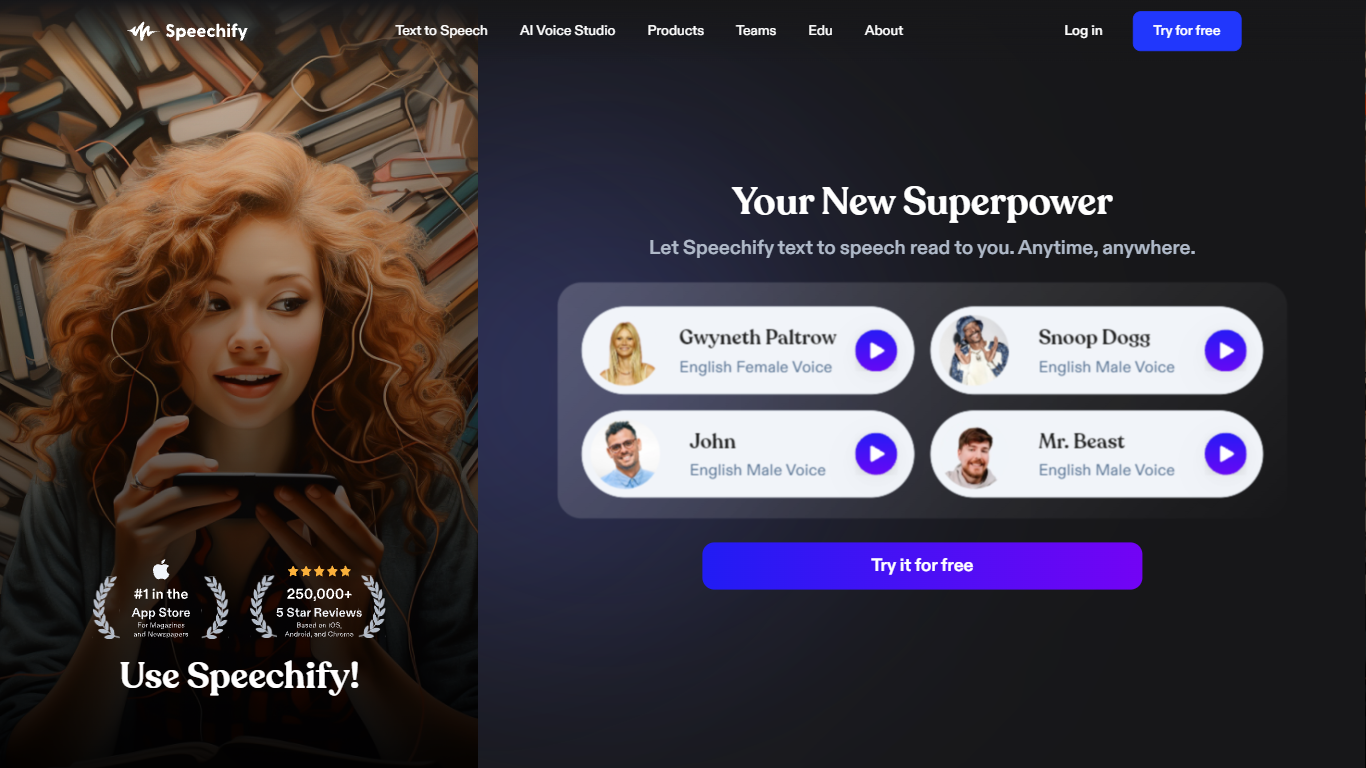

What is Speechify?
Speechify transforms written text into natural-sounding audio, helping users listen to books, articles, PDFs, and web pages across devices. It supports over 1,000 AI voices in 60+ languages, including voice cloning to create personalized narrations. The platform offers adjustable reading speeds up to 4.5x, synchronized text highlighting, and AI-powered features like summaries and quizzes to boost comprehension. Speechify's AI dubbing tool enables users to localize videos into multiple languages with humanlike voices, expanding global reach. Available on iOS, Android, Mac, Chrome, Edge, and web, it suits students, professionals, and those with reading challenges like dyslexia or ADHD. The service also provides an API for developers and enterprise solutions with team collaboration and extensive media libraries. Speechify prioritizes ethical AI use and data privacy with SOC 2 Type II compliance and end-to-end encryption, making it a trusted tool for accessible and efficient audio content creation.
Free TTS
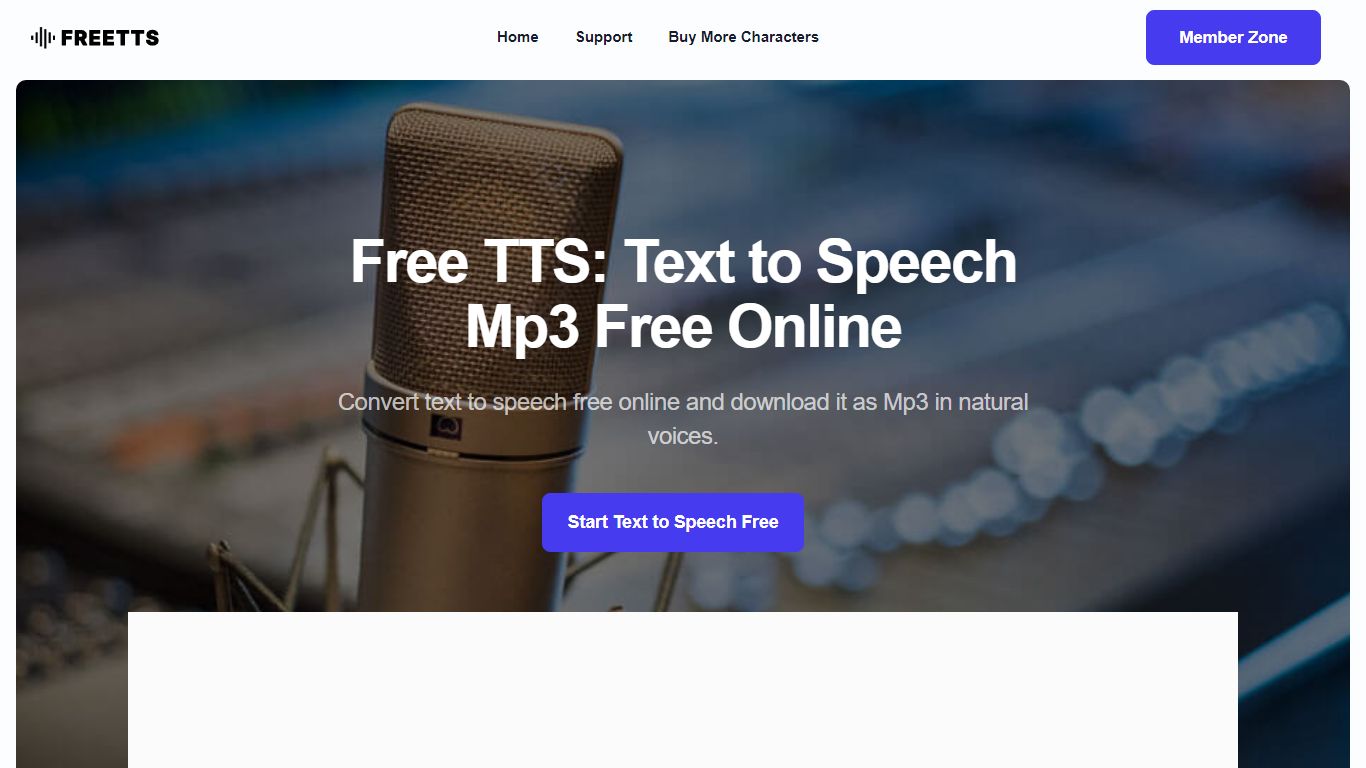
What is Free TTS?
Free TTS is an online audio workspace that brings together text to speech, speech to text, vocal removal, voice enhancement, and browser-based audio editing on one site. You can turn scripts into spoken audio, transcribe recordings, split song vocals, clean up noisy voice tracks, and handle everyday format work without installing desktop software.
The platform keeps free browser tools separate from credit-based cloud text to speech. Utilities like the audio cutter, joiner, converter, and compressor run in the browser when possible, while AI Cloud TTS uses monthly character allowances and optional paid top-ups for Google and AWS voices.
Text to speech offers three paths: Device TTS for instant local playback, AI Local TTS with offline models after sign-in, and AI Cloud TTS with cloud voices and short-term history. Speech to text runs server-side with Whisper AI, supports auto language detection, and exports plain text transcripts.
Podcasters, educators, content creators, and musicians who need narration, transcription, karaoke tracks, or quick file cleanup without opening a full DAW can cover those jobs from a single dashboard.
Speechify Upvotes
Free TTS Upvotes
Speechify Top Features
🎧 Over 1,000 natural AI voices in 60+ languages for diverse listening
⏩ Listen up to 4.5x faster to save time and improve retention
📚 AI Summaries and quizzes help reinforce understanding
🎤 Voice cloning creates personalized narrations from your voice
🌍 AI dubbing localizes videos into multiple languages instantly
Free TTS Top Features
Three TTS modes cover Device playback, AI Local offline voices, and AI Cloud with Google and AWS voices
Whisper-backed speech to text transcribes MP3, WAV, OGG, and FLAC up to 25 MB with auto language detect
Vocal remover splits uploaded songs into separate vocal and instrumental tracks for karaoke or remixing
Voice enhancer reduces background noise and sharpens spoken recordings for podcasts and meetings
Browser audio cutter, joiner, converter, and compressor support MP3, WAV, OGG, FLAC, AAC, M4A, and batch jobs
Speechify Category
- Text to Speech (TTS)
Free TTS Category
- Text to Speech (TTS)
Speechify Pricing Type
- Freemium
Free TTS Pricing Type
- Freemium