
Last updated 07-25-2026
Category:
Reviews:
Join thousands of AI enthusiasts in the World of AI!
SpeechGen
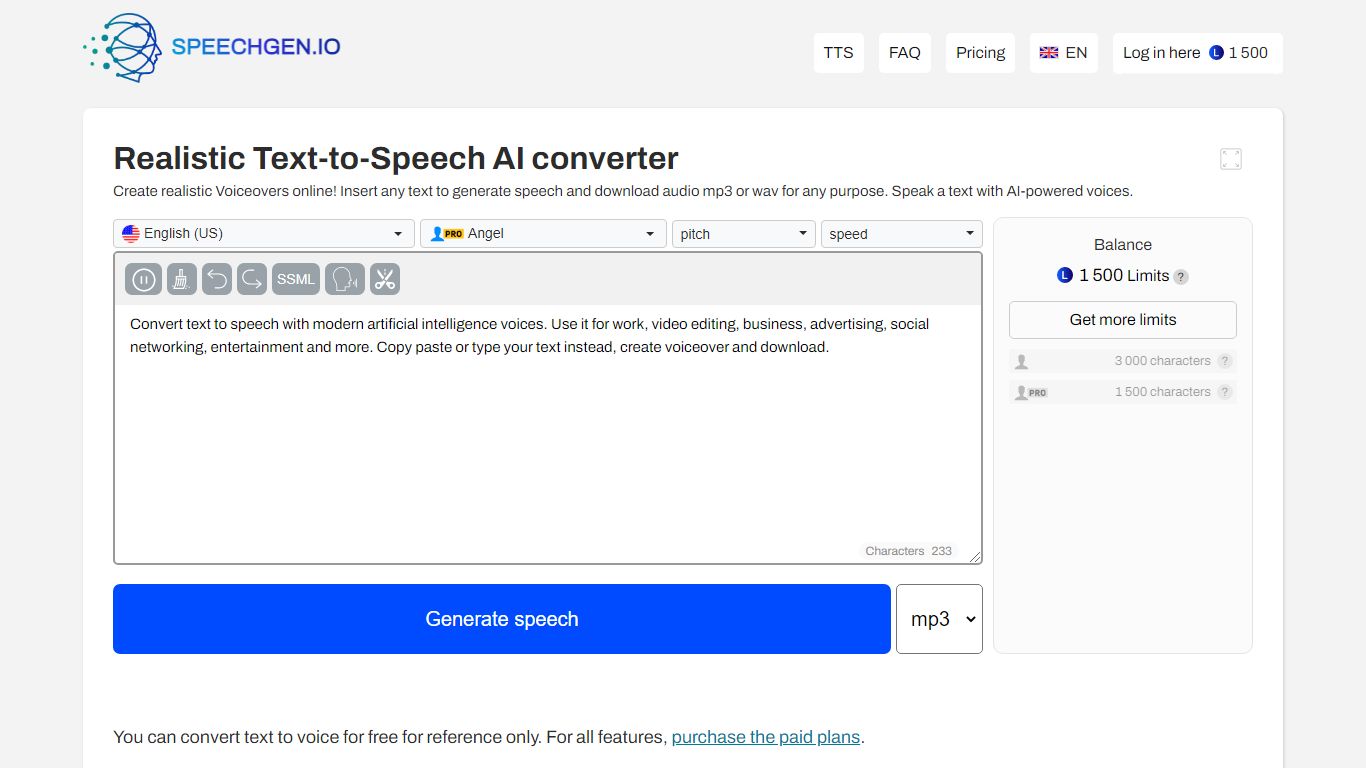
SpeechGen.io is an online text-to-speech studio with more than 5,000 neural voices across 150 languages. Paste or upload text, pick a voice, tune speed, pitch, volume, and SSML tags, then export MP3, WAV, or FLAC files without a monthly subscription.
The editor supports long-form jobs, subtitle-to-audio conversion, document imports, and a voice cloning flow that builds a custom voice from a short audio sample. SpeechGen also runs audio-to-text transcription for uploaded files, videos, and YouTube links with SRT and VTT export.
New accounts receive free credits to test synthesis, and additional usage is sold as one-time credit packs through card or PayPal checkout. An API is available for developers who want to automate generation inside their own workflows.
5,000+ AI voices across 150 languages with speed, pitch, and SSML prosody controls
Pay-as-you-go credit packs instead of recurring subscriptions
Voice cloning from uploaded or recorded samples with style and gender tags
Subtitle, DOCX, and PDF to speech tools plus audio and YouTube transcription
Exports MP3, WAV, and FLAC with cloud file history in your account
Huge voice catalog with SSML-level control in the browser editor.
Credit packs avoid recurring subscription lock-in.
Combines TTS, cloning, transcription, and subtitle tools in one account.
Credit math can be confusing because the same balance covers both TTS and transcription.
Advanced cloning and long-form jobs consume credits quickly on smaller packs.
How many voices does SpeechGen offer?
SpeechGen lists more than 5,000 realistic AI voices spanning about 150 languages and regional accents. You can browse the full catalog on the AI Voices page and preview samples before generating.
Is SpeechGen subscription-based?
No. SpeechGen uses pay-as-you-go credits. You buy a credit pack when you need more synthesis or transcription minutes, and unused credits stay on your account.
What audio formats can SpeechGen export?
Generated speech can be downloaded as MP3, WAV, or FLAC. The editor also supports SSML markup for fine control over pauses, emphasis, pronunciation, and prosody.
Does SpeechGen support voice cloning?
Yes. Upload or record a short clean sample, confirm usage rights, and SpeechGen creates a custom cloned voice you can use in the main text-to-speech editor.
Can SpeechGen transcribe audio or video?
Yes. The Audio to Text dashboard accepts uploaded audio and video files or YouTube links, then returns transcripts with subtitle exports such as SRT and VTT.