Clearly Reader vs SpeechGen
When comparing Clearly Reader vs SpeechGen, which AI Text to Speech (TTS) tool shines brighter? We look at pricing, alternatives, upvotes, features, reviews, and more.
In a comparison between Clearly Reader and SpeechGen, which one comes out on top?
When we put Clearly Reader and SpeechGen side by side, both being AI-powered text to speech (tts) tools, The upvote count shows a clear preference for SpeechGen. SpeechGen has been upvoted 7 times by aitools.fyi users, and Clearly Reader has been upvoted 6 times.
Want to flip the script? Upvote your favorite tool and change the game!
Clearly Reader
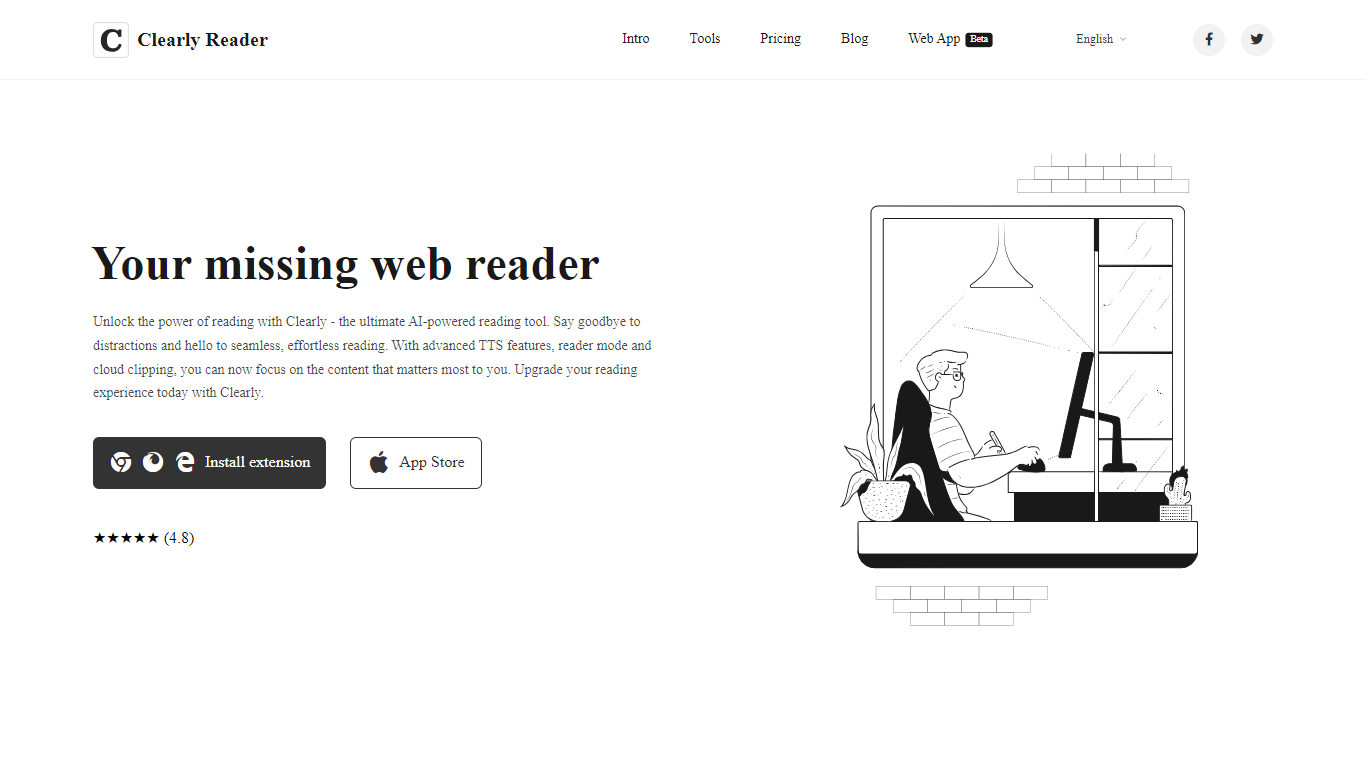

What is Clearly Reader?
Clearly Reader is a browser reader-mode extension that strips ads and clutter from articles so you can focus on the text. One click (or Alt+R) turns a noisy web page into a clean reading layout with adjustable fonts, themes, and spacing.
The product adds AI-assisted reading tools on top of basic readability. Skim mode (Alt+S) generates quick summaries, outlines, and key points so you can decide whether a long article is worth finishing. Translation, keyword highlighting, and an AI reader assistant help you work through dense content faster.
Clearly Reader also includes text-to-speech with browser and Microsoft voices, configurable rate and pitch, and export options to PDF, Word, Markdown, EPUB, and other formats. Clipping features let you save articles to cloud storage, RSS-style feeds, or third-party apps like Obsidian, Pocket, and Instapaper.
Pricing splits into a free lifetime tier for core readability, a one-time Pro license for advanced themes, exports, and sync, and a monthly subscription for cloud and AI features like clip-to-cloud and the AI reader assistant. Extensions are available for Chrome and an iOS app is listed on the App Store.
For researchers, students, and heavy online readers, Clearly Reader combines distraction-free layouts with speech, export, and AI summary tools in one reading workflow.
SpeechGen
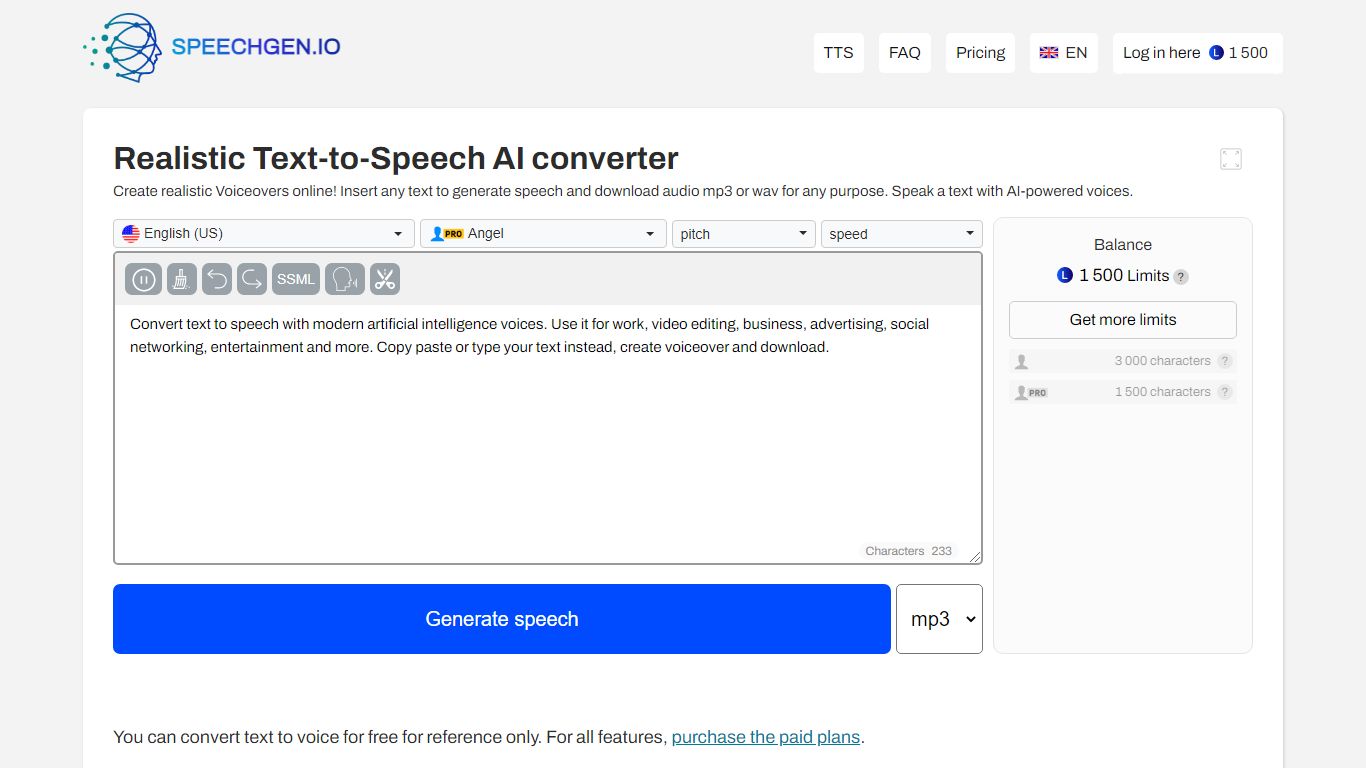
What is SpeechGen?
SpeechGen.io is an online text-to-speech studio with more than 5,000 neural voices across 150 languages. Paste or upload text, pick a voice, tune speed, pitch, volume, and SSML tags, then export MP3, WAV, or FLAC files without a monthly subscription.
The editor supports long-form jobs, subtitle-to-audio conversion, document imports, and a voice cloning flow that builds a custom voice from a short audio sample. SpeechGen also runs audio-to-text transcription for uploaded files, videos, and YouTube links with SRT and VTT export.
New accounts receive free credits to test synthesis, and additional usage is sold as one-time credit packs through card or PayPal checkout. An API is available for developers who want to automate generation inside their own workflows.
Clearly Reader Upvotes
SpeechGen Upvotes
Clearly Reader Top Features
Switch any article into a clean reader layout with one click or Alt+R
Listen to articles with browser or Microsoft text-to-speech voices
Generate AI summaries, outlines, and skim-mode gists with Alt+S
Export pages to PDF, Word, Markdown, EPUB, and more
Clip articles to cloud storage, RSS feeds, or apps like Obsidian
SpeechGen Top Features
5,000+ AI voices across 150 languages with speed, pitch, and SSML prosody controls
Pay-as-you-go credit packs instead of recurring subscriptions
Voice cloning from uploaded or recorded samples with style and gender tags
Subtitle, DOCX, and PDF to speech tools plus audio and YouTube transcription
Exports MP3, WAV, and FLAC with cloud file history in your account
Clearly Reader Category
- Text to Speech (TTS)
SpeechGen Category
- Text to Speech (TTS)
Clearly Reader Pricing Type
- Freemium
SpeechGen Pricing Type
- Freemium