Text to Speech Online vs Speechify
In the face-off between Text to Speech Online vs Speechify, which AI Text to Speech (TTS) tool takes the crown? We scrutinize features, alternatives, upvotes, reviews, pricing, and more.
In a face-off between Text to Speech Online and Speechify, which one takes the crown?
If we were to analyze Text to Speech Online and Speechify, both of which are AI-powered text to speech (tts) tools, what would we find? Both tools are equally favored, as indicated by the identical upvote count. You can help us determine the winner by casting your vote and tipping the scales in favor of one of the tools.
Don't agree with the result? Cast your vote and be a part of the decision-making process!
Text to Speech Online
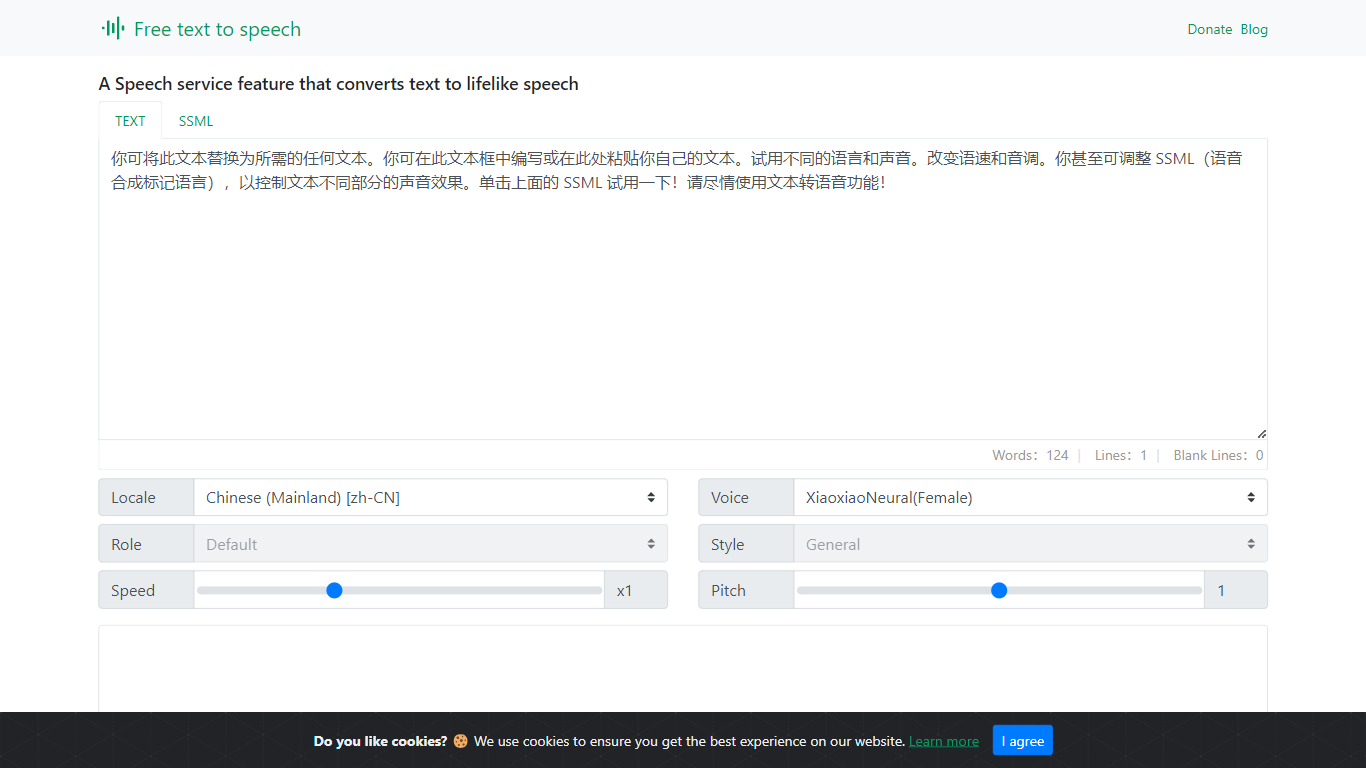

What is Text to Speech Online?
Text to Speech Online is a free browser tool that converts written text into lifelike speech with more than 100 AI voices. Users pick a language, gender, and voice style, adjust speed and pitch, then preview or generate audio for download as MP3 or WAV files.
The interface supports dozens of languages, voice search, file import, subtitle output, and autoplay after generation. Use cases highlighted on the site include video dubbing, audiobook production, podcasts, education materials, voice assistants, and multilingual localization.
The service is positioned as a no-cost text-to-voice generator with tutorial articles, support pages, and optional donations rather than a subscription checkout.
Speechify
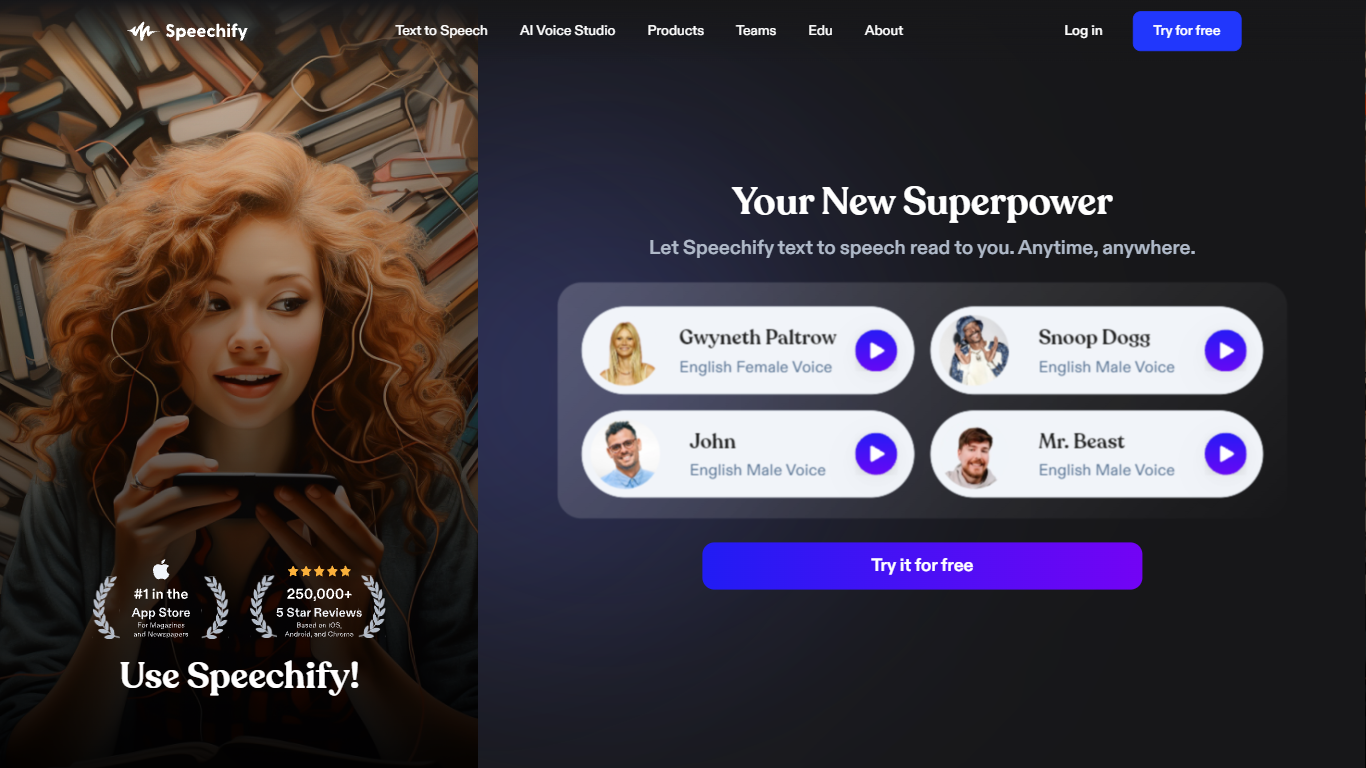
What is Speechify?
Speechify is a voice productivity platform that reads text aloud, types what you say, and answers questions about what you are reading. Upload a PDF, paste a web page, or scan a printed page and listen with natural voices at speeds up to 5x. It runs on web, mobile, desktop, and browser extensions so you can keep listening across devices.
Founder Cliff Weitzman built Speechify after growing up with dyslexia and hacking together text-to-speech tools to get through college reading at Brown University. The product has since grown into a full voice layer: dictation that works in any app, one-click AI podcasts from documents, meeting note taking, and a voice assistant that summarizes pages you are reading.
With 60 million users and over 1 million five-star reviews, Speechify targets students, professionals, and anyone who reads faster by listening. It won a 2025 Apple Design Award and was named Chrome Extension of the Year.
Text to Speech Online Upvotes
Speechify Upvotes
Text to Speech Online Top Features
100+ natural AI voices across dozens of languages
Speed and pitch controls from -50% to +50% and -100% to +200%
MP3 and WAV export with preview before generating full audio
Voice search, file import, and optional autoplay after generation
Usage guides for dubbing, audiobooks, podcasts, and education content
Speechify Top Features
1,000+ natural voices in 60+ languages with celebrity options like Snoop Dogg
Listen at up to 5x speed with text highlighting that follows along
Voice typing hits 160 words per minute in Gmail, Slack, Google Docs, and more
Turn any document or short description into an AI podcast in one click
Scan printed pages with OCR and hear them read aloud instantly
Voice AI assistant answers questions about whatever you are reading
Runs on iOS, Android, Mac, Windows, Chrome, and Edge
Text to Speech Online Category
- Text to Speech (TTS)
Speechify Category
- Text to Speech (TTS)
Text to Speech Online Pricing Type
- Free
Speechify Pricing Type
- Freemium