AudioDoc vs Text to Speech Online
In the clash of AudioDoc vs Text to Speech Online, which AI Text to Speech (TTS) tool emerges victorious? We assess reviews, pricing, alternatives, features, upvotes, and more.
When we put AudioDoc and Text to Speech Online head to head, which one emerges as the victor?
Let's take a closer look at AudioDoc and Text to Speech Online, both of which are AI-driven text to speech (tts) tools, and see what sets them apart. Neither tool takes the lead, as they both have the same upvote count. Every vote counts! Cast yours and contribute to the decision of the winner.
Does the result make you go "hmm"? Cast your vote and turn that frown upside down!
AudioDoc
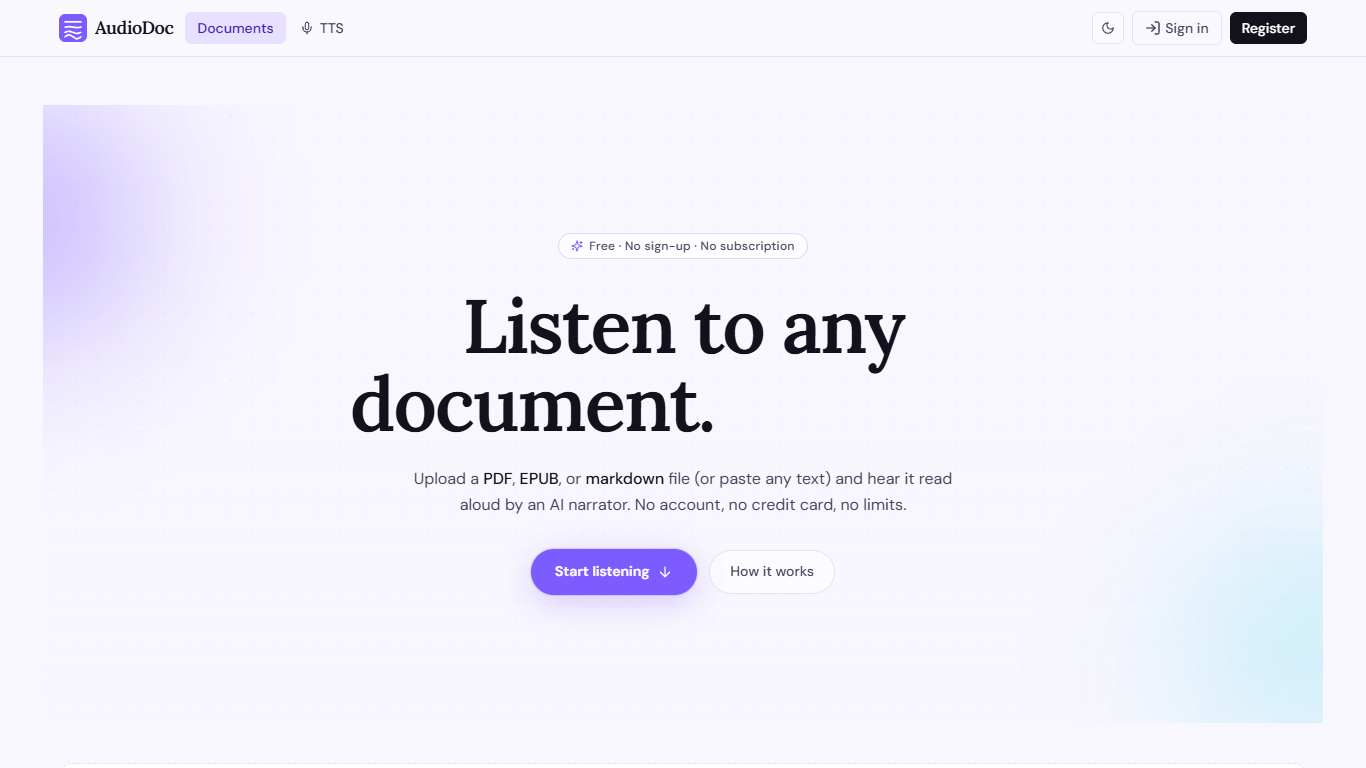

What is AudioDoc?
AudioDoc turns documents and pasted text into listenable audio in your browser. Upload a PDF, EPUB, or markdown file, or drop raw text into the TTS studio, and hear it read by natural narrators. There is no account requirement, no subscription, and no credit card gate to start.
The document library streams long files chapter by chapter as audio is generated, so you are not waiting on a full book conversion before playback begins. A separate TTS studio handles quick paste-and-listen jobs with downloadable clips and no watermarks.
It fits commuters who want articles read aloud, students reviewing coursework, writers proofreading drafts by ear, and anyone who needs hands-free or accessibility-friendly access to written material. Guest sessions last 24 hours; a free registered account keeps your library and listening progress beyond that window.
Text to Speech Online
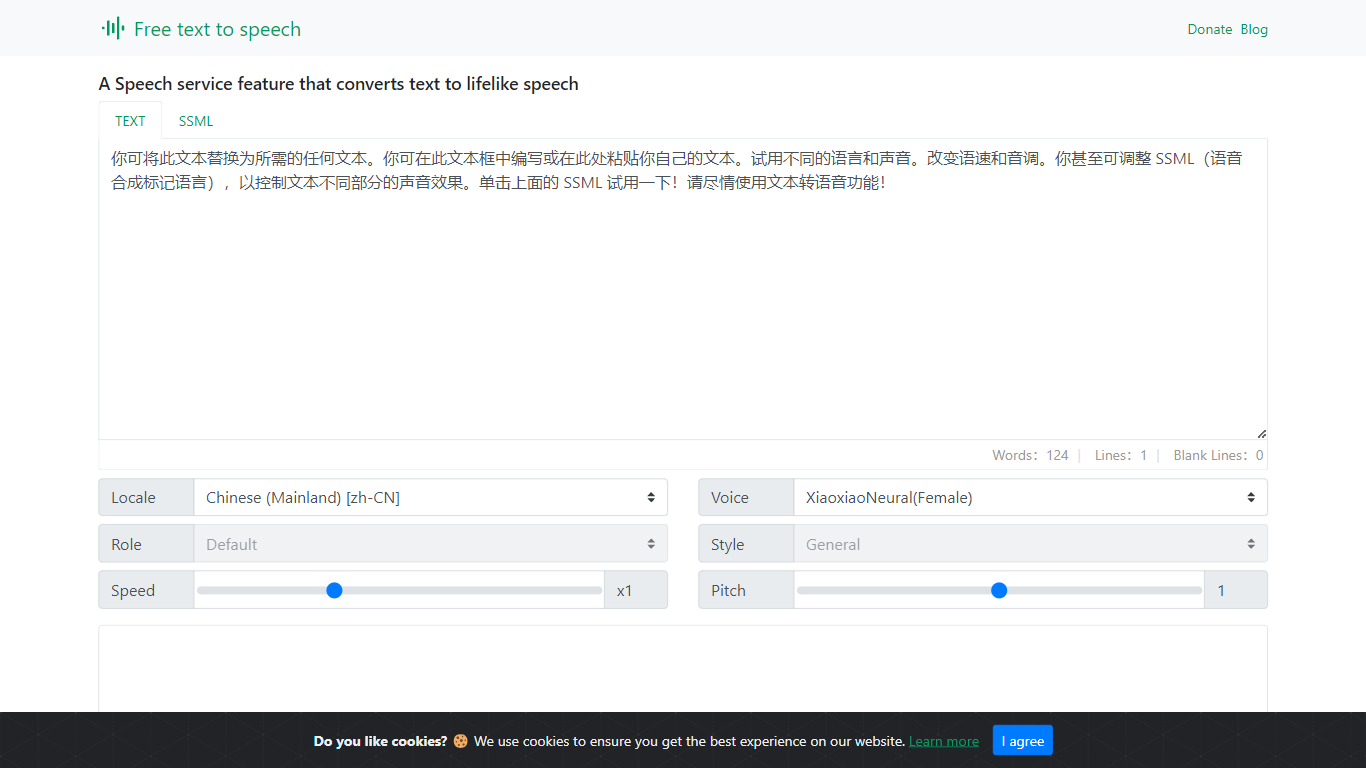
What is Text to Speech Online?
Text to Speech Online is a free browser tool that converts written text into lifelike speech with more than 100 AI voices. Users pick a language, gender, and voice style, adjust speed and pitch, then preview or generate audio for download as MP3 or WAV files.
The interface supports dozens of languages, voice search, file import, subtitle output, and autoplay after generation. Use cases highlighted on the site include video dubbing, audiobook production, podcasts, education materials, voice assistants, and multilingual localization.
The service is positioned as a no-cost text-to-voice generator with tutorial articles, support pages, and optional donations rather than a subscription checkout.
AudioDoc Upvotes
Text to Speech Online Upvotes
AudioDoc Top Features
Upload PDF, EPUB, or markdown and stream audio chapter by chapter
Paste up to 1,000 words in the TTS studio for instant playback
American, British, Japanese, and Chinese narrator voices included
Download generated audio files with no watermarks
Start as a guest with no sign-up or credit card
Remembers your spot and works in mobile browsers without an app
Text to Speech Online Top Features
100+ natural AI voices across dozens of languages
Speed and pitch controls from -50% to +50% and -100% to +200%
MP3 and WAV export with preview before generating full audio
Voice search, file import, and optional autoplay after generation
Usage guides for dubbing, audiobooks, podcasts, and education content
AudioDoc Category
- Text to Speech (TTS)
Text to Speech Online Category
- Text to Speech (TTS)
AudioDoc Pricing Type
- Free
Text to Speech Online Pricing Type
- Free