Clipboard TTS vs TTSMaker
In the contest of Clipboard TTS vs TTSMaker, which AI Text to Speech (TTS) tool is the champion? We evaluate pricing, alternatives, upvotes, features, reviews, and more.
If you had to choose between Clipboard TTS and TTSMaker, which one would you go for?
When we examine Clipboard TTS and TTSMaker, both of which are AI-enabled text to speech (tts) tools, what unique characteristics do we discover? The upvote count reveals a draw, with both tools earning the same number of upvotes. The power is in your hands! Cast your vote and have a say in deciding the winner.
Not your cup of tea? Upvote your preferred tool and stir things up!
Clipboard TTS
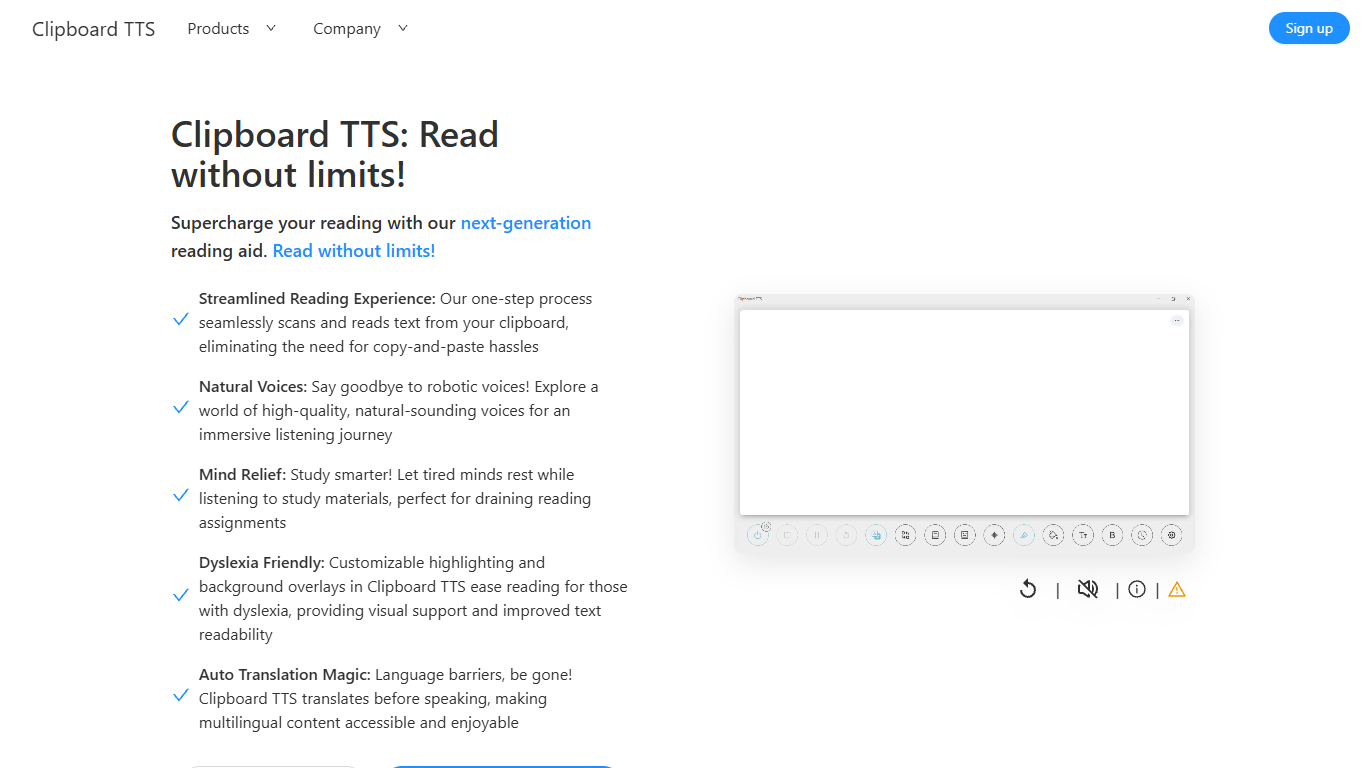

What is Clipboard TTS?
Clipboard TTS is a desktop reading aid that watches your clipboard and reads copied text aloud. Instead of pasting text into a separate app, you copy anything on your computer and hear it spoken back in a voice you choose. The tool targets readers who want hands-free access to articles, study materials, and documents.
The software is built with dyslexia and reading fatigue in mind. It offers word and sentence highlighting, colored background overlays, the OpenDyslexic font, and BoldCue bolding to help eyes track text while audio plays. Auto-translation detects the language of copied text and speaks it in the language tied to your selected voice.
Clipboard TTS runs as a Windows desktop application with a Linux version listed as coming soon. It supports 49 languages and more than 100 voices, plus image-to-text conversion when you copy a screenshot or photo containing text.
TTSMaker
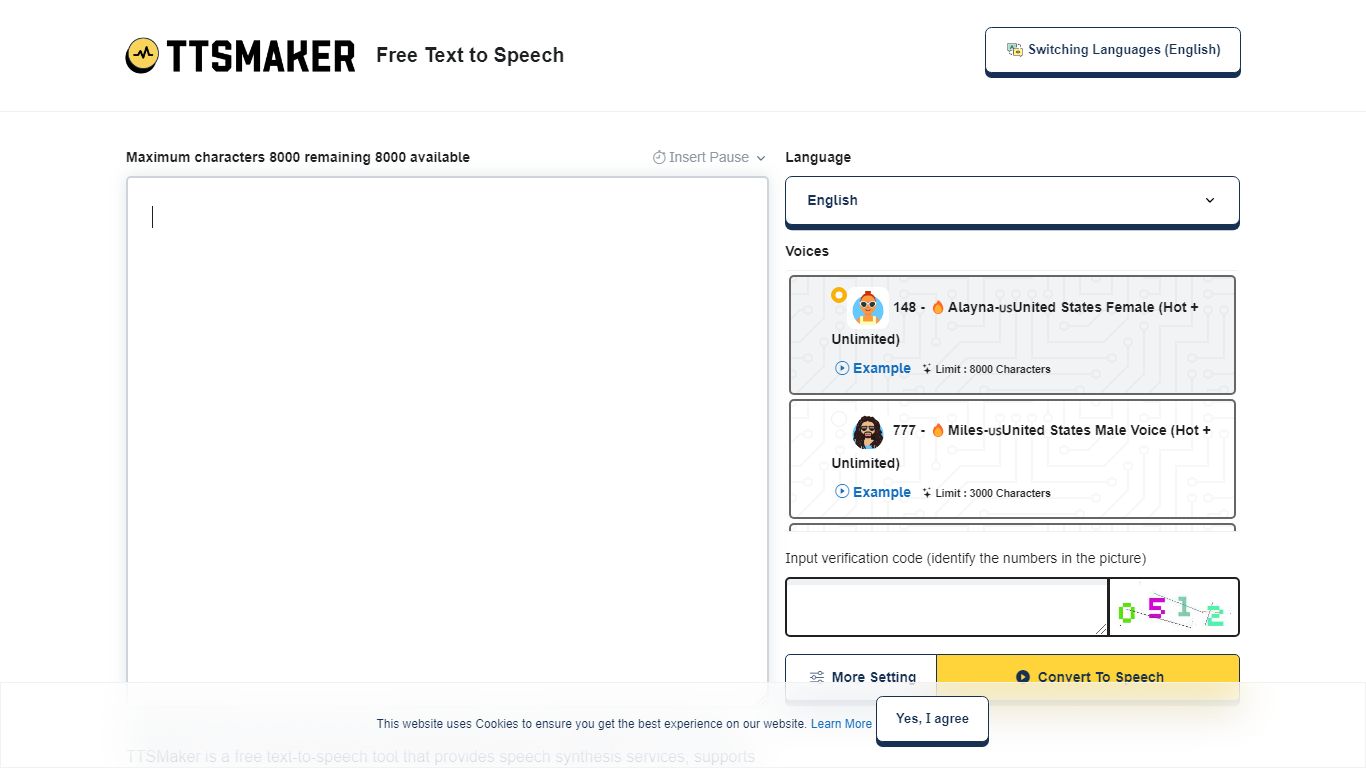
What is TTSMaker?
TTSMaker is a free online text-to-speech tool that converts written text into downloadable audio files. It supports 100+ languages and 600+ AI voices, so creators can generate voiceovers without hiring voice actors or recording themselves.
The tool runs in your browser. Paste text, pick a language and voice, adjust speed, volume, and pitch, then export audio in MP3, OGG, AAC, OPUS, or WAV. A separate multi-speaker dialogue generator lets you build conversations across multiple voice blocks, each with its own language and voice settings.
TTSMaker grants full commercial usage rights to generated audio on the free plan, with no attribution required. Paid TTSMaker Pro tiers add higher character limits, emotion controls, API access, and a dialogue editor with cloud project saving.
YouTube and TikTok creators, educators building listening materials, marketers producing ad voiceovers, and developers integrating TTS via API on Pro or Studio plans are the main audiences.
Clipboard TTS Upvotes
TTSMaker Upvotes
Clipboard TTS Top Features
Monitors your clipboard and reads new text automatically without pasting into a separate window
Converts copied images to speech via built-in OCR when text appears in a screenshot
Highlights the current word and sentence in colors you choose while audio plays
Auto-translates copied text to match the language of your selected voice before speaking
AI Assist uses GPT-3 to rewrite or summarize copied text based on a custom prompt you write
TTSMaker Top Features
600+ AI voices across 100+ languages, from US English to Hindi and Japanese
Full commercial usage rights on the free plan with no attribution required
Export audio as MP3, WAV, OGG, AAC, or OPUS with adjustable speed and pitch
Multi-speaker dialogue generator for conversations with different voices per block
SRT subtitle export and background music mixing built into the converter
Clipboard TTS Category
- Text to Speech (TTS)
TTSMaker Category
- Text to Speech (TTS)
Clipboard TTS Pricing Type
- Paid
TTSMaker Pricing Type
- Freemium