Clipboard TTS vs ttsMP3
Explore the showdown between Clipboard TTS vs ttsMP3 and find out which AI Text to Speech (TTS) tool wins. We analyze upvotes, features, reviews, pricing, alternatives, and more.
In a face-off between Clipboard TTS and ttsMP3, which one takes the crown?
When we contrast Clipboard TTS with ttsMP3, both of which are exceptional AI-operated text to speech (tts) tools, and place them side by side, we can spot several crucial similarities and divergences. The upvote count is neck and neck for both Clipboard TTS and ttsMP3. You can help us determine the winner by casting your vote and tipping the scales in favor of one of the tools.
Want to flip the script? Upvote your favorite tool and change the game!
Clipboard TTS

What is Clipboard TTS?
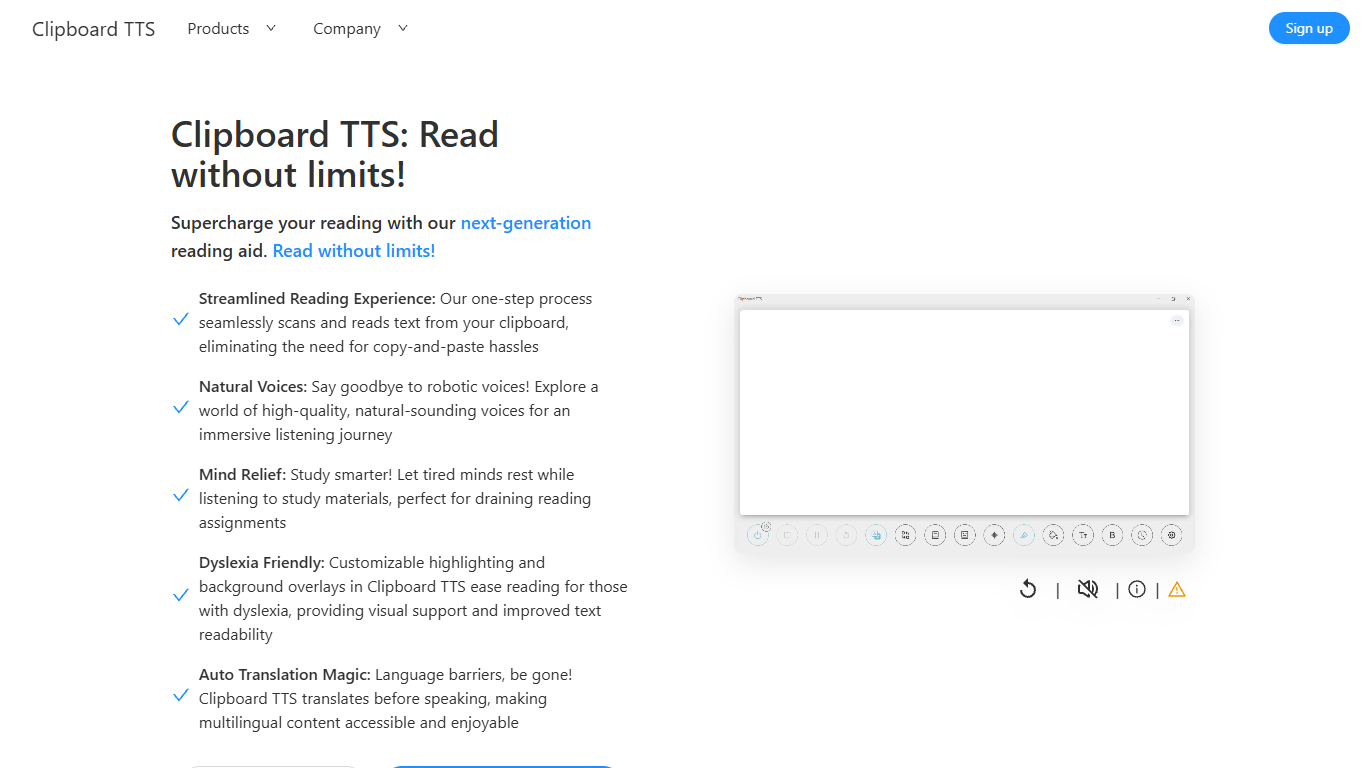
Clipboard TTS is a desktop reading aid that watches your clipboard and reads copied text aloud. Instead of pasting text into a separate app, you copy anything on your computer and hear it spoken back in a voice you choose. The tool targets readers who want hands-free access to articles, study materials, and documents.
The software is built with dyslexia and reading fatigue in mind. It offers word and sentence highlighting, colored background overlays, the OpenDyslexic font, and BoldCue bolding to help eyes track text while audio plays. Auto-translation detects the language of copied text and speaks it in the language tied to your selected voice.
Clipboard TTS runs as a Windows desktop application with a Linux version listed as coming soon. It supports 49 languages and more than 100 voices, plus image-to-text conversion when you copy a screenshot or photo containing text.
ttsMP3
What is ttsMP3?
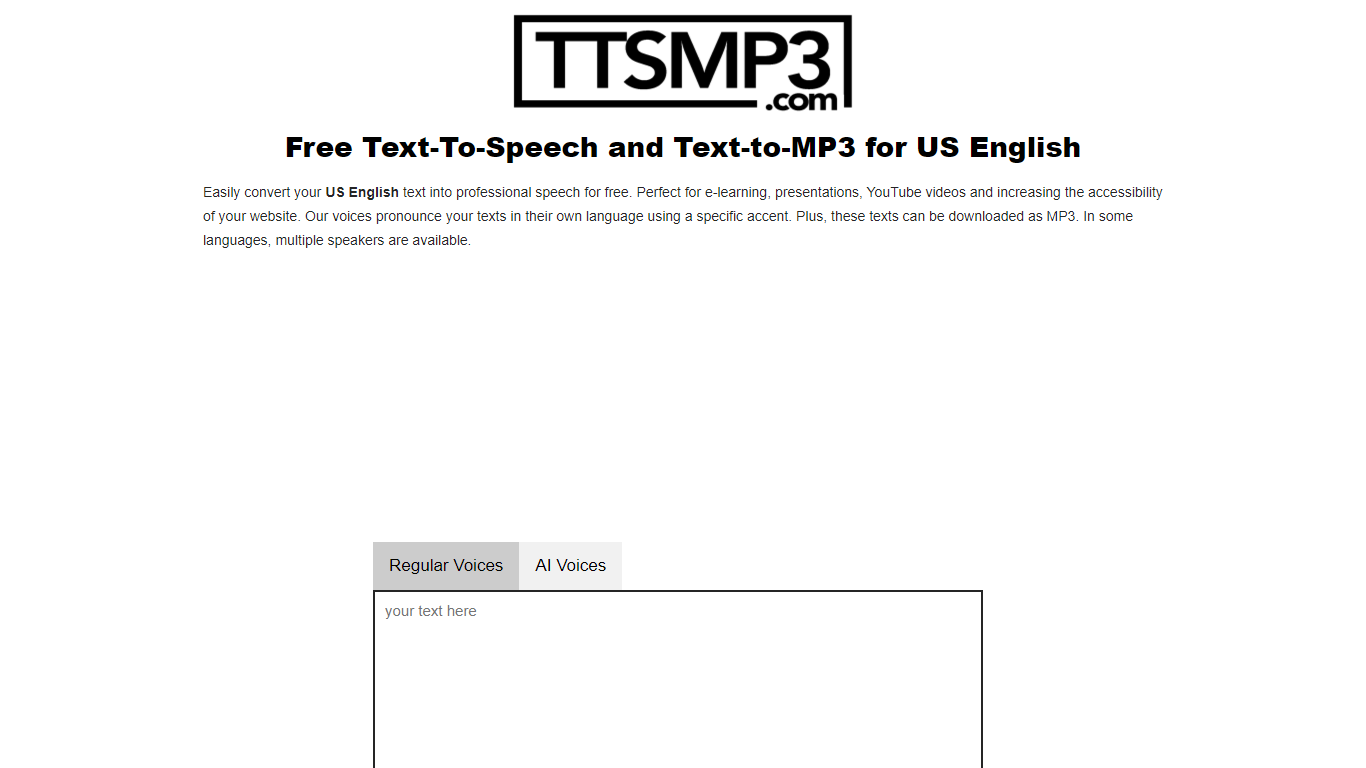
ttsMP3.com provides a straightforward way to convert text into natural-sounding speech in over 28 languages, including US English and many accents. It supports multiple speakers for some languages, making it useful for diverse content needs. Users can listen online or download the speech as MP3 files, which is handy for e-learning, presentations, YouTube videos, and improving website accessibility.
The platform offers simple controls to enhance speech output, such as adding breaks, emphasizing words, adjusting speed and pitch, and even whisper effects. These features help users create more engaging and customized audio content without needing technical expertise.
Powered by Amazon Polly, ttsMP3 leverages reliable speech synthesis technology to deliver clear and professional voices. The service is free with daily limits, and users can register for premium access to convert larger amounts of text.
The interface is user-friendly, allowing quick text input up to 3,000 characters per day for free users. It also supports SSML tags for advanced customization if users want to dive deeper into speech effects.
This tool is ideal for educators, content creators, and website owners who want to add voice content quickly without complex setups. It balances ease of use with enough options to tailor speech output to specific needs.
Overall, ttsMP3 remains a reliable and accessible text-to-speech service with a broad language range and useful voice customization features, making it a practical choice for many audio content projects.
Clipboard TTS Upvotes
ttsMP3 Upvotes
Clipboard TTS Top Features
Monitors your clipboard and reads new text automatically without pasting into a separate window
Converts copied images to speech via built-in OCR when text appears in a screenshot
Highlights the current word and sentence in colors you choose while audio plays
Auto-translates copied text to match the language of your selected voice before speaking
AI Assist uses GPT-3 to rewrite or summarize copied text based on a custom prompt you write
ttsMP3 Top Features
🎙️ Supports 28+ languages with multiple accents for diverse needs
💾 Download generated speech as MP3 files for offline use
⚙️ Customize speech with breaks, emphasis, speed, pitch, and whisper effects
🔊 Listen to speech online before downloading for quick review
🔐 Premium access available for higher daily text limits and extended use
Clipboard TTS Category
- Text to Speech (TTS)
ttsMP3 Category
- Text to Speech (TTS)
Clipboard TTS Pricing Type
- Paid
ttsMP3 Pricing Type
- Freemium