Clipchamp vs HitPaw Video Enhancer
In the face-off between Clipchamp vs HitPaw Video Enhancer, which AI Video Editing tool takes the crown? We scrutinize features, alternatives, upvotes, reviews, pricing, and more.
In a face-off between Clipchamp and HitPaw Video Enhancer, which one takes the crown?
If we were to analyze Clipchamp and HitPaw Video Enhancer, both of which are AI-powered video editing tools, what would we find? HitPaw Video Enhancer stands out as the clear frontrunner in terms of upvotes. HitPaw Video Enhancer has garnered 7 upvotes, and Clipchamp has garnered 6 upvotes.
Want to flip the script? Upvote your favorite tool and change the game!
Clipchamp


What is Clipchamp?
Clipchamp enables users to record, edit, and share high-definition videos directly from their web browser or Windows app. It offers tools for creating videos with webcam, screen, and voice recordings, combined with AI-powered editing features like noise suppression and automatic subtitle generation.
What distinguishes Clipchamp from other video editors is its integration of advanced AI tools such as a natural voiceover generator with over 400 voices and an AI silence remover that automatically cuts long pauses. It also provides customizable color and gradient backgrounds and supports exporting videos up to 4K resolution without watermarks for premium users.
Clipchamp's content library includes royalty-free stock videos, images, music, and templates tailored for social media, education, and business use. Its privacy-first approach ensures all recordings remain on the user's device unless shared, making it a secure choice for video creation.
With features like multi-item editing, grouping, and a flexible video resizer supporting multiple aspect ratios, Clipchamp offers a comprehensive editing experience suitable for creators of all skill levels. It works seamlessly in Microsoft Edge and Google Chrome browsers, with an optional Windows app available for enhanced performance.
HitPaw Video Enhancer
What is HitPaw Video Enhancer?
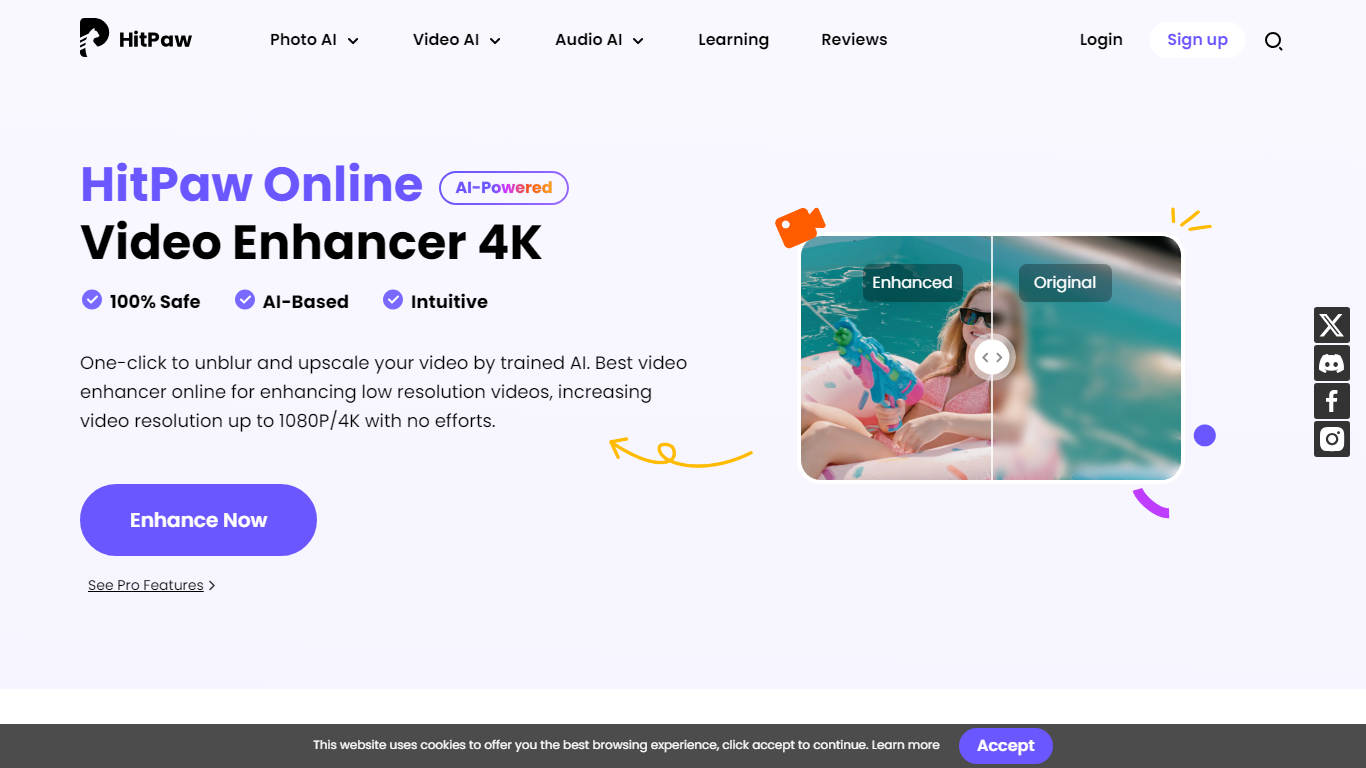
HitPaw Video Enhancer upscales blurry clips to 4K directly in the browser, with dedicated models for faces, anime, general denoise, and black-and-white colorization. Upload MP4, WebM, MOV, or GIF files up to 2GB, pick an enhancement mode, preview side-by-side results, and export without installing desktop software.
Desktop upscalers like Topaz require heavy local GPU work and large installs. HitPaw runs processing on cloud servers, which keeps your laptop free during renders and suits quick fixes to phone footage, old DV tapes, or compressed social clips. The trade-off is credit-based limits on export length rather than unlimited local batch jobs.
YouTubers, family archivists, e-commerce sellers, and anime editors use HitPaw when a single clip needs sharpening before posting. Free accounts get preview-only access; paid HitPaw Ultra plans start at $9.99 per week with up to 600 seconds of video enhancement credits.
Clipchamp Upvotes
HitPaw Video Enhancer Upvotes
Clipchamp Top Features
🎤 Natural AI voiceover generator with 400+ voices and adjustable pitch and pace
📝 AI subtitle generator creating accurate captions in 80+ languages with editable styles
📹 Screen and webcam recorder with unlimited retakes and no watermarks
🔇 AI silence remover to automatically cut long pauses and silences from videos
🎨 Custom color and gradient video backgrounds with HSV and HEX color picker
📺 Video exports up to 4K resolution available with premium subscription
🎬 Multi-item editing and grouping tools for efficient workflow
HitPaw Video Enhancer Top Features
Upscale 1080p footage to 4K online with separate Face, Anime, and General Denoise enhancement models
Accepts MP4, WebM, MOV, and GIF uploads up to 2GB with maximum input resolution of 4K
AI noise reduction removes grain, motion blur, and low-light artifacts frame by frame
Face model tracks subjects to sharpen contours and reduce skin blemishes in portrait clips
Colorize mode adds realistic tones to black-and-white family archives and historical footage
Cloud rendering processes clips on remote servers so local CPU and GPU stay free during exports
Clipchamp Category
- Video Editing
HitPaw Video Enhancer Category
- Video Editing
Clipchamp Pricing Type
- Freemium
HitPaw Video Enhancer Pricing Type
- Freemium