Clipchamp vs QuickVid
In the contest of Clipchamp vs QuickVid, which AI Video Editing tool is the champion? We evaluate pricing, alternatives, upvotes, features, reviews, and more.
If you had to choose between Clipchamp and QuickVid, which one would you go for?
When we examine Clipchamp and QuickVid, both of which are AI-enabled video editing tools, what unique characteristics do we discover? Both tools are equally favored, as indicated by the identical upvote count. Be a part of the decision-making process. Your vote could determine the winner.
Want to flip the script? Upvote your favorite tool and change the game!
Clipchamp


What is Clipchamp?
Clipchamp enables users to record, edit, and share high-definition videos directly from their web browser or Windows app. It offers tools for creating videos with webcam, screen, and voice recordings, combined with AI-powered editing features like noise suppression and automatic subtitle generation.
What distinguishes Clipchamp from other video editors is its integration of advanced AI tools such as a natural voiceover generator with over 400 voices and an AI silence remover that automatically cuts long pauses. It also provides customizable color and gradient backgrounds and supports exporting videos up to 4K resolution without watermarks for premium users.
Clipchamp's content library includes royalty-free stock videos, images, music, and templates tailored for social media, education, and business use. Its privacy-first approach ensures all recordings remain on the user's device unless shared, making it a secure choice for video creation.
With features like multi-item editing, grouping, and a flexible video resizer supporting multiple aspect ratios, Clipchamp offers a comprehensive editing experience suitable for creators of all skill levels. It works seamlessly in Microsoft Edge and Google Chrome browsers, with an optional Windows app available for enhanced performance.
QuickVid
What is QuickVid?
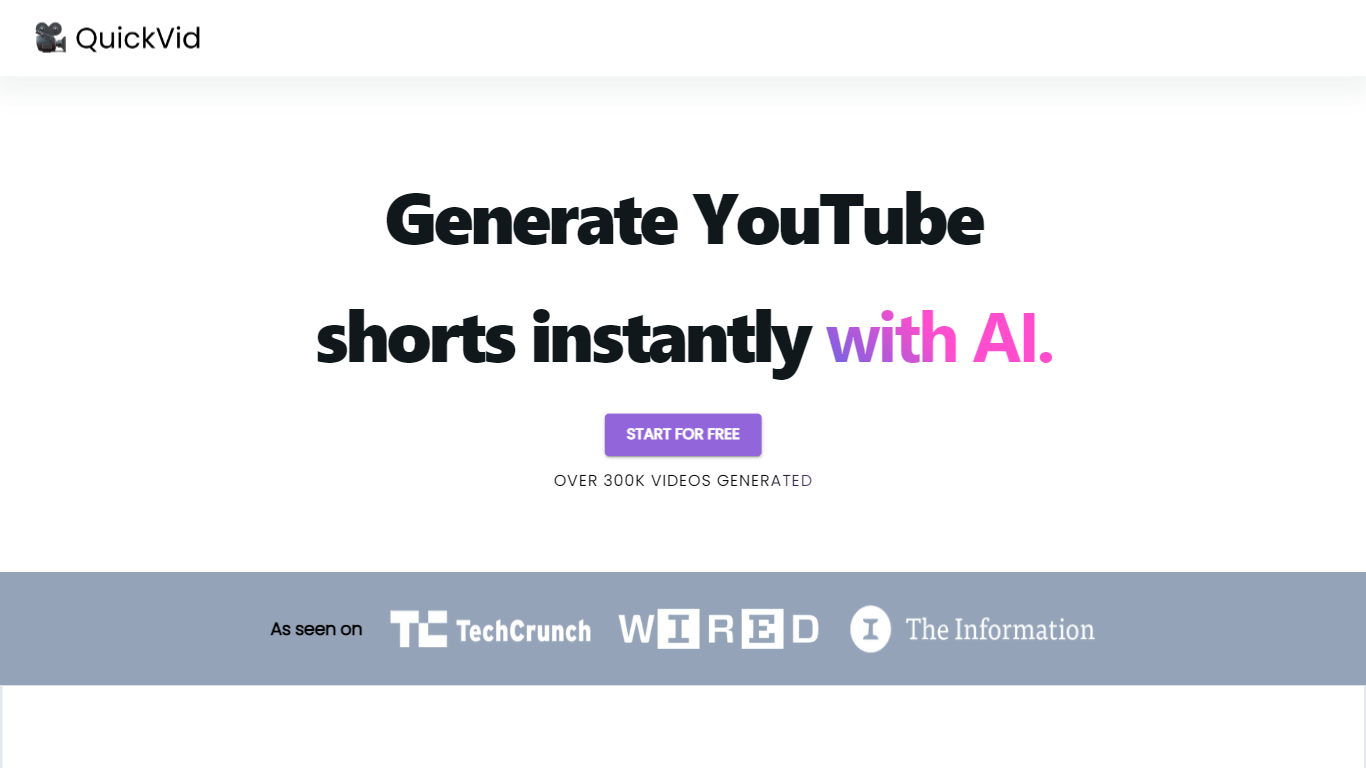
QuickVid is a powerful and efficient tool designed to revolutionize the process of generating YouTube shorts. With QuickVid, users can create captivating and attention-grabbing short videos for YouTube at lightning-fast speeds, saving them valuable time and effort.
Our cutting-edge technology allows users to generate YouTube shorts 10 times faster than traditional video editing methods. QuickVid's intuitive interface and user-friendly features make it easy for both beginners and experienced content creators to produce professional-quality shorts with just a few clicks.
Whether you're a vlogger, an influencer, or a business owner looking to enhance your online presence, QuickVid has got you covered. Our comprehensive range of templates, effects, and customization options ensure that you can create unique and engaging shorts that stand out from the crowd. Say goodbye to the tedious and time-consuming process of video editing and let QuickVid do the heavy lifting for you.
In addition to its exceptional speed and ease of use, QuickVid also offers advanced editing capabilities. Users can trim, merge, and add music or voiceovers to their shorts, giving them full creative control over the final product. With QuickVid, you can unleash your creativity and produce stunning videos that resonate with your audience.
Boost your YouTube channel's growth and engagement with QuickVid's powerful analytics and optimization tools. Our platform provides valuable insights into your video performance, helping you understand what works and what doesn't. With this data-driven approach, you can refine your content strategy and maximize your reach on YouTube.
With QuickVid, you no longer have to spend hours editing videos or struggle with complicated software. Our AI-powered tool simplifies the video creation process, allowing you to focus on what matters most – creating exceptional content. Discover the future of YouTube shorts with QuickVid and experience the power of speed and simplicity.
Clipchamp Upvotes
QuickVid Upvotes
Clipchamp Top Features
🎤 Natural AI voiceover generator with 400+ voices and adjustable pitch and pace
📝 AI subtitle generator creating accurate captions in 80+ languages with editable styles
📹 Screen and webcam recorder with unlimited retakes and no watermarks
🔇 AI silence remover to automatically cut long pauses and silences from videos
🎨 Custom color and gradient video backgrounds with HSV and HEX color picker
📺 Video exports up to 4K resolution available with premium subscription
🎬 Multi-item editing and grouping tools for efficient workflow
QuickVid Top Features
No top features listedClipchamp Category
- Video Editing
QuickVid Category
- Video Editing
Clipchamp Pricing Type
- Freemium
QuickVid Pricing Type
- Freemium