Clipchamp vs Videoleap
In the battle of Clipchamp vs Videoleap, which AI Video Editing tool comes out on top? We compare reviews, pricing, alternatives, upvotes, features, and more.
Which one is better? Clipchamp or Videoleap?
Upon comparing Clipchamp with Videoleap, which are both AI-powered video editing tools, Videoleap is the clear winner in terms of upvotes. The number of upvotes for Videoleap stands at 7, and for Clipchamp it's 6.
Does the result make you go "hmm"? Cast your vote and turn that frown upside down!
Clipchamp


What is Clipchamp?
Clipchamp enables users to record, edit, and share high-definition videos directly from their web browser or Windows app. It offers tools for creating videos with webcam, screen, and voice recordings, combined with AI-powered editing features like noise suppression and automatic subtitle generation.
What distinguishes Clipchamp from other video editors is its integration of advanced AI tools such as a natural voiceover generator with over 400 voices and an AI silence remover that automatically cuts long pauses. It also provides customizable color and gradient backgrounds and supports exporting videos up to 4K resolution without watermarks for premium users.
Clipchamp's content library includes royalty-free stock videos, images, music, and templates tailored for social media, education, and business use. Its privacy-first approach ensures all recordings remain on the user's device unless shared, making it a secure choice for video creation.
With features like multi-item editing, grouping, and a flexible video resizer supporting multiple aspect ratios, Clipchamp offers a comprehensive editing experience suitable for creators of all skill levels. It works seamlessly in Microsoft Edge and Google Chrome browsers, with an optional Windows app available for enhanced performance.
Videoleap
What is Videoleap?
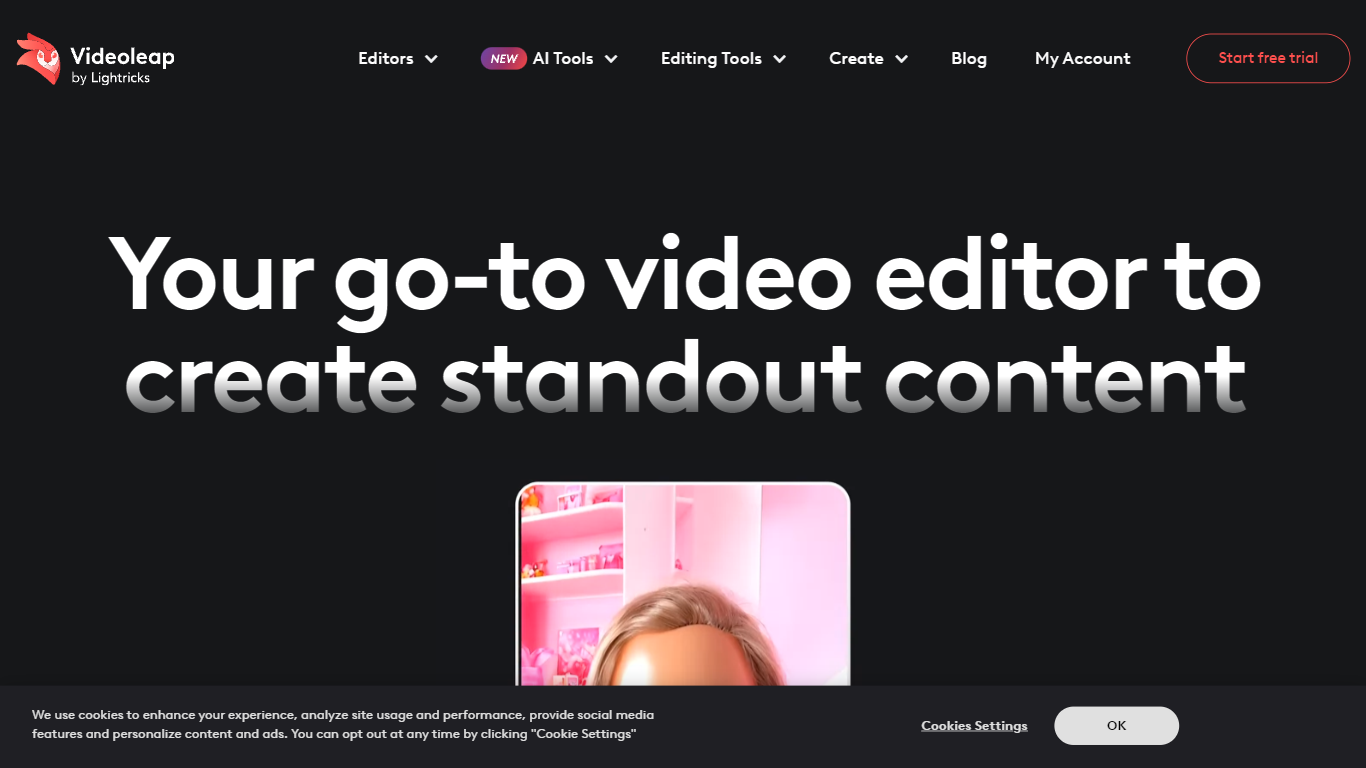
Videoleap turns phone clips into Reels, TikToks, and YouTube Shorts through a mobile timeline editor and a browser workflow from Lightricks. You can start from premade templates, then trim, merge, add filters, drop in royalty-free music, or run generative edits like object removal, background swap, and text-to-video. The homepage frames it as short-form video editing without opening a desktop NLE.
CapCut owns the free mobile editor crowd, but Videoleap leans harder into template-first creation and Lightricks-style generative effects. The site highlights AI Scenes, D&D Avatars, AI Selfie, and AI Infinite Zoom alongside classic trim, merge, and speed controls. Several advanced cutout and subtitle tools are marked iOS only, so Android users get a narrower feature set than the marketing grid suggests.
Creators, social media managers, and small businesses are the stated audience, with copy citing 300k+ businesses and 95M+ downloads. A 7-day free trial is advertised sitewide, with paid plans shown at $10 per month or $70 per year ($5.83 per month billed annually). If you post daily to Instagram or TikTok and want template packs plus one-tap effects, Videoleap targets that workflow more than long-form film editing.
Clipchamp Upvotes
Videoleap Upvotes
Clipchamp Top Features
🎤 Natural AI voiceover generator with 400+ voices and adjustable pitch and pace
📝 AI subtitle generator creating accurate captions in 80+ languages with editable styles
📹 Screen and webcam recorder with unlimited retakes and no watermarks
🔇 AI silence remover to automatically cut long pauses and silences from videos
🎨 Custom color and gradient video backgrounds with HSV and HEX color picker
📺 Video exports up to 4K resolution available with premium subscription
🎬 Multi-item editing and grouping tools for efficient workflow
Videoleap Top Features
Premade video templates for Reels, TikTok, and YouTube intros
7-day free trial advertised on the homepage with cancel-anytime copy
Annual plan listed at $70 per year ($5.83 per month) on the templates page
AI subtitle generator and object removal tools in the editor suite
95M+ downloads and 4.6-star rating from 790K+ users cited on site
Native iOS and Android apps plus browser-based editing tools
Royalty-free music library for adding audio tracks to clips
Clipchamp Category
- Video Editing
Videoleap Category
- Video Editing
Clipchamp Pricing Type
- Freemium
Videoleap Pricing Type
- Freemium