Clipchamp vs Vizard.ai
Dive into the comparison of Clipchamp vs Vizard.ai and discover which AI Video Editing tool stands out. We examine alternatives, upvotes, features, reviews, pricing, and beyond.
When comparing Clipchamp and Vizard.ai, which one rises above the other?
When we compare Clipchamp and Vizard.ai, two exceptional video editing tools powered by artificial intelligence, and place them side by side, several key similarities and differences come to light. The upvote count favors Vizard.ai, making it the clear winner. Vizard.ai has garnered 16 upvotes, and Clipchamp has garnered 6 upvotes.
Think we got it wrong? Cast your vote and show us who's boss!
Clipchamp

What is Clipchamp?
Clipchamp enables users to record, edit, and share high-definition videos directly from their web browser or Windows app. It offers tools for creating videos with webcam, screen, and voice recordings, combined with AI-powered editing features like noise suppression and automatic subtitle generation.
What distinguishes Clipchamp from other video editors is its integration of advanced AI tools such as a natural voiceover generator with over 400 voices and an AI silence remover that automatically cuts long pauses. It also provides customizable color and gradient backgrounds and supports exporting videos up to 4K resolution without watermarks for premium users.
Clipchamp's content library includes royalty-free stock videos, images, music, and templates tailored for social media, education, and business use. Its privacy-first approach ensures all recordings remain on the user's device unless shared, making it a secure choice for video creation.
With features like multi-item editing, grouping, and a flexible video resizer supporting multiple aspect ratios, Clipchamp offers a comprehensive editing experience suitable for creators of all skill levels. It works seamlessly in Microsoft Edge and Google Chrome browsers, with an optional Windows app available for enhanced performance.
Vizard.ai
What is Vizard.ai?
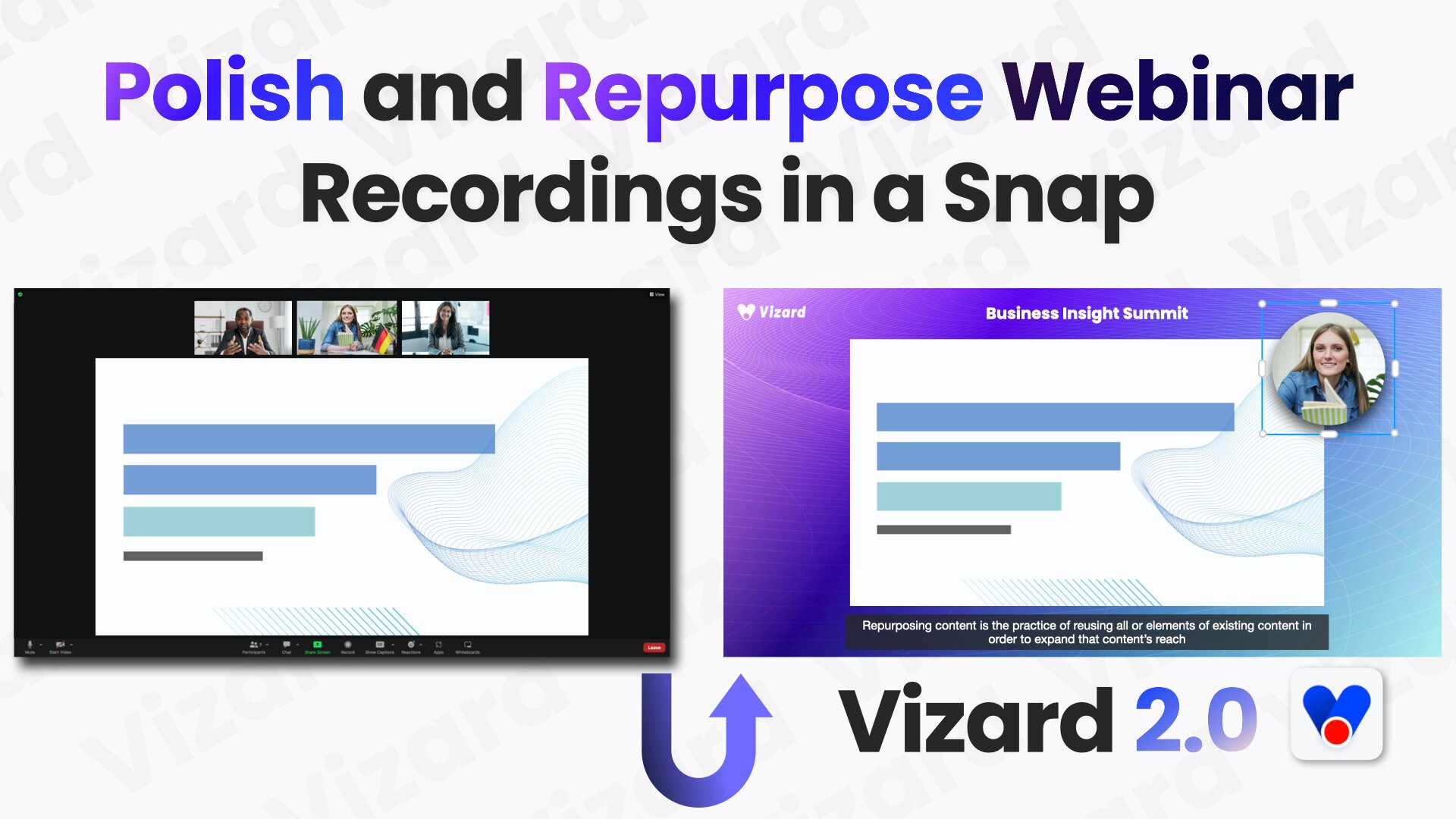
Vizard.ai turns long-form recordings into short clips for TikTok, Instagram Reels, and YouTube Shorts, with video editing tools layered on top of automated clipping. Upload a webinar, podcast, interview, or course video and the platform transcribes speakers, finds highlights, reframes subjects for vertical formats, and can publish straight to connected social accounts.
Most AI clippers only slice footage you already have. Vizard also runs Vizard Agent with 22 prompt-driven templates for creating new videos, ships a text-based editor and Team Workspace for agencies, and exposes a REST API with n8n workflows plus downloadable skills for Cursor and Claude Code. That combination suits teams who want clipping, light creation, and distribution in one product instead of juggling separate tools.
Social and content marketers, podcasters, coaches, consultants, and agencies use Vizard to repurpose webinars, client calls, and event recordings. The homepage offers a no-signup clip trial, the Free plan includes 60 monthly credits, and paid Creator and Business tiers add 4K export, more social accounts, and shared workspaces.
Clipchamp Upvotes
Vizard.ai Upvotes
Clipchamp Top Features
🎤 Natural AI voiceover generator with 400+ voices and adjustable pitch and pace
📝 AI subtitle generator creating accurate captions in 80+ languages with editable styles
📹 Screen and webcam recorder with unlimited retakes and no watermarks
🔇 AI silence remover to automatically cut long pauses and silences from videos
🎨 Custom color and gradient video backgrounds with HSV and HEX color picker
📺 Video exports up to 4K resolution available with premium subscription
🎬 Multi-item editing and grouping tools for efficient workflow
Vizard.ai Top Features
One click can turn a long video into 30+ short clips
Vizard Agent includes 22 prompt templates for creating videos from scratch
Text-based editor trims footage by deleting lines in the transcript
Caption translation covers 100+ languages inside the editor
Creator exports 4K with 100 GB storage; Business gets unlimited storage
REST API ships Python, Java, and Go samples plus an n8n workflow template
Business workspaces connect up to 20 social accounts with scheduled publishing
Clipchamp Category
- Video Editing
Vizard.ai Category
- Video Editing
Clipchamp Pricing Type
- Freemium
Vizard.ai Pricing Type
- Freemium