Clipfly.ai vs Clipchamp
Explore the showdown between Clipfly.ai vs Clipchamp and find out which AI Video Editing tool wins. We analyze upvotes, features, reviews, pricing, alternatives, and more.
In a face-off between Clipfly.ai and Clipchamp, which one takes the crown?
When we contrast Clipfly.ai with Clipchamp, both of which are exceptional AI-operated video editing tools, and place them side by side, we can spot several crucial similarities and divergences. The upvote count reveals a draw, with both tools earning the same number of upvotes. Every vote counts! Cast yours and contribute to the decision of the winner.
Feeling rebellious? Cast your vote and shake things up!
Clipfly.ai

What is Clipfly.ai?
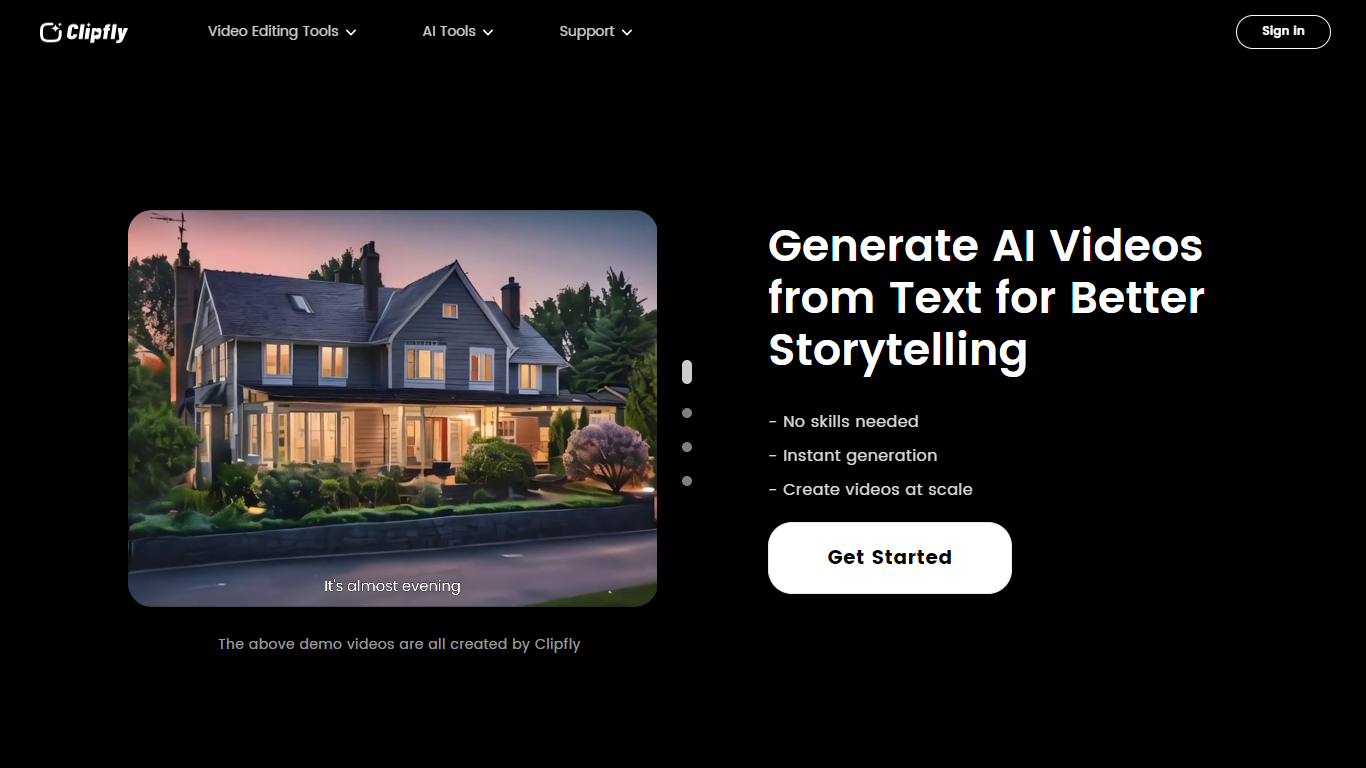
Clipfly is an online creative platform for generating and editing videos, images, and music from a single browser workspace. You can turn text prompts or photos into short clips, enhance footage, remove objects or watermarks, build talking avatars, and polish everything in a drag-and-drop video editor without installing desktop software.
The platform bundles dozens of specialized tools across video AI, image AI, audio AI, and traditional editing. Video generation supports text-to-video, image-to-video, and script-to-video workflows with models like Veo 3.1, Kling, Seedance, and Wan. Image tools cover text-to-image, headshots, background removal, and photo enhancement. The music generator turns lyrics or short text into songs across genres, and the editor exports MP4 files up to 4K without watermarks.
Clipfly targets content creators, marketers, educators, and casual users who need social clips, product demos, training videos, or personal montages. Free daily credits cover basic generation and editing, with paid plans available for heavier use.
Clipchamp
What is Clipchamp?
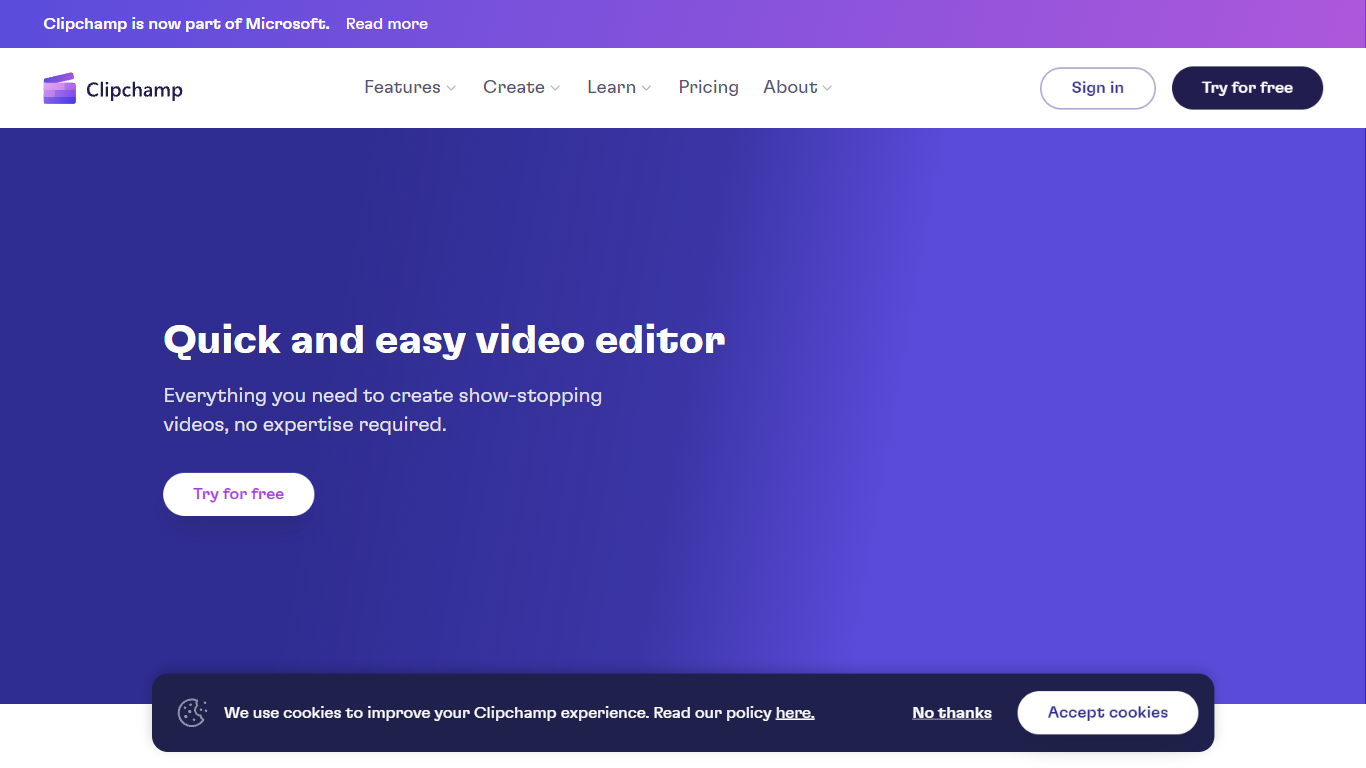
Clipchamp is a versatile video editing platform that empowers users to create stunning videos with ease. Whether you're editing on a browser, using the Windows app, or on mobile, Clipchamp simplifies the process with its smart tools and royalty-free content. It's ideal for everything from YouTube and TikTok videos to promo videos and Facebook video ads. Notable for its AI video editing capabilities, such as autocaptions and text-to-speech, Clipchamp also offers features like green screen effects, video overlays, and even speaker coaching. It ensures that your video fits any platform perfectly by allowing you to resize and transform your video with stylish elements. For business, education, or fun, Clipchamp is the way to go for creating high-quality videos without watermarks in up to 4K resolution. Now a part of Microsoft, this tool assures a smooth experience for all your video creation needs.
Clipfly.ai Upvotes
Clipchamp Upvotes
Clipfly.ai Top Features
Text-to-video and image-to-video generation with models including Veo 3.1, Kling, Seedance, and Wan
Online video editor with trim, crop, split, captions, transitions, effects, and stock media library
AI video enhancer, object remover, text remover, background remover, and upscaler tools
Text-to-image and image-to-image generation with Flux, Nano Banana, Qwen, and Seedream models
AI music generator that converts lyrics or text into royalty-free songs from 30 seconds to 4 minutes
Talking avatar creator with lip sync for spokesperson and explainer videos
Exports videos up to 4K resolution without watermarks from the free editor
Clipchamp Top Features
Autocaptions: Automatically generate accurate captions in over 140 languages using advanced speech-to-text technology.
Text to Speech: Easily convert text into natural-sounding speech in various languages and voices.
Resize Video: Adjust the aspect ratio of your videos to fit different platforms with customizable background colors and blur effects.
Speaker Coach: Improve communication skills with feedback on pace pitch and filler words using the webcam recorder tool.
Royalty-Free Elements: Enhance your videos with access to a wide range of stock elements including text overlays filters and templates.
Clipfly.ai Category
- Video Editing
Clipchamp Category
- Video Editing
Clipfly.ai Pricing Type
- Freemium
Clipchamp Pricing Type
- Freemium