
Last updated 06-30-2026
Category:
Reviews:
Join thousands of AI enthusiasts in the World of AI!
Clipfly.ai
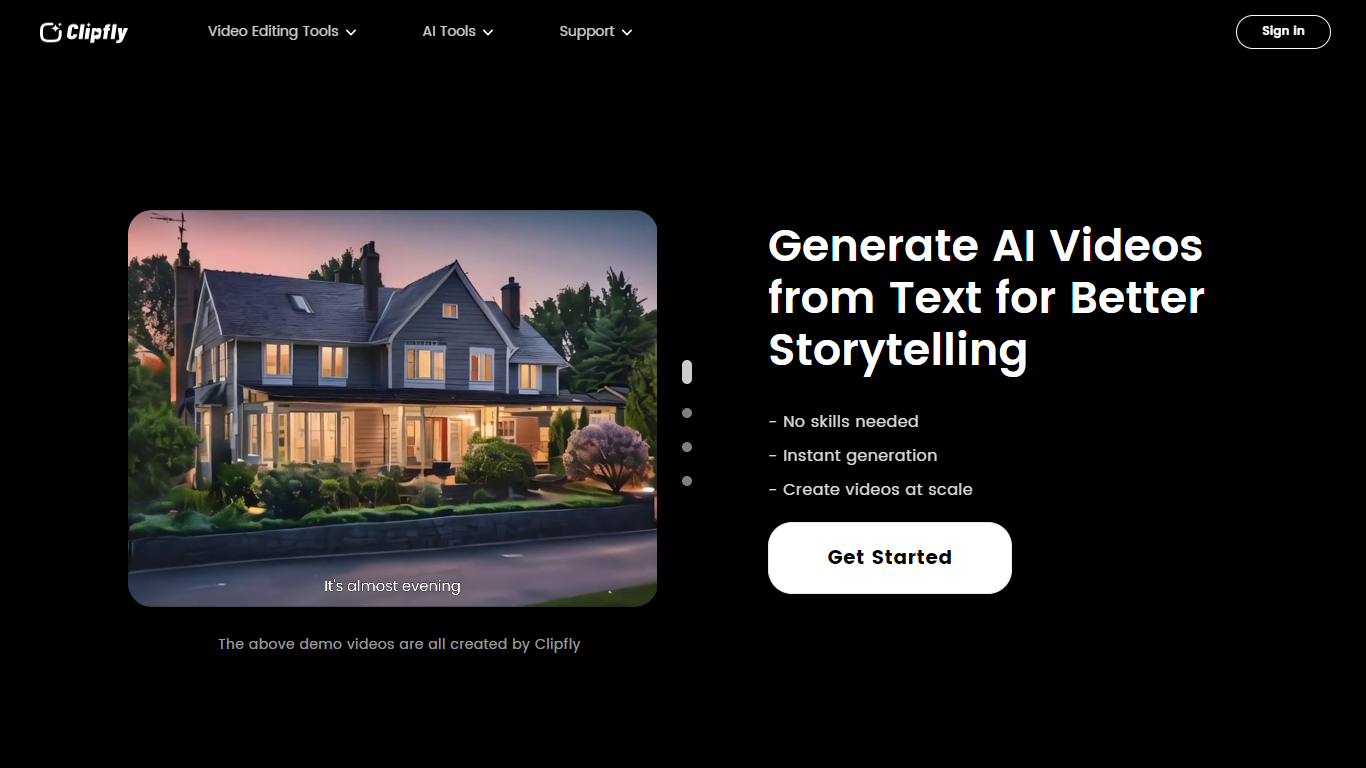
Clipfly is an online creative platform for generating and editing videos, images, and music from a single browser workspace. You can turn text prompts or photos into short clips, enhance footage, remove objects or watermarks, build talking avatars, and polish everything in a drag-and-drop video editor without installing desktop software.
The platform bundles dozens of specialized tools across video AI, image AI, audio AI, and traditional editing. Video generation supports text-to-video, image-to-video, and script-to-video workflows with models like Veo 3.1, Kling, Seedance, and Wan. Image tools cover text-to-image, headshots, background removal, and photo enhancement. The music generator turns lyrics or short text into songs across genres, and the editor exports MP4 files up to 4K without watermarks.
Clipfly targets content creators, marketers, educators, and casual users who need social clips, product demos, training videos, or personal montages. Free daily credits cover basic generation and editing, with paid plans available for heavier use.
Text-to-video and image-to-video generation with models including Veo 3.1, Kling, Seedance, and Wan
Online video editor with trim, crop, split, captions, transitions, effects, and stock media library
AI video enhancer, object remover, text remover, background remover, and upscaler tools
Text-to-image and image-to-image generation with Flux, Nano Banana, Qwen, and Seedream models
AI music generator that converts lyrics or text into royalty-free songs from 30 seconds to 4 minutes
Talking avatar creator with lip sync for spokesperson and explainer videos
Exports videos up to 4K resolution without watermarks from the free editor
Combines AI video, image, music, and traditional editing in one browser-based platform.
Free tier includes daily credits and watermark-free video exports from the editor.
Wide model selection for video generation, including Veo 3.1, Kling, Seedance, and Wan.
Supports commercial use of generated videos and royalty-free AI music.
Interface available in 13 languages.
Pricing page requires sign-in or JavaScript rendering, making plan details hard to compare without an account.
Heavy AI generation depends on daily credit limits on the free tier.
No dedicated desktop or mobile app; everything runs in the browser.
Is Clipfly free to use?
Yes. Clipfly offers free daily credits for AI video and image generation, and its online video editor lets you export projects without watermarks. Paid subscription plans are available at clipfly.ai/pricing for users who need more credits or advanced features.
What is an AI video generator?
An AI video generator creates video clips from text descriptions, reference images, or scripts. Clipfly turns your prompts into short videos using models like Veo 3.1, Kling, Seedance, and Wan, then lets you edit the results in its built-in video editor.
What video formats does Clipfly support?
Clipfly accepts MP4, MOV, AVI, and WebM uploads in its video editor. Finished projects can be exported as MP4 files with resolutions up to 4K.
Can I use Clipfly AI-generated content commercially?
Yes. Clipfly states that videos created on the platform can be used for business, marketing campaigns, and commercial projects. Its AI music generator also produces royalty-free tracks suitable for promotional videos and social content.
What languages does Clipfly support?
Clipfly supports multiple interface languages including English, French, German, Spanish, Japanese, Korean, and Simplified Chinese. Its AI video and music tools also accept prompts in several languages beyond English.
Does Clipfly require video editing experience?
No. Clipfly is designed for beginners and experienced creators alike. AI tools handle generation and enhancement in a few clicks, and the drag-and-drop editor covers trimming, captions, audio, and effects without technical setup.