Clipfly.ai vs HitPaw Video Enhancer
In the contest of Clipfly.ai vs HitPaw Video Enhancer, which AI Video Editing tool is the champion? We evaluate pricing, alternatives, upvotes, features, reviews, and more.
If you had to choose between Clipfly.ai and HitPaw Video Enhancer, which one would you go for?
When we examine Clipfly.ai and HitPaw Video Enhancer, both of which are AI-enabled video editing tools, what unique characteristics do we discover? HitPaw Video Enhancer stands out as the clear frontrunner in terms of upvotes. HitPaw Video Enhancer has garnered 7 upvotes, and Clipfly.ai has garnered 6 upvotes.
Don't agree with the result? Cast your vote and be a part of the decision-making process!
Clipfly.ai
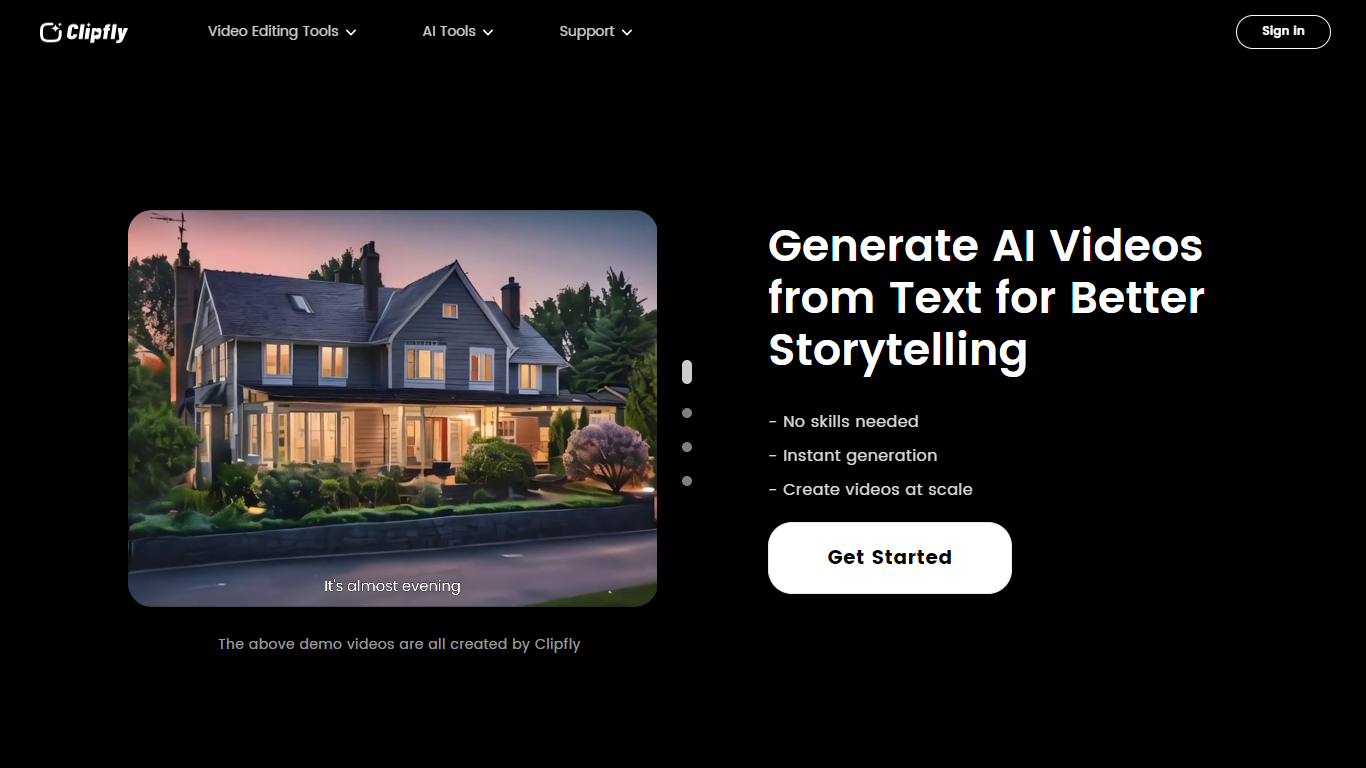

What is Clipfly.ai?
Clipfly is an online creative platform for generating and editing videos, images, and music from a single browser workspace. You can turn text prompts or photos into short clips, enhance footage, remove objects or watermarks, build talking avatars, and polish everything in a drag-and-drop video editor without installing desktop software.
The platform bundles dozens of specialized tools across video AI, image AI, audio AI, and traditional editing. Video generation supports text-to-video, image-to-video, and script-to-video workflows with models like Veo 3.1, Kling, Seedance, and Wan. Image tools cover text-to-image, headshots, background removal, and photo enhancement. The music generator turns lyrics or short text into songs across genres, and the editor exports MP4 files up to 4K without watermarks.
Clipfly targets content creators, marketers, educators, and casual users who need social clips, product demos, training videos, or personal montages. Free daily credits cover basic generation and editing, with paid plans available for heavier use.
HitPaw Video Enhancer
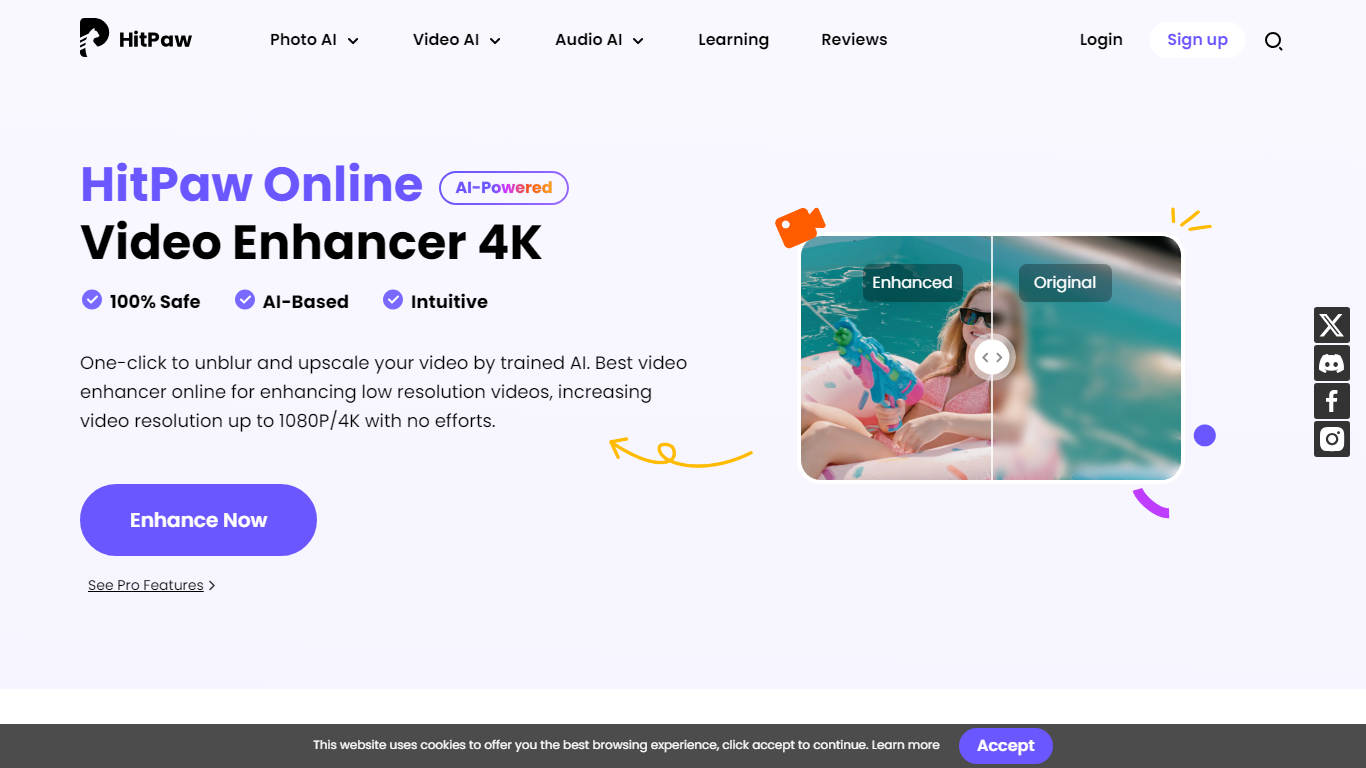
What is HitPaw Video Enhancer?
Elevate your video quality effortlessly with HitPaw Online AI 4K Video Enhancer, designed to be your go-to solution for AI-enhanced video upscaling. Experience the power of advanced technology to transform your videos to stunning 4K resolution in a flash.
Our easy-to-use platform offers a seamless process to enhance and upscale your videos up to 1080P/4K, elevating the viewing experience with crisp, clear visuals. Backed by a 100% safety guarantee, HitPaw ensures a secure enhancement process, so you can focus on the quality without worrying about the security of your content.
The HitPaw Online Toolbox provides a range of features for a comprehensive video enhancement journey. Whether for personal use or professional projects, HitPaw stands as your first and best choice in the realm of AI-powered video quality enhancement. Try it now for free and witness the remarkable difference!
Clipfly.ai Upvotes
HitPaw Video Enhancer Upvotes
Clipfly.ai Top Features
Text-to-video and image-to-video generation with models including Veo 3.1, Kling, Seedance, and Wan
Online video editor with trim, crop, split, captions, transitions, effects, and stock media library
AI video enhancer, object remover, text remover, background remover, and upscaler tools
Text-to-image and image-to-image generation with Flux, Nano Banana, Qwen, and Seedream models
AI music generator that converts lyrics or text into royalty-free songs from 30 seconds to 4 minutes
Talking avatar creator with lip sync for spokesperson and explainer videos
Exports videos up to 4K resolution without watermarks from the free editor
HitPaw Video Enhancer Top Features
AI Upscaling: Instantly upscale videos to 1080P/4K resolutions using AI technology.
User-Friendly Interface: Effortlessly enhance videos with an intuitive drag-and-drop system.
Secure Enhancement Process: Guaranteed safety with a platform that prioritizes the security of your content.
Comprehensive Toolbox: Access a variety of AI tools for enhancing video and image quality.
Free Trial: Experience the exceptional quality for yourself with a risk-free trial.
Clipfly.ai Category
- Video Editing
HitPaw Video Enhancer Category
- Video Editing
Clipfly.ai Pricing Type
- Freemium
HitPaw Video Enhancer Pricing Type
- Paid