ClipGen vs Riverside
When comparing ClipGen vs Riverside, which AI Video Editing tool shines brighter? We look at pricing, alternatives, upvotes, features, reviews, and more.
In a comparison between ClipGen and Riverside, which one comes out on top?
When we put ClipGen and Riverside side by side, both being AI-powered video editing tools, The users have made their preference clear, Riverside leads in upvotes. The upvote count for Riverside is 25, and for ClipGen it's 6.
Not your cup of tea? Upvote your preferred tool and stir things up!
ClipGen

What is ClipGen?
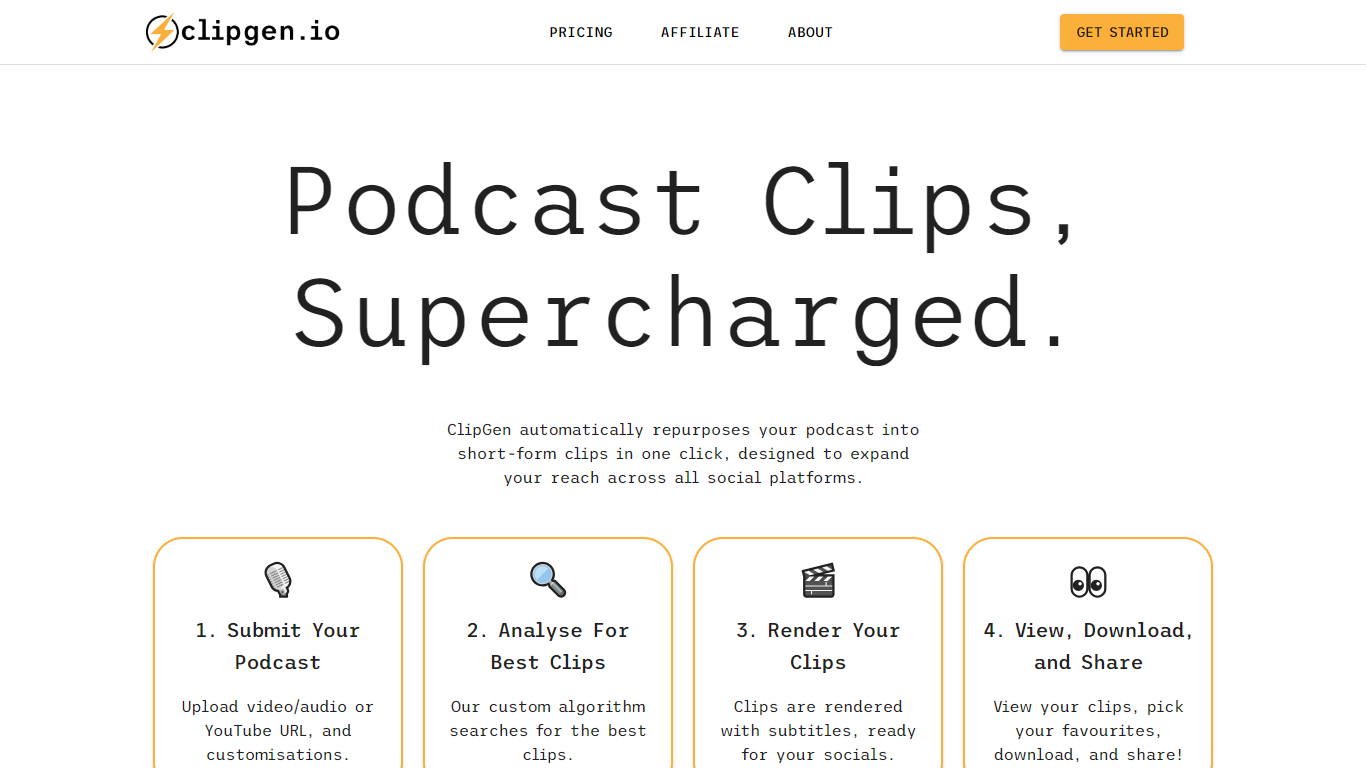
ClipGen is an innovative tool that specializes in transforming podcasts into engaging short-form video clips that are perfect for sharing across various social media platforms. It leverages a custom algorithm to analyze your podcast and extract the best segments to create these clips. With ClipGen, you can upload your audio or video file, or even a YouTube URL, and let the service handle the rest.
The platform identifies optimal clip moments, adds subtitles, and renders the content in formats suited for different social networks, such as portrait videos for Instagram and TikTok, or square ones for LinkedIn. Users can fine-tune their clips by adjusting start and end points, highlighting keywords for subtitles, and correcting any transcription errors that may occur. The entire process is designed to be swift and user-friendly, with top clip suggestions usually ready in under 20 minutes, making it an efficient way to amplify your podcast's reach and engage with a broader audience online.
Riverside

What is Riverside?
Riverside is a video editing and recording platform built for remote podcasts, interviews, and webinars. It records up to 4K video and uncompressed audio locally on each participant's device, so spotty internet does not tank quality. After recording, you edit in a text-based timeline, generate Magic Clips, captions, and show notes, then publish to YouTube, Spotify, and Apple Podcasts from the same workflow.
Zoom and Google Meet optimize for live calls, not post-production. Riverside records separate tracks locally, then layers AI cleanup, filler-word removal, and clip generation on top. The trade-off is that it is built for creators who publish regularly, not for one-off internal meetings that never leave the call app.
Podcasters, marketers, and producers at companies like Spotify and The New York Times use Riverside for studio-style remote recordings. Founded in 2020 by brothers Gideon and Nadav, the product now lives at riverside.com while riverside.fm redirects to the same experience.
ClipGen Upvotes
Riverside Upvotes
ClipGen Top Features
Custom Algorithm for Best Clips: ClipGen applies a custom algorithm to identify and extract the most engaging parts of your podcast for social media clips.
Easy Customization: Fine-tune the start and end points of each clip, highlight keywords for subtitles, and correct typographic errors swiftly.
Quick Processing: The platform analyzes your podcast and delivers top clip suggestions typically within 20 minutes.
Multi-Platform Formatting: Automatically reframes and formats videos to suit various social media platforms like Instagram, TikTok, and LinkedIn.
Direct Uploads: Users have the flexibility to upload directly via video/audio files or YouTube URLs to start creating short clips.
Riverside Top Features
Local recording up to 4K video with separate WAV and MP4 tracks per speaker
Free plan includes 2 hours of multi-track recordings and unlimited single-track editing
Pro plan at $24 per month (billed annually) adds 15 hours of separate track downloads and 4K output
AI Co-Creator generates clips, show notes, captions, and filler-word removal from recordings
Built-in podcast hosting publishes to Spotify, Apple Podcasts, and YouTube
Grow and Webinar tiers add multistream live streaming and webinar registration for up to 100 attendees
ClipGen Category
- Video Editing
Riverside Category
- Video Editing
ClipGen Pricing Type
- Freemium
Riverside Pricing Type
- Freemium