Code Sensei vs Programming-Helper
In the face-off between Code Sensei vs Programming-Helper, which AI Code Assistant tool takes the crown? We scrutinize features, alternatives, upvotes, reviews, pricing, and more.
In a face-off between Code Sensei and Programming-Helper, which one takes the crown?
If we were to analyze Code Sensei and Programming-Helper, both of which are AI-powered code assistant tools, what would we find? Code Sensei stands out as the clear frontrunner in terms of upvotes. Code Sensei has garnered 6 upvotes, and Programming-Helper has garnered 3 upvotes.
Don't agree with the result? Cast your vote and be a part of the decision-making process!
Code Sensei
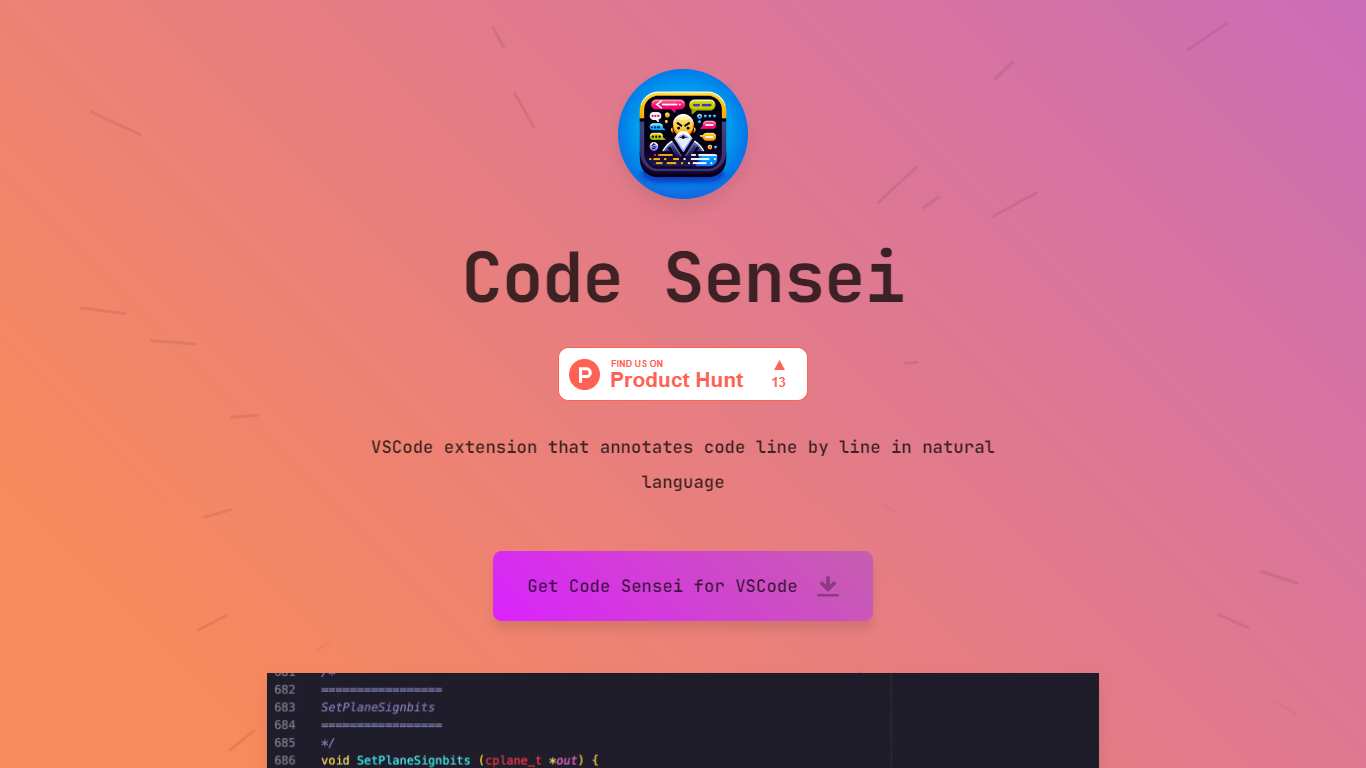

What is Code Sensei?
Code Sensei is your go-to Visual Studio Code extension when you’re looking for a tool to bring clarity and understanding to your coding endeavors. This innovative extension takes your programming experience a step further by providing detailed, natural language annotations for each line of code in real time. By doing so, Code Sensei makes it easier for new learners to understand what each part of the code does, and serves as an invaluable tool for educators who aim to provide clearer coding instructions to their students.
The extension integrates seamlessly with VSCode, allowing coders to progress through their projects efficiently while simultaneously learning from the annotations. This is a particularly useful tool for training courses, online coding schools, or any educational platform that focuses on teaching programming.
For institutions that require a tailored approach, Code Sensei offers custom solutions to fit the specific needs of your training course or online school. With a commitment to enhancing the learning experience, the team behind Code Sensei is available to work closely with clients to deliver a solution that aligns with their educational goals. To inquire about these custom solutions, interested parties are encouraged to reach out through the provided email contact.
Programming-Helper
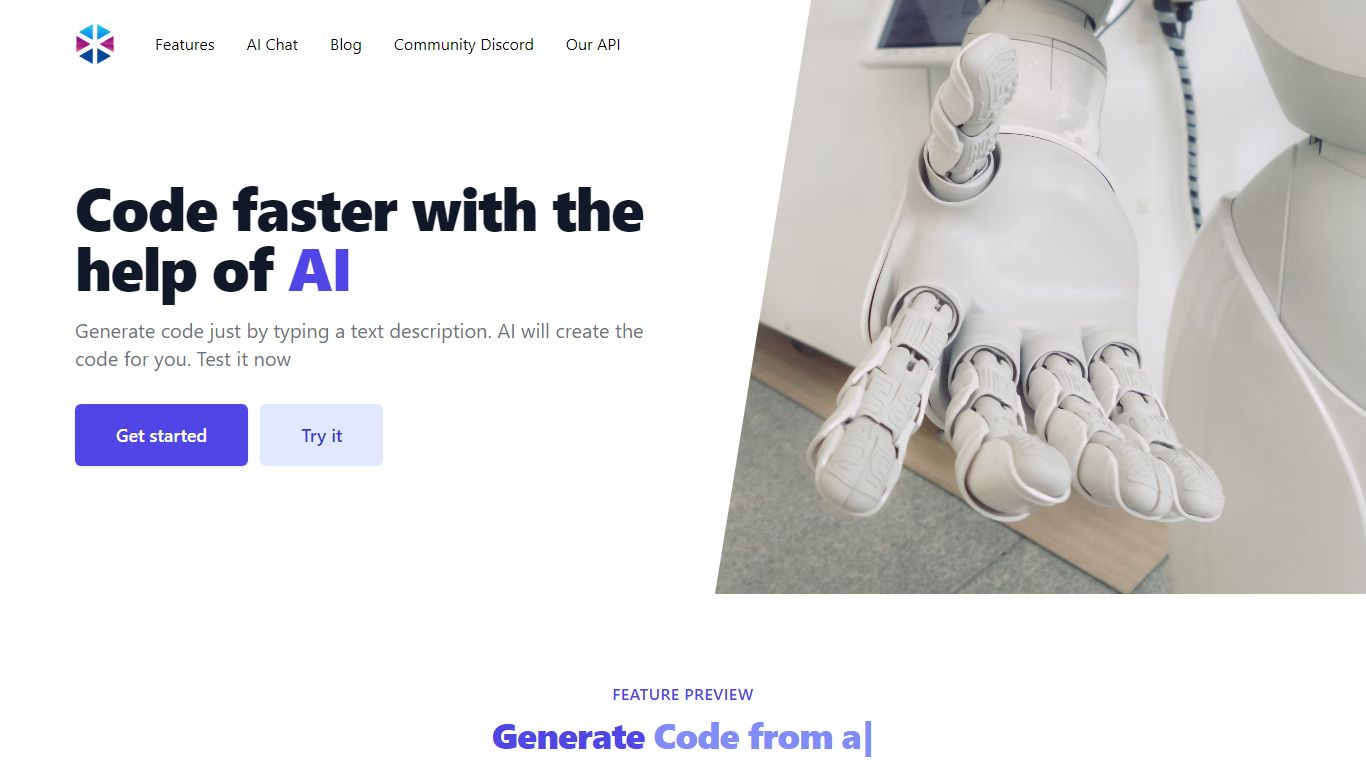
What is Programming-Helper?
Programming-Helper is a browser-based code assistant that turns plain-English prompts into functions, SQL, HTML, regex, Git commands, and more. You pick a task like generate function or text to SQL, describe what you need, and the site returns code you can copy, with community generations visible to other users.
Most code assistants chase one workflow, usually chat inside an IDE. Programming-Helper spreads dozens of narrow generators across a single site, from docstring-to-function and fix invalid code to Linux command lookup and time-complexity analysis. That breadth trades deep project context for quick one-off answers.
It fits students, indie developers, and analysts who need a specific snippet without opening a full IDE copilot. The newer AI Studio bundles the tools behind one interface with workflows, collaboration, and one-click exports for heavier use.
Code Sensei Upvotes
Programming-Helper Upvotes
Code Sensei Top Features
Natural Language Annotations: Provides line-by-line explanations of code in natural language, enhancing readability and comprehension.
VSCode Integration: Seamlessly integrates with Visual Studio Code for a user-friendly experience.
Learning Aid: Ideal for coding beginners and educational environments, assisting in the understanding of programming concepts.
Custom Solutions: Offers customized annotation solutions to suit the unique needs of training courses and online schools.
Support and Collaboration: Encourages direct contact for tailored solutions, facilitating collaboration between the Code Sensei team and clients.
Programming-Helper Top Features
Generate functions from text descriptions across many programming languages
Text-to-SQL converts plain English into SQL commands
Translate code between programming languages from a description
Regex from description and regex-to-English explanation tools
Fix invalid code, add typing, and generate unit tests from existing code
AI Studio bundles all generators with workflows, collaboration, and one-click exports
Code Sensei Category
- Code Assistant
Programming-Helper Category
- Code Assistant
Code Sensei Pricing Type
- Freemium
Programming-Helper Pricing Type
- Freemium