Code Snippets AI vs Gorilla Terminal
In the battle of Code Snippets AI vs Gorilla Terminal, which AI Code Assistant tool comes out on top? We compare reviews, pricing, alternatives, upvotes, features, and more.
Between Code Snippets AI and Gorilla Terminal, which one is superior?
Upon comparing Code Snippets AI with Gorilla Terminal, which are both AI-powered code assistant tools, The upvote count shows a clear preference for Code Snippets AI. Code Snippets AI has received 8 upvotes from aitools.fyi users, while Gorilla Terminal has received 6 upvotes.
Think we got it wrong? Cast your vote and show us who's boss!
Code Snippets AI

What is Code Snippets AI?
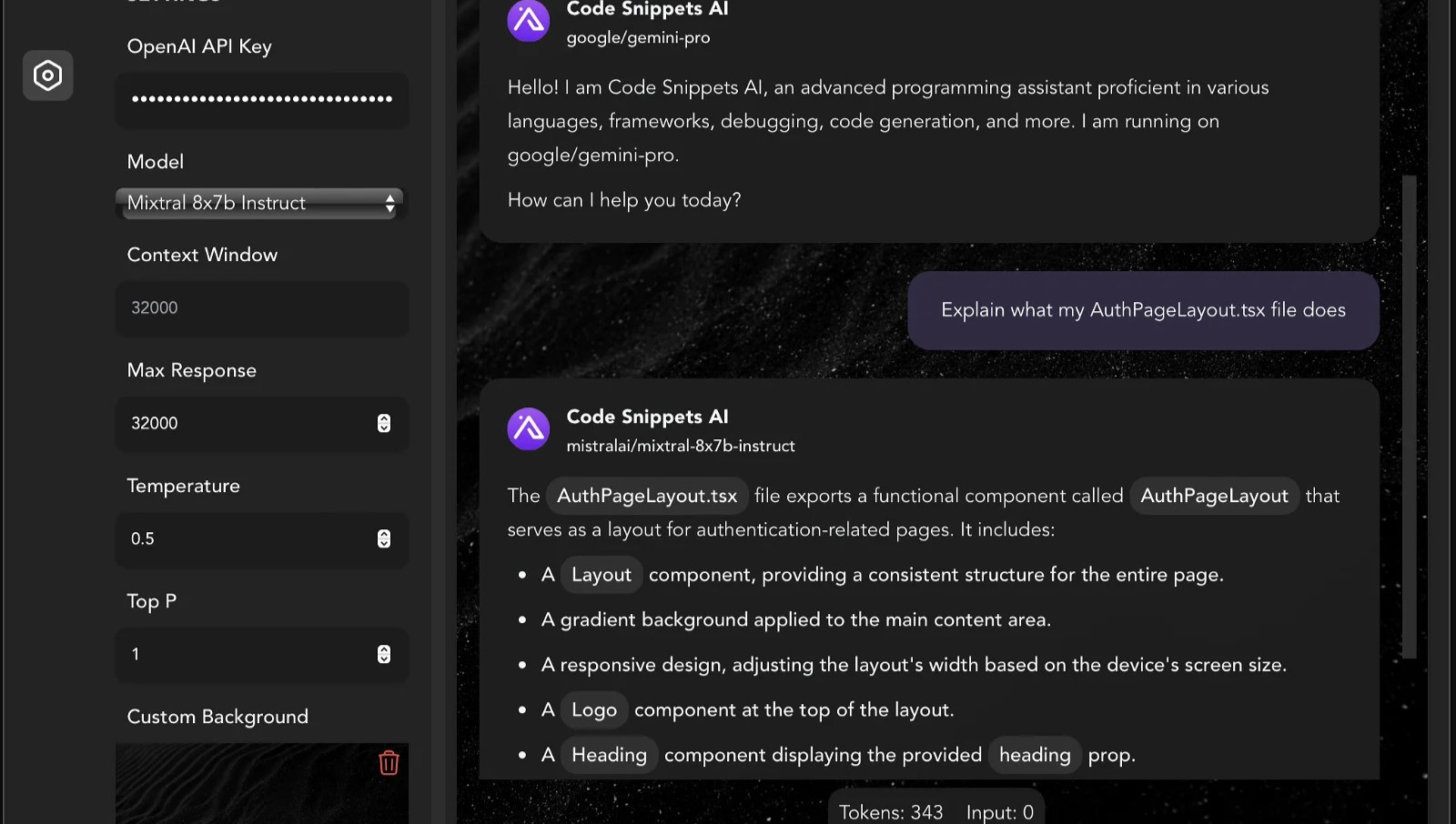
Code Snippets AI helps developers manage and enhance their code snippets using AI-powered tools. It provides a desktop app and IDE extensions that integrate with popular AI models like OpenAI GPT-4 and various open-source large language models. Developers can chat with multiple AI models in a single conversation, improving coding assistance.
What sets Code Snippets AI apart is its ability to index your entire codebase, providing contextual awareness that enhances code generation, refactoring, debugging, and documentation. It supports team collaboration with secure snippet libraries and user management features, suitable for both individuals and teams.
The platform continuously updates chat context based on code changes, helping maintain code quality and accelerate development workflows. Additionally, Code Snippets AI offers AI Agents, which are specialized digital assistants tailored for specific coding tasks and languages to boost productivity. It supports Mac, Windows, and VSCode, with plans to expand IDE support in the future.
Gorilla Terminal

What is Gorilla Terminal?
Gorilla Terminal pulls stock data, SEC filings, macro indicators, and earnings call transcripts into one terminal-style dashboard in your browser. Search by ticker and you get charts, quarterly reports, insider trades, Twitter sentiment, and live futures without hopping between Bloomberg tabs and scattered finance sites.
Most research terminals either dump raw data tables or lean on generic summaries. Gorilla Terminal focuses on earnings calls: it runs sentiment analysis on what executives actually said, flags positive and negative statements, and lets you filter by quarter. That transcript-first angle is the trade-off. You get deeper call breakdowns than a charting site, but the product is built for equity research rather than crypto or forex.
Portfolio managers, solo investors, and finance students use this investment research tool to prep for earnings season, scan sector averages, and stress-test holdings with value-at-risk and regression tools. The macro panel covers CPI, unemployment, retail sales, and consumer sentiment in one click.
Code Snippets AI Upvotes
Gorilla Terminal Upvotes
Code Snippets AI Top Features
💬 Multi-Model Chat: Chat with multiple AI models like GPT-4 and open-source LLMs simultaneously for diverse coding assistance.
📂 Codebase Indexing: Automatically indexes your entire project files to provide AI with up-to-date context for accurate code suggestions.
🤖 AI Agents: Specialized digital assistants for specific languages and frameworks offering tailored coding support and documentation.
👥 Team Collaboration: Securely share and manage code snippets with your team, including user roles and real-time snippet updates.
🛠️ IDE Integration: Desktop apps and VSCode extension enable writing, refactoring, and debugging code efficiently without switching tools.
🔑 API Key Requirement: Basic plan requires users to provide their own OpenRouter or OpenAI API key to access online language models.
💾 Snippet Storage Limits: Basic plan allows saving up to 5 snippets; paid plans offer unlimited snippet storage.
Gorilla Terminal Top Features
Earnings call transcripts with AI sentiment scoring and positive/negative statement filters per quarter
Macro dashboard covering CPI, unemployment, retail sales, and consumer sentiment in one view
Stock search returns charts, 10-Ks, 10-Qs, insider buying, and Twitter sentiment on one page
Value-at-risk and regression analysis for portfolio risk modeling
Industry average metrics across revenue growth, margins, and tax rates by sector
Pro plan at $29 per month, down from a listed $49 per month on the pricing page
7-day pass at $9.99 for short-term access without a monthly commitment
Code Snippets AI Category
- Code Assistant
Gorilla Terminal Category
- Code Assistant
Code Snippets AI Pricing Type
- Freemium
Gorilla Terminal Pricing Type
- Paid