Code Snippets AI vs Programming-Helper
When comparing Code Snippets AI vs Programming-Helper, which AI Code Assistant tool shines brighter? We look at pricing, alternatives, upvotes, features, reviews, and more.
In a comparison between Code Snippets AI and Programming-Helper, which one comes out on top?
When we put Code Snippets AI and Programming-Helper side by side, both being AI-powered code assistant tools, The users have made their preference clear, Code Snippets AI leads in upvotes. Code Snippets AI has received 8 upvotes from aitools.fyi users, while Programming-Helper has received 3 upvotes.
You don't agree with the result? Cast your vote to help us decide!
Code Snippets AI

What is Code Snippets AI?
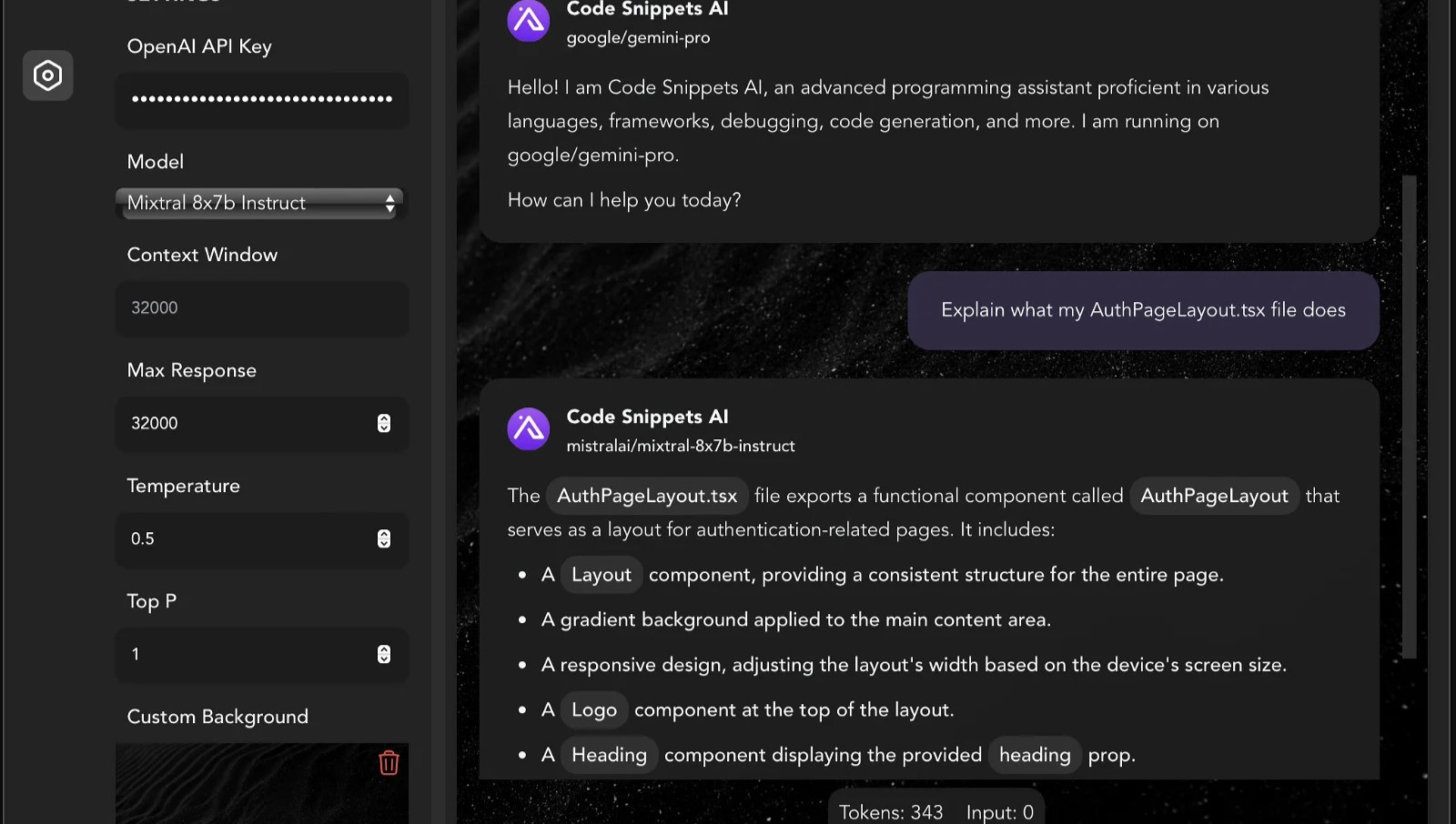
Code Snippets AI helps developers manage and enhance their code snippets using AI-powered tools. It provides a desktop app and IDE extensions that integrate with popular AI models like OpenAI GPT-4 and various open-source large language models. Developers can chat with multiple AI models in a single conversation, improving coding assistance.
What sets Code Snippets AI apart is its ability to index your entire codebase, providing contextual awareness that enhances code generation, refactoring, debugging, and documentation. It supports team collaboration with secure snippet libraries and user management features, suitable for both individuals and teams.
The platform continuously updates chat context based on code changes, helping maintain code quality and accelerate development workflows. Additionally, Code Snippets AI offers AI Agents, which are specialized digital assistants tailored for specific coding tasks and languages to boost productivity. It supports Mac, Windows, and VSCode, with plans to expand IDE support in the future.
Programming-Helper
What is Programming-Helper?
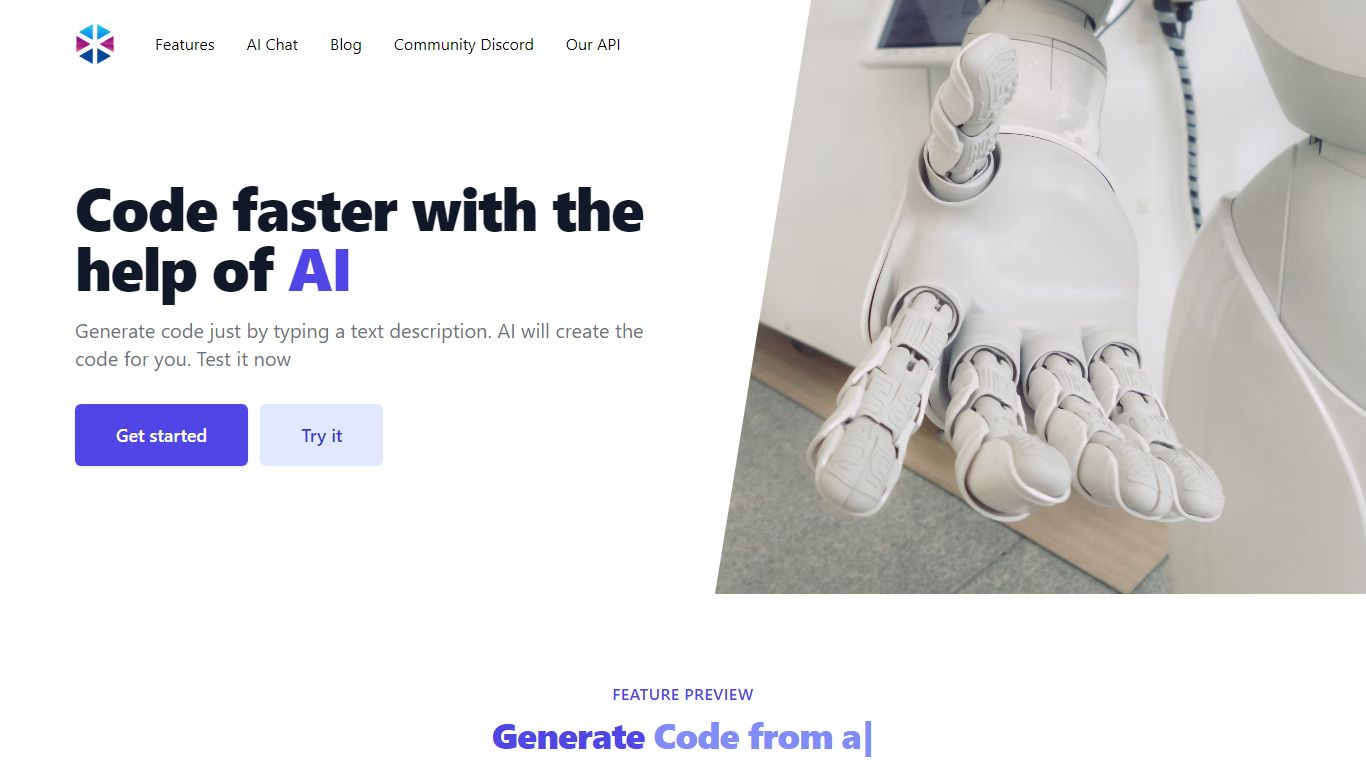
Programming-Helper is a browser-based code assistant that turns plain-English prompts into functions, SQL, HTML, regex, Git commands, and more. You pick a task like generate function or text to SQL, describe what you need, and the site returns code you can copy, with community generations visible to other users.
Most code assistants chase one workflow, usually chat inside an IDE. Programming-Helper spreads dozens of narrow generators across a single site, from docstring-to-function and fix invalid code to Linux command lookup and time-complexity analysis. That breadth trades deep project context for quick one-off answers.
It fits students, indie developers, and analysts who need a specific snippet without opening a full IDE copilot. The newer AI Studio bundles the tools behind one interface with workflows, collaboration, and one-click exports for heavier use.
Code Snippets AI Upvotes
Programming-Helper Upvotes
Code Snippets AI Top Features
💬 Multi-Model Chat: Chat with multiple AI models like GPT-4 and open-source LLMs simultaneously for diverse coding assistance.
📂 Codebase Indexing: Automatically indexes your entire project files to provide AI with up-to-date context for accurate code suggestions.
🤖 AI Agents: Specialized digital assistants for specific languages and frameworks offering tailored coding support and documentation.
👥 Team Collaboration: Securely share and manage code snippets with your team, including user roles and real-time snippet updates.
🛠️ IDE Integration: Desktop apps and VSCode extension enable writing, refactoring, and debugging code efficiently without switching tools.
🔑 API Key Requirement: Basic plan requires users to provide their own OpenRouter or OpenAI API key to access online language models.
💾 Snippet Storage Limits: Basic plan allows saving up to 5 snippets; paid plans offer unlimited snippet storage.
Programming-Helper Top Features
Generate functions from text descriptions across many programming languages
Text-to-SQL converts plain English into SQL commands
Translate code between programming languages from a description
Regex from description and regex-to-English explanation tools
Fix invalid code, add typing, and generate unit tests from existing code
AI Studio bundles all generators with workflows, collaboration, and one-click exports
Code Snippets AI Category
- Code Assistant
Programming-Helper Category
- Code Assistant
Code Snippets AI Pricing Type
- Freemium
Programming-Helper Pricing Type
- Freemium