Code Translator vs GitHub Next
In the battle of Code Translator vs GitHub Next, which AI Code Assistant tool comes out on top? We compare reviews, pricing, alternatives, upvotes, features, and more.
Between Code Translator and GitHub Next, which one is superior?
Upon comparing Code Translator with GitHub Next, which are both AI-powered code assistant tools, The upvote count shows a clear preference for Code Translator. The number of upvotes for Code Translator stands at 7, and for GitHub Next it's 6.
You don't agree with the result? Cast your vote to help us decide!
Code Translator

What is Code Translator?
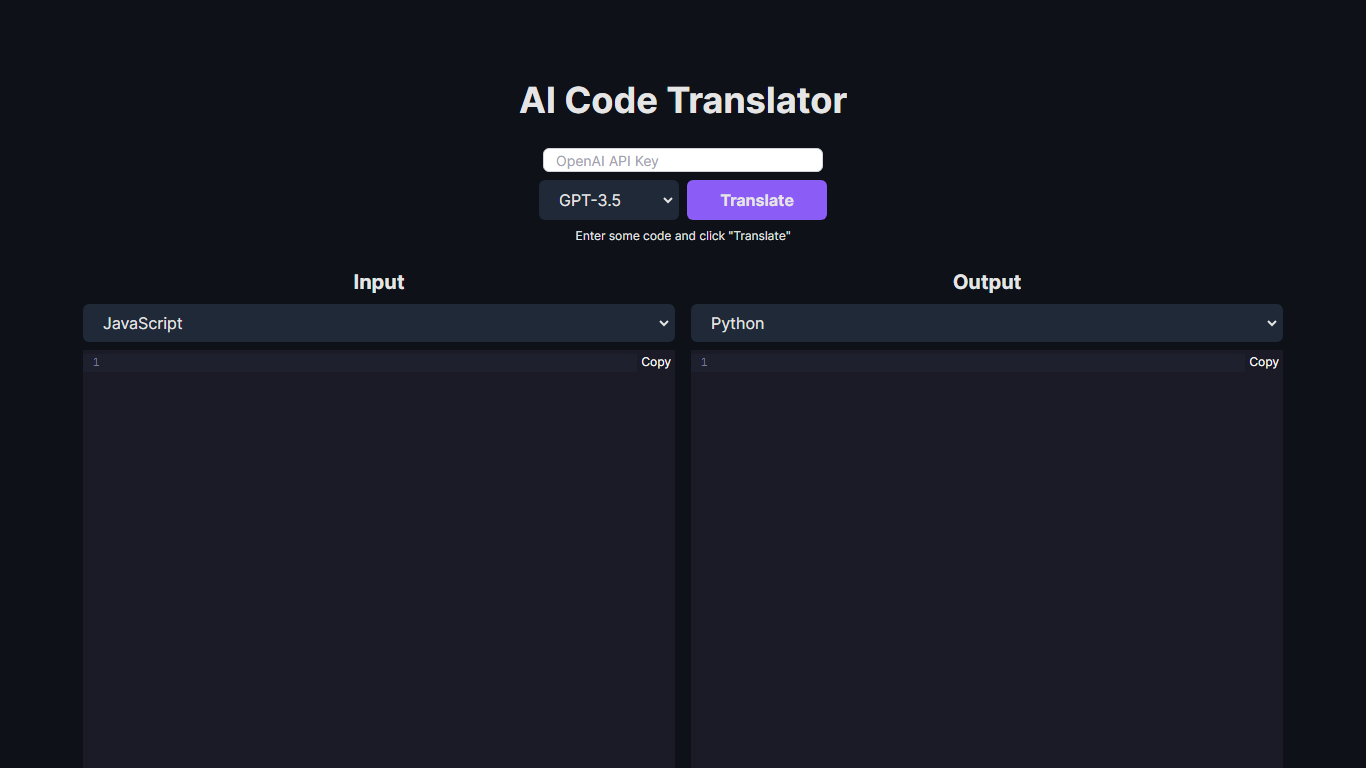
Unlock the potential of code conversion with our cutting-edge AI Code Translator. This dynamic tool bridges the gap between different programming languages, making it a breeze for developers to translate code snippets with ease. With support for a wide array of languages including Assembly, C++, Python, Java, and many more, the AI-driven translator is the ultimate companion for code enthusiasts and professionals.
Experience the power of GPT-3.5 and GPT-4 technology as you effortlessly convert code from one syntax to another. Whether you're looking to translate code for educational purposes, cross-platform development, or simply to understand a new language syntax, our Code Translator is tailored to meet your needs. Just "Enter some code and click 'Translate'" for instant results. With user-friendly design and the ability to copy outputs directly, coding has never been more accessible.
GitHub Next
What is GitHub Next?
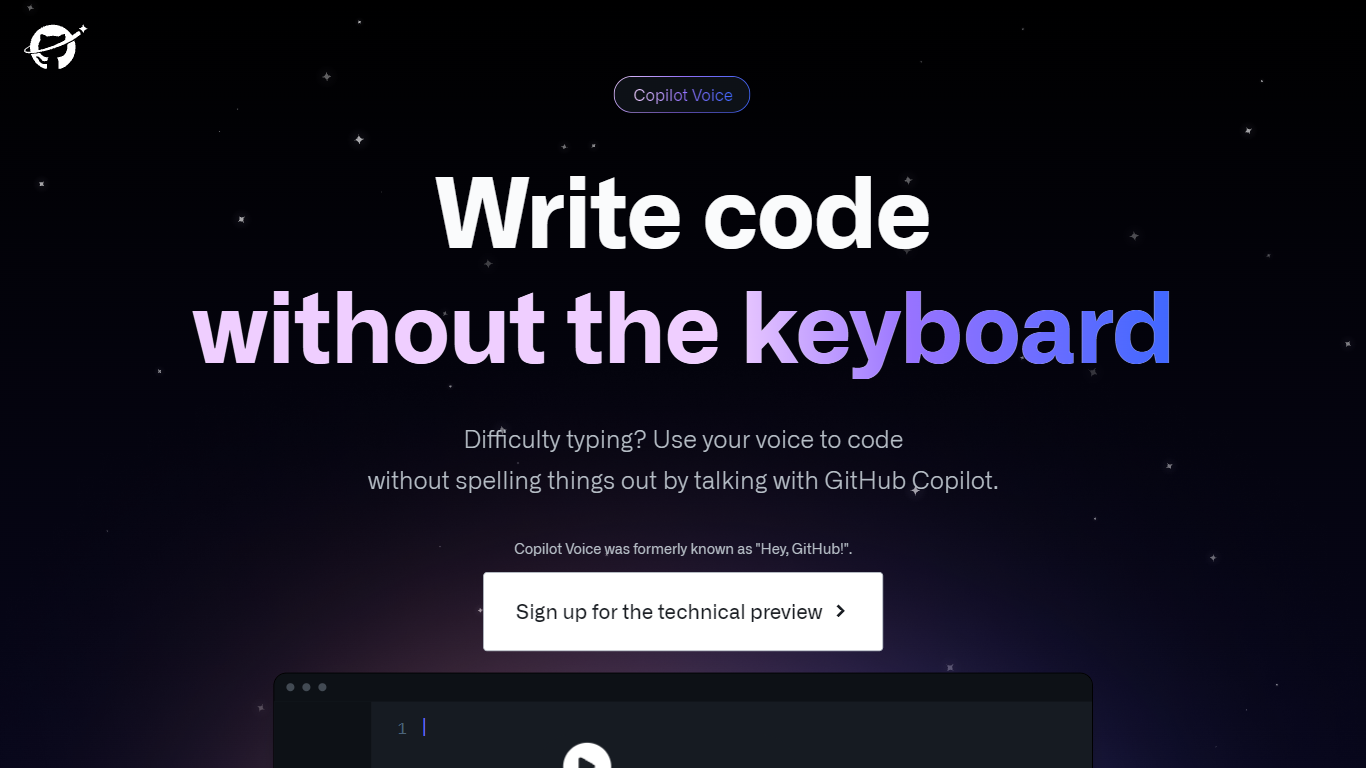
GitHub Next Copilot Voice was a voice-first coding experiment that let developers talk to GitHub Copilot inside Visual Studio Code. You spoke natural language to generate or edit code, jump to methods, run programs, toggle IDE commands, and ask for line-by-line explanations. The project page describes it as a completed research prototype formerly called Hey, GitHub.
Typing-first copilot extensions assume a keyboard for every navigation step. Copilot Voice used Microsoft embedded speech with a Copilot wake word so you could control the editor hands-free, which targeted accessibility and speed for developers who struggle with typing-heavy workflows. The trade-off was experimental scope: it required Java, competed with standard Copilot completions, and stayed in a signup-only technical preview.
GitHub concluded the Copilot Voice preview on April 3, 2024 and moved learnings into the generally available VS Code Speech extension. The GitHub Next project page now points developers there for ongoing voice interaction in VS Code rather than this standalone preview.
Code Translator Upvotes
GitHub Next Upvotes
Code Translator Top Features
Efficient Translation: Quick and accurate translation across a vast selection of programming languages.
Cutting-Edge Technology: Powered by the advanced AI models of GPT-3.5 and GPT-4.
User-Friendly Interface: Simple "Enter and Translate" process for seamless user experience.
Wide Language Support: From mainstream languages like Java and Python to niche ones like COBOL and Racket.
Instant Copy Functionality: Easy to copy translated code for immediate use or further development.
GitHub Next Top Features
Generate and edit code snippets from spoken natural language prompts
Navigate the codebase and run programs with voice commands
Control Visual Studio Code actions such as toggling zen mode
Summarize selected code lines on request
Uses Microsoft embedded speech with Copilot as the wake word
Formerly shipped as the Hey, GitHub voice experiment
Technical preview concluded April 3, 2024 with migration to VS Code Speech
Code Translator Category
- Code Assistant
GitHub Next Category
- Code Assistant
Code Translator Pricing Type
- Free
GitHub Next Pricing Type
- Free