CodeKidz vs RTutor
In the contest of CodeKidz vs RTutor, which AI Education tool is the champion? We evaluate pricing, alternatives, upvotes, features, reviews, and more.
If you had to choose between CodeKidz and RTutor, which one would you go for?
When we examine CodeKidz and RTutor, both of which are AI-enabled education tools, what unique characteristics do we discover? There's no clear winner in terms of upvotes, as both tools have received the same number. Your vote matters! Help us decide the winner among aitools.fyi users by casting your vote.
Feeling rebellious? Cast your vote and shake things up!
CodeKidz

What is CodeKidz?
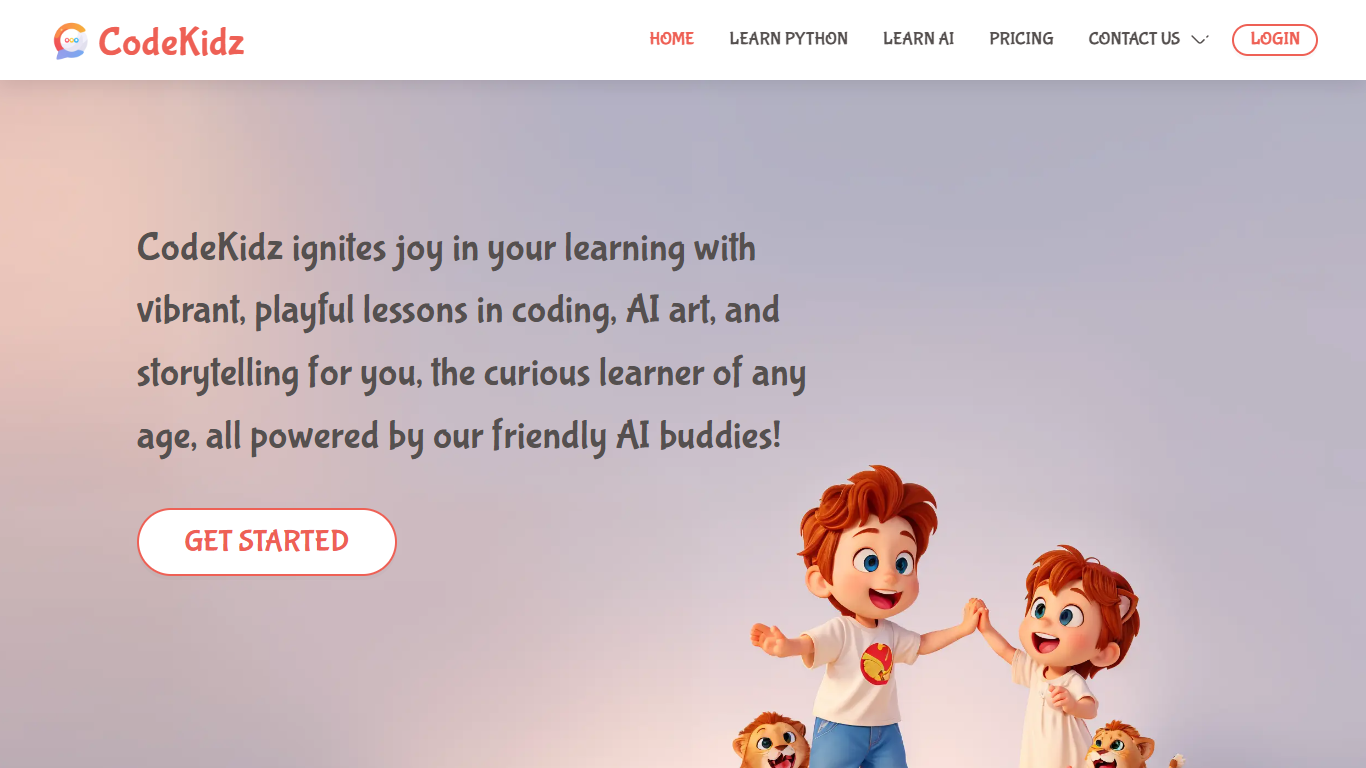
CodeKidz is an innovative AI-native education platform dedicated to making learning to code a fun and engaging experience for kids. With a focus on creativity and interactive learning, CodeKidz offers a range of lessons that are designed to spark children's interest in technology.
From the stages of coding basics to the wonders of AI art creation, kids can expand their digital literacy while unleashing their imagination in storytelling, all within a child-friendly online environment. The platform harnesses the power of friendly AI to guide and mentor young learners, ensuring a supportive and inspiring educational journey.
By embracing the potential of artificial intelligence, CodeKidz provides a unique, hands-on learning experience that prepares children for a future where technological skills will be paramount.
RTutor
What is RTutor?
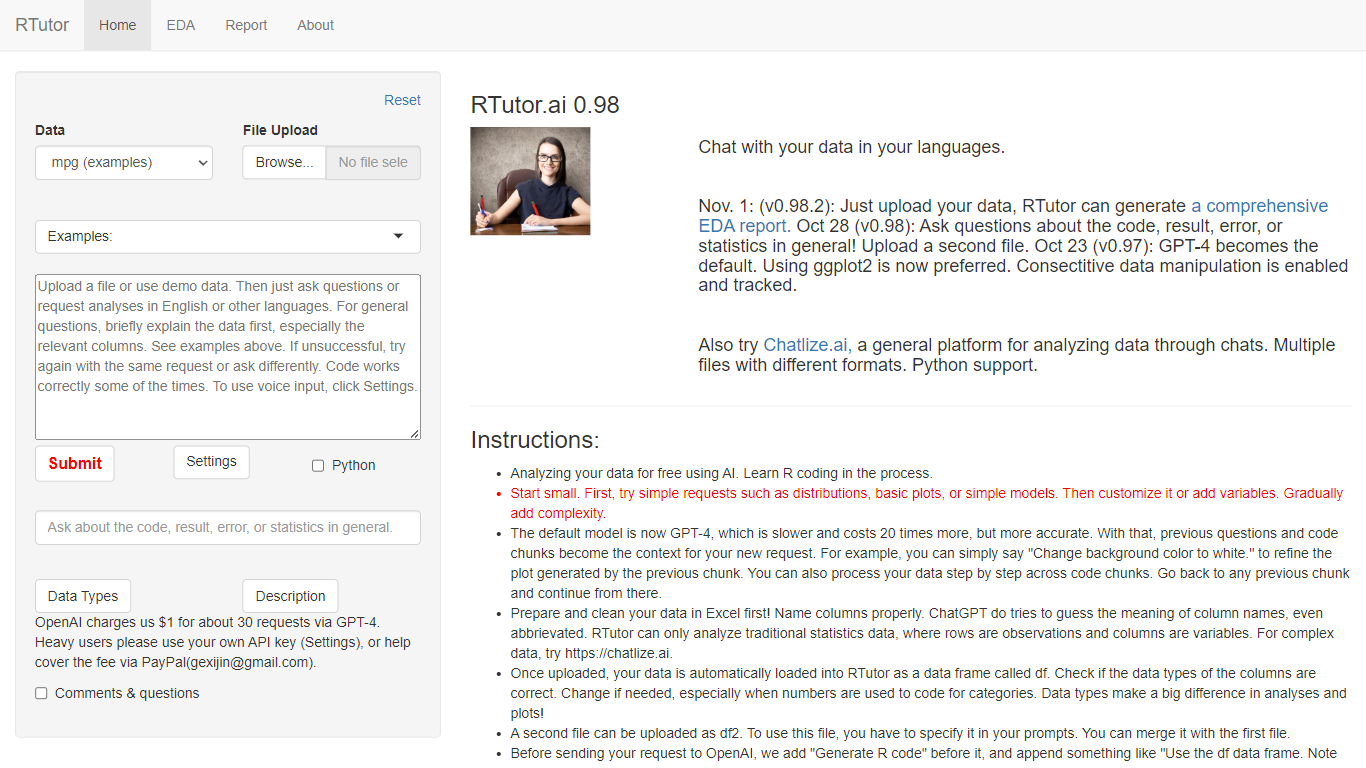
RTutor lets you analyze spreadsheet data by typing questions in plain English and getting executed R code back in seconds. Upload a CSV, TSV, or Excel file, describe the analysis you want, and RTutor uses OpenAI models (GPT-4o by default) to generate and run R scripts in the browser. Orditus LLC maintains the web app and the open-source R package on GitHub.
Unlike general chatbots that only suggest code, RTutor executes the generated R on your uploaded data and returns plots, tables, and EDA reports you can download as HTML. It includes built-in exploratory data analysis tabs, an Ask RTutor Q&A box for follow-up questions, and session memory so you can refine plots with prompts like change background color to white.
RTutor targets students, researchers, and analysts who know their data but not R syntax. The website is free for non-profit organizations; commercial use requires a license from Orditus.
CodeKidz Upvotes
RTutor Upvotes
CodeKidz Top Features
Engaging Content: CodeKidz offers lessons that are not only educational but also highly engaging, capturing the interest of young minds.
Child-Friendly AI: The platform uses friendly AI to create a supportive and productive learning environment for kids.
Coding Lessons: Tailored coding lessons that help children learn at their own pace.
AI Art Creation: Encourages creativity through AI-powered art lessons.
Storytelling: Fosters imagination and narrative skills with storytelling modules.
RTutor Top Features
Upload CSV, TSV, tab-delimited text, or Excel files and analyze them in plain English prompts
Uses GPT-4o by default with session context so follow-up prompts refine prior code chunks
Built-in EDA tabs for basic stats, correlations, GGpairs plots, and DataExplorer reports
Generates and executes R code in the browser, with optional Python support noted on the site
Download results as HTML reports and ask follow-up questions via the Ask RTutor Q&A box
Open-source R package available on GitHub (gexijin/RTutor) for local installation
CodeKidz Category
- Education
RTutor Category
- Education
CodeKidz Pricing Type
- Freemium
RTutor Pricing Type
- Freemium